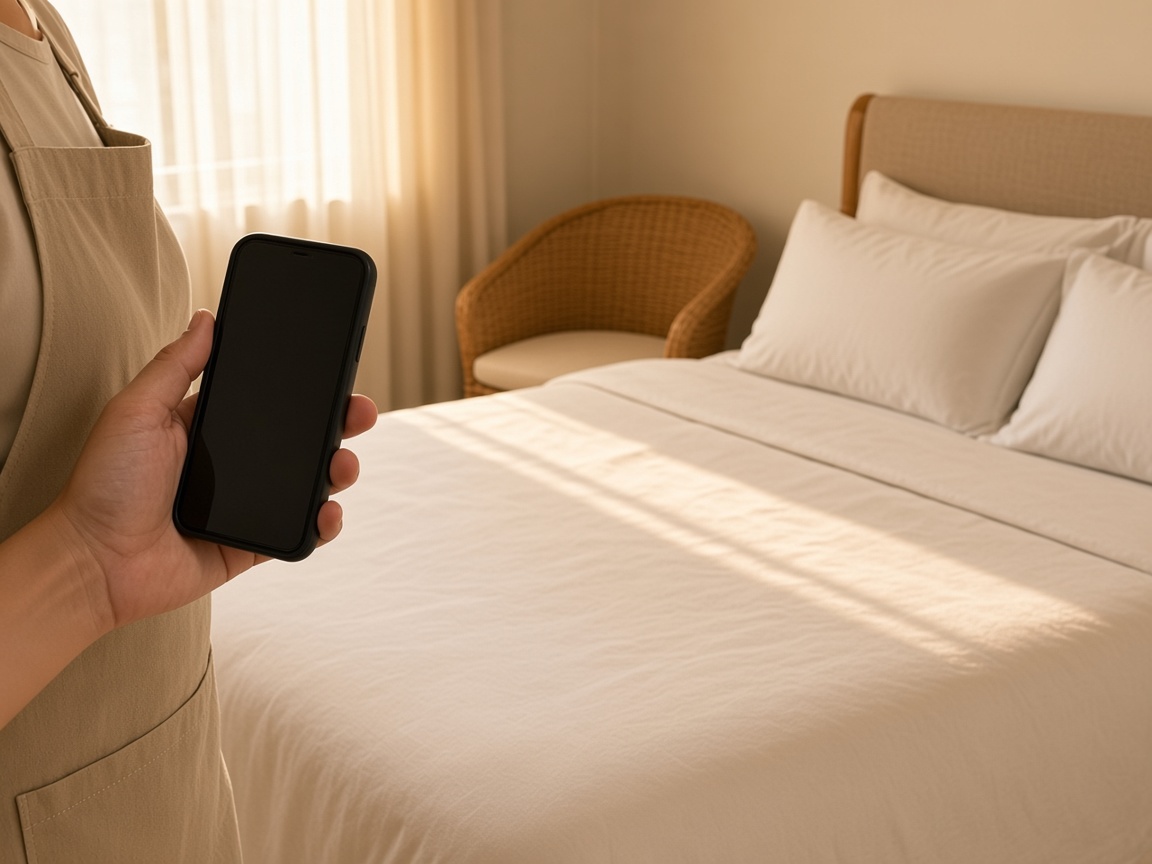
Photograph the rental before the next guest
Name the album for the house. The made bed, the kitchen, and the rooms you finished stay on that property for the next turnover.
One album per rental
Vacation rental reports · turnover and guest damage
Photograph the made bed, the stain, the chipped table. Speak what you found. FWDLink drafts the turnover report on that rental’s album, you review it, and one link goes to the host.
Get the app for iPhone and Android


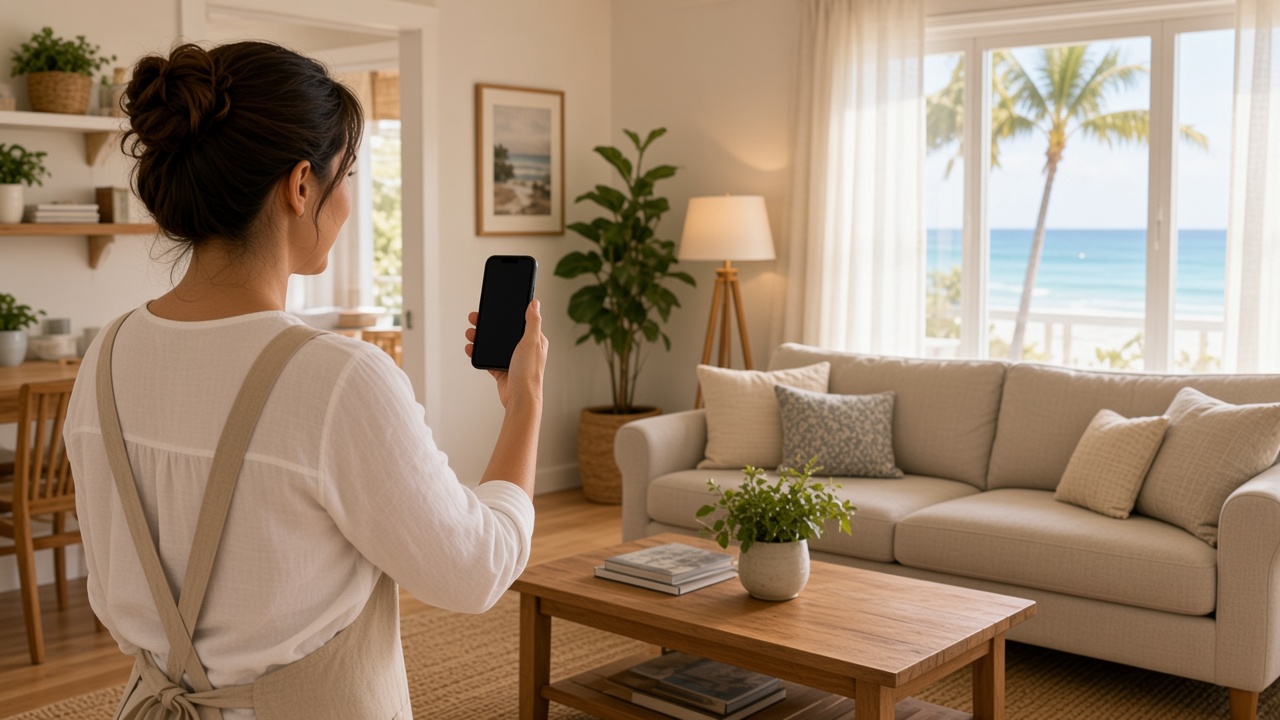
Name the album for the house. The made bed, the kitchen, and the rooms you finished stay on that property for the next turnover.
One album per rental
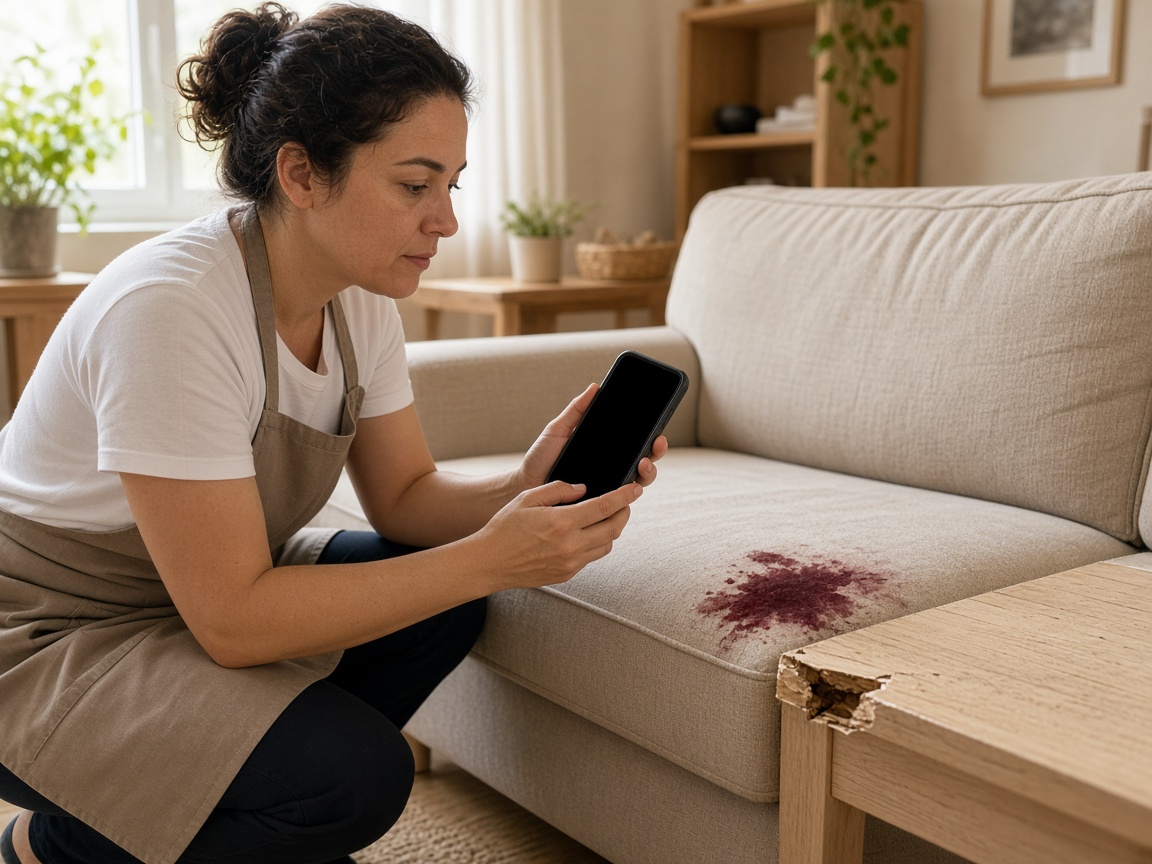
The stain and the chipped table go on the rental you already opened. Photos from the last stay already live there, so the host can set this visit next to them.
Damage stays with the house
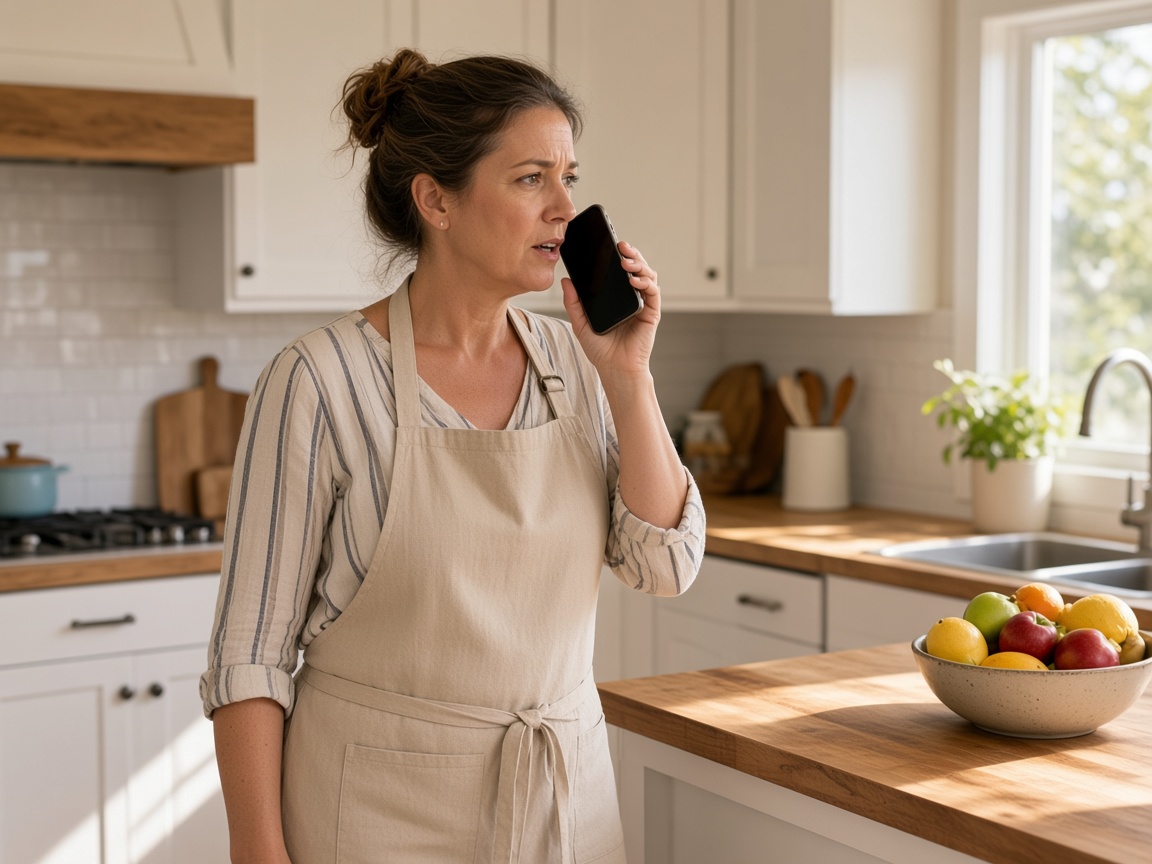
A short voice note says what was clean, what was damaged, and what the host should see. FWDLink drafts the report from the photos and that note. You review it.
Voice note to draft
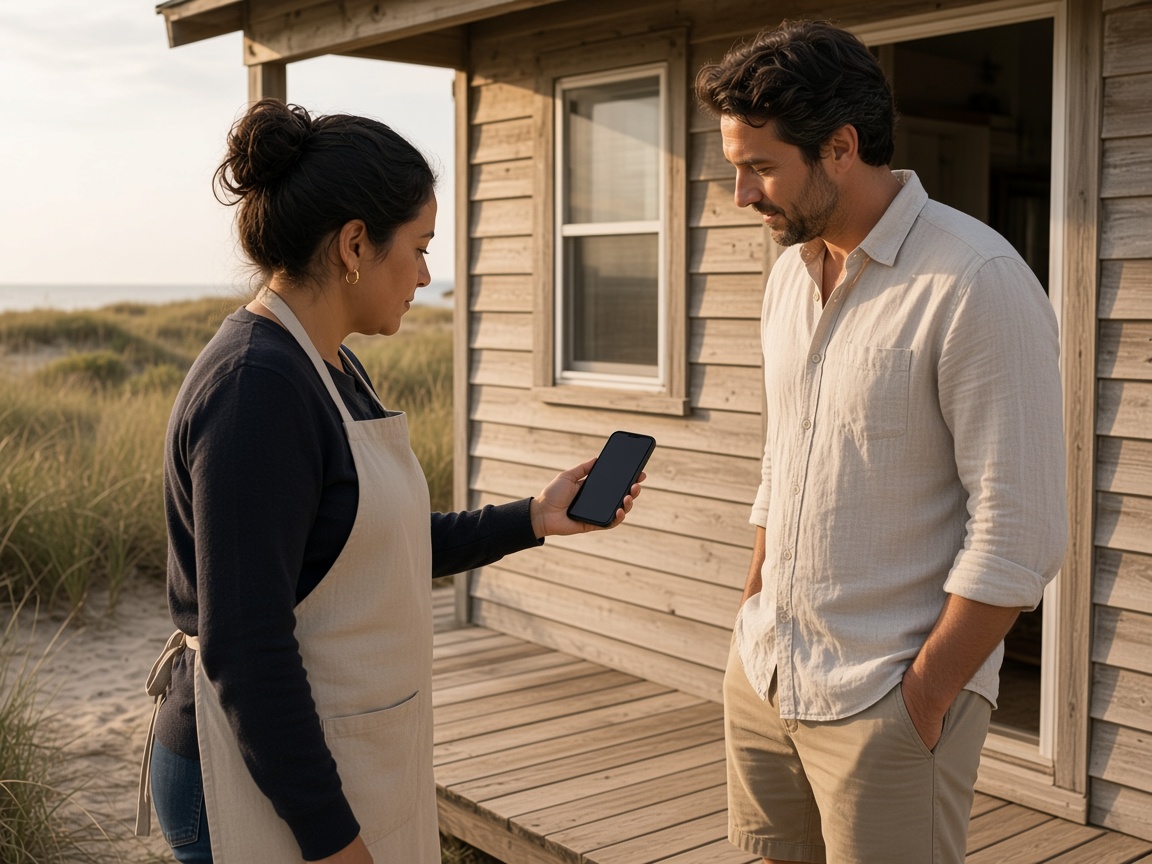
FWD one link with the photos and the draft you reviewed. The host opens it in the browser. The same album is there for the next guest’s turnover.
One link for the host
A vacation rental report starts on that house. Name the album for the property. Photograph the rooms as you leave them for the next guest: the made bed, the kitchen, the bath, the porch. The next turnover opens the same album. It follows the album pattern of the property photo app, with the report as the thing the host opens.
Speak a short note while you are still in the house. Say what was ready, what was stained, and what the host should look at. FWDLink drafts the turnover or the guest-damage report from the photos and that note. You review the draft before the host sees it.
Photos from the last stay already live on that rental’s album, so the host can set this visit next to them. Mark a stain or a chip with photo annotations so the callout stays on the picture. Time and place stay on the shot.
FWD one gallery from share links. The host opens the photos and the draft in the browser. Sharing an album is how you turn the link off after they have seen it. When a repair needs a price, the same photos can ride an estimate.
A monthly community walk stays on HOA inspection reports. A check of a vacant house for one owner stays on the home watch photo app. This page is the rental between guests: the clean, the damage, and the link the host opens.
Name the album for the house. The next turnover starts there.
Shoot the clean rooms and any guest damage as you found them.
Say what the host needs to see. FWDLink drafts the report. You review it.
Send one link. The same album is ready for the next guest’s turnover.
Photos from a turnover or a guest-damage visit, a short voice note, and a draft you review. The host opens one link on that rental’s album.
Photos from the earlier stay already live on that property’s album. The host can set this visit next to them. You still photograph what you see and review the draft.
You do. FWDLink writes it from the photos and your voice note. You read it, then send one link to the host.
Yes. FWD one share link with the photos and the draft you reviewed. They open it in the browser.
Yes. Name the album for that house. Turnover photos and guest-damage photos stay there for the next clean.
Join Free. The clean rooms, the guest damage, and the draft you review stay on that rental.