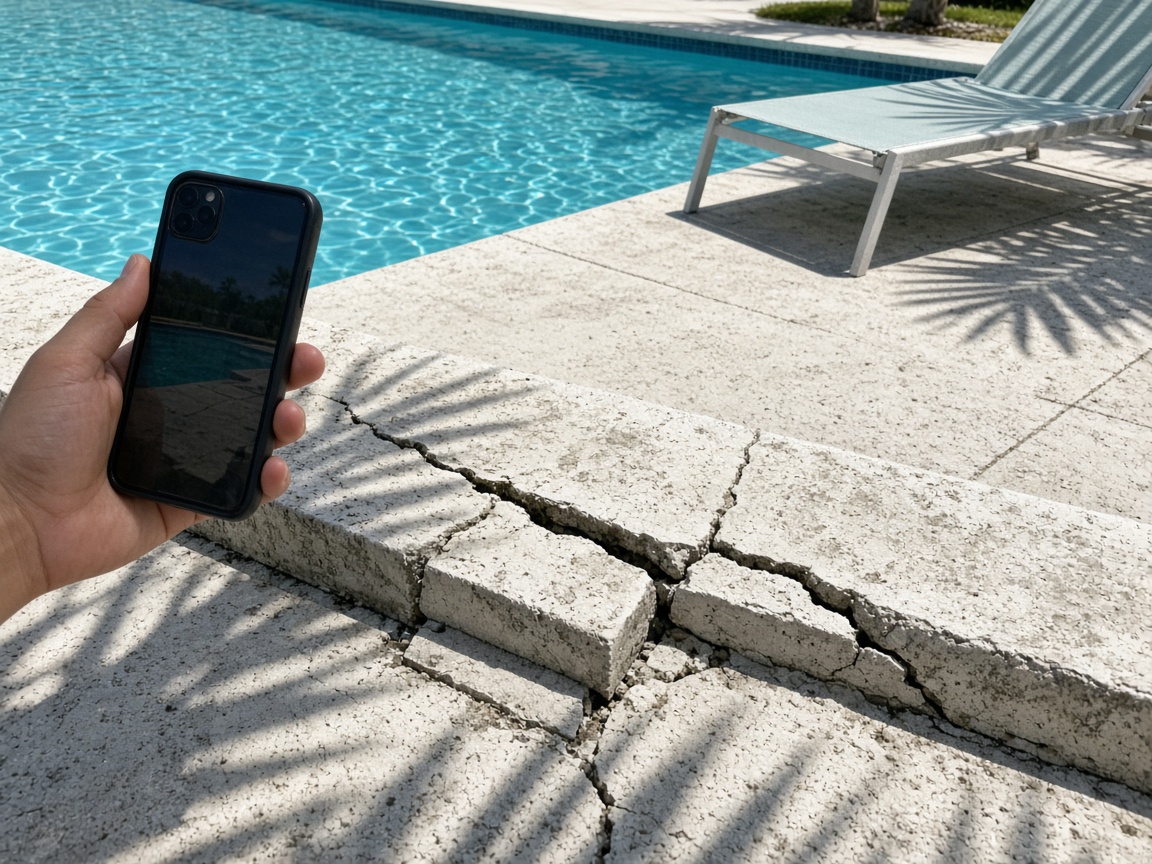
Photograph the amenity as you found it
Name the album for the community, the building, or the site number. The cracked coping, the loose paver, and the faded chair stay on that property for the next walk.
One album per property
HOA inspection reports · condos, communities, and RV resorts
Photograph the cracked deck, the leaning sign, the open gate. Speak what you saw. FWDLink drafts the inspection for the board, then the vendor’s after photos land on the same property.
Get the app for iPhone and Android


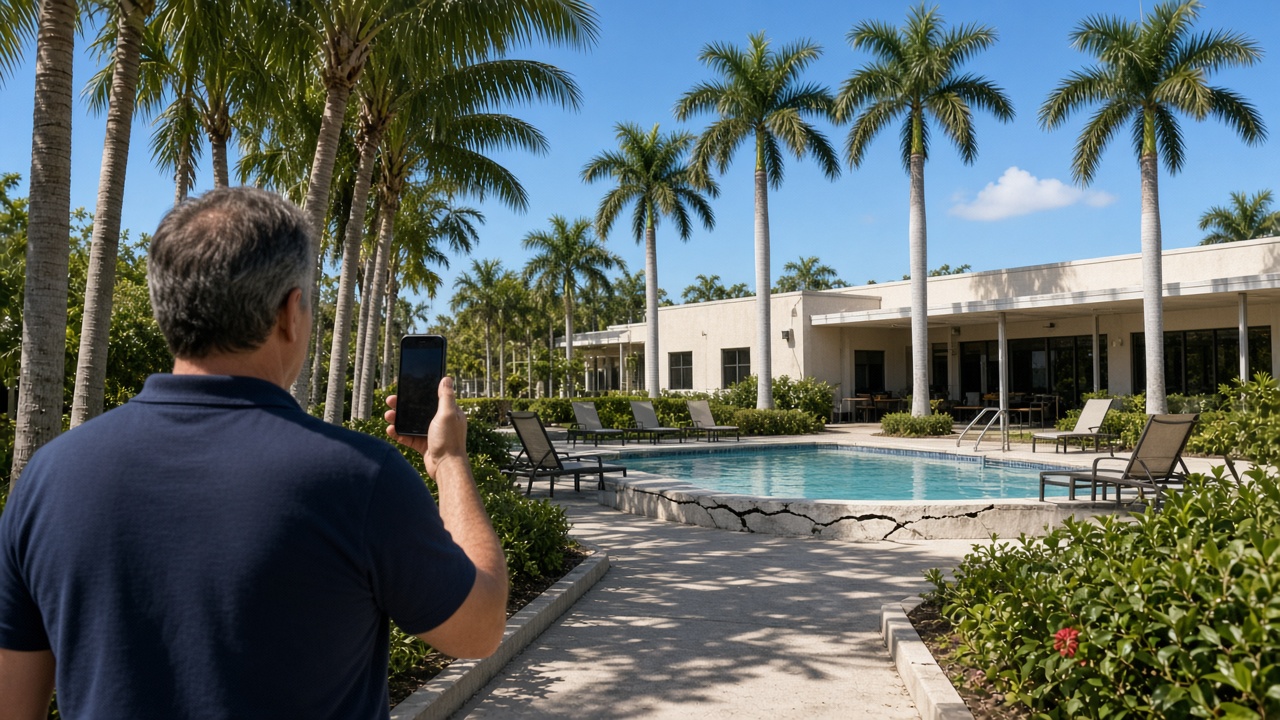
Name the album for the community, the building, or the site number. The cracked coping, the loose paver, and the faded chair stay on that property for the next walk.
One album per property
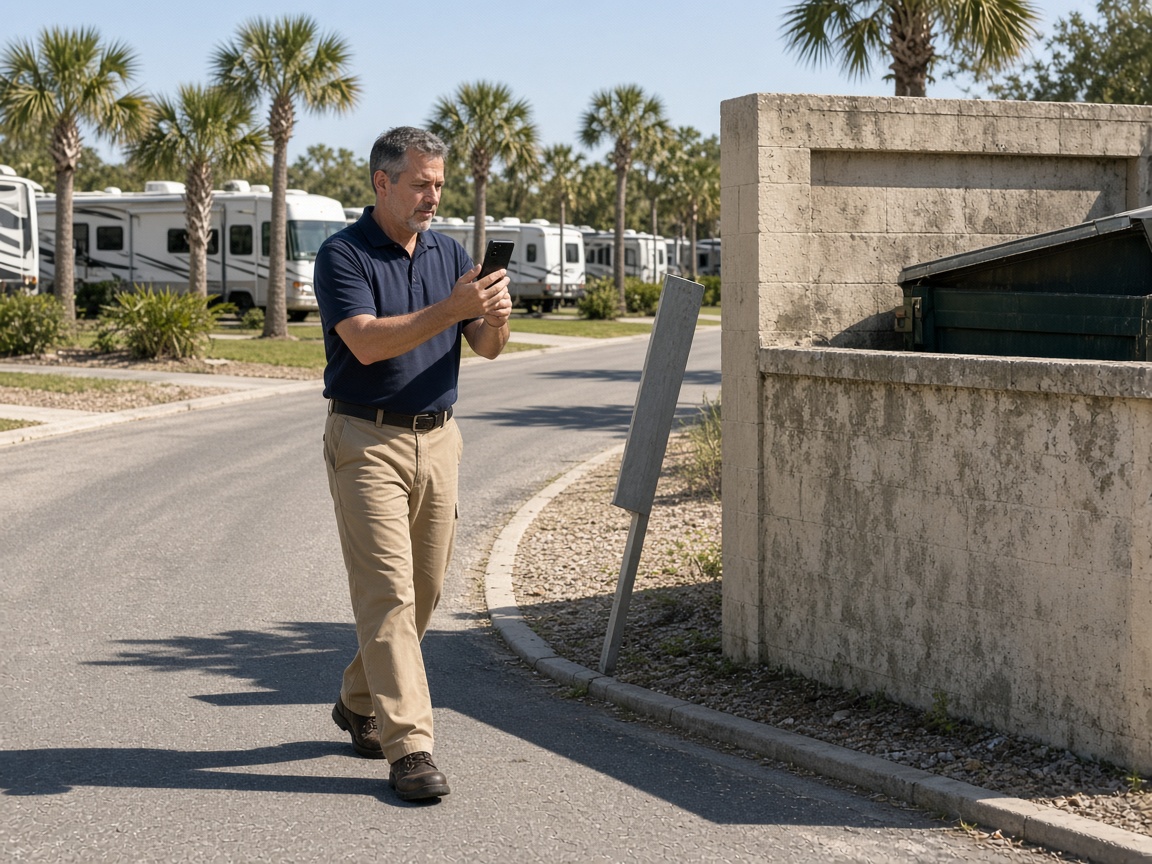
A short voice note on the loop road becomes the inspection write-up: what failed, where it sits, and what the board needs to see. Time and place stay on the photos.
Voice note to draft
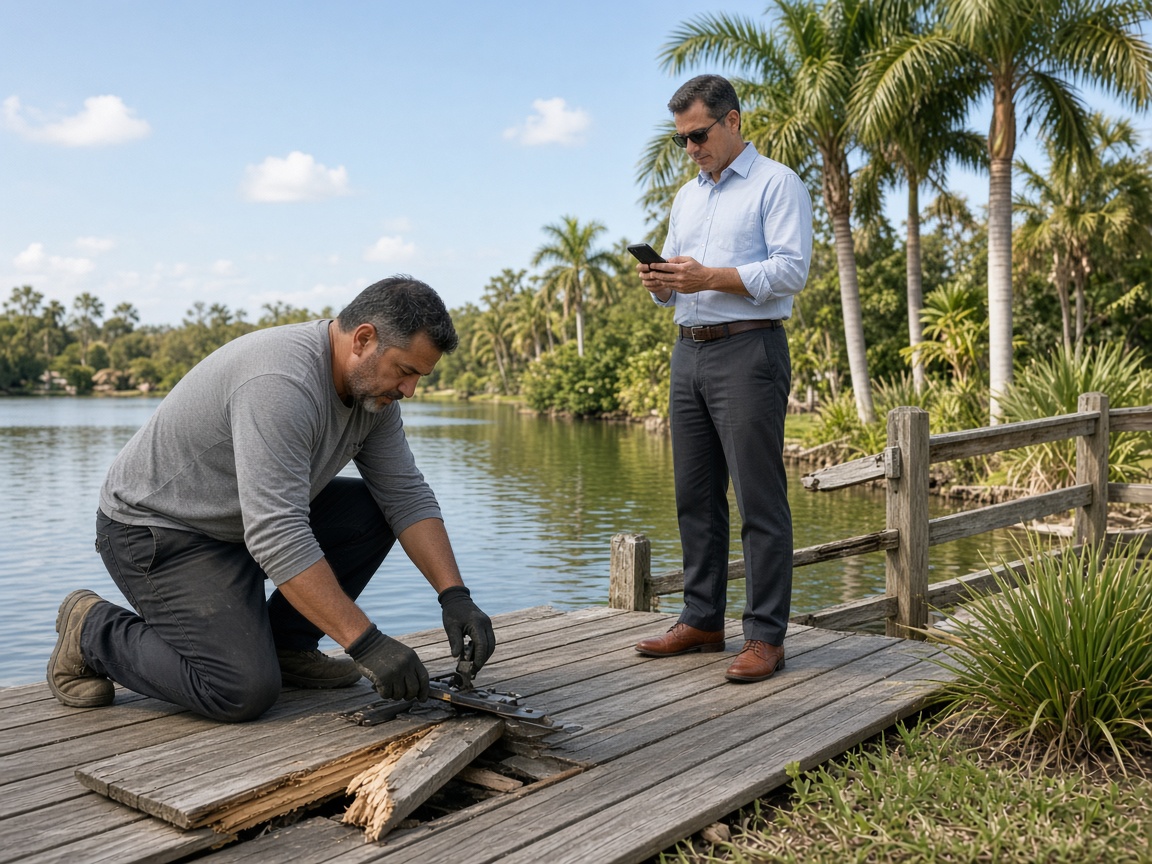
When the repair is assigned, the contractor works from the photos you already took. Their finished boards land on the property the board already has.
Repair stays with the site
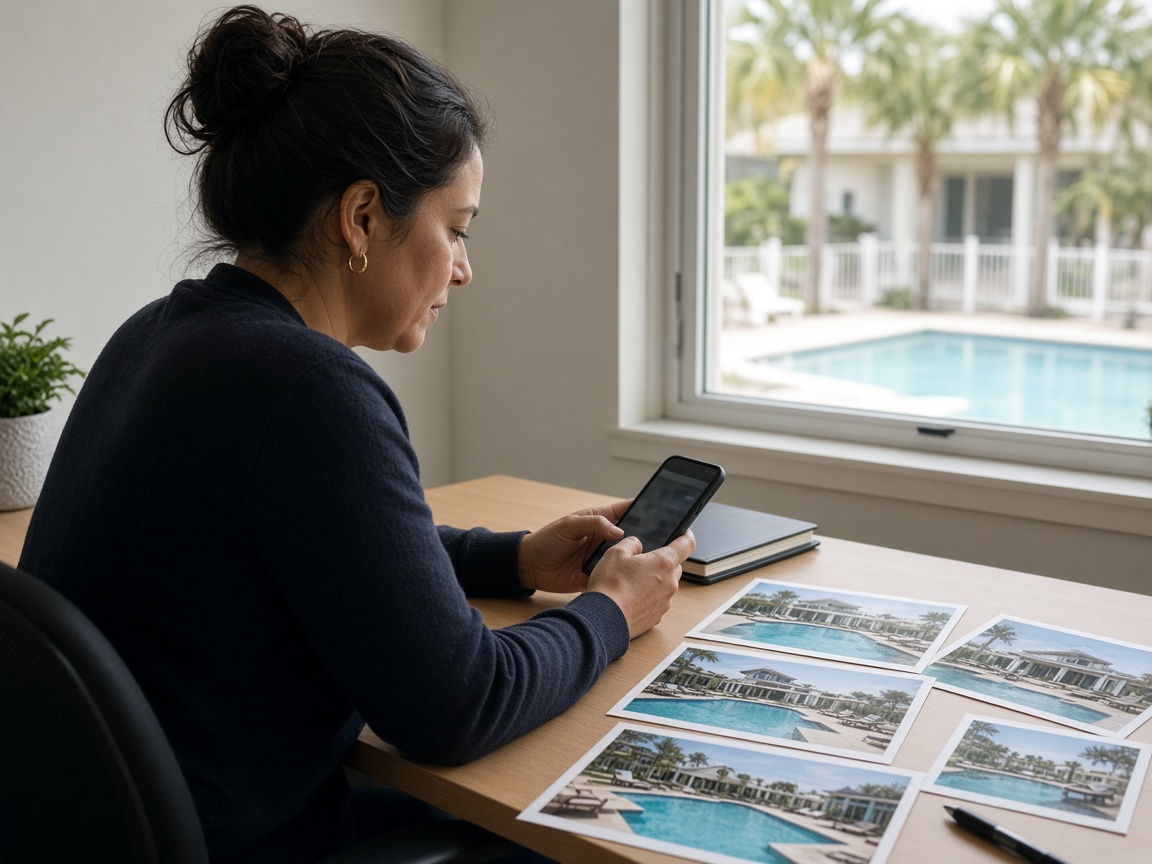
FWD one link with the photos, the draft, and the notes from the walk. The office opens it in the browser. Add the after photo later and the same link still works.
One link for the board
An HOA inspection report starts on the property, not in a shared camera roll. Name the album for the community, the building, or the RV site number. Photograph the pool coping, the clubhouse, the gate, and the amenity as you found them. The next monthly walk opens the same place. It follows the album pattern of the property photo app and the RV resort photo app, with the report as the thing you send.
Speak a short note while you are still standing there. FWDLink drafts the inspection from the photos and that note: what is damaged, where it sits, and what maintenance or a violation the board needs to see. Mark the spot with photo annotations so the callout stays on the picture. Time and place stay on the shot.
The vendor should not get a new thread. Invite them to the property album when the repair is assigned. Their open-board photos and the finished repair land on the link the office already has. The same photos can ride an estimate when the board needs a price before the work starts.
FWD one gallery from share links. The board, the manager, and the contractor open it in the browser. Sharing an album is how you turn the link off after the meeting. Add a completion photo later. The link they already opened keeps working.
A campground site pad and pedestal are a different walk. Those stay on the RV resort photo app. A vacant house check for one owner stays on the home watch photo app. This page is the community inspection: amenities, violations, maintenance, and the vendor who closes it.
Name the album for the community, the building, or the site. The next walk starts there.
Shoot the amenity, the violation, and the maintenance item as you found them.
Say what the board needs to see. FWDLink drafts the inspection from the photos and that note.
Send one link. When the vendor finishes, add the after photos to the same property.
A walk of a condo, community, or RV resort: photos of the amenity or violation, a short voice note, and a draft the board can open. The vendor’s finished repair stays on that same property.
Yes. FWD one share link with the photos and the draft. They open it in the browser. Add a completion photo later and the same link still works.
On the property album you already started. Invite the contractor, or add their after photos yourself. The board does not need a second thread.
Yes. Use one album per community, building, or site number. A campground pedestal check can also live on the RV resort photo app when the job is the site, not the amenity walk.
Home watch is one vacant house and one owner. This page is the community: many amenities, a board, and vendors who close the items you photographed.
Join Free. Amenities, violations, and the finished repair stay on that property.