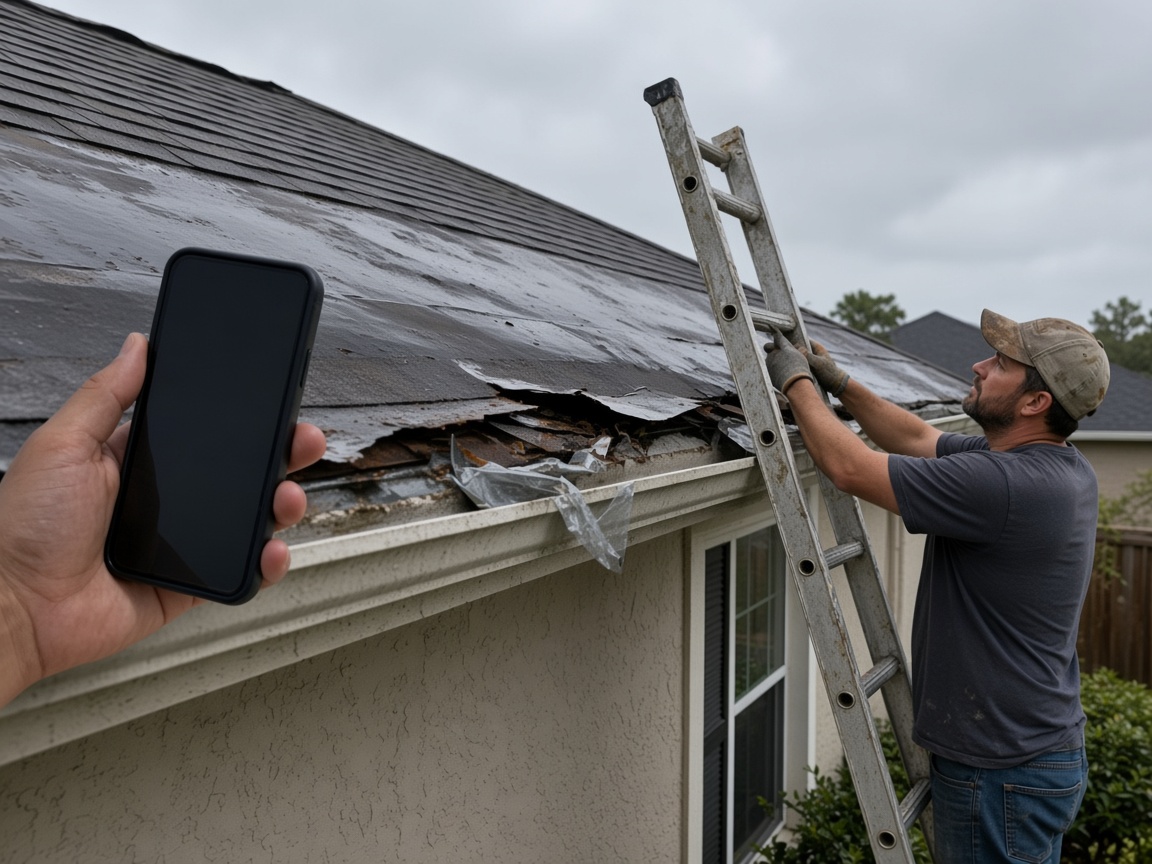
Photograph the roof as you found it
Name the album for the house. Missing shingles, a bent gutter, and the tarp stay on that property for the adjuster and for the repair that comes later.
One album per property
Storm damage reports · roofs, floods, and the visit you just made
Photograph the missing shingles, the waterline, the tarp. Speak what happened. FWDLink drafts the damage summary, you review it, and one link goes to the adjuster or the contractor.
Get the app for iPhone and Android


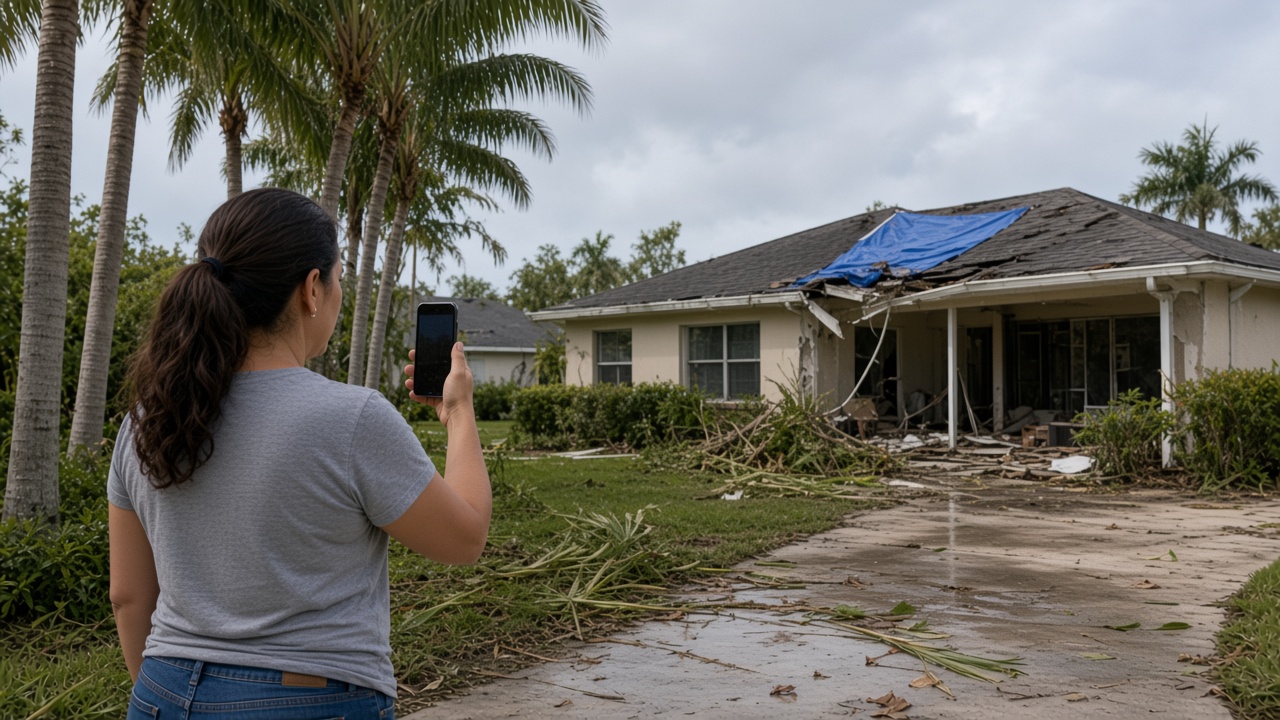
Name the album for the house. Missing shingles, a bent gutter, and the tarp stay on that property for the adjuster and for the repair that comes later.
One album per property
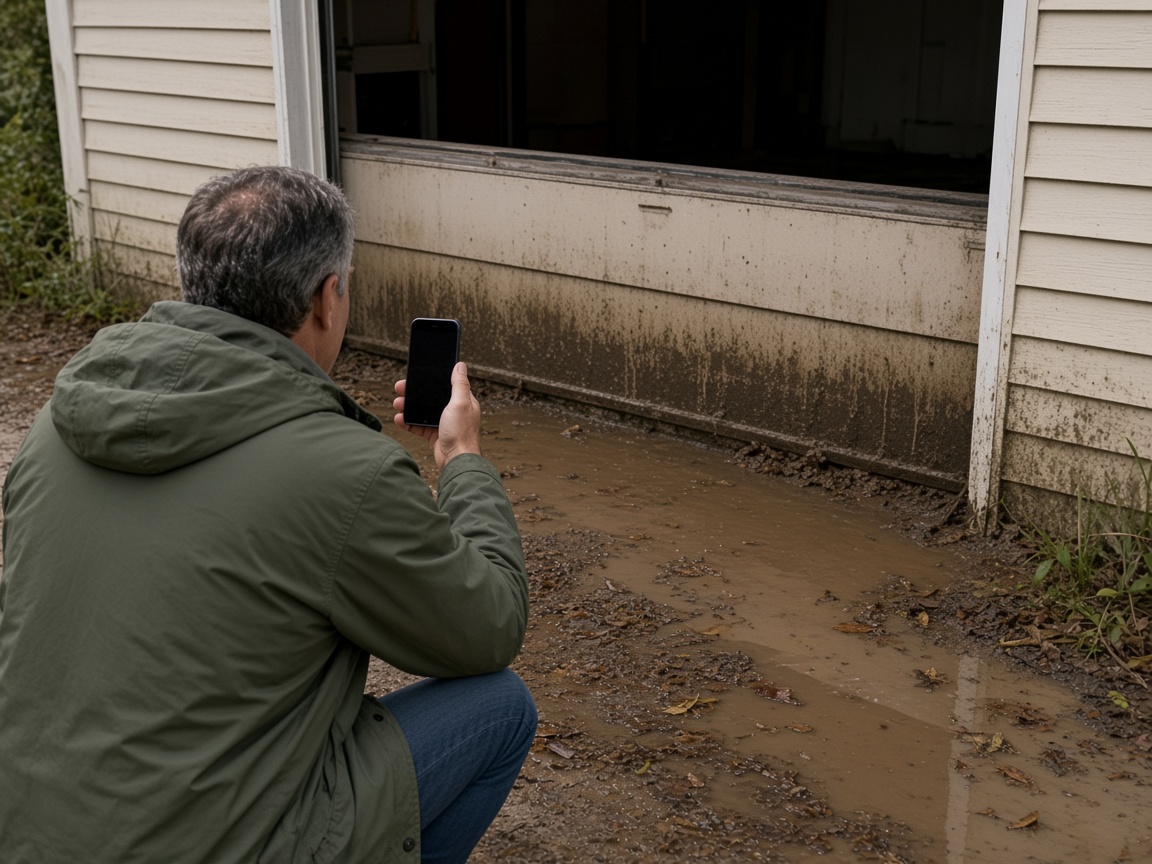
The mud line on the siding, the wet garage, and the debris at the threshold belong on the same album. The next visit opens that house, not a new camera roll.
The flood line stays put
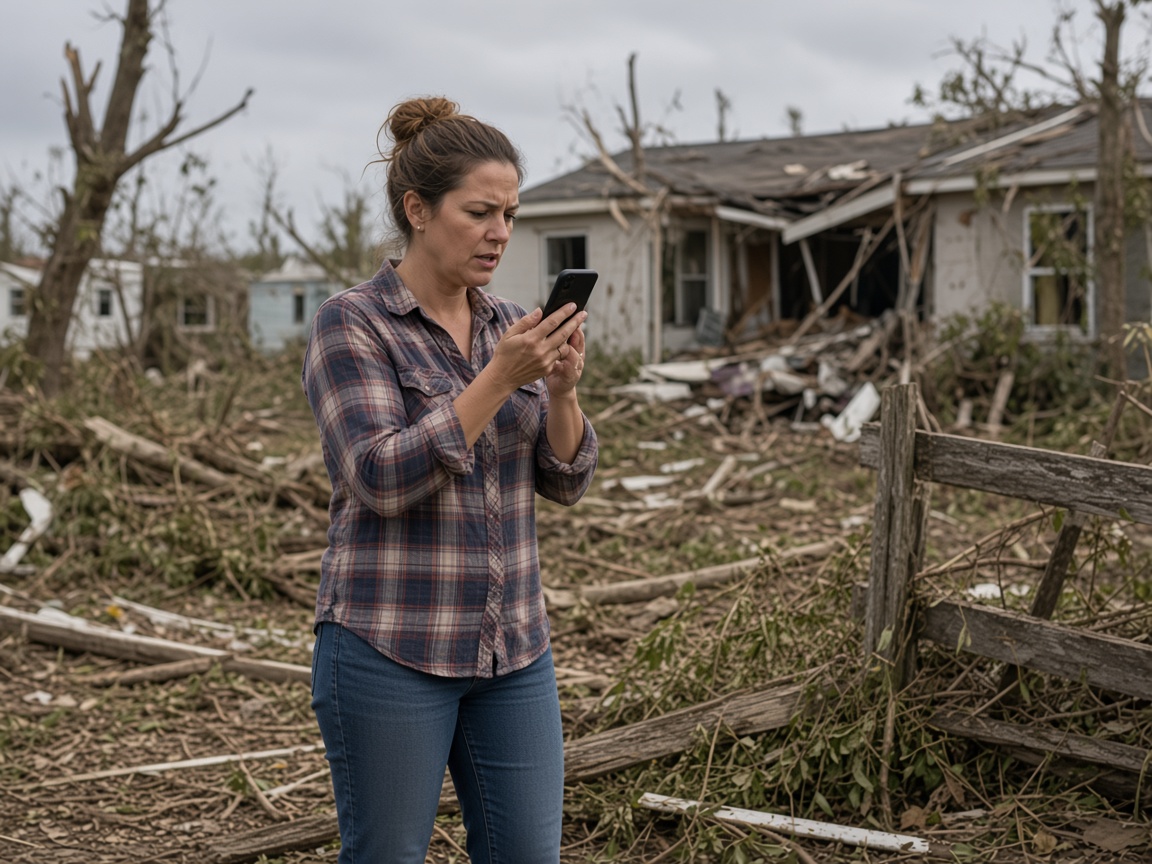
A short voice note becomes the write-up: what the wind took, where the water sat, and what the adjuster needs to see. FWDLink drafts the summary. You review it before anyone else does.
Voice note to draft
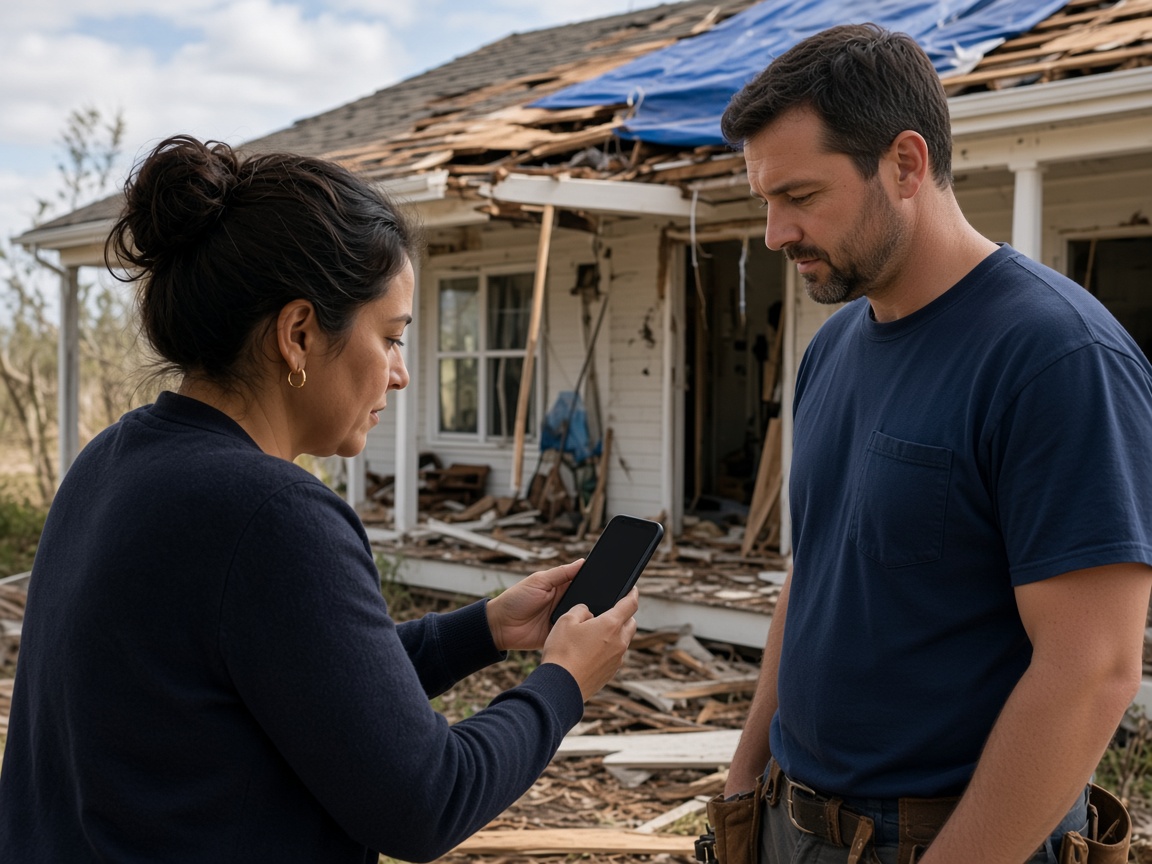
FWD one link with the photos and the draft you reviewed. They open it in the browser. Add the repair photo later and the same link still works.
One link to share
A storm damage report starts on the property, not in a shared camera roll. Name the album for the house or the building. Photograph the missing shingles, the tarp, the flood line, and the debris as you found them. The next visit opens the same place. It follows the album pattern of the property photo app, with the damage summary as the thing you send.
Speak a short note while you are still standing there. Say what the wind did, where the water stopped, and what the adjuster or the contractor needs to see. FWDLink drafts the damage summary from the photos and that note. You review the draft before it goes anywhere. Mark the spot with photo annotations so the callout stays on the picture. Time and place stay on the shot.
The adjuster and the contractor should open the same record. FWD one gallery from share links. They open the photos and the draft in the browser. Sharing an album is how you turn the link off after they have seen it. Add a repair photo later. The link they already opened keeps working.
When the contractor needs a price before the boards go back on, the same photos can ride an estimate. The summary you already reviewed is the write-up. You are not rebuilding the visit from a camera roll, and you are not asking the software to read a policy.
A community amenity walk stays on HOA inspection reports. A check of one vacant house for an owner stays on the home watch photo app. This page is the storm: the roof, the flood, and the summary you share with an adjuster or a contractor.
Name the album for the house or the building. The next visit starts there.
Shoot the roof, the flood line, and the debris as you found them.
Say what happened. FWDLink drafts the summary from the photos and that note. You review it.
Send one link to the adjuster or the contractor. Add repair photos to the same property later.
Photos of the roof, the flood line, and the debris, plus a short voice note. FWDLink drafts a damage summary. You review it, then share one link with an adjuster or a contractor.
Yes. FWD one share link with the photos and the draft you reviewed. They open it in the browser. Add a repair photo later and the same link still works.
You do. FWDLink writes the summary from the photos and your voice note. You read it, change what you need, and then send the link.
You photograph what you see and say what happened. The draft is that visit. The adjuster reads it from the link you send and does the policy work on their side.
An HOA inspection is the community: amenities, a board, and vendors. This page is one storm-damaged property and the summary you share with an adjuster or a contractor.
Join Free. The roof, the flood line, and the draft you review stay on that property.