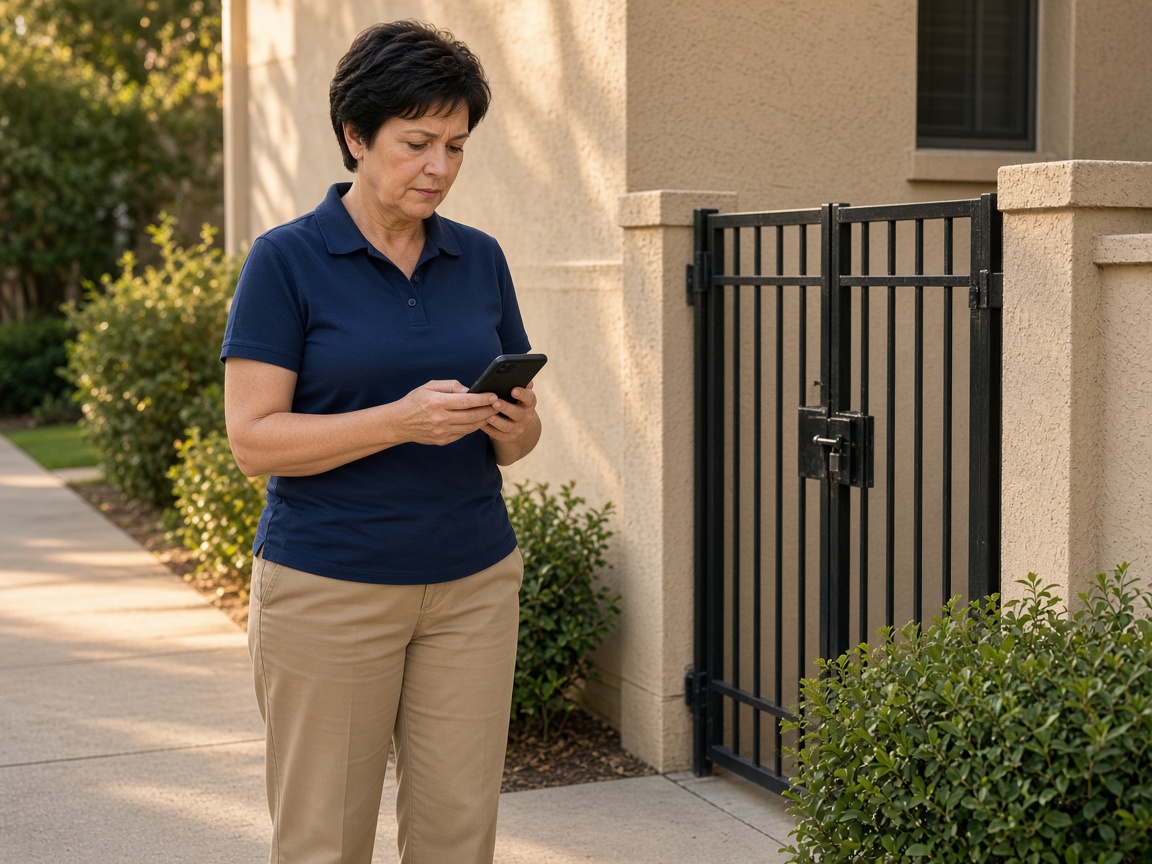
Photograph the patrol as you walk it
Name the album for the client property. The locked gate, the walkway, and the entrance stay there for the next round. Time and place stay on the photos.
One album per property
Security guard reports · patrol, incidents, and the next shift
Photograph the gate, the door, the broken light. Speak what you saw and when. FWDLink drafts the shift report, you review it, and one link is the handoff.
Get the app for iPhone and Android


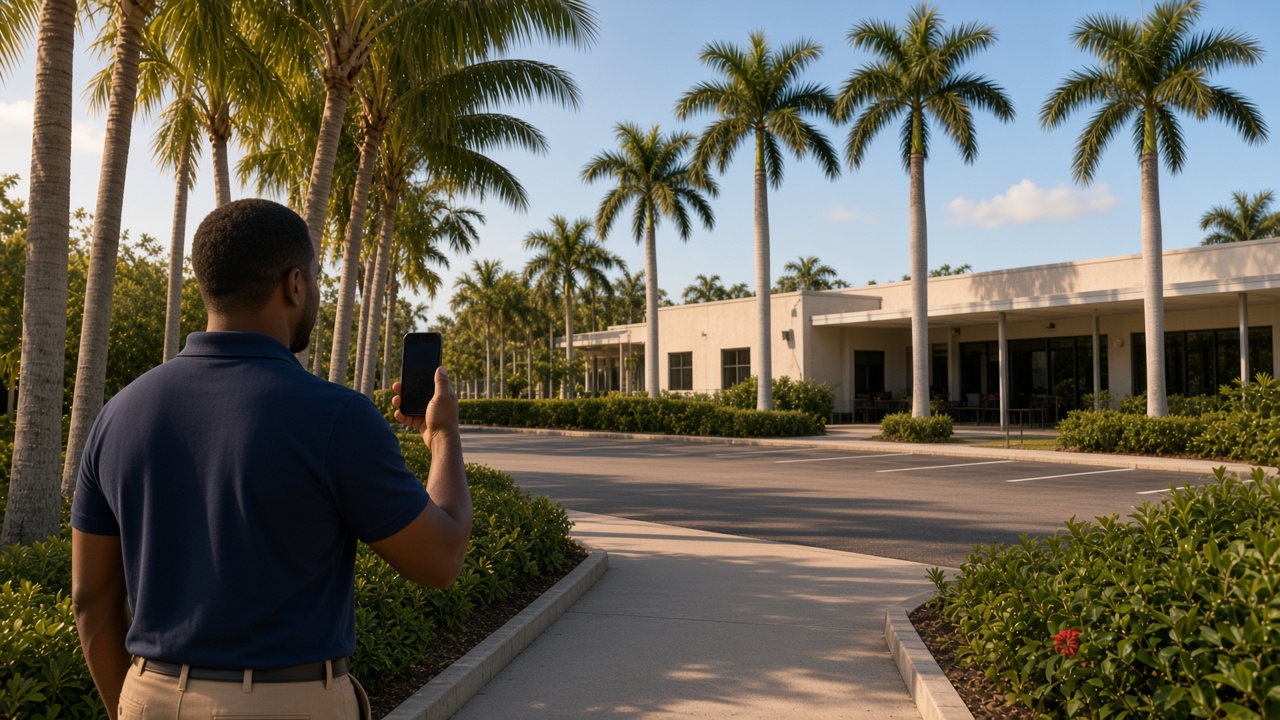
Name the album for the client property. The locked gate, the walkway, and the entrance stay there for the next round. Time and place stay on the photos.
One album per property
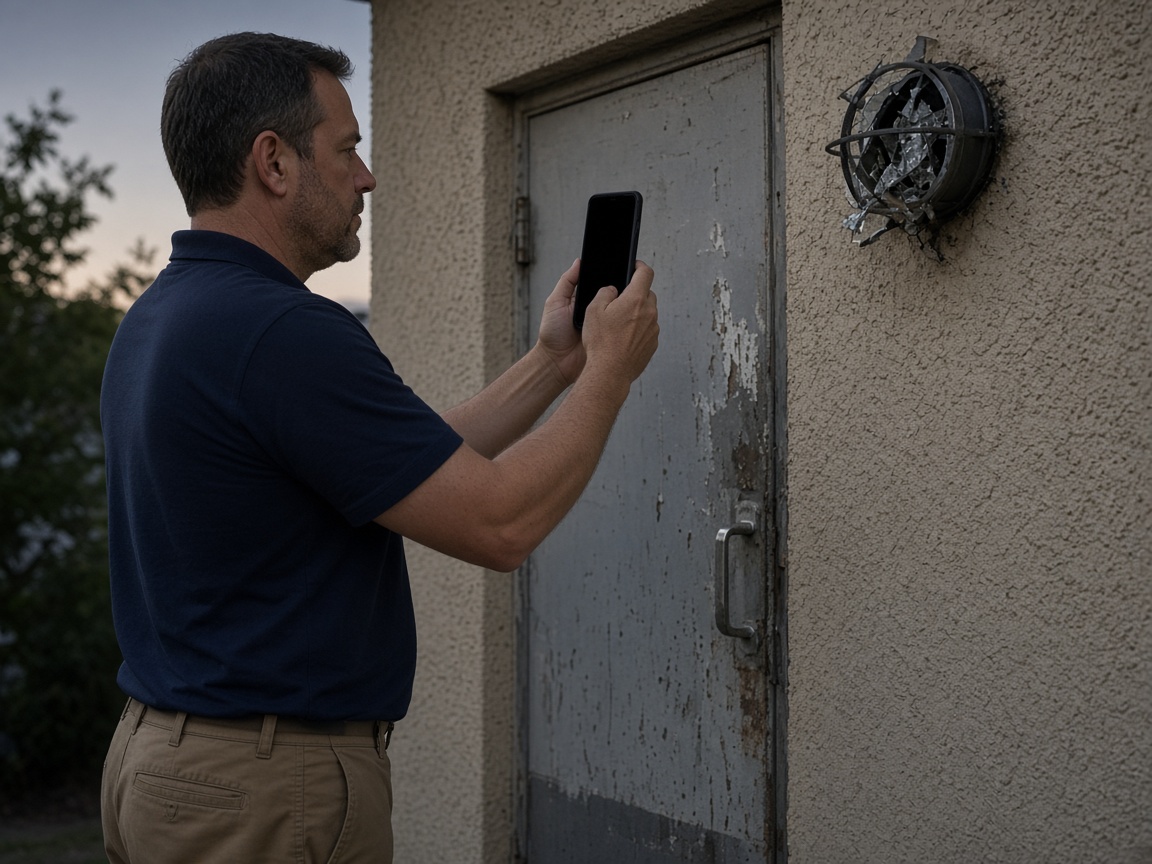
A scuffed door and a broken light belong on that property, in the order you found them. The chronology is the photos and the time on each shot, read as one shift.
Incident, in order
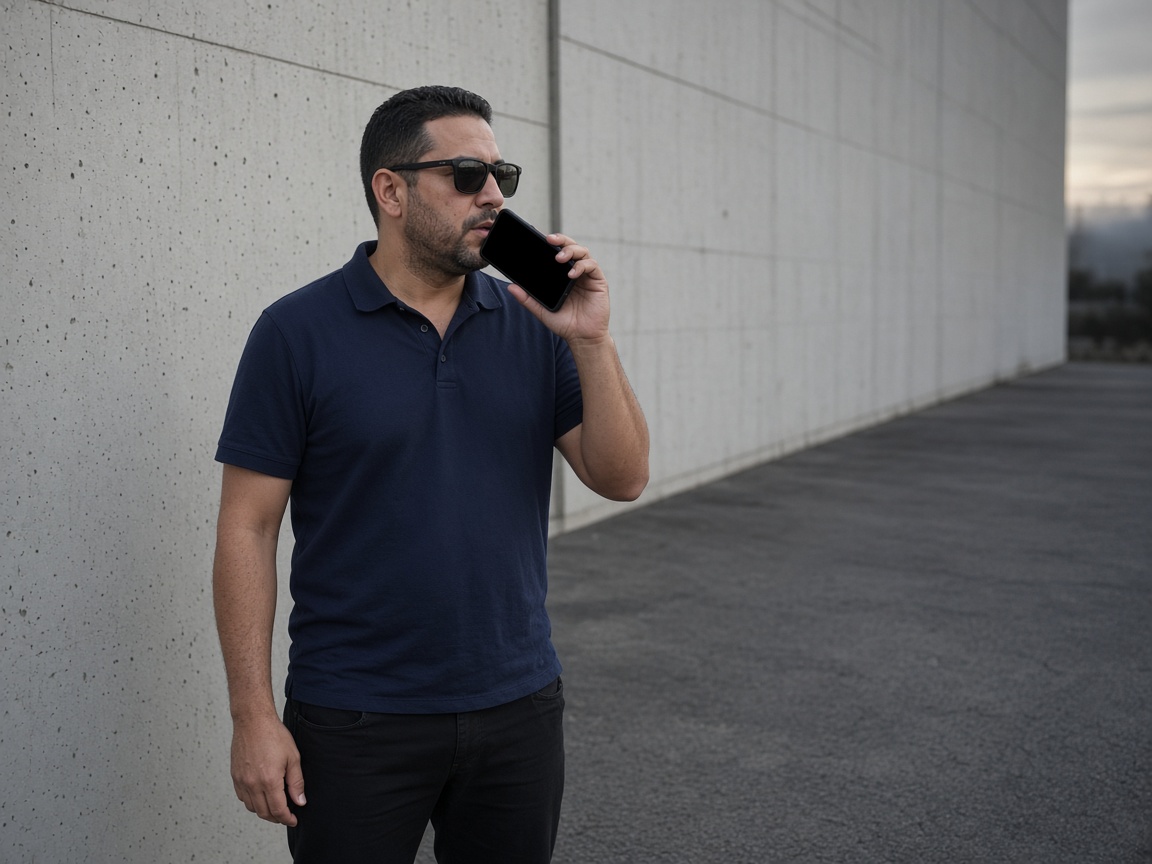
A short voice note says what you saw, who you told, and what the next officer should watch. FWDLink drafts the report from the photos and that note. You review it.
Voice note to draft
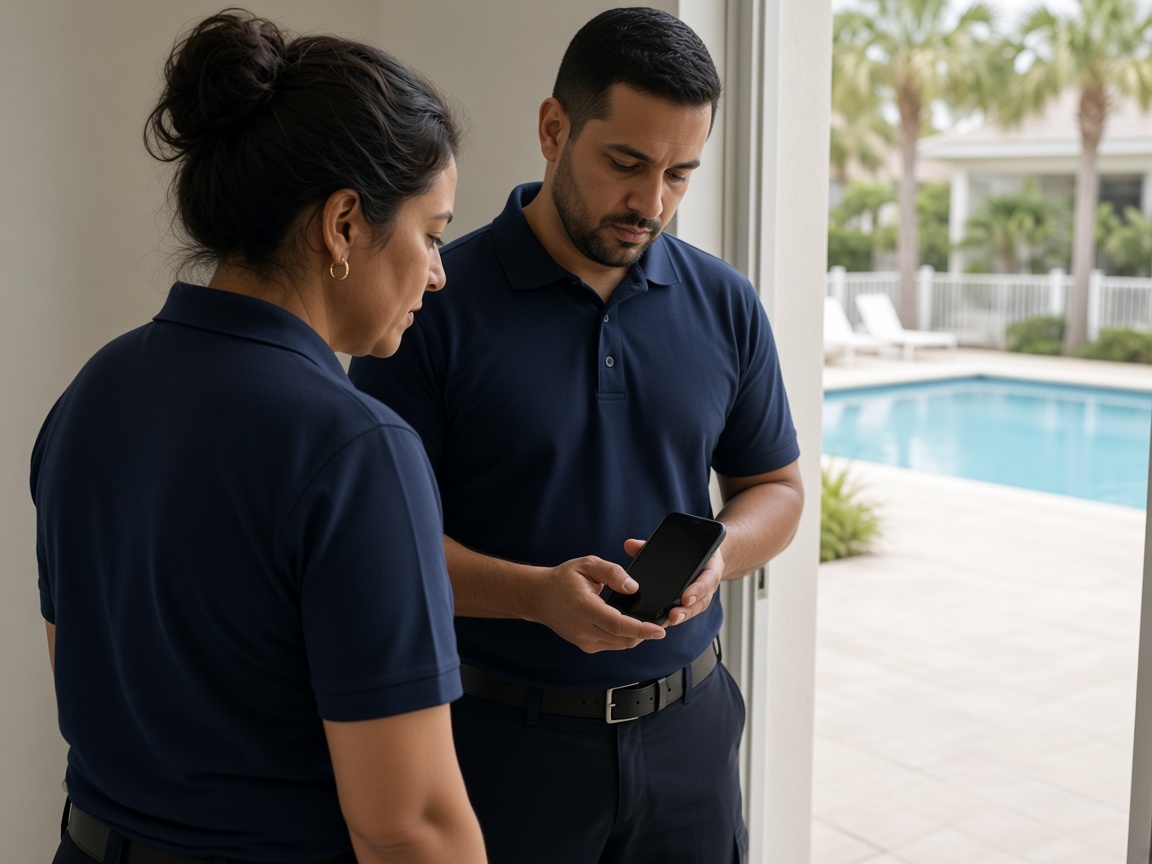
FWD one link with the photos, the timestamps, and the draft you reviewed. The next officer opens it in the browser. The same album is the handoff.
One link for the next shift
A security guard report starts on the client property. Name the album for the building, the community, or the post. Photograph the gate, the door, the lot, and anything that changed on your round. The next officer opens the same place. It follows the album pattern of the property photo app, with the shift report as the thing you hand off.
Speak a short note while you are still at the spot. Say what you found, when you found it, and what the next shift should watch. FWDLink drafts the report from the photos and that note. You review the draft before it is the handoff. Time and place stay on the photos, so the shift reads in order.
Mark a scuff, a broken light, or an open door with photo annotations so the callout stays on the picture. The incident chronology is those shots plus the note you spoke, on the album the post already uses.
FWD one gallery from share links. The supervisor and the next officer open it in the browser. Sharing an album is how you turn the link off when the post no longer needs it. Add a later photo and the same link still works.
This page is a private security shift: the patrol, the incident, and the handoff. A community amenity inspection stays on HOA inspection reports. A vacant-house visit for one owner stays on the home watch photo app.
Name the album for the post, the building, or the community. The next round starts there.
Shoot the patrol and the incident as you found them. Time and place stay on the photos.
Say what the next officer needs. FWDLink drafts the shift report. You review it.
Send one link. The next shift opens the same album in the browser.
A private security shift on a client property: patrol photos, incident photos, a short voice note, and a draft you review. The next officer opens one link.
Yes. FWD one share link with the photos, the timestamps, and the draft you reviewed. They open it in the browser.
On the property album you already patrol. The scuffed door, the broken light, and the note stay in order for the supervisor and the next shift.
Yes. Time and place stay on the shots, and your voice note says what happened. Together they are the chronology of the shift.
A private security officer and the supervisor on that post. You photograph the property, review the draft, and hand the same album to the next shift.
Join Free. The patrol, the incident, and the handoff stay on that property.