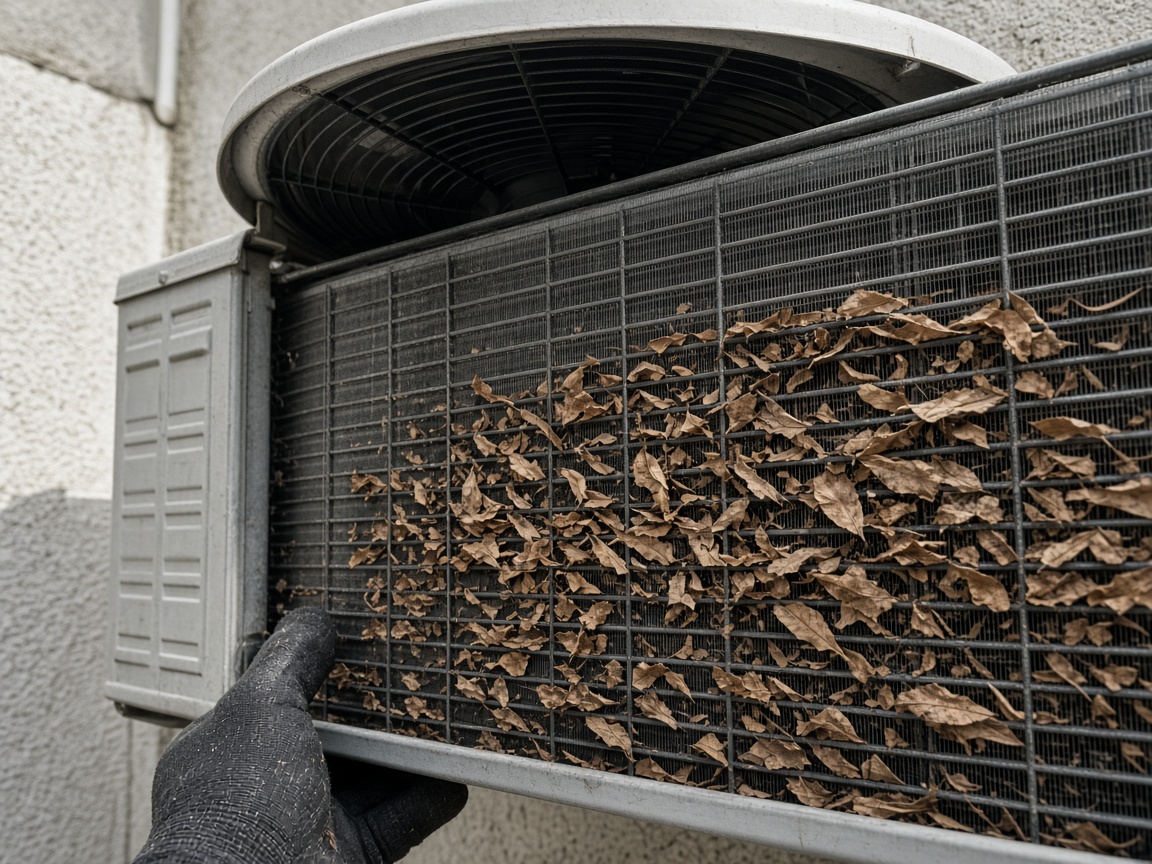
Photograph the equipment as you found it
Name the album for the home or the unit. The outdoor condenser, the leaves in the coil, and the pad stay on that address for the next call.
One album per home
HVAC service reports · visits, diagnostics, and equipment
Photograph the condenser, the open air handler, the coil packed with leaves. Speak what you found. FWDLink drafts the visit, then the customer opens one link and next season stays on that home.
Get the app for iPhone and Android


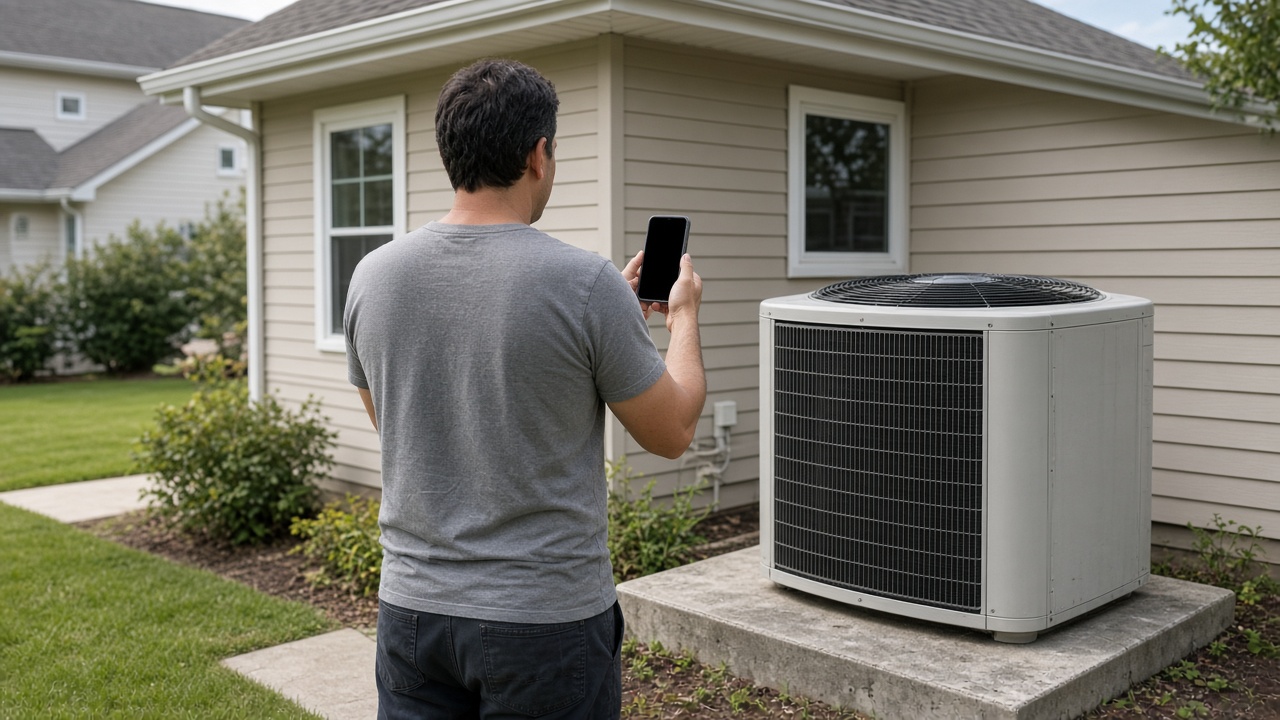
Name the album for the home or the unit. The outdoor condenser, the leaves in the coil, and the pad stay on that address for the next call.
One album per home
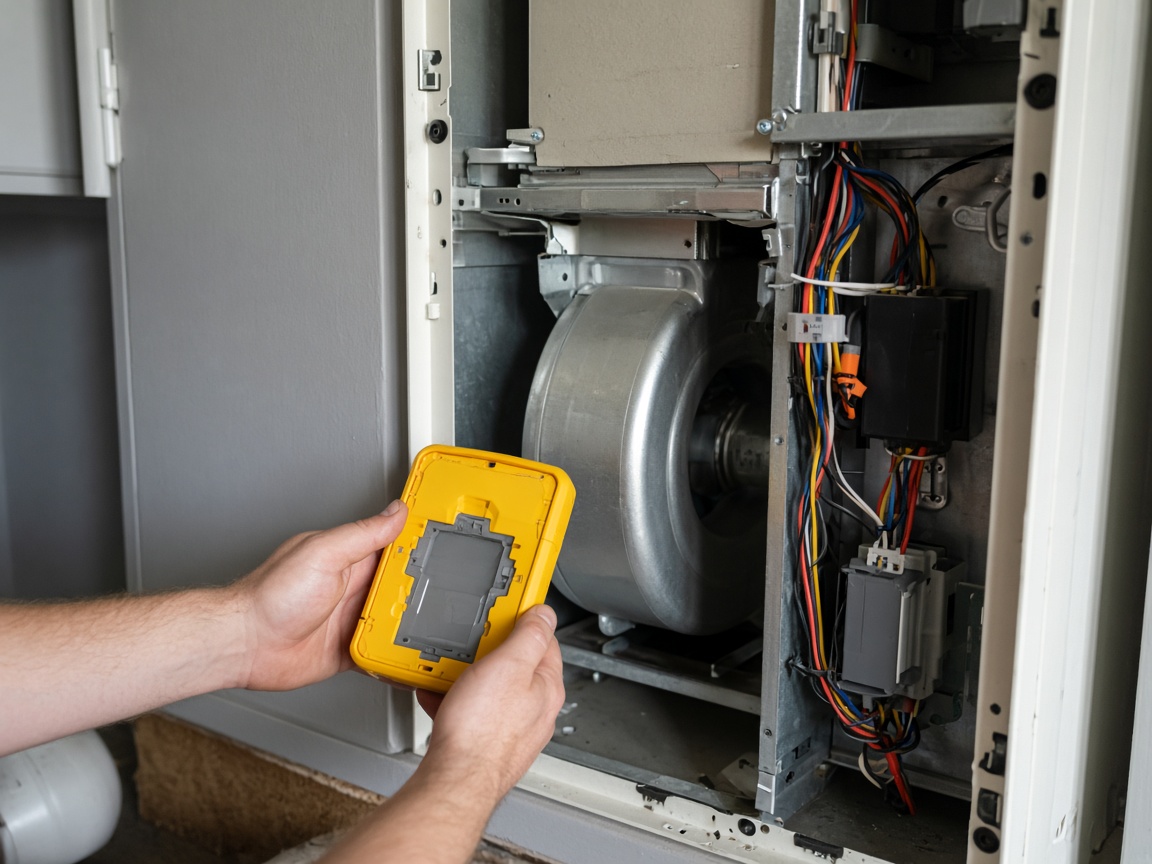
The open panel, the indoor handler, and what you checked belong on the same album as the condenser. The office sees the visit without a second thread.
Diagnostic on the visit
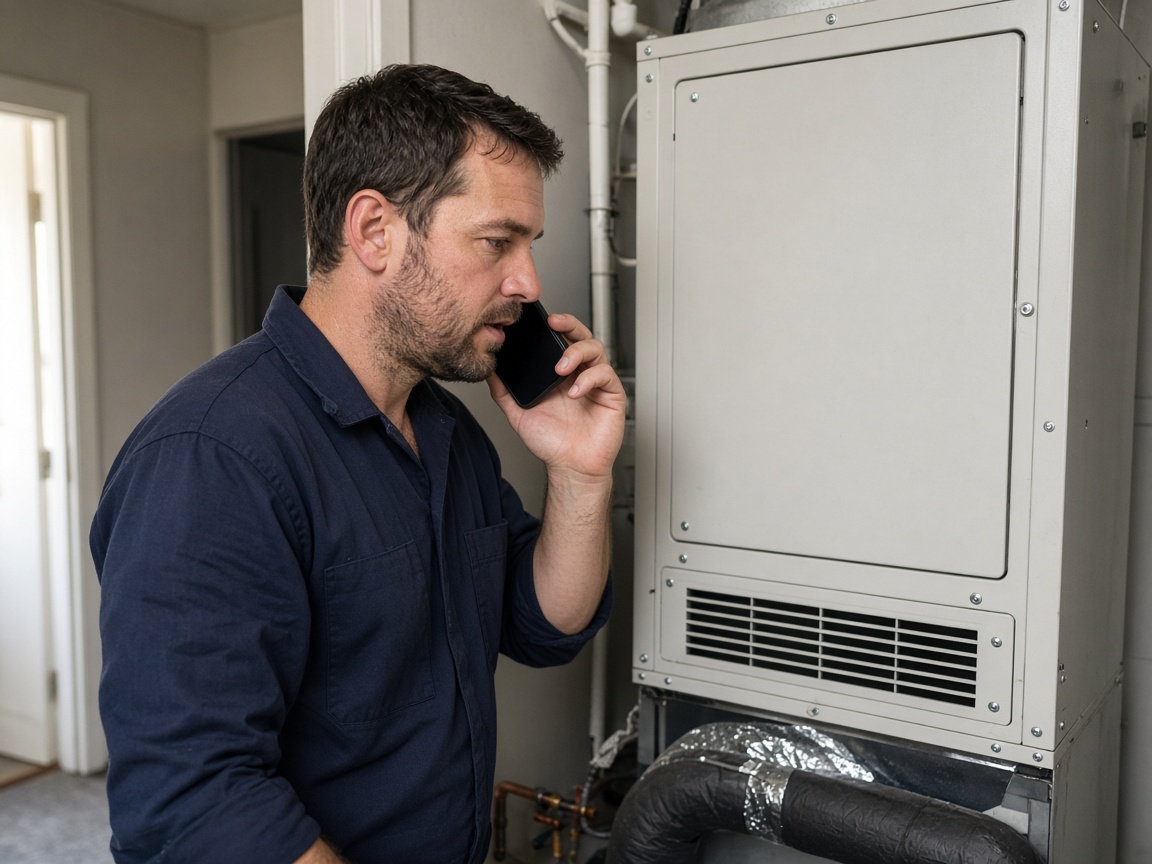
A short voice note in the closet becomes the service write-up: what you found, what you did, and what the customer needs to see. Time and place stay on the photos.
Voice note to draft
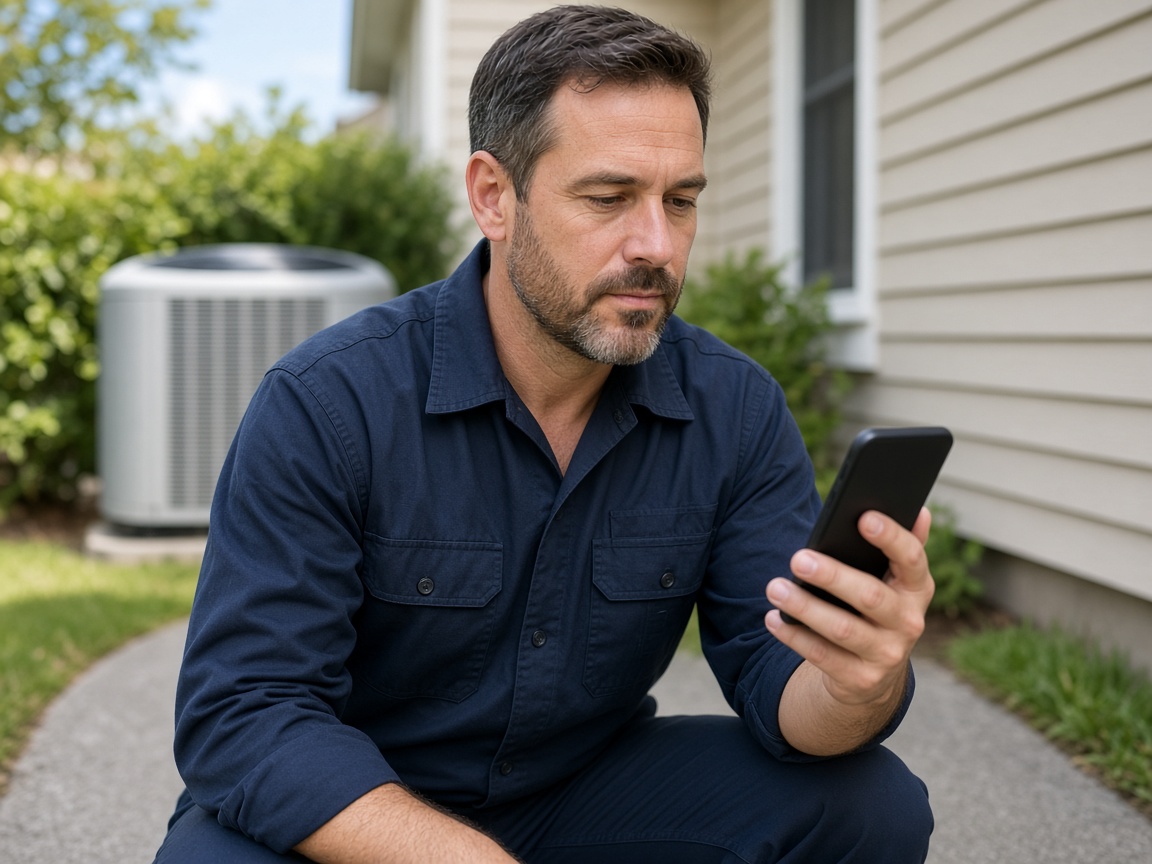
FWD one link with the photos, the draft, and the notes from the call. They open it in the browser. Add the follow-up photo later and the same link still works.
One link for the visit
An HVAC service report starts at the house, not in a shared camera roll. Name the album for the home or the unit. Photograph the outdoor condenser, the pad, and the indoor handler as you found them. The next seasonal visit opens the same place. The same photos can also live with the gear on the equipment photo app when the record is the unit itself.
Speak a short note while you are still in the closet or at the pad. FWDLink drafts the visit from the photos and that note: what the diagnostic showed, what you did, and what the customer needs to see. Mark the spot with photo annotations so the callout stays on the picture. Time and place stay on the shot.
The office should not rebuild the call from a text thread. The open panel, the coil, and the finding stay on the album you already started. When the repair needs a price before the parts are ordered, the same photos can ride an estimate.
FWD one gallery from share links. The customer opens it in the browser. Add the next seasonal visit later. The link they already opened keeps working.
A return trip for the same system starts on that album. Last season’s condenser, today’s diagnostic, and the note you spoke stay together, so the next tech can see the home before the truck is in the driveway.
Name the album for the address or the unit. The next call starts there.
Shoot the condenser, the air handler, and what the diagnostic showed.
Say what you found and what you did. FWDLink drafts the visit from the photos and that note.
Send one link. When you return, add the new photos to the same home.
A service visit: photos of the equipment and the diagnostic, a short voice note, and a draft the customer can open. The next call stays on that same home.
Yes. FWD one share link with the photos and the draft. They open it in the browser. Add a follow-up photo later and the same link still works.
On the album you already started for that home or unit. The indoor handler and the outdoor condenser stay together.
No need. Open the same album. Last season’s photos and today’s note are already on that home.
Yes. The photos from the visit can ride an estimate when the customer needs a price before the work starts.
Join Free. The unit, the diagnostic, and the next visit stay on that home.