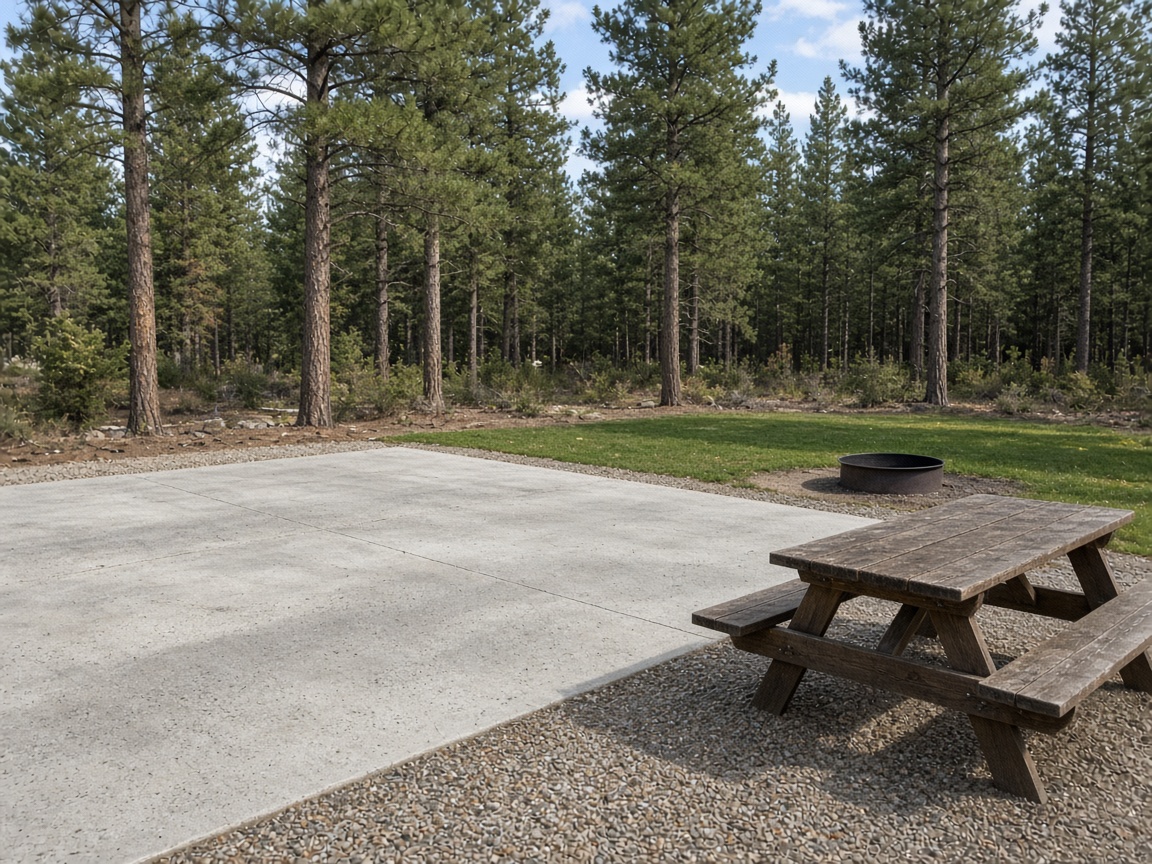
Each site keeps its own album
Name the album for the site number. The next stay, the next walk of that pad, and the picnic table all open in the same place.
Album per site
RV resort photo app · sites, hookups, and amenities
Site pads, pedestals, water, amenities, and common areas stay on that site. Document the coach in place, the hookups, and the repair, then send one gallery.
Get the app for iPhone and Android


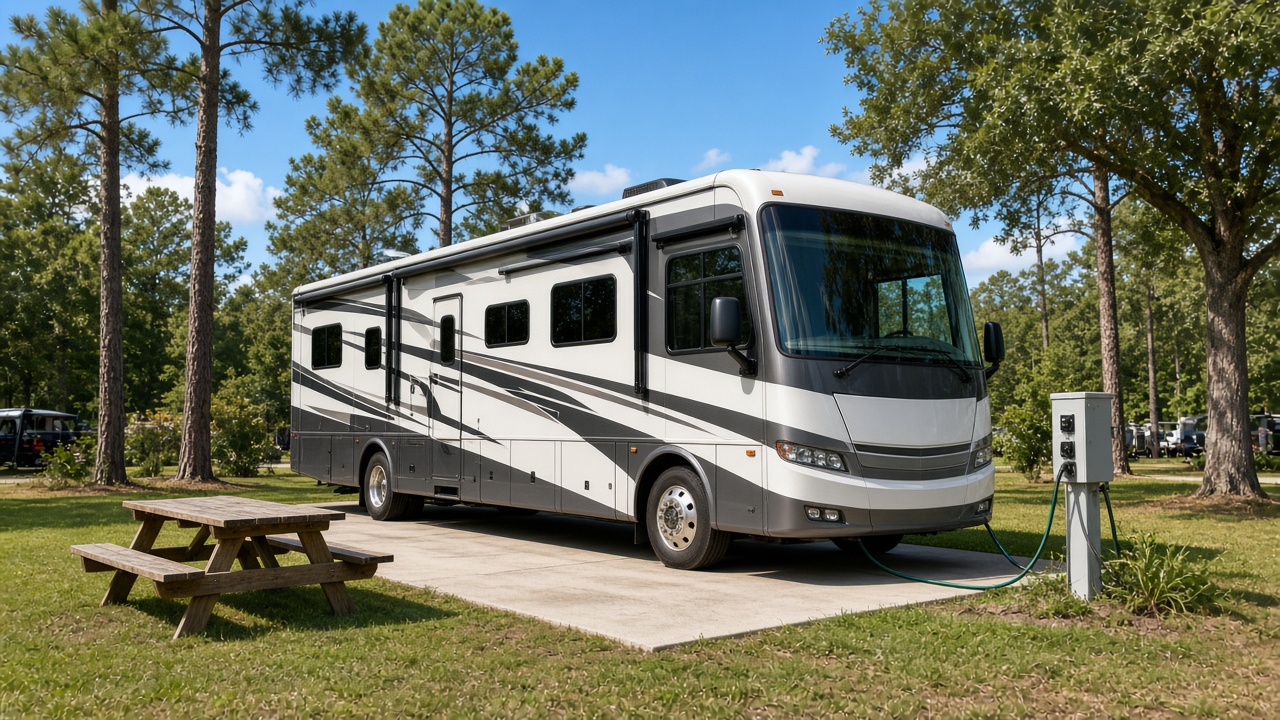
Name the album for the site number. The next stay, the next walk of that pad, and the picnic table all open in the same place.
Album per site
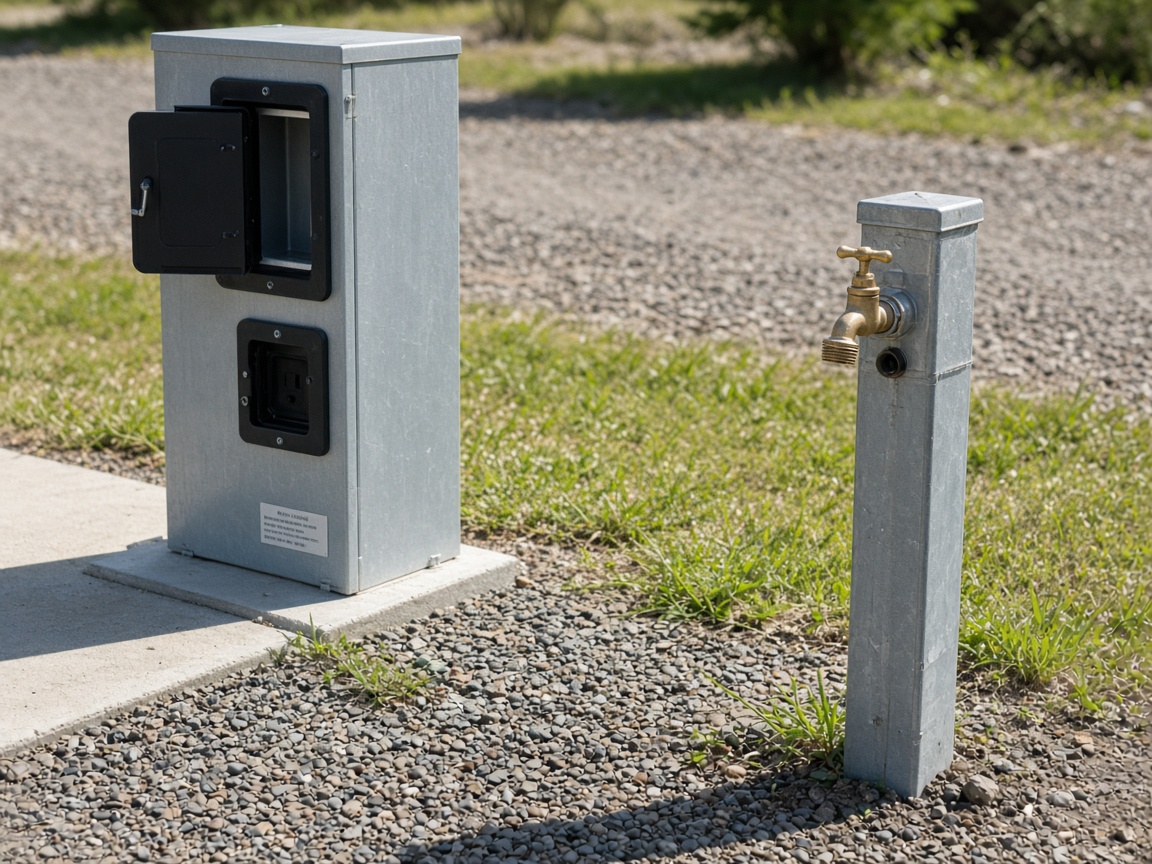
Shoot the electrical pedestal, the water spigot, and the connection as you found them. Time and place stay on the shot when a guest or a tech asks what was already there.
Burned into the photo
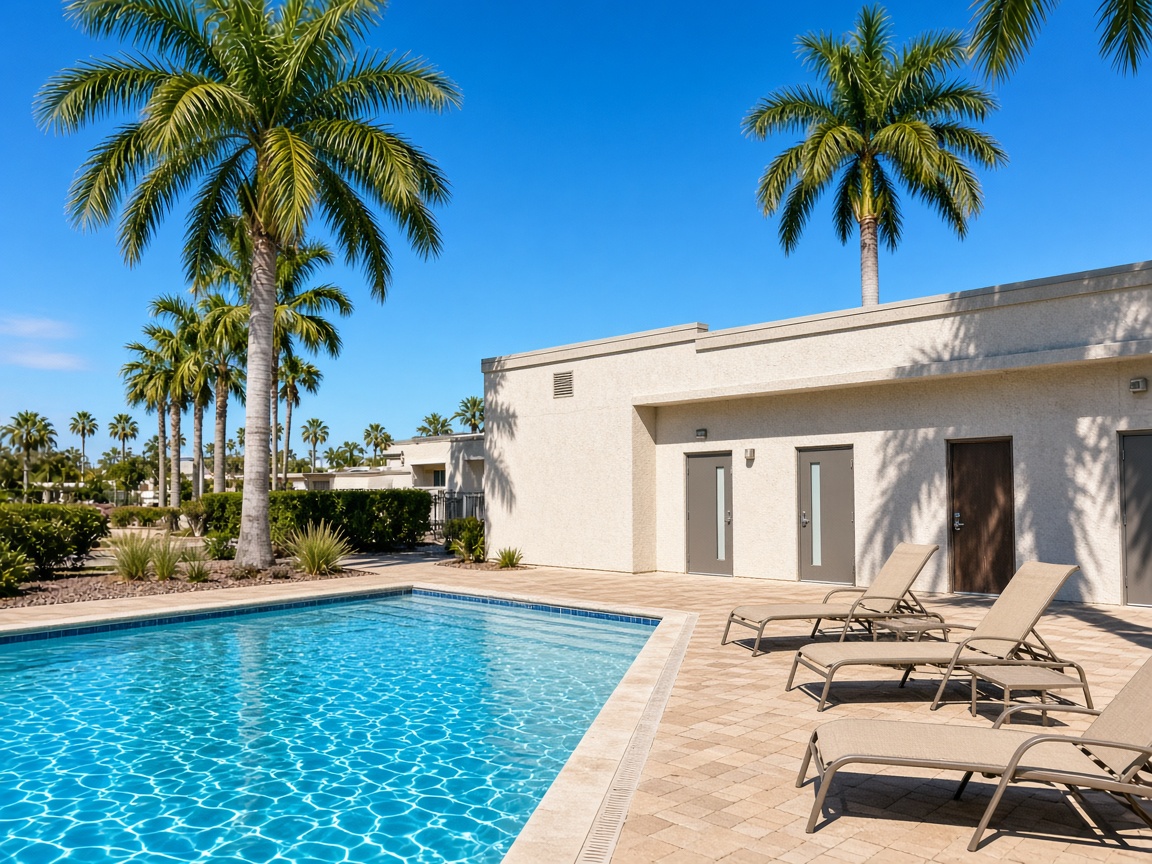
The pool deck, the bathhouse, the laundry, and the office belong with the resort, not in a personal camera roll. Grounds and the office share one set.
One set
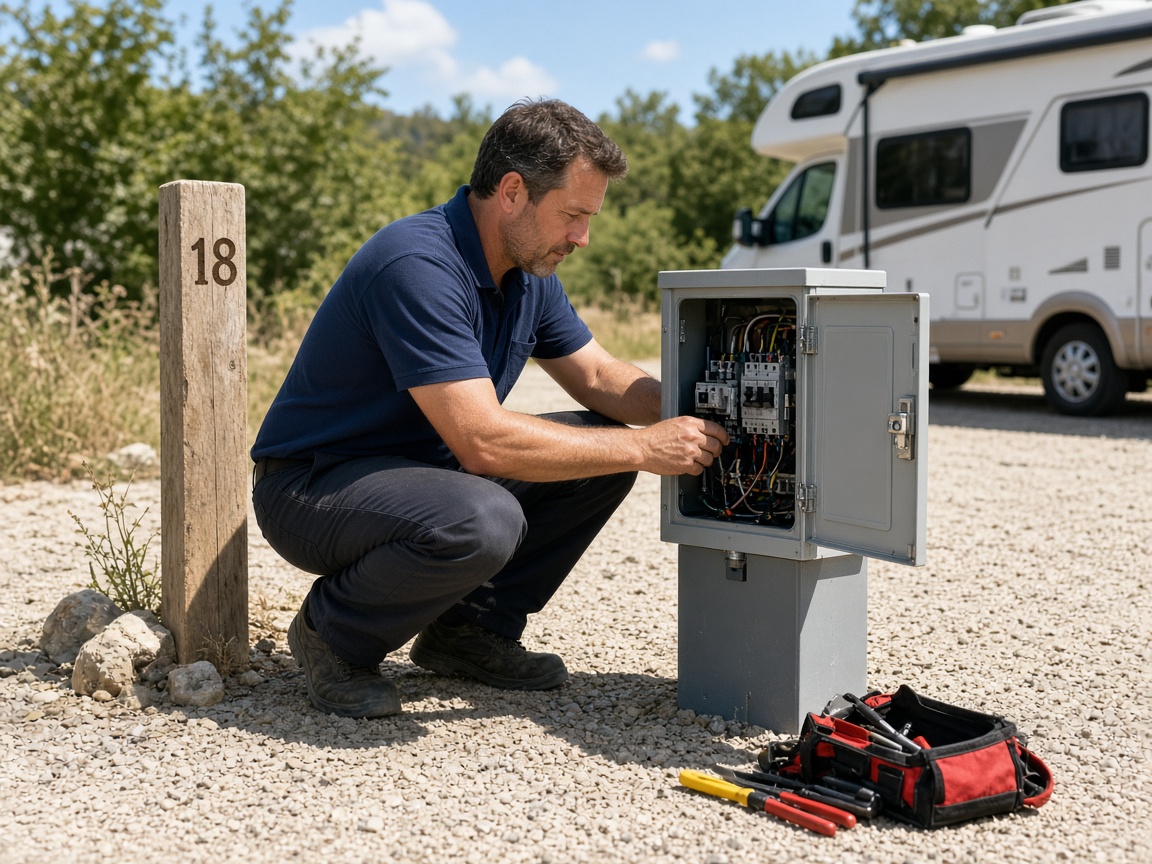
When a contractor opens a pedestal, the photos land on that site number. The resort and the tech share the album. FWD one link when the work is done, and add the after shot to the same link.
Private until you FWD
An RV resort photo app is the record of the site, not the front-desk camera roll. Name the album for the site number, the loop, or the campground address. Shoot the pad and the picnic table, the coach once it is in place, and the hookups before anyone plugs in. The next stay at that site opens the same place. It follows the album pattern of the jobsite photo app, aimed at a campground site instead of a construction address. Creating and organizing albums covers titles and pins.
Pedestal and water photos protect the handoff. A breaker door that was already open, a spigot that dripped, a cord laid the way the guest left it — those belong on the site. Mark the spot with photo annotations so the tech sees the callout on the picture. Time and place stay on the overlay. FWD one gallery from share links when the guest, the office, or the contractor needs it. They open it in the browser. Sharing an album is how you turn the link off after the stay.
Grounds, the office, and the contractor should share one site album. Invite shared albums lets the tech add the open pedestal and the finished repair without a chain of texts. The same site photo can ride an estimate when a pedestal repair needs the picture, and the pipeline card still knows which site number and which call. Add the after photos later. The link the office already has keeps working.
A building walk-through is a different job. HOAs, apartments, and building inspections belong on the property photo app. This page is the RV site: the pad, the pedestal, the water, the pool and bathhouse, and the repair that stays with that site number. When the work is a construction job away from the resort, use the jobsite photo app. Common areas at the resort — pool, bathhouse, laundry, office — can live in their own album next to the sites.
Show the resort you already run. Put real site photos and amenity photos on Your Page with a request form for the next stay or the next repair, and list on Local so guests and contractors nearby can find the work. Starter is free to start; plans covers storage when the season fills up. How it works is the short path from the first site photo to the live link.
Use the site number or the campground address so this stay and the next one at that pad stay findable.
Capture the site pad, the picnic table, the electrical pedestal, and the water as you found them.
Pool, bathhouse, laundry, and other common areas can sit in the resort album beside the sites.
Invite the tech to the same site album so the open pedestal and the finished work stay on that site number.
Send one share link for the site. Add later photos to the same link after the repair or the next stay.
A place to keep site pads, pedestals, water, amenities, common areas, and contractor repairs on that campground site, then share one gallery with the office or the guest.
Yes. Name the album for the site number. The next stay and the next repair at that pad open in the same place.
Yes. The electrical pedestal, the water spigot, and the hookups belong in the site album, with time and place on the shot.
Yes. Invite the tech to the shared album. The open pedestal and the finished repair land on that site number, and you can attach the same photo to the estimate.
This page is the RV site: pads, hookups, amenities, and repairs that stay with the site. HOAs, apartments, and building inspections belong on the property photo app.
Join Free. Pads, hookups, and repairs stay with the site.
Join Free