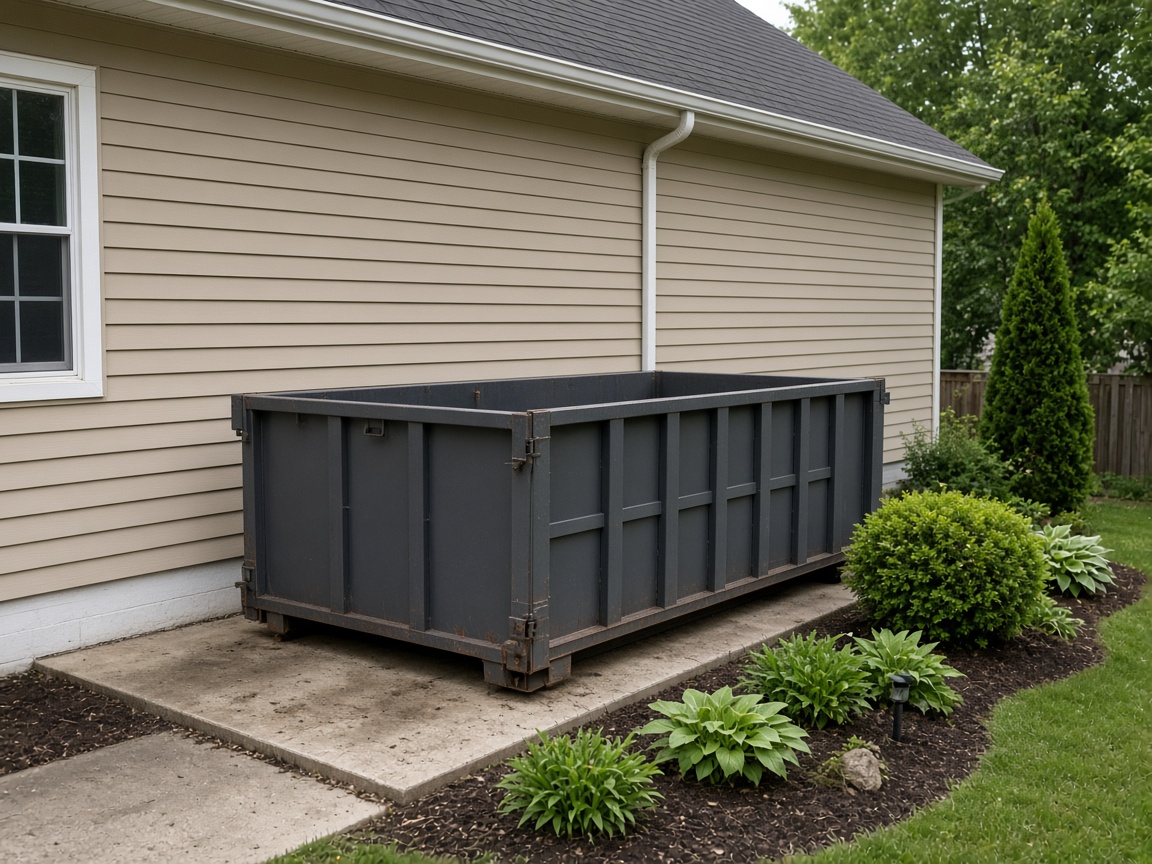
Placement stays on the address
Name the album for the driveway, the job, or the customer. The next drop at that address opens in the same place, with the container sitting where you set it.
Album per drop
Dumpster rental photo app · roll-off delivery and pickup
Delivery, placement, a service swap, and pickup stay on that address. Photograph the roll-off where it sits, the box on the way out, and the pad you leave behind.
Get the app for iPhone and Android


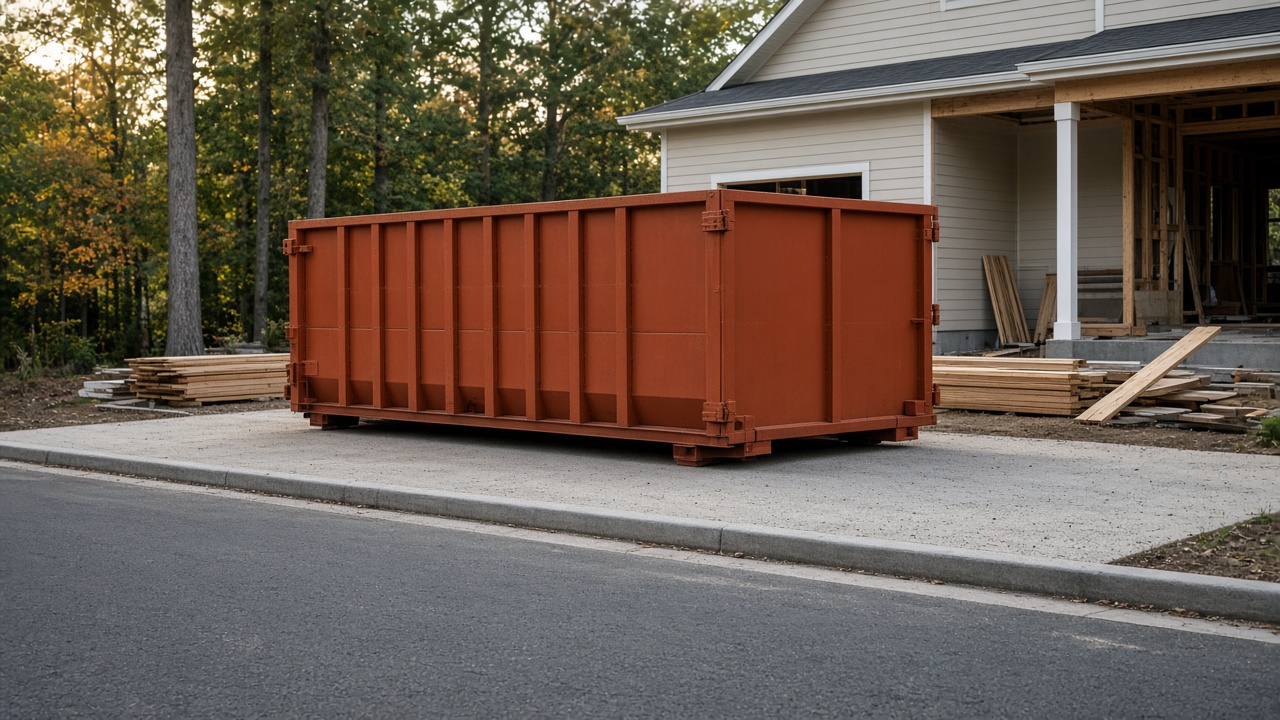
Name the album for the driveway, the job, or the customer. The next drop at that address opens in the same place, with the container sitting where you set it.
Album per drop
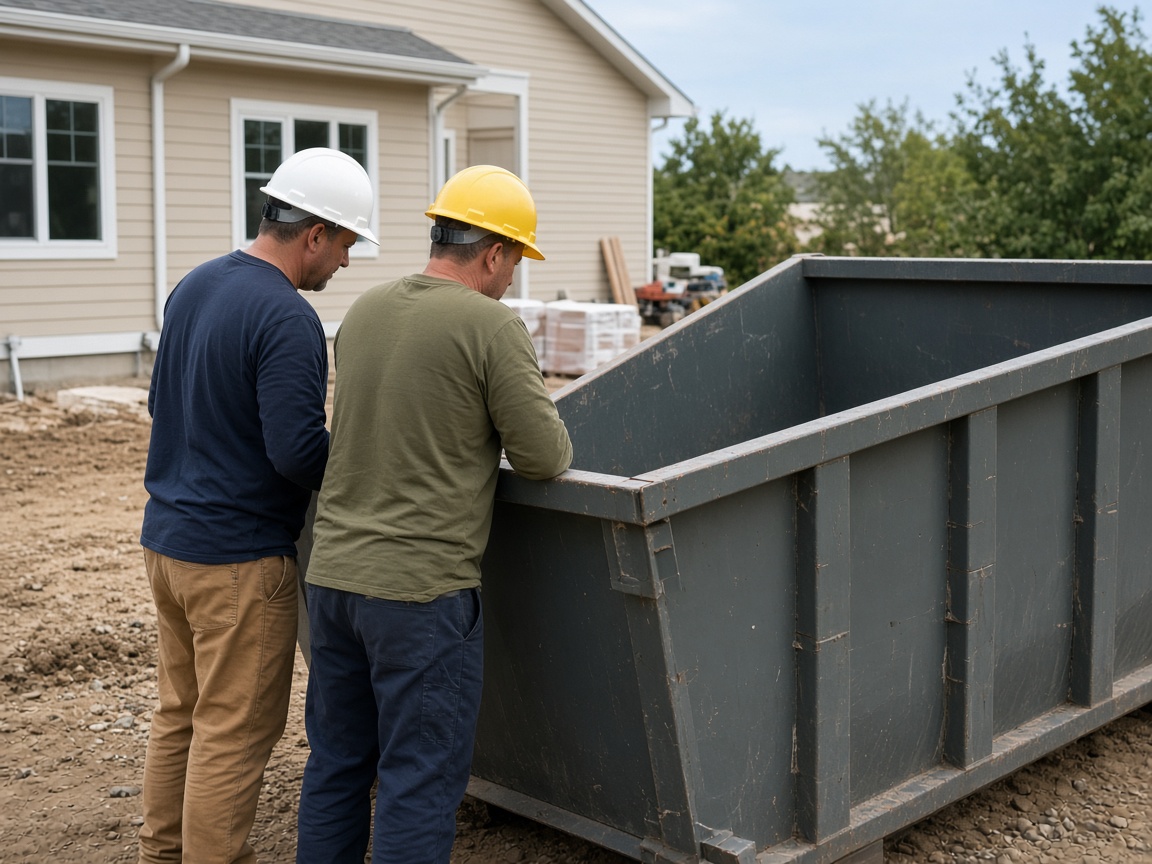
The crew looks over the rail on a service visit. Fill level, a latch, a note for the next swap. That photo stays with the drop, not in a text thread back to the yard.
On the visit
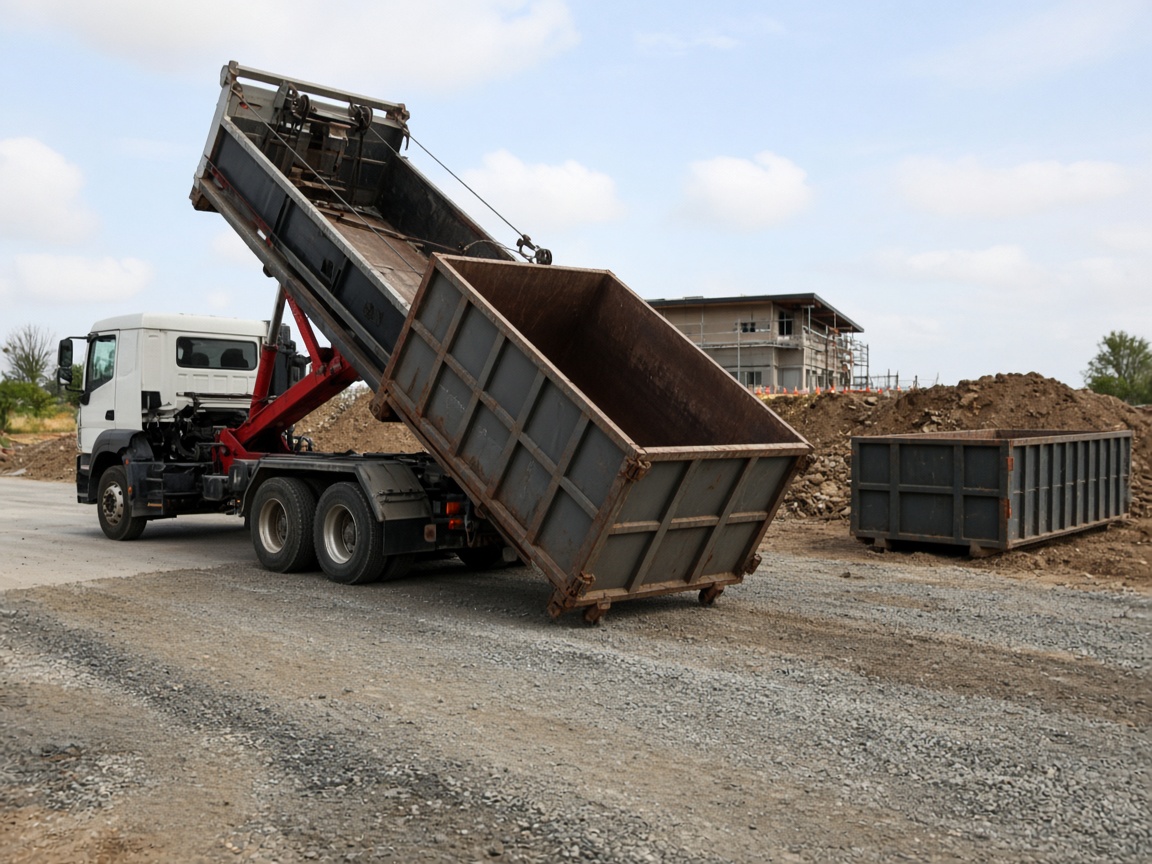
The truck takes one container and sets the next. Both shots belong on the address so the customer can see what left and what arrived.
One set
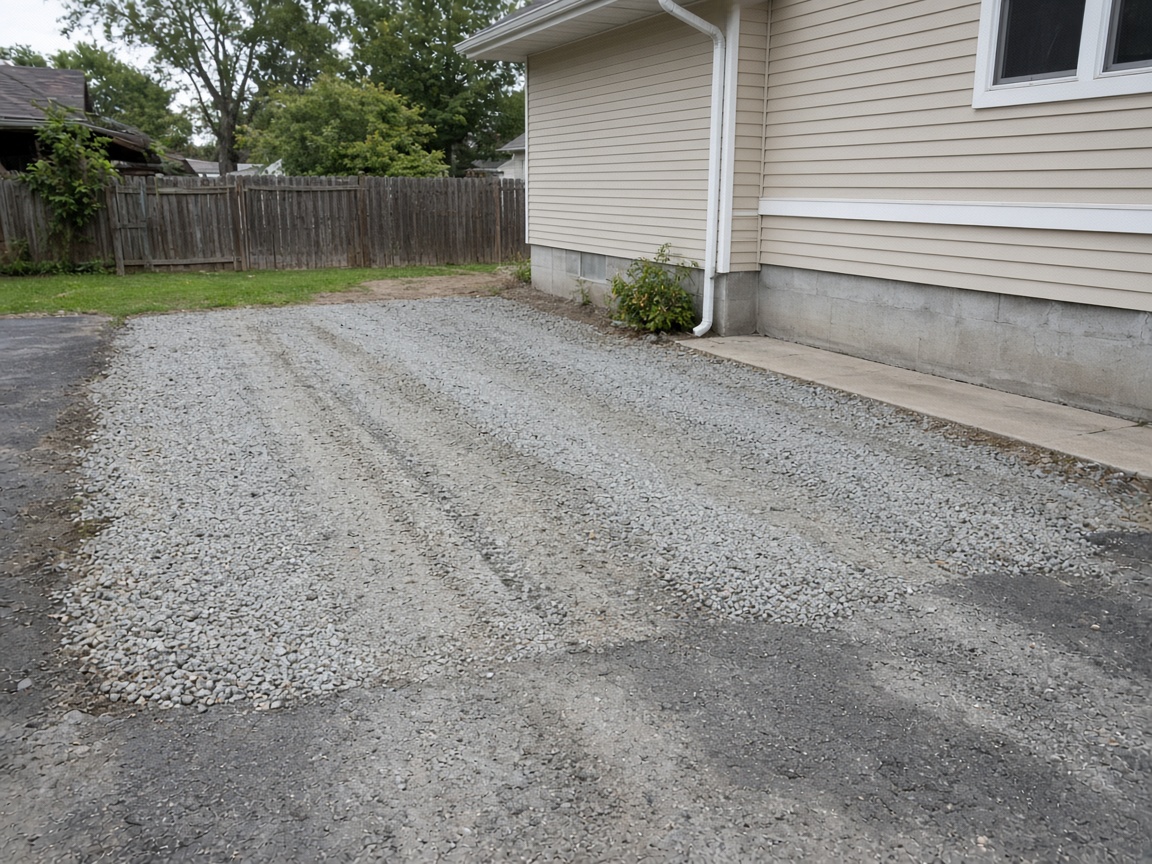
The empty pad, a scuff in the driveway, a dent the box already had before it left the yard. Mark it on the shot. The customer opens one gallery for the drop and the way you left the site.
Private until you FWD
A dumpster rental photo app is the record of the drop, not a camera roll that starts over every morning. Name the album for the driveway, the job, or the customer. Shoot the roll-off where you set it, the service visit, the swap, and the pad after pickup. The next stop at that address opens the same place. It follows the album pattern of the jobsite photo app, aimed at the container. Creating and organizing albums covers titles and pins.
Damage belongs on the photo. A scuff that was already in the driveway, a dent on the box before it left the yard, a latch, a mark you notice at pickup. Draw the callout with photo annotations so the customer sees it on the picture. Time, weather, and place can stay on the overlay. When they need the set, FWD one gallery from share links. They open it in the browser. Sharing an album covers public, password, and invite-only links. Turn the link off when the job is closed.
The driver and the office should share one drop album. Invite shared albums lets the person on the truck and the person at the desk add the placement, the fill check, and the swap without a chain of texts. The same shot can ride an estimate when a damage note needs a price, and the card in your CRM pipeline still shows which address and which visit. A follow-up photo lands in the album the link already opens.
This page is the rental record: delivery, placement, service, pickup, and damage. The truck you track as a machine belongs on the equipment photo app. A container at a hall during load-in can sit beside the event setup photo app. A sanitation stop on the same job has its own record on the portable restroom photo app. A delivery that is not a roll-off still belongs on proof of delivery.
Show the drops you already make. Put real placement and pickup photos on Your Page with a request form for the next one, and list on Local so people nearby can find the work. Starter is free to start; plans covers storage when the routes grow. How it works is the short path from the first photo to the live link.
Use the driveway, the job, or the customer so this drop and the next one at that site stay findable.
Capture the container where it sits, the clearance, and the driveway before anyone calls about a mark.
Photograph the fill check and the exchange. Both belong on the same drop.
Leave the empty pad, the driveway, and a dent or scuff on the photo. Annotate the spot that needs a decision.
Send a share link to the customer. Add a later visit to the same link, and turn it off when the job is closed.
Yes. You keep delivery, placement, service, pickup, and damage photos in an album named for that address, then share one live gallery when the customer needs to see them.
Yes. Name the album for that driveway or job. The placement, the swap, and the empty pad after pickup all open in the same place.
Photograph the mark and annotate it. A scuff that was already there, a dent on the box, and the pad after pickup stay on the gallery the customer opens.
FWD a share link. They open the gallery in the browser. You can turn the link off when the job is closed. The album stays in your workspace.
Yes. The fill check, the container that left, and the container that arrived belong in the same album as the first placement.
Join Free. Delivery, service, and pickup stay with the address.
Join Free