fwdlink
The one-page lead site people open from your bio
Claim fwdlink.com/you. Show the work, put Get quote and Smart Assistant on the same page, and every inquiry lands in Leads — link-in-bio lead capture that actually follows up.
Your lead page
One mobile page. Everything a visitor needs to inquire.
Not a wall of outbound buttons. Your FWDLink is a lead generation one-page site — brand, proof, services, and the ask under one handle you put in Instagram, Google, texts, and QR.
fwdlink.com/you
- 01
Cover, bio & contact
Who you are, how to reach you, and clear CTAs on a mobile-first layout.
- 02
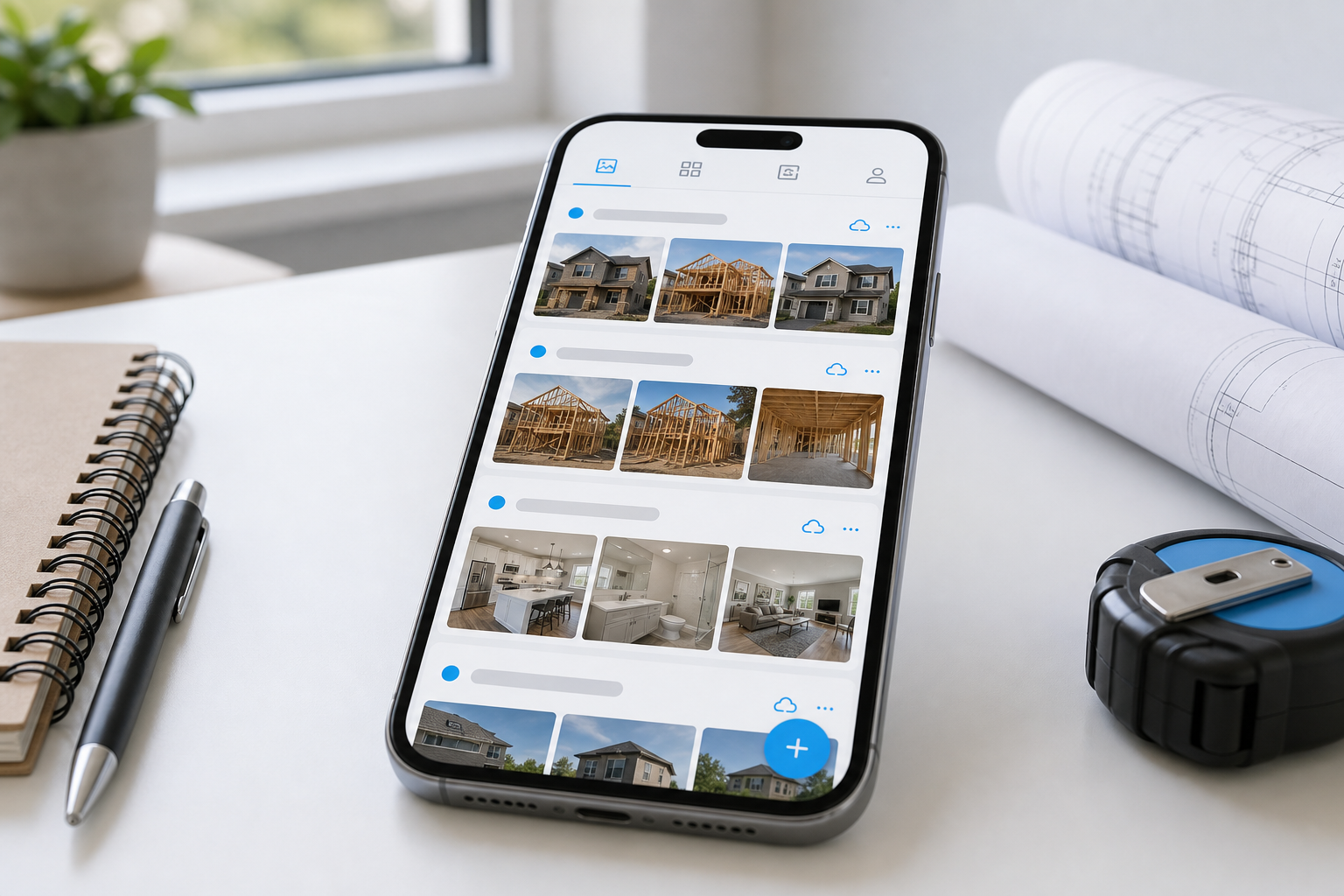
Albums & work photos
Before-and-afters and recent jobs so visitors trust you before they inquire.
- 03
Services & links
Pin services, booking, socials, and resources visitors actually tap.
- 04
Forms & Smart Assistant
Get quote, contact, Stay updated, or a guided project-brief chat — on-page.
How lead gen works
Capture → qualify → inbox → follow-up
Four steps on one brand. Pretty one-pagers stop at the form. FWDLink keeps the lead in your workspace.
01
Capture
Forms, Stay updated, and CTAs on the page you share.
02
Qualify
Smart Assistant walks visitors through a project brief.
03
Inbox
Every submission lands in Leads with a pipeline stage.
04
Follow-up
Reply, remind, automate — grow into CRM when ready.
01 · Capture
Forms and CTAs where the visitor already is
Add Get quote or contact forms to your public page. Stay updated grows an Audience list you own. Call, email, and service links sit next to the ask — link-in-bio lead capture without sending people to another tool.
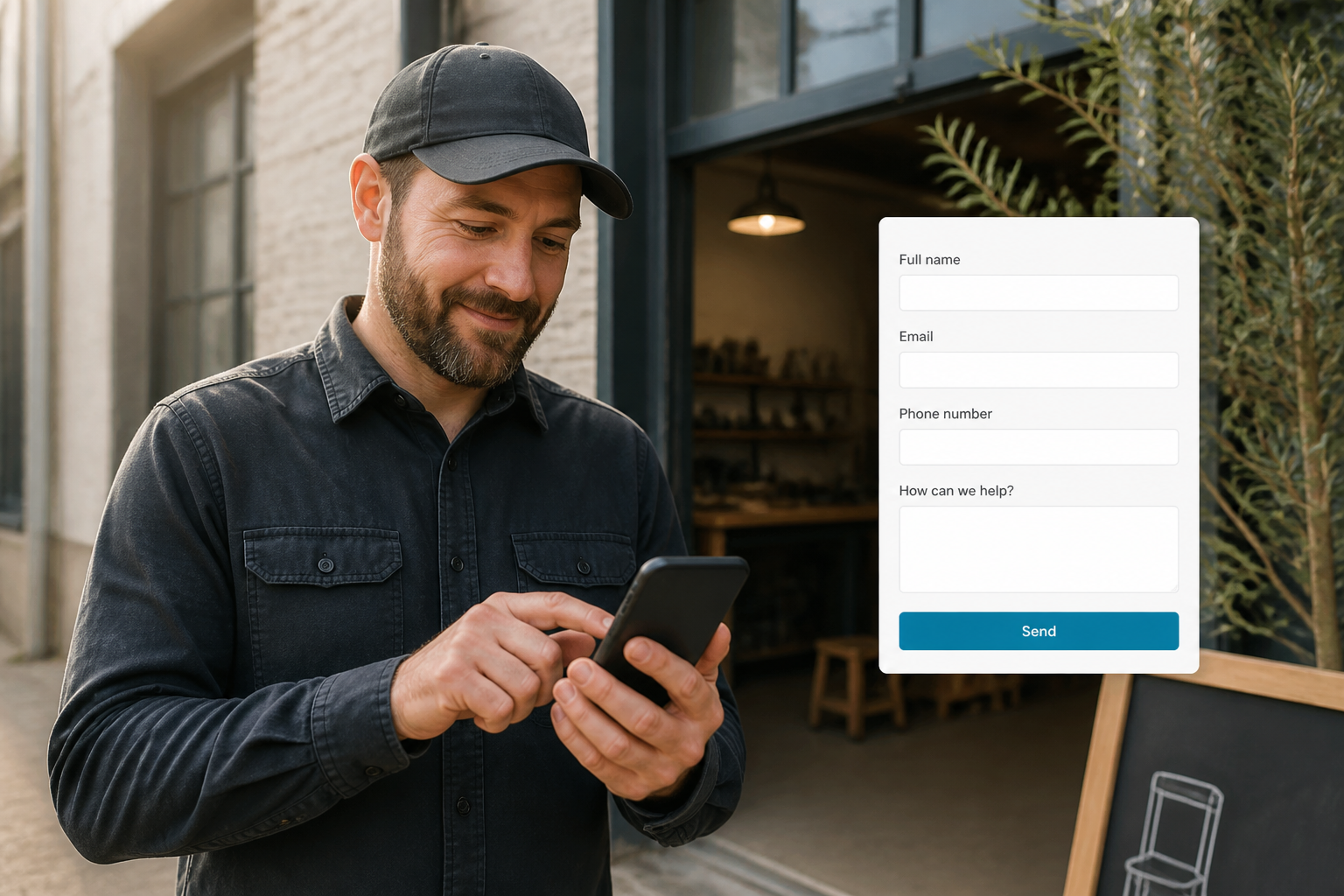 Service pro reviewing a lead capture form submission on a phone
02 · Qualify
Smart Assistant chat — a project brief, not a blank form
Quote chat walks visitors through what they need — project type, scope, timeline, photos, and contact — then lands a structured brief in Leads. Contractors, coaches, and creators get context before the first call.
Smart Assistant
03 · Inbox
One Leads inbox — not a scattered DM pile
Form and chat submissions open in Leads with name, message, and intent. Move stages New → Need to contact → Quoted → Won or Lost so one-page lead gen becomes a working pipeline — not a forgotten email.
New → Need to contact → Quoted → Won
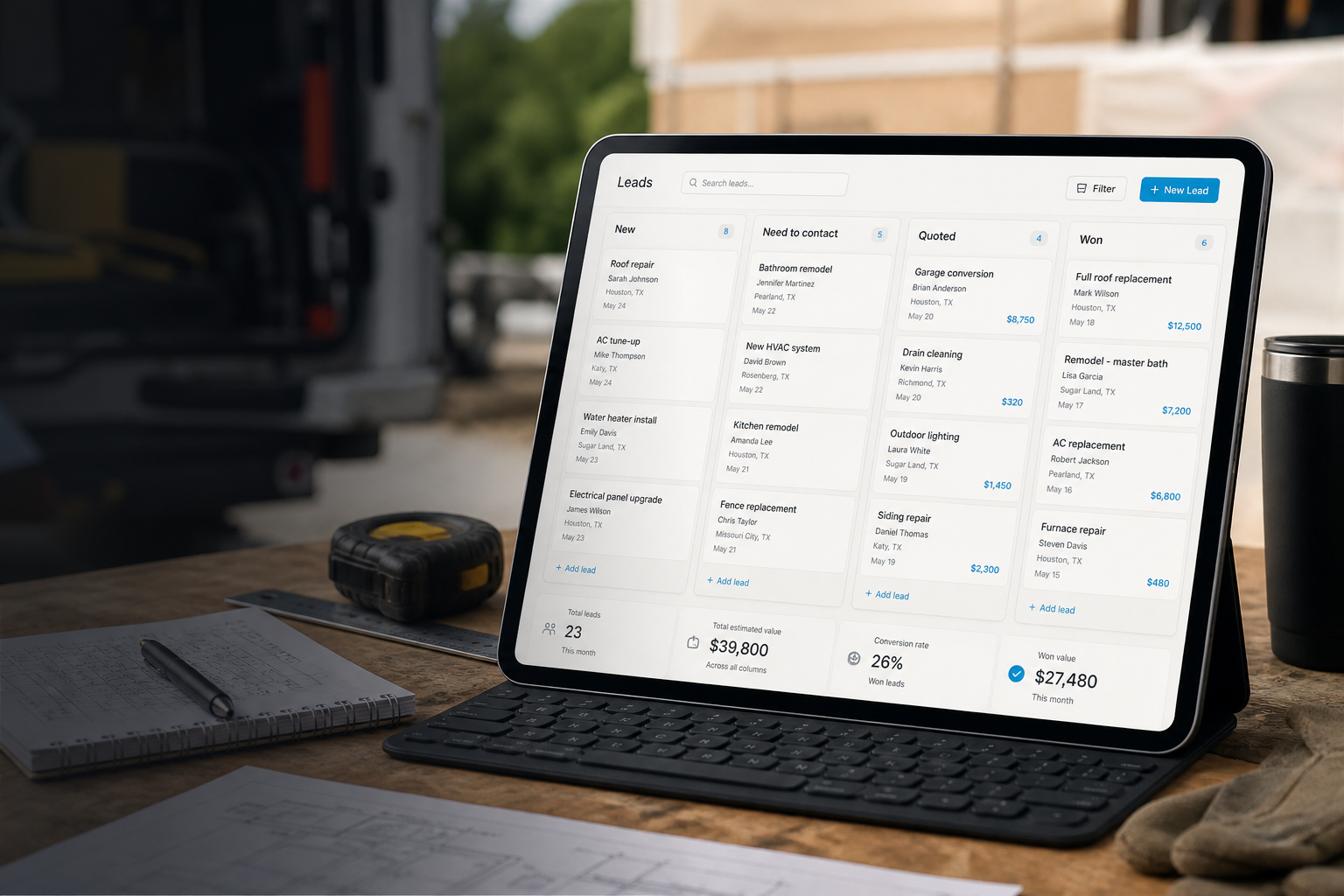 Leads inbox and pipeline stages for FWDLink page inquiries
04 · Follow-up
Reminders, automations, booking — then CRM when you win
Send email reminders from the lead thread. Use Automations for simple follow-up and page journeys. Add booking when people should pick a time. When the job is real, save as client and continue into estimates and invoices on Business CRM — same brand, same link.
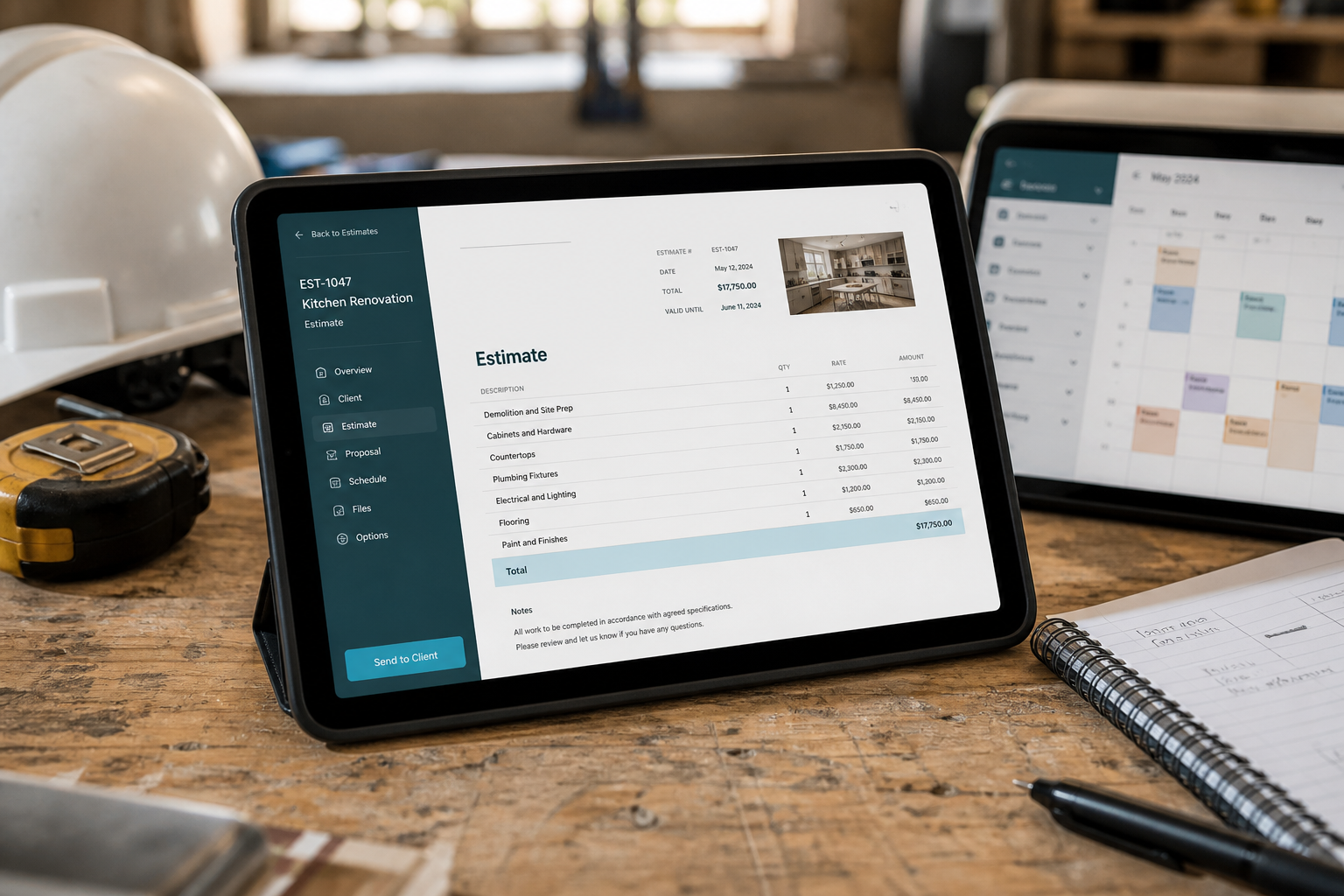 Owner following up on a lead and preparing next steps on a tablet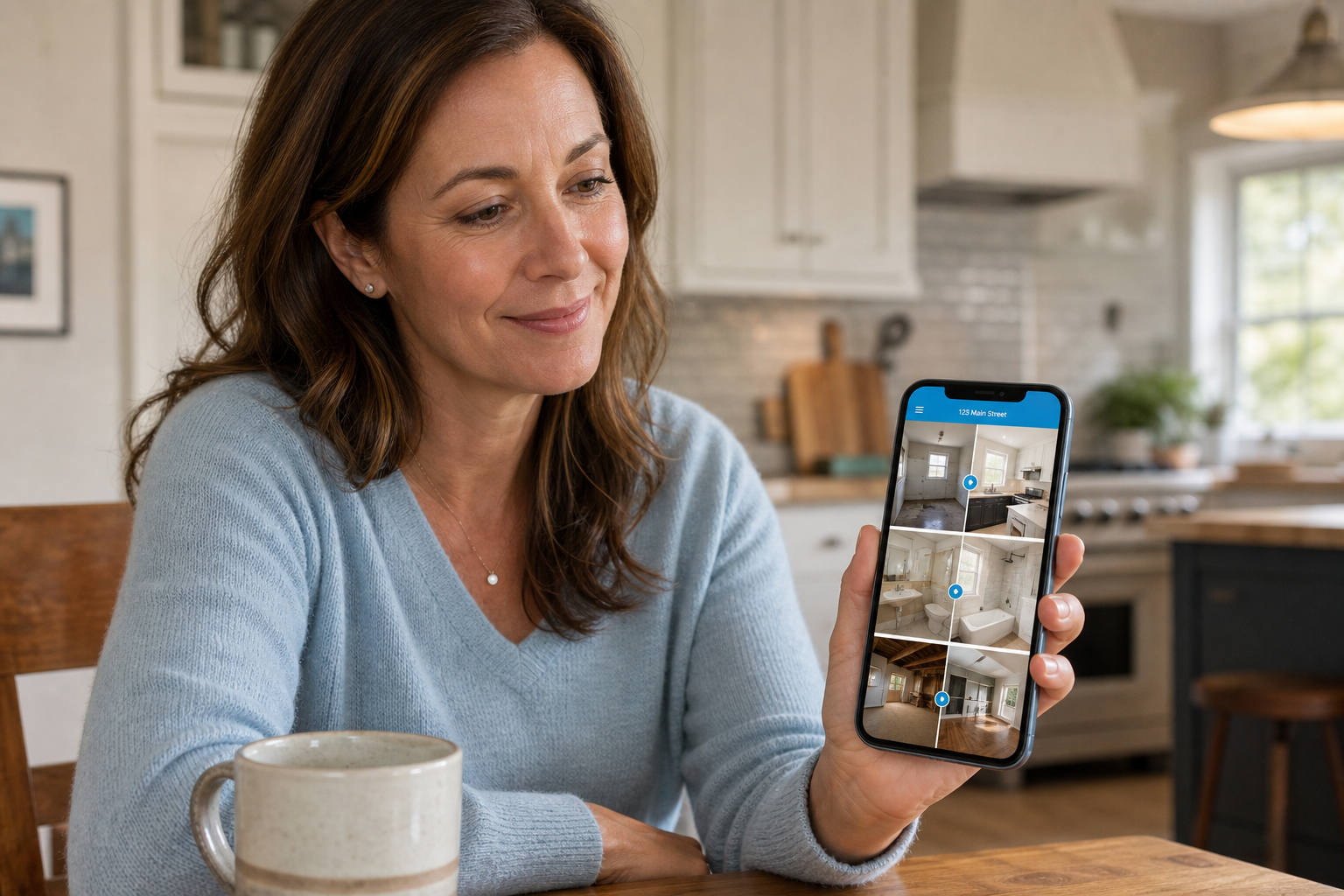
Proof on the page
Albums turn a bio tap into trust
Feature job albums and galleries on the same lead generation page as your forms. Visitors see real work — then inquire. Share packs stay forwardable when a homeowner passes your link along.
See a contractor one-pagerLead gen that stays on your brand
A Carrd-style page can look sharp and still dump leads into email or a third-party form. FWDLink is built so your one-page site, link-in-bio lead capture, inbox, and follow-up share one workspace — contractors, outdoor living pros, coaches, and local services included.
Frequently asked questions
- Is this a lead generation one-page site or just a link list?
- FWDLink is a one-page site you brand and share — with albums, forms, Smart Assistant quote chat, Stay updated, and booking on the same page. It is link-in-bio lead capture with a real Leads inbox behind it, not a stack of outbound buttons.
- What is Smart Assistant / quote chat?
- A guided chat on your public page that collects a project brief — scope, timeline, photos, and contact — then creates a lead in your inbox so you reply with context.
- Where do form and chat submissions go?
- Get quote, contact, and Smart Assistant submissions land in Leads with a pipeline stage. You reply and follow up from the same place.
- Can I send email reminders or automate follow-up?
- Yes — send email reminders from the lead thread, and use Automations for simple follow-up and page journeys. Booking can live on the same page when visitors should pick a time.
- How is this different from Carrd or a basic bio tool?
- Pretty one-pagers often stop at the form. FWDLink keeps lead capture, inbox, audience list, booking, and optional CRM (estimates, schedule, invoices) under one brand and one forwardable link.
- Can contractors and outdoor living businesses use this?
- Yes — show installs and job photos, add Get quote or Smart Assistant, and work the pipeline. Many service pros start with this lead generation page, then use Business CRM for the full job flow.
- Where do I see pricing?
- Start free on Starter. See current fees on Plans for online payments, seats, and add-ons — we do not bury rates on this page.
Put one lead page in every bio and QR
Start free on Starter. Capture with forms and Smart Assistant, work Leads, and grow into Business CRM when the job is real.
Related
More ways to capture demand and close work on FWDLink
- From page lead to paid job — one flow
- Your link captures leads — and can run the job
- An easy alternative when you need your page — grow your online presence fast
- One-page website builder — forever free on Starter
- Capture emails on the page your audience already opens
- Get booked from one link — with clear booking fees
- Jobsite photos on your page — trust first, then the close
- A link in bio builder where the link opens real content
- Free website builder — forever free on Starter
- One link. The right next step for every visitor.
- Tell FWDLink your goal. Get a page that works.
- Plans & pricing