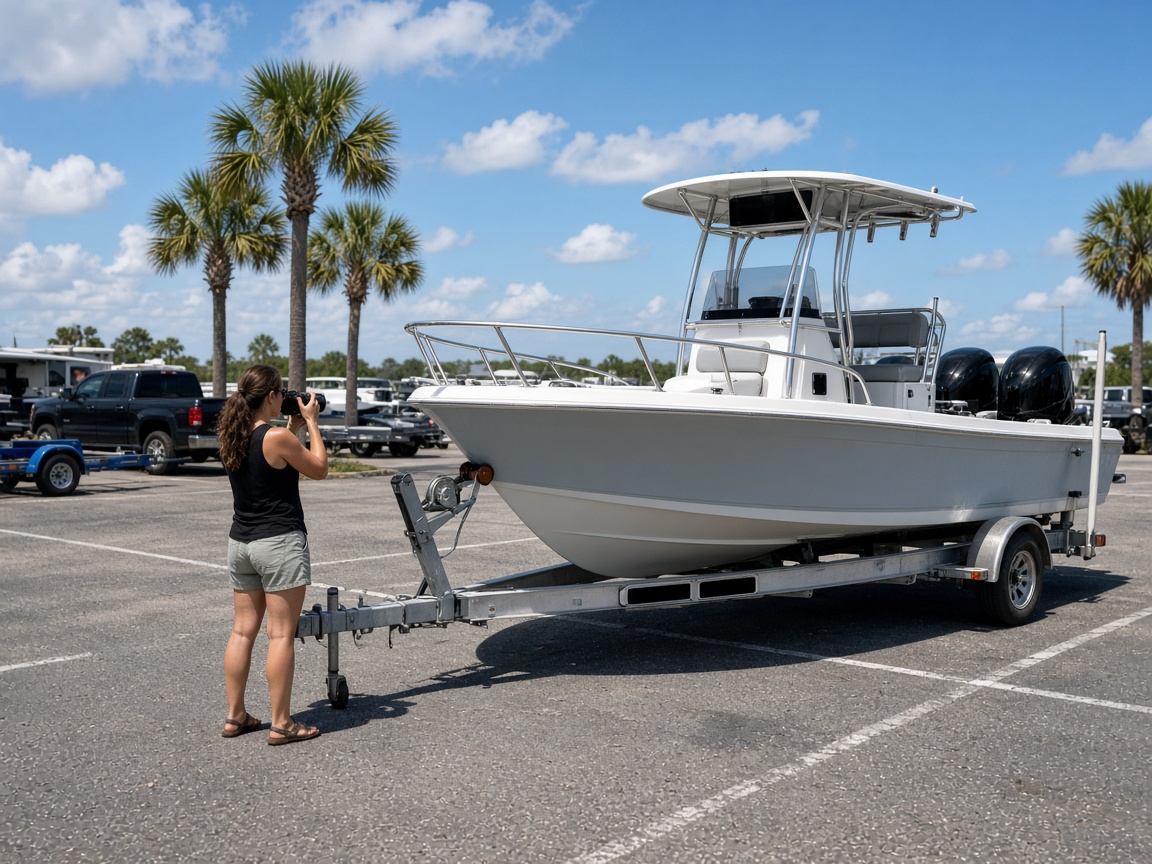
Boat photos stay with the hull
Name the album for the boat, the slip, or the work order. The next haul-out, the next gelcoat note, and the next boat maintenance visit open on that same boat.
Album per boat
Boat photo app · marine service and boatyards
Hull photos, deck photos, and haul-out photos stay with the boat. Document marine service in the boatyard, then send one link when the owner needs the condition.
Get the app for iPhone and Android


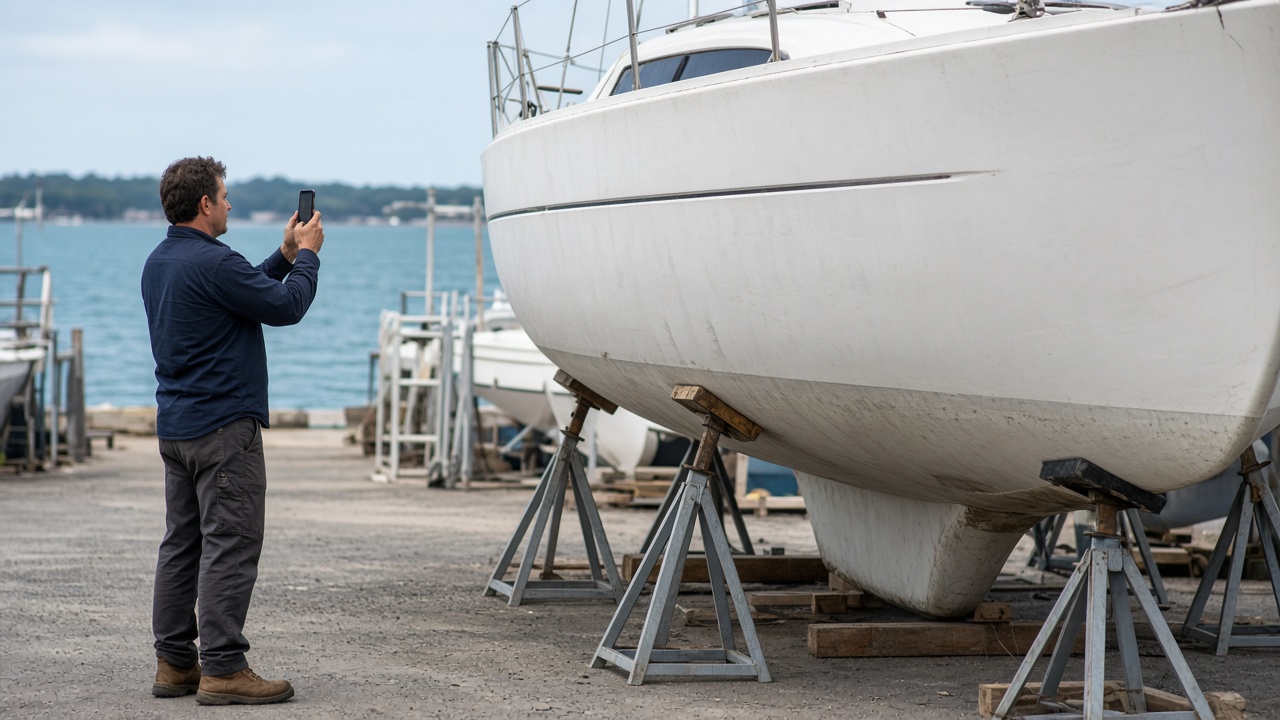
Name the album for the boat, the slip, or the work order. The next haul-out, the next gelcoat note, and the next boat maintenance visit open on that same boat.
Album per boat
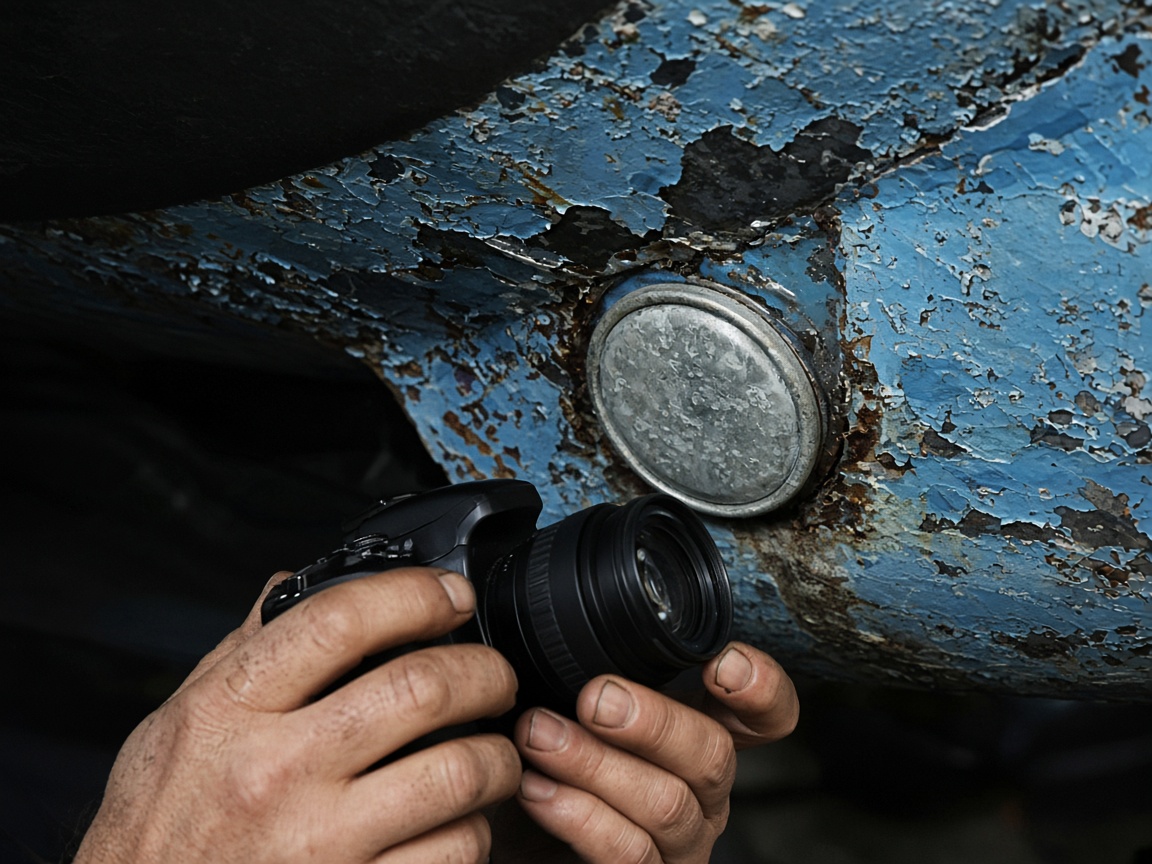
Bottom paint, a blister, a fitting, a zinc. Marine service photos keep time and place on the shot so the boat condition report still reads at the dock or in the office.
Burned into the photo
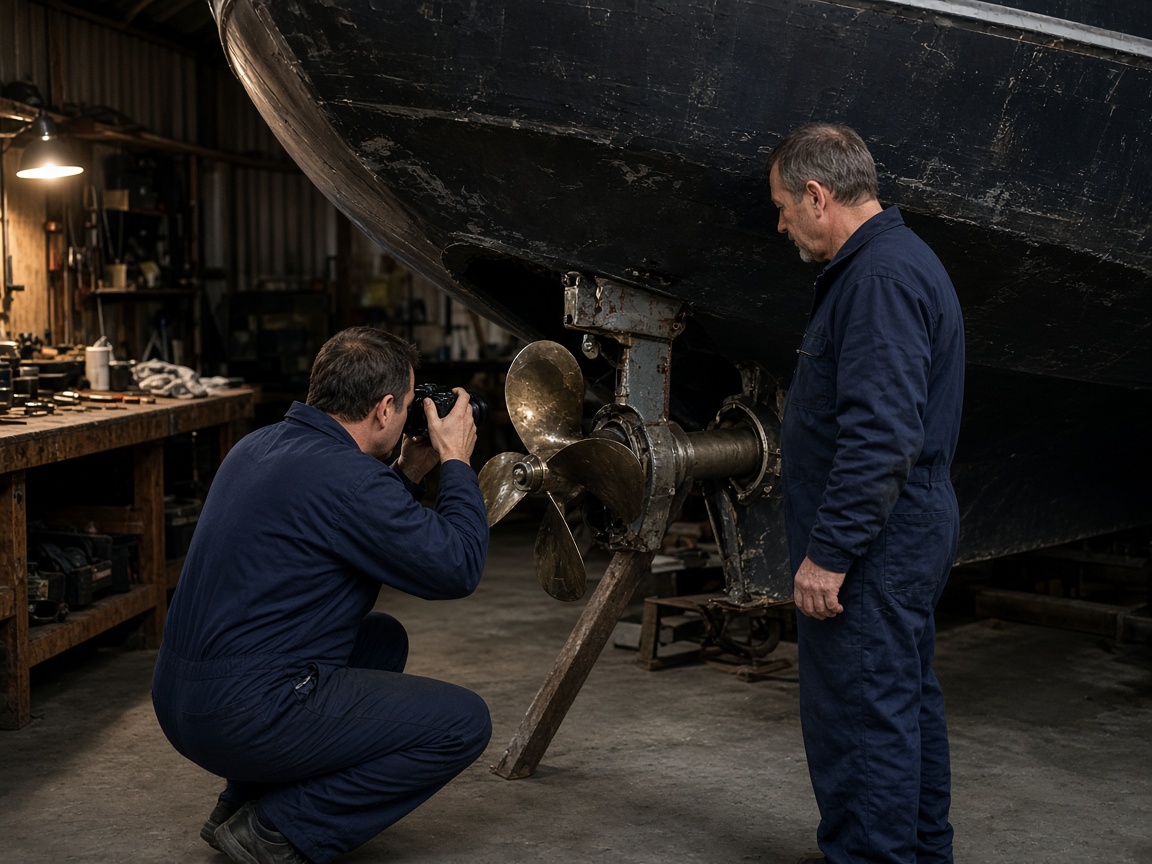
The tech under the hull and the person writing the estimate upload to one album. Boatyard photos are not a thread of partial shots.
One set
FWD one link for the haul-out or the repair. Add the splash photos later and the same link still shows that boat.
Private until you FWD
A boat photo app is for the hull in front of you, not a camera roll from the whole season. Name the album for the boat, the slip, or the work order. Shoot the stands, the bottom, the deck, the fittings, and the note the owner asked about. The next haul-out opens that same boat. It is the same album habit as the jobsite photo app, pointed at marine service instead of a street. Creating and organizing albums shows how a title keeps return visits together.
Boatyard photos and boat maintenance photos should read after the boat is back in the water. Bottom paint, a blister, a zinc, a gelcoat repair, a loose cleat — mark the spot with photo annotations so the boat condition report is the picture, not a paragraph. Time and place stay on the overlay. When the owner is ready, FWD one gallery from share links. They open hull photos in the browser from the dock or the office. Sharing an album covers how to turn that link off when the season’s work is closed.
The tech under the boat and the person writing the estimate should share one set. Invite shared albums lets the yard add shots while you keep the client link. Attach the same hull photo to an estimate so the quote shows the repair, and leave it on the pipeline card until the invoice matches what was on the stands. Add the splash or the sea trial later; the link does not change.
This page is service documentation for boats and boatyards: haul-out, yard period, and the return. Guest photos from a day on the water are a different job — event photo sharing is the album guests add to. Shore work that is really a job site still fits the jobsite photo app. A machine in the yard, not a hull, fits the equipment photo app.
Show the boats you already service. Put real marine service photos on Your Page and list the yard on Local Pages so nearby owners can see the work. The same phone also covers a property or a venue setup when that is the day. Starter is free to start; plans is there when the yard album grows. How it works walks the path from album to link.
Use the boat name, slip, or work order so the next haul-out lands in the same place.
Capture stands, bottom, fittings, and the boat maintenance detail the owner needs to see.
Annotate the blister, the gelcoat, or the loose hardware on the photo.
Send a share link for the yard period. Add splash or sea-trial photos later on the same link.
Put real boat photos on Your Page so the next owner can see the kind of marine service you do.
Hull photos, deck photos, haul-out photos, boatyard photos, and boat maintenance photos for that boat, from the stands through the return to the water.
Yes. Name the album for the boat or the work order. Every later visit, blister note, and repair photo opens on that hull.
FWD one share link. The owner opens the gallery in the browser. You can add photos after splash and turn the link off when the job is closed.
No. This page is the service record: hull, yard, and maintenance. Guest albums for a party or a day on the water live on event photo sharing.
Yes. Attach the annotated boat photo to the quote, keep it on the job card, and invoice against the same set the owner already opened.
Join Free. Hull photos and yard photos stay with the boat.
Join Free