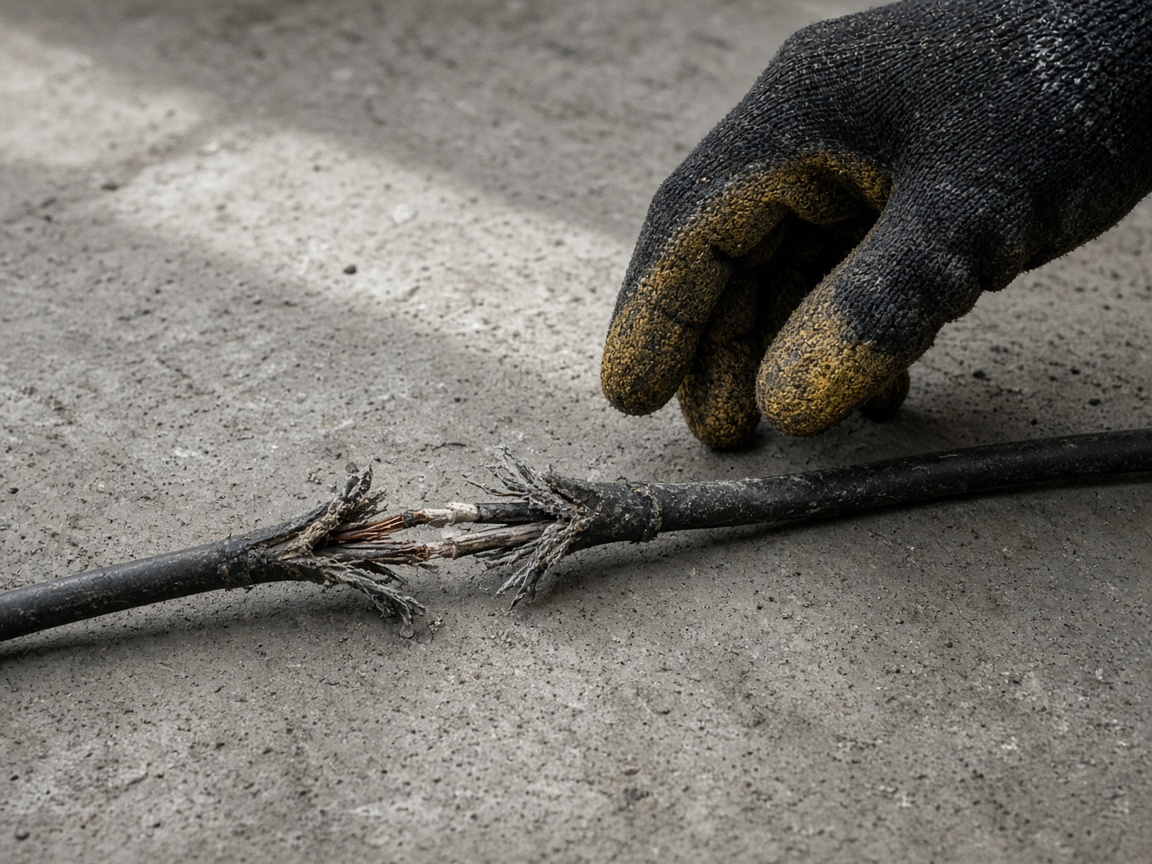
Photograph the hazard as you found it
Name the album for the aisle, the room, or the site. The cord, the spill, and the cone stay on that place for the supervisor who reviews the draft.
One album for the place
Workplace safety reports · hazards, near misses, and drafts
Photograph the spill, the frayed cord, the pallet in the walk. Speak what happened. FWDLink drafts the note a supervisor reviews, and one link carries the photos.
Get the app for iPhone and Android


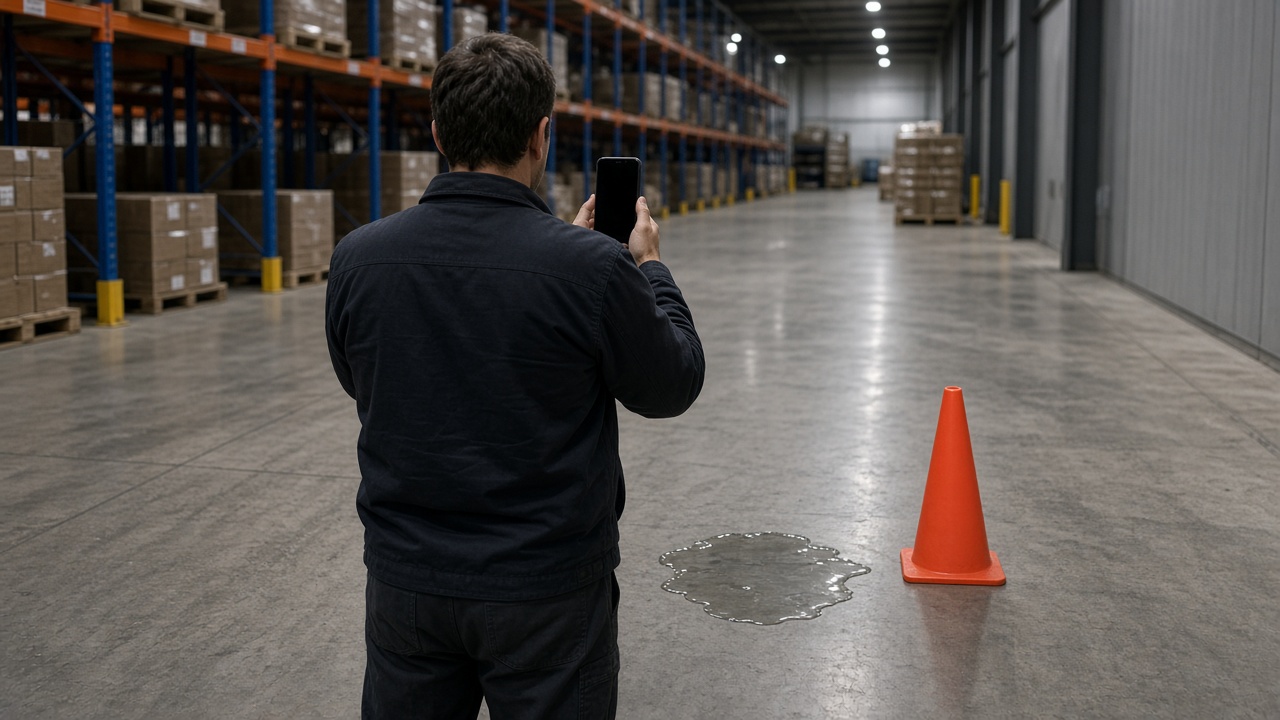
Name the album for the aisle, the room, or the site. The cord, the spill, and the cone stay on that place for the supervisor who reviews the draft.
One album for the place
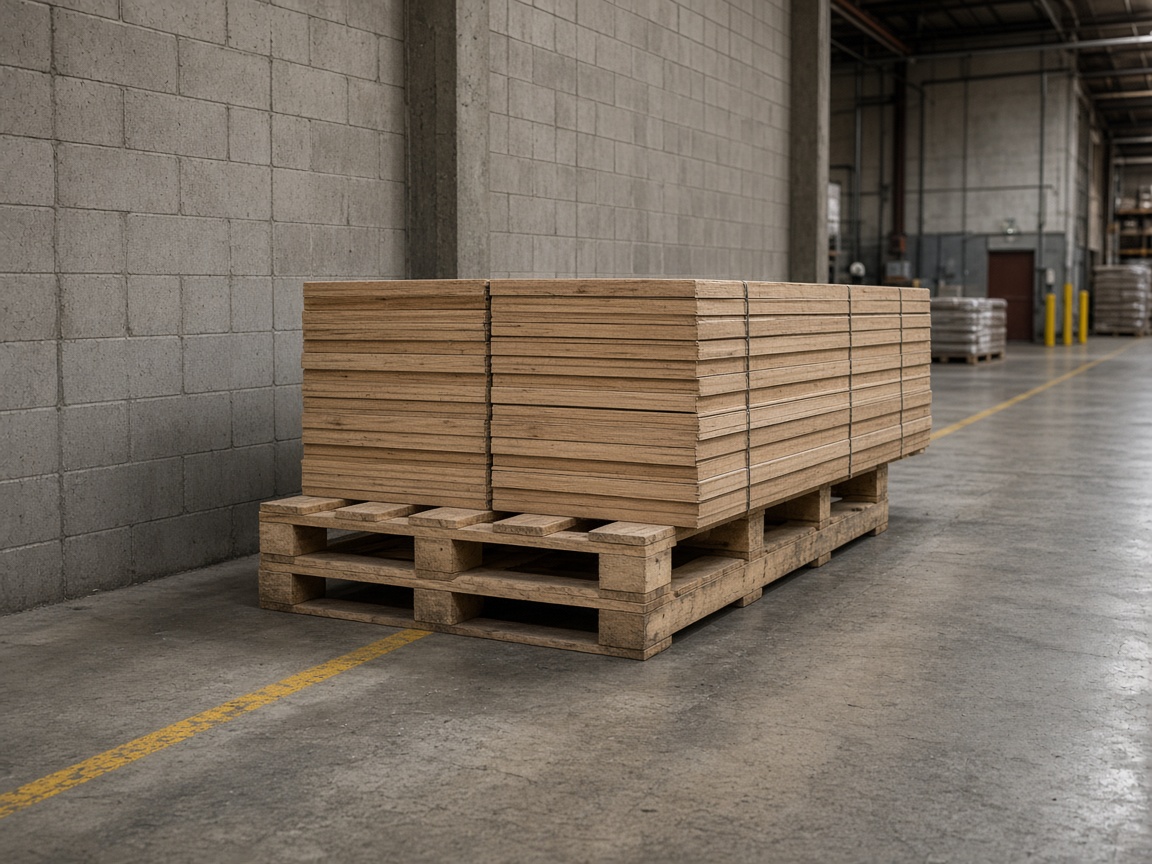
A pallet that hangs into the walk belongs on that album. A short voice note says what happened and who needs to review it. Time and place stay on the photos.
Near miss, same place

Say what you saw. FWDLink drafts the note a supervisor reviews. The photos stay attached to that draft.
Voice note to draft
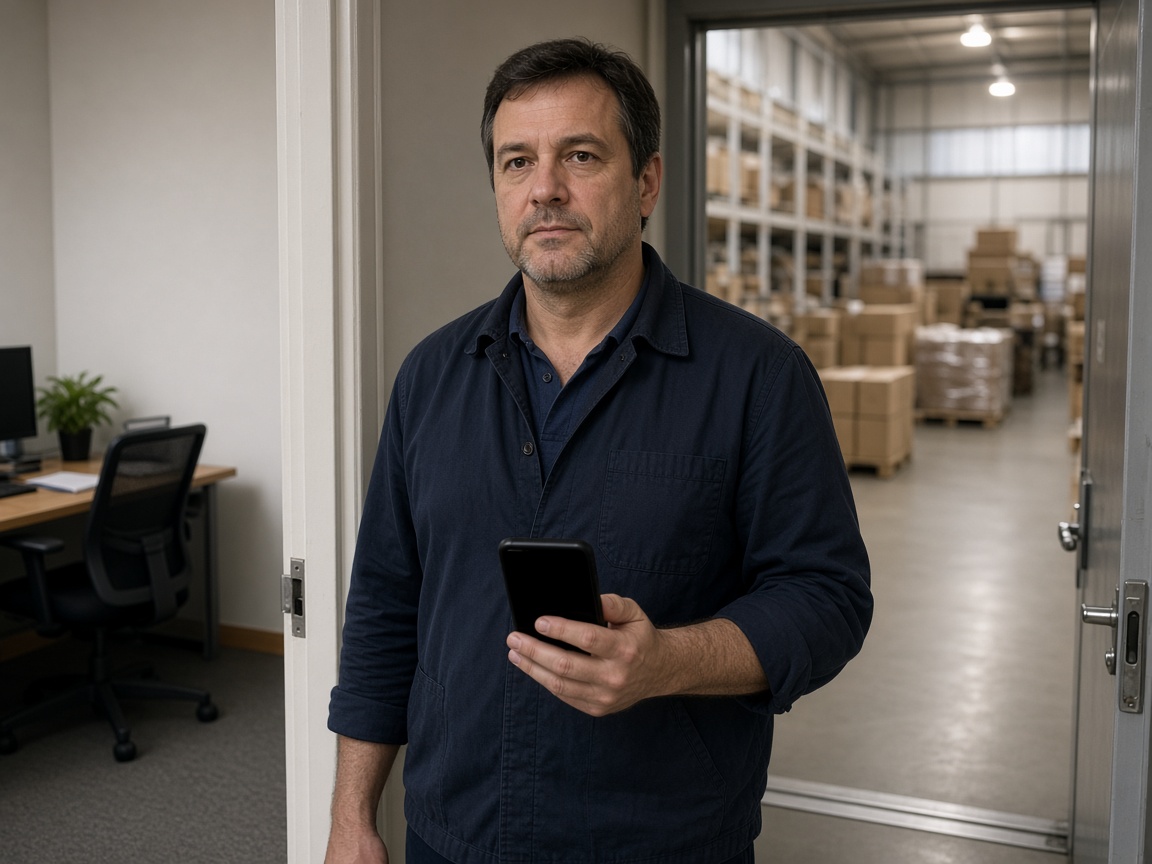
FWD one link with the photos, the draft, and the notes from the floor. The supervisor opens it in the browser and reviews it.
One link for review
A workplace safety report starts on the floor where it happened. Name the album for the aisle, the room, or the site. Photograph the spill, the frayed cord, or the pallet in the walk as you found them. The supervisor reviews the draft from that same place.
Speak a short note while you are still standing there. FWDLink drafts the note from the photos and what you said: what you found, where it sits, and what happened. Mark the spot with photo annotations so the callout stays on the picture. Time and place stay on the shot.
FWD one gallery from share links. The supervisor opens the photos and the draft in the browser and reviews them. Add a later photo if the condition changes. The link they already opened keeps working.
When the review is done, turn the link off. Sharing an album is how you close it. The album keeps the photos and the draft for that place.
This is the draft the supervisor reviews: a hazard photo, a near-miss note, and an investigation draft in one album. FWDLink writes that draft from the photos and the voice note. The supervisor reviews it before it stands as the record of the day.
Name the album for the aisle, the room, or the site. The draft starts there.
Shoot the hazard or the near miss as you found it.
Say what happened. FWDLink drafts the note a supervisor reviews.
Send one link. The supervisor reviews the draft from the browser.
Photos of a hazard or a near miss, a short voice note, and a draft a supervisor reviews. One link carries the photos and that draft.
It is the draft the supervisor reviews. FWDLink writes it from the photos and what you said. The supervisor reviews that draft.
Yes. FWD one share link with the photos and the draft. They open it in the browser and review it there.
The condition you found: a spill, a frayed cord, a pallet in the walk. Speak what happened while you are still there.
A supervisor. The album holds the photos, the voice note, and the draft together so that review starts from one link.
Join Free. Hazards, near misses, and the draft the supervisor reviews stay on that place.