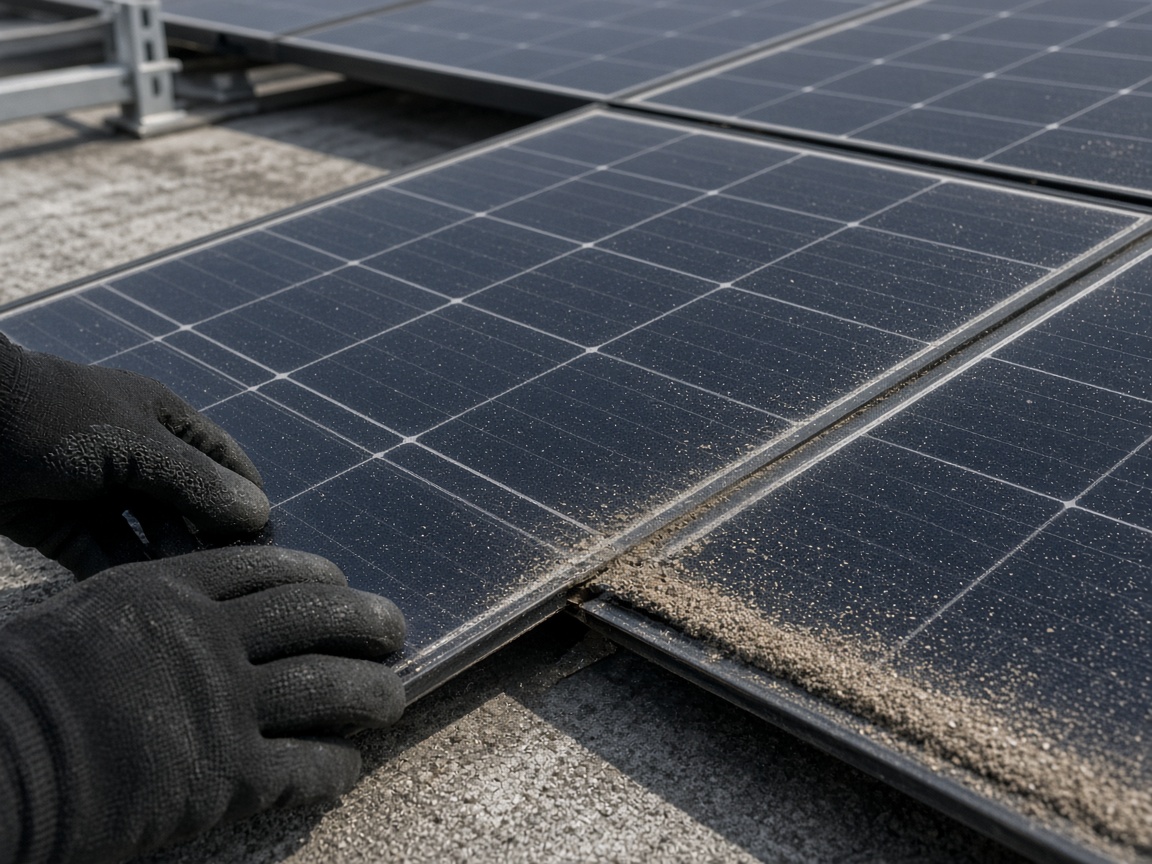
Photograph the panels as you found them
Name the album for the address or the array. The dusty corner, the lifted edge, and the shaded row stay on that roof for the next maintenance walk.
One album per array
Solar inspection reports · installation QA, panels, and maintenance
Photograph the dusty corner, the lifted edge, the inverter on the wall. Speak what you found. FWDLink drafts the inspection, then the office opens one link and a repair stays on that array.
Get the app for iPhone and Android


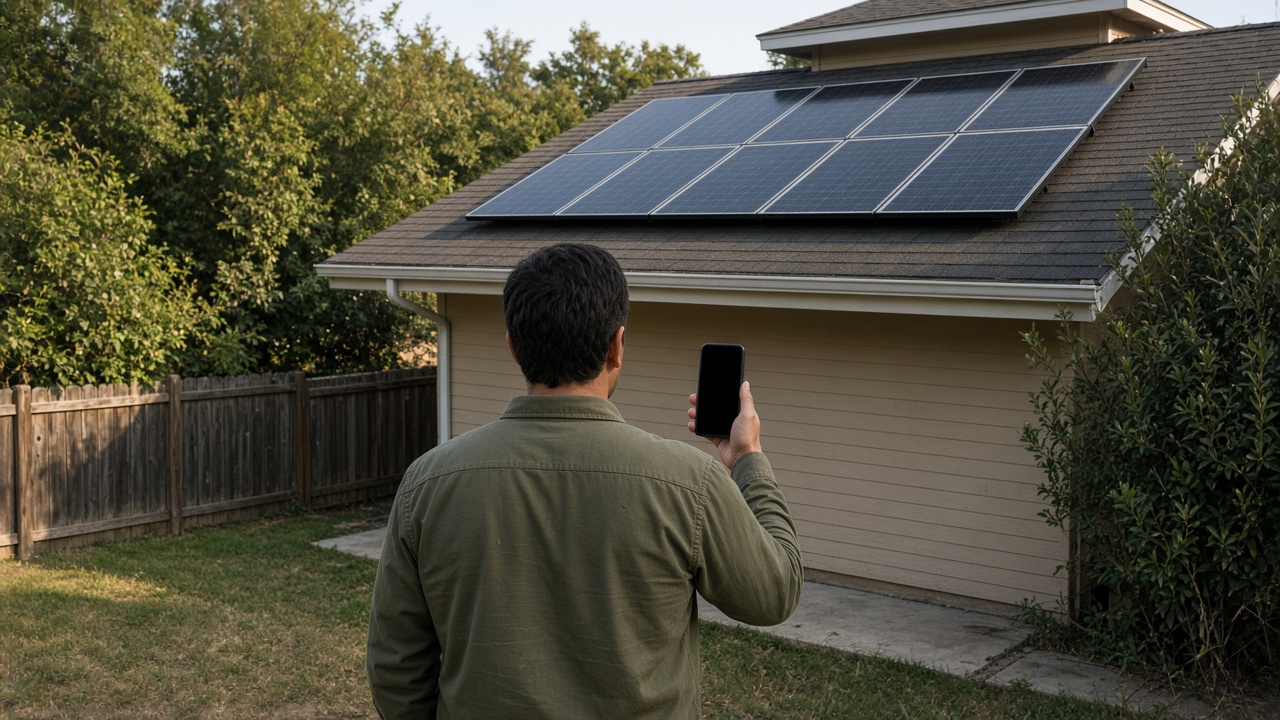
Name the album for the address or the array. The dusty corner, the lifted edge, and the shaded row stay on that roof for the next maintenance walk.
One album per array
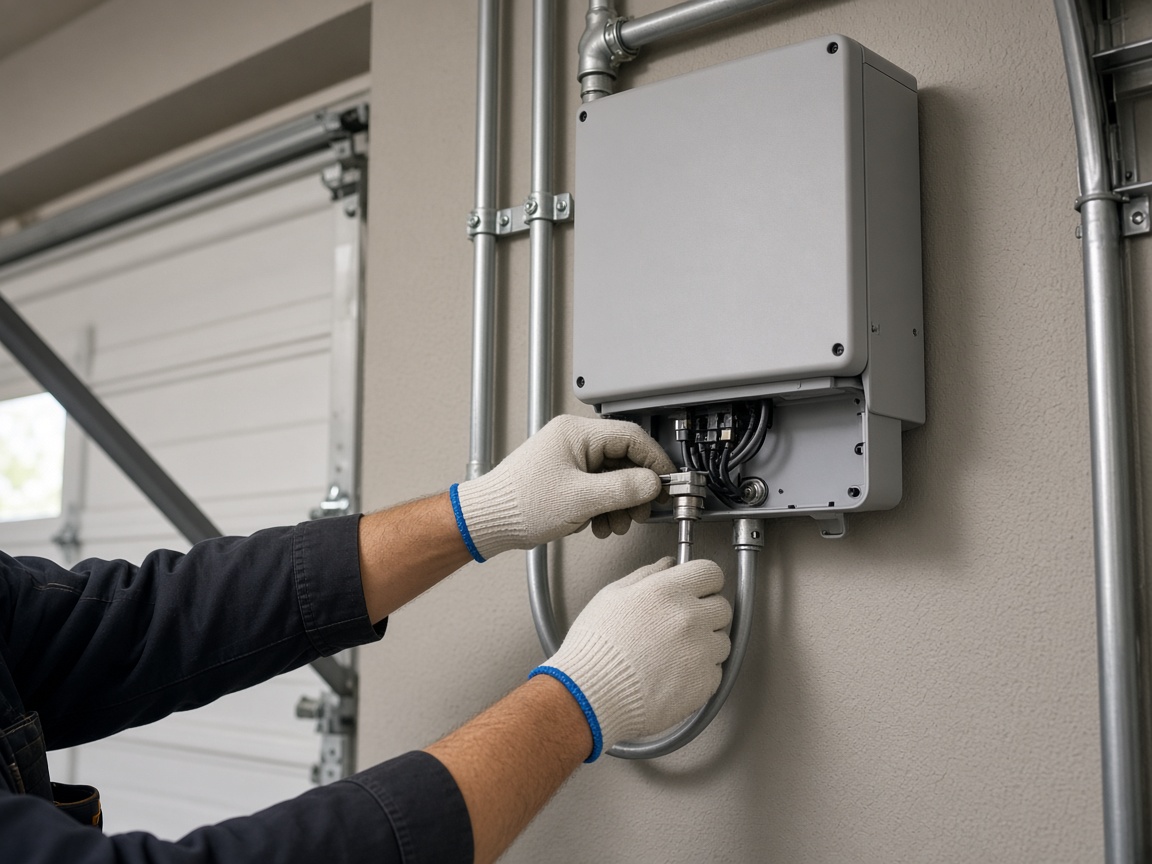
The wall unit, the conduit, and what you saw at the connections belong with the panels. The office does not have to hunt a second folder for the equipment.
Equipment on the visit
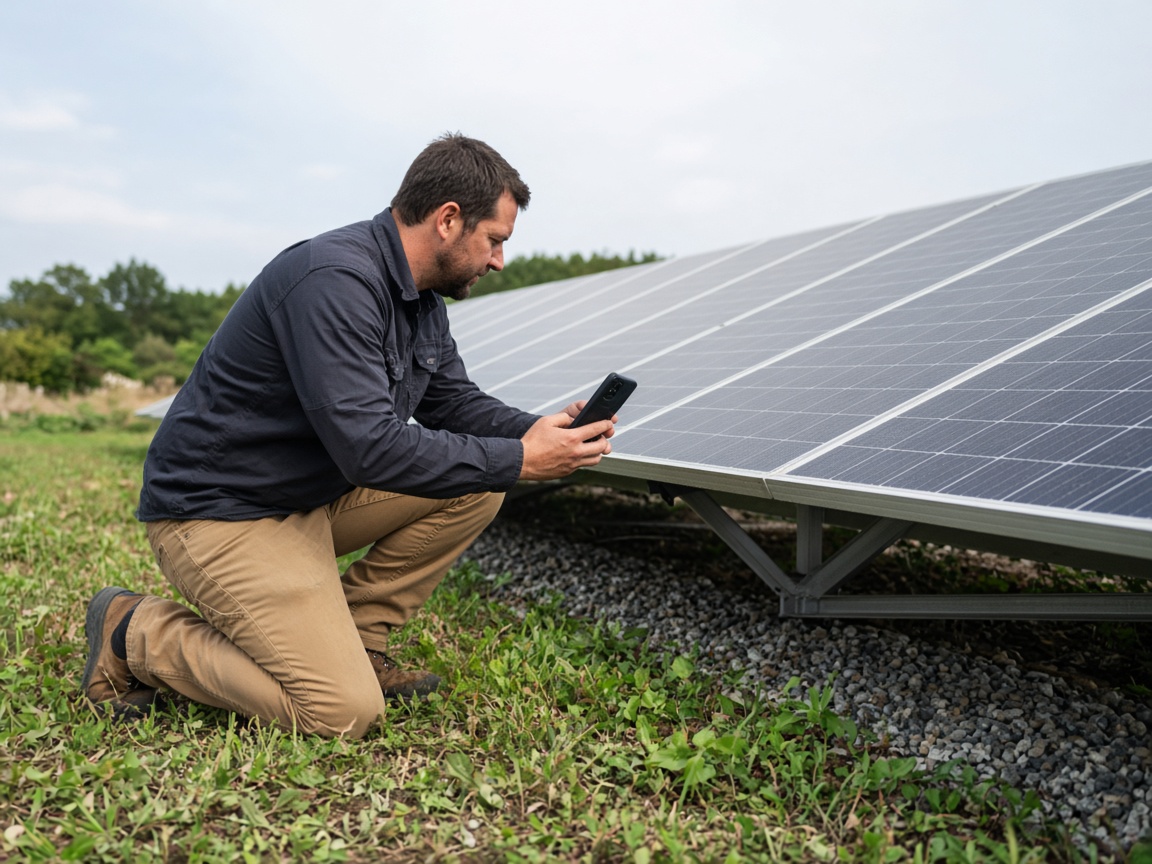
A short voice note on the install becomes the draft: what was checked, what still needs a look, and where it sits on the array. Time and place stay on the photos.
Voice note to draft
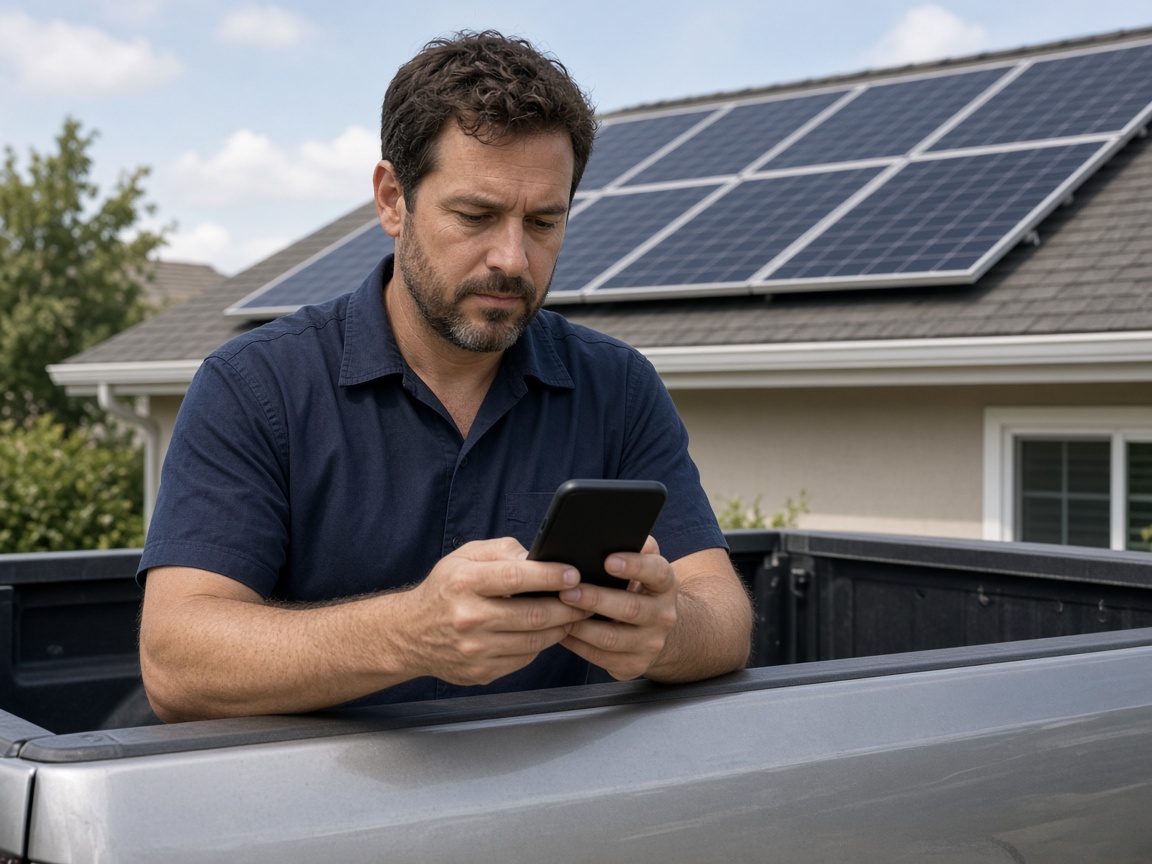
FWD one link with the photos, the draft, and the notes from the roof. The office or the customer opens it in the browser. Add the after photos of a repair and the same link still works.
One link for the close-out
A solar inspection report starts on the roof, not in a shared camera roll. Name the album for the address or the array. Photograph the panels as you found them: dust, a lifted edge, shade, and the hardware from the install. The next maintenance walk opens the same place. It follows the album pattern of the property photo app, with the report as the thing you send.
Speak a short note while you are still at the array. FWDLink drafts the inspection from the photos and that note: what you checked, what needs a second look, and where it sits. Mark the spot with photo annotations so the callout stays on the picture. Time and place stay on the shot.
The inverter belongs on that same visit. Conduit, connections, and the condition of the wall unit stay with the panels, so the office is not rebuilding the story from a text thread. When a repair needs a price first, the same photos can ride an estimate.
FWD one gallery from share links. The office and the customer open it in the browser. Add the after photos of a repair later. The link they already opened keeps working.
A later cleaning or a panel swap starts from the album you already named. The first install, the note from the review, and the condition you found this season stay together. The crew can open that roof again without a new camera roll.
Name the album for the address or the system. The next maintenance visit starts there.
Shoot the panels, the inverter, and the install detail as you found them.
Say what passed and what needs a look. FWDLink drafts the inspection from the photos and that note.
Send one link. When you return for maintenance, add the new photos to the same array.
Photos of the array, the inverter, and the install, plus a short voice note and a draft the office can open. The next maintenance visit stays on that same roof.
Yes. Use one album per address or array. The install photos and the seasonal visit open the same place. After photos of a repair stay there too.
On the album you already started for that array. The wall unit stays with the panels from the same visit.
Yes. FWD one share link with the photos and the draft. They open it in the browser. Add a later photo and the same link still works.
Yes. Speak a short note while you are still at the array. The draft follows the photos and that note, with time and place on the shots.
Join Free. Panels, the inverter, and the maintenance visit stay on that array.