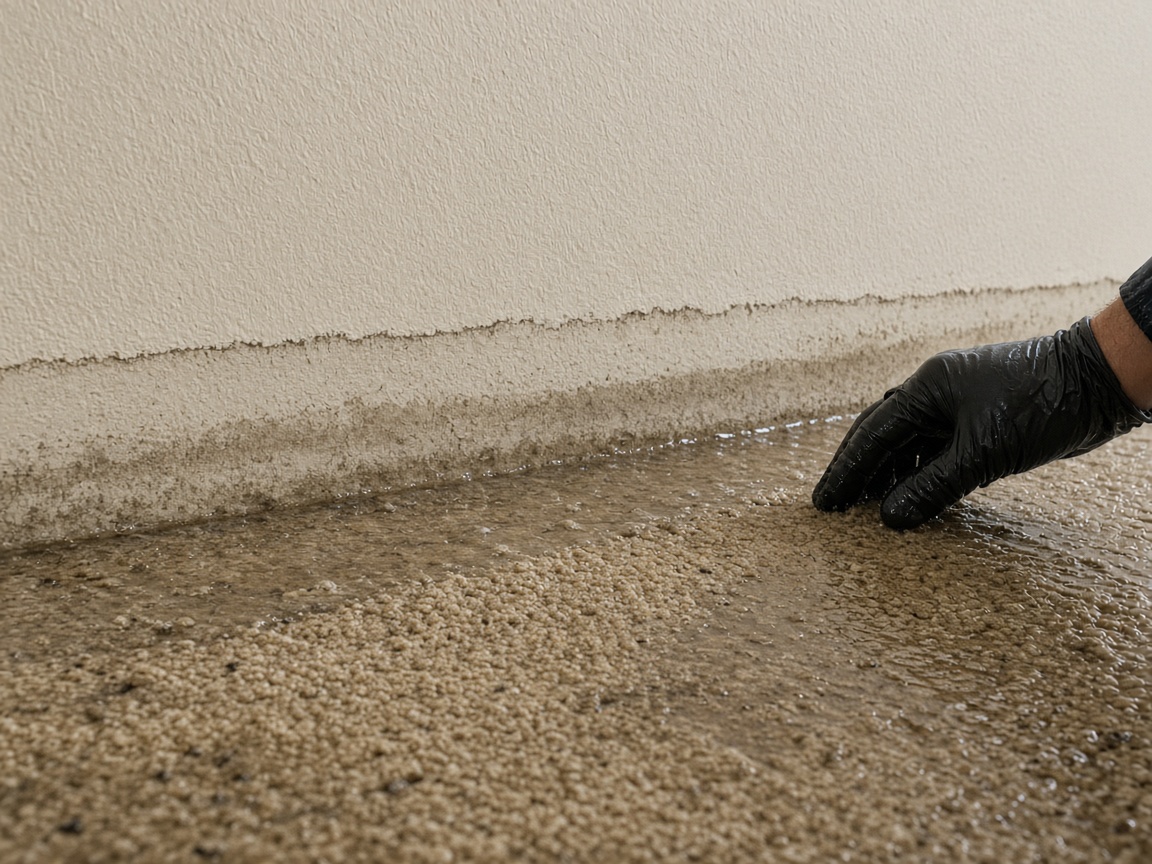
Photograph the water as you found it
Name the album for the address. The tide line, the wet carpet, and the stained drywall stay on that house for the drying photos later.
One album per address
Restoration damage reports · water, mold, and fire
Photograph the water line, the mold, the soot. Speak what you found. FWDLink drafts the documentation, and the desk and the carrier contact open one link.
Get the app for iPhone and Android


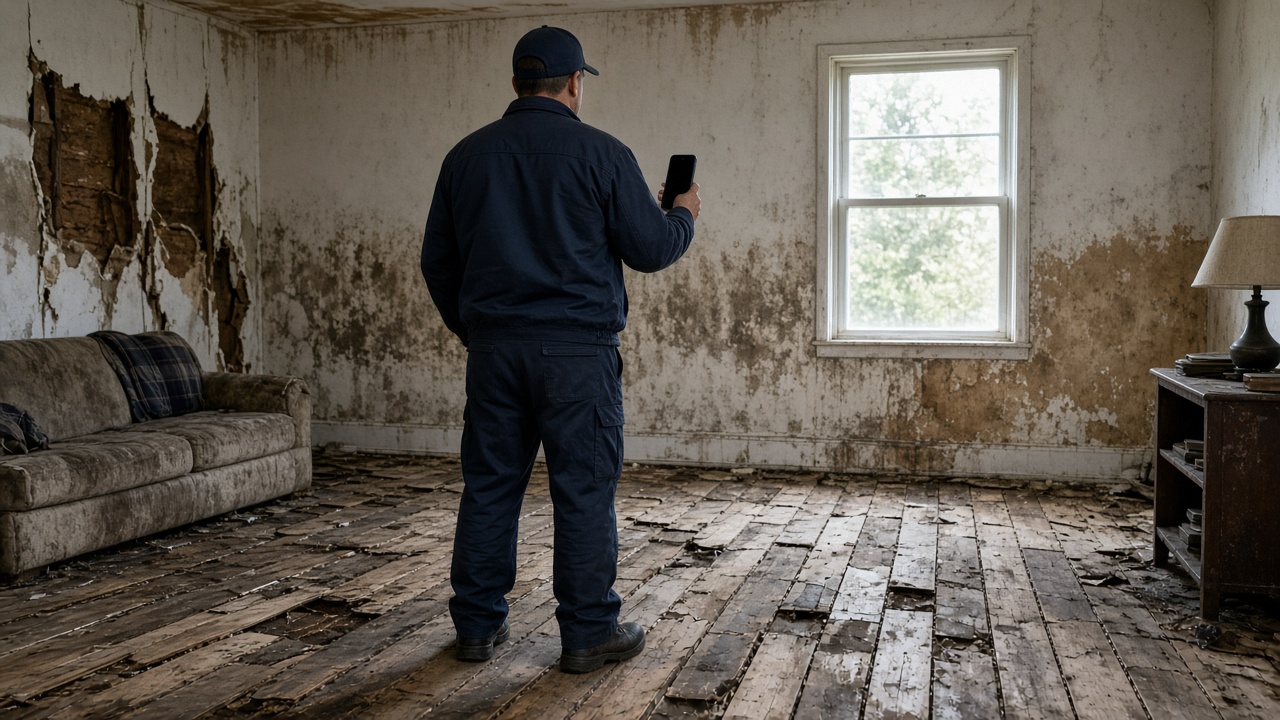
Name the album for the address. The tide line, the wet carpet, and the stained drywall stay on that house for the drying photos later.
One album per address
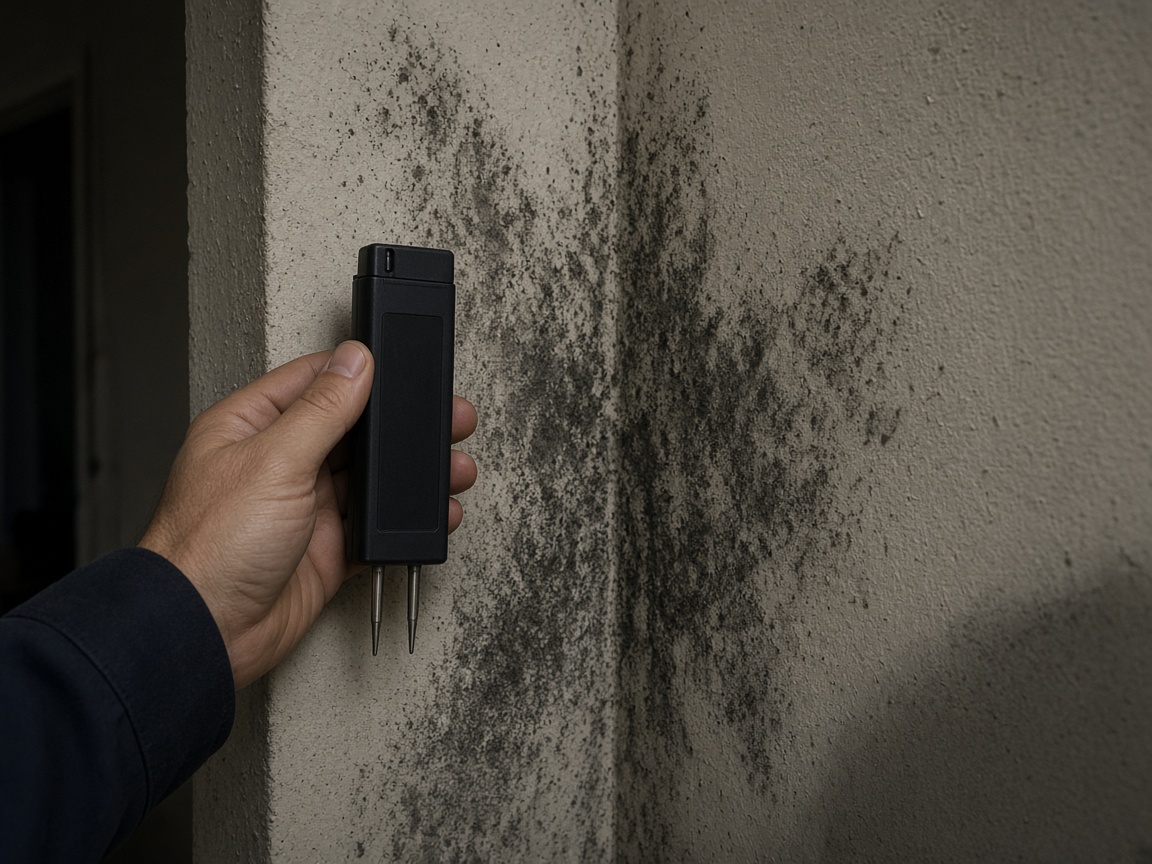
A short voice note becomes the write-up: where the growth sits and what the desk needs to see. Time and place stay on the photos.
Voice note to draft
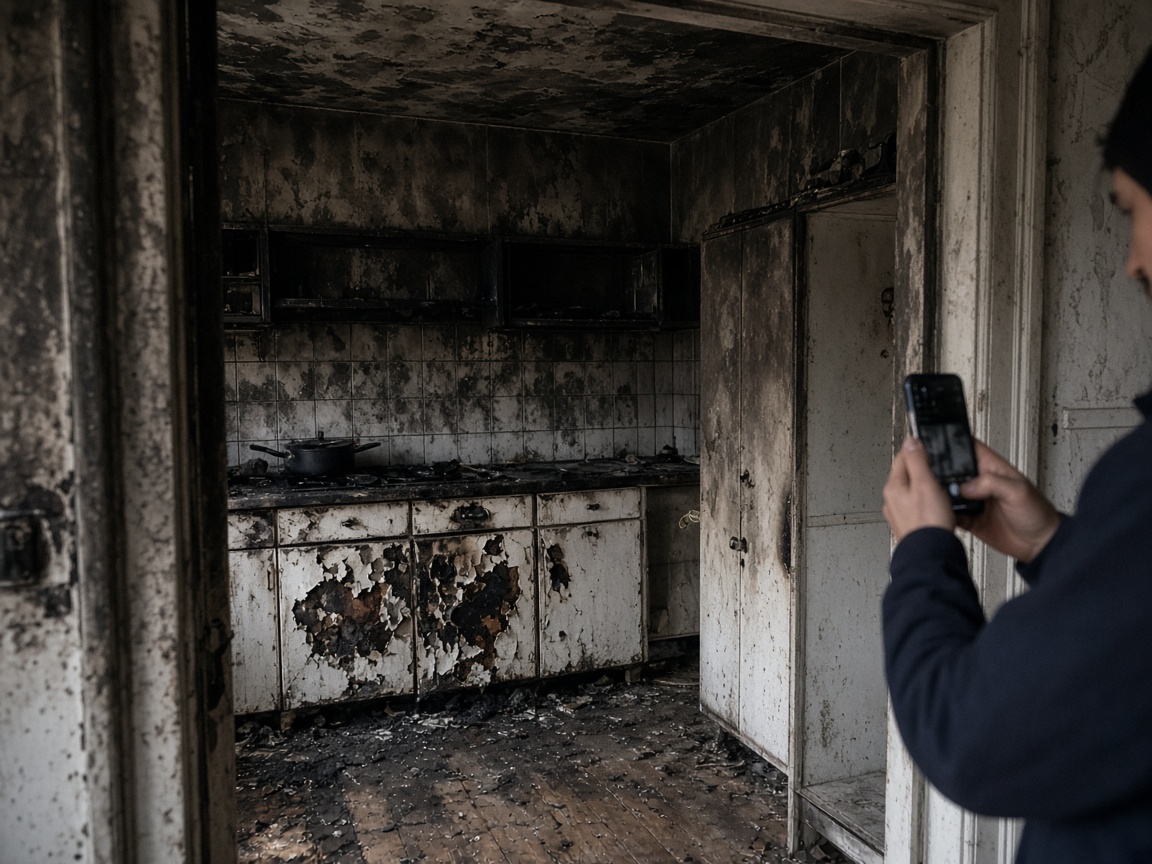
Soot on the kitchen and the charred cabinet stay on the address album. Drying visits and rebuild photos later land in that same place.
Later photos stay on the address
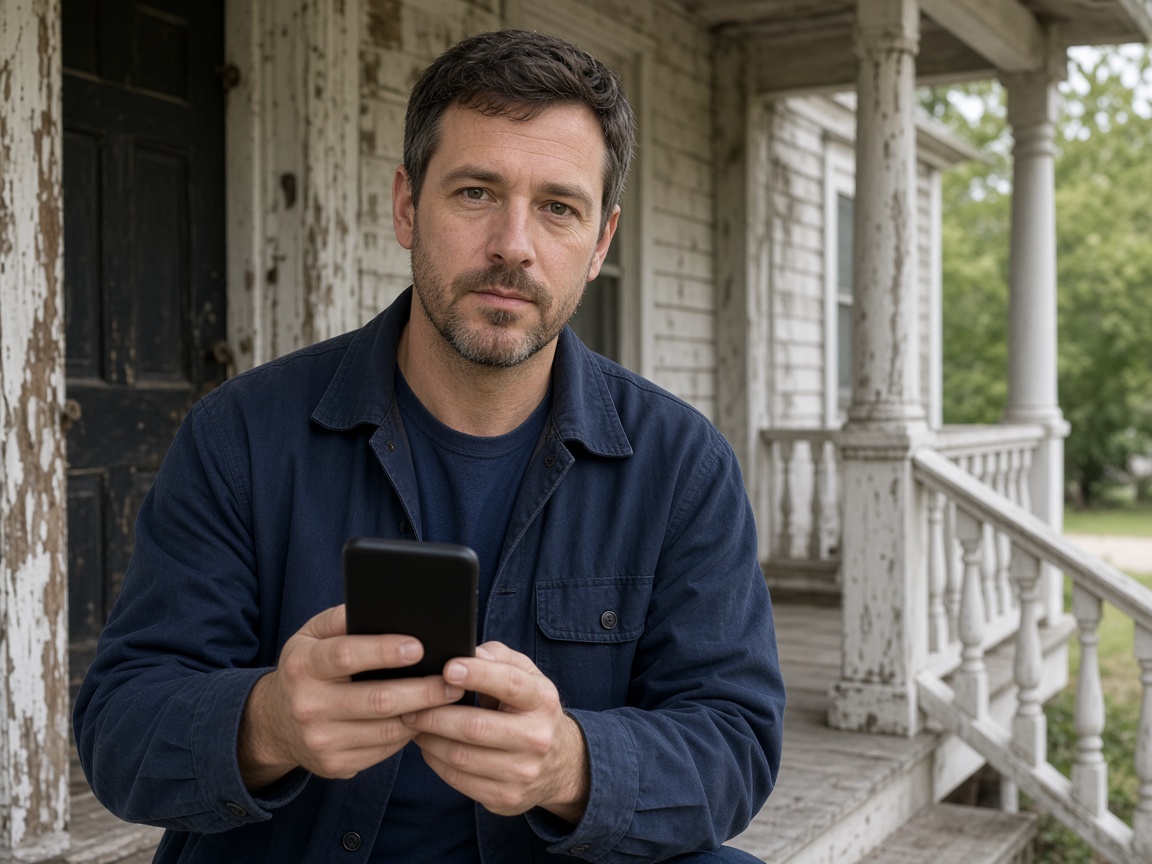
FWD one link with the photos, the draft, and the notes from the loss. The desk and the carrier contact open it in the browser. Add a drying photo later and the same link still works.
One link for the loss
A restoration damage report starts at the address, not in a shared camera roll. Name the album for the house. Photograph the tide line, the wet carpet, the mold in the corner, and the soot as you found them. The next drying visit opens the same place. It follows the album pattern of the property photo app, with the documentation as the thing you send.
Speak a short note while you are still in the room. FWDLink drafts the documentation from the photos and that note: what the loss looks like, where it sits, and what the desk needs to see. Mark the water line or the growth with photo annotations so the callout stays on the picture. Time and place stay on the shot.
Drying photos and the rebuild belong on that same album. When the crew comes back, the new shots land next to the loss as you found it. If the work turns into a rebuild, those later photos can sit with renovation before and after photos. The address does not start over.
FWD one gallery from share links. The desk and the carrier contact open it in the browser. Add a drying photo next week. The link they already opened keeps working.
Water, mold, and fire can share one album when they are the same address. This is the photo documentation of the loss: the room as you found it, the voice note, and the draft. The carrier contact can open the link. It is not an insurance appraisal and it is not a legal claim file.
Name the album for the address. The next visit starts there.
Shoot the water, the mold, and the fire damage as you found them.
Say what the desk needs to see. FWDLink drafts the documentation from the photos and that note.
Send one link. When drying or rebuild photos come in, add them to the same address.
Photos of a water, mold, or fire loss as you found it, a short voice note, and a draft the desk can open. Later drying photos stay on that same address.
Yes. FWD one share link with the photos and the draft. They open it in the browser. Add a drying photo later and the same link still works.
On the address album you already started. The next visit does not open a new place. The loss as you found it and the later shots stay together.
Yes. Use one album per address. Photograph each part of the loss there. The desk sees one documentation, not three camera rolls.
No. It is the photo documentation of the loss and the draft the desk sends. The carrier contact can open the link. FWDLink does not appraise the damage and does not make a legal claim file.
Join Free. Water, mold, fire, and the later drying photos stay on that address.