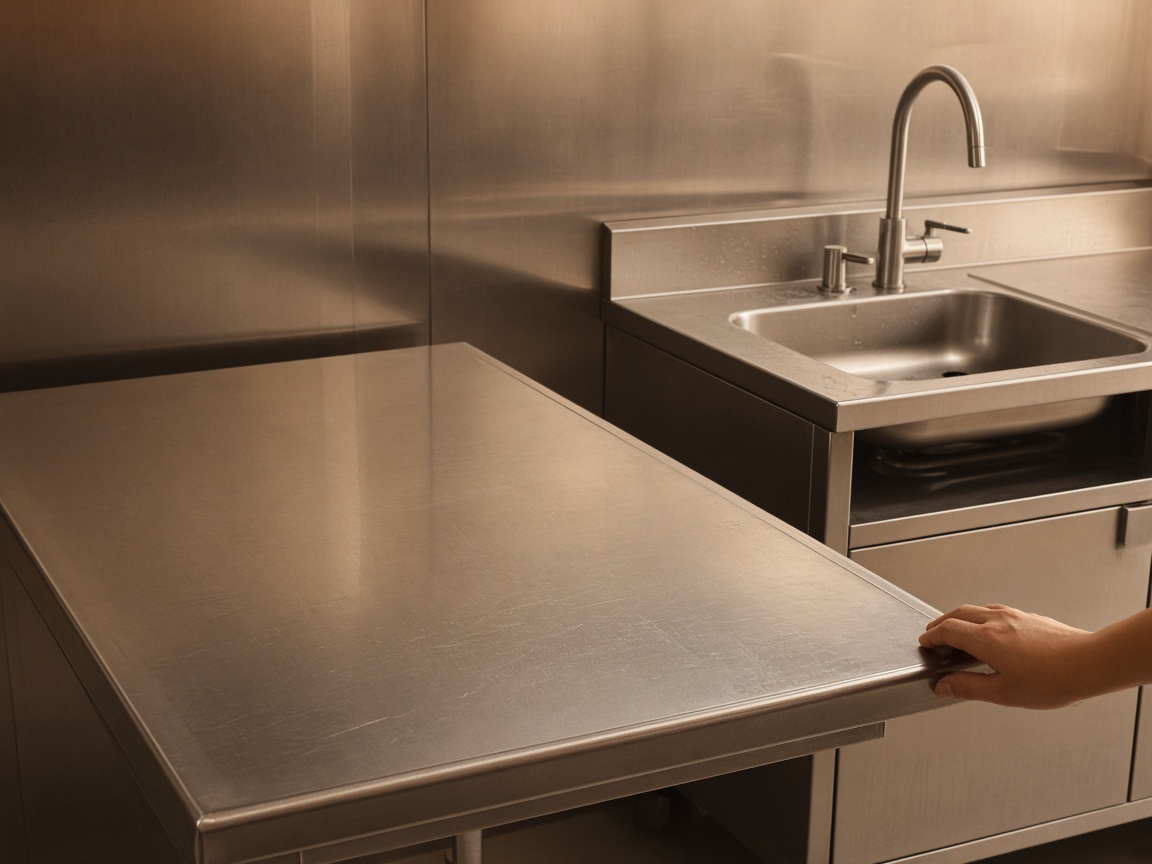
Photograph the open as you found it
Name the album for the restaurant or the shift. The line, the hand sink, and the counters stay on that kitchen for the close and for the owner.
One album per kitchen
Restaurant inspection reports · opening, closing, and equipment
Photograph the line, the cooler gasket, the floor at close. Speak what you checked. FWDLink drafts your opening and closing record. A health-department inspection is a separate visit.
Get the app for iPhone and Android


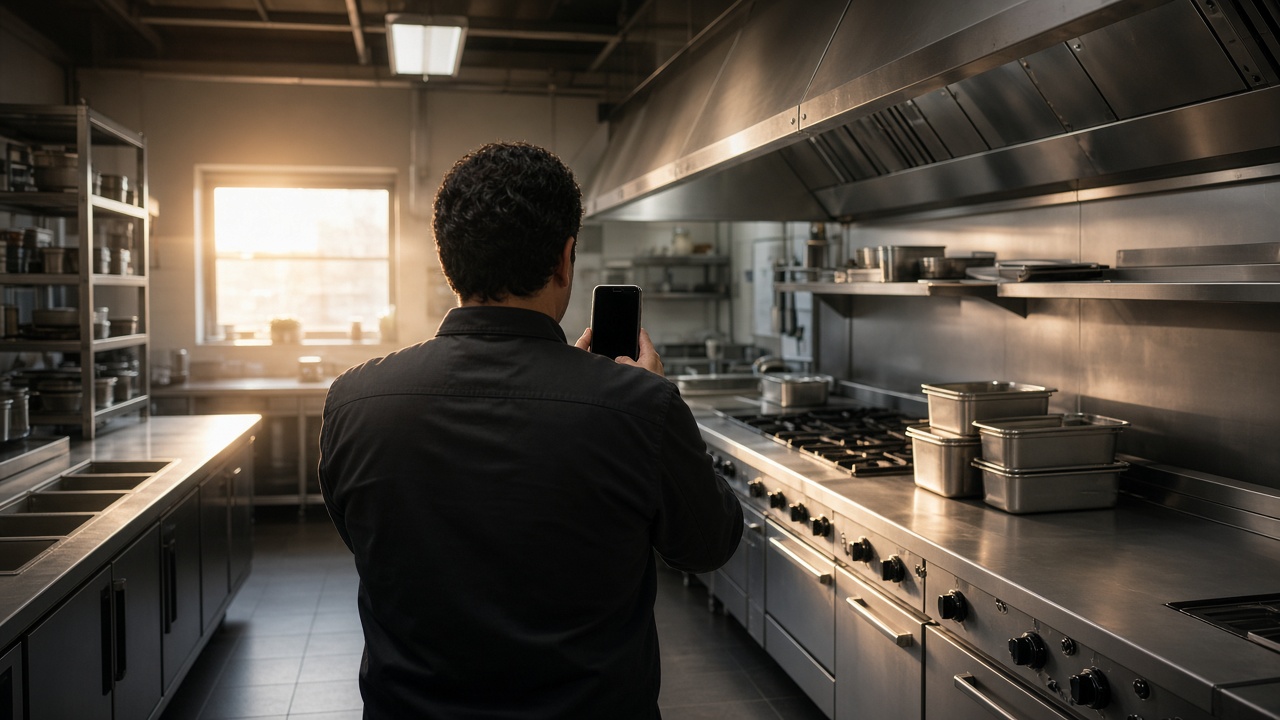
Name the album for the restaurant or the shift. The line, the hand sink, and the counters stay on that kitchen for the close and for the owner.
One album per kitchen
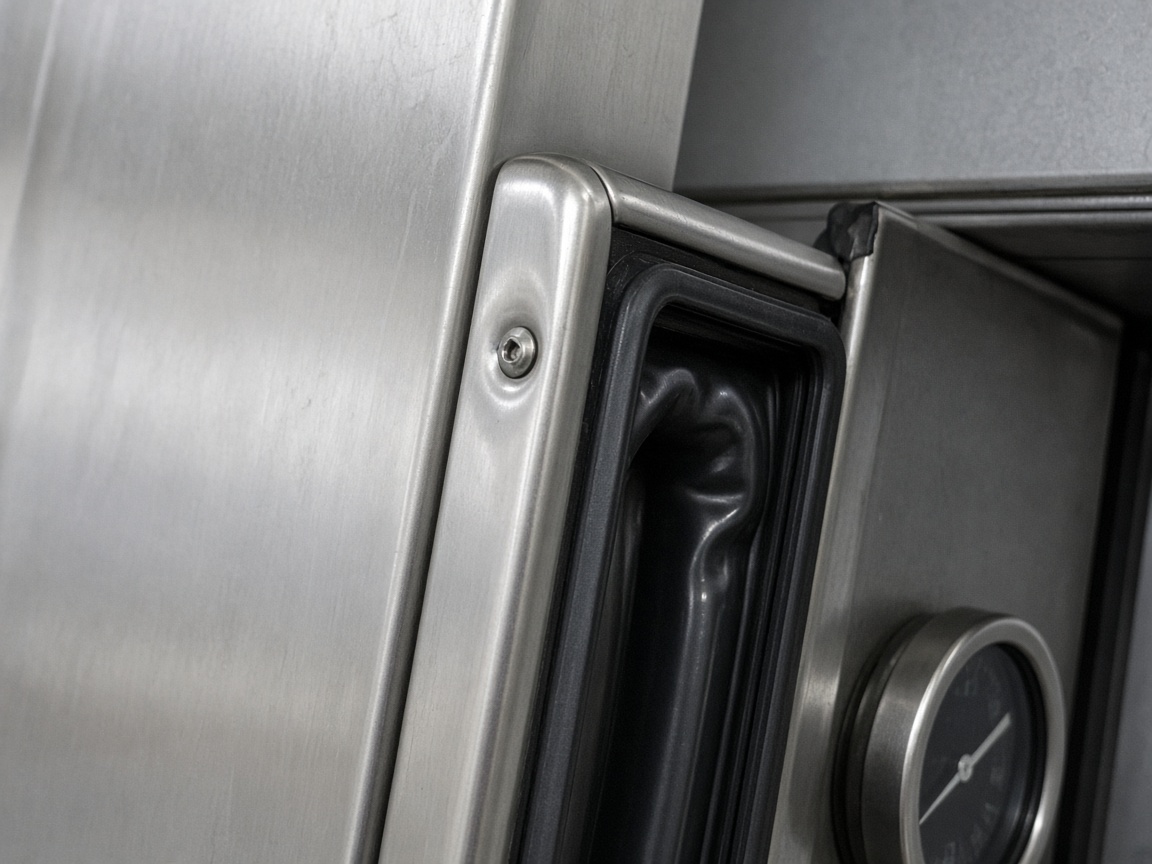
The walk-in gasket, the cooler edge, and what you checked belong with the opening photos. The owner sees the equipment on the same album as the line.
Equipment on the shift
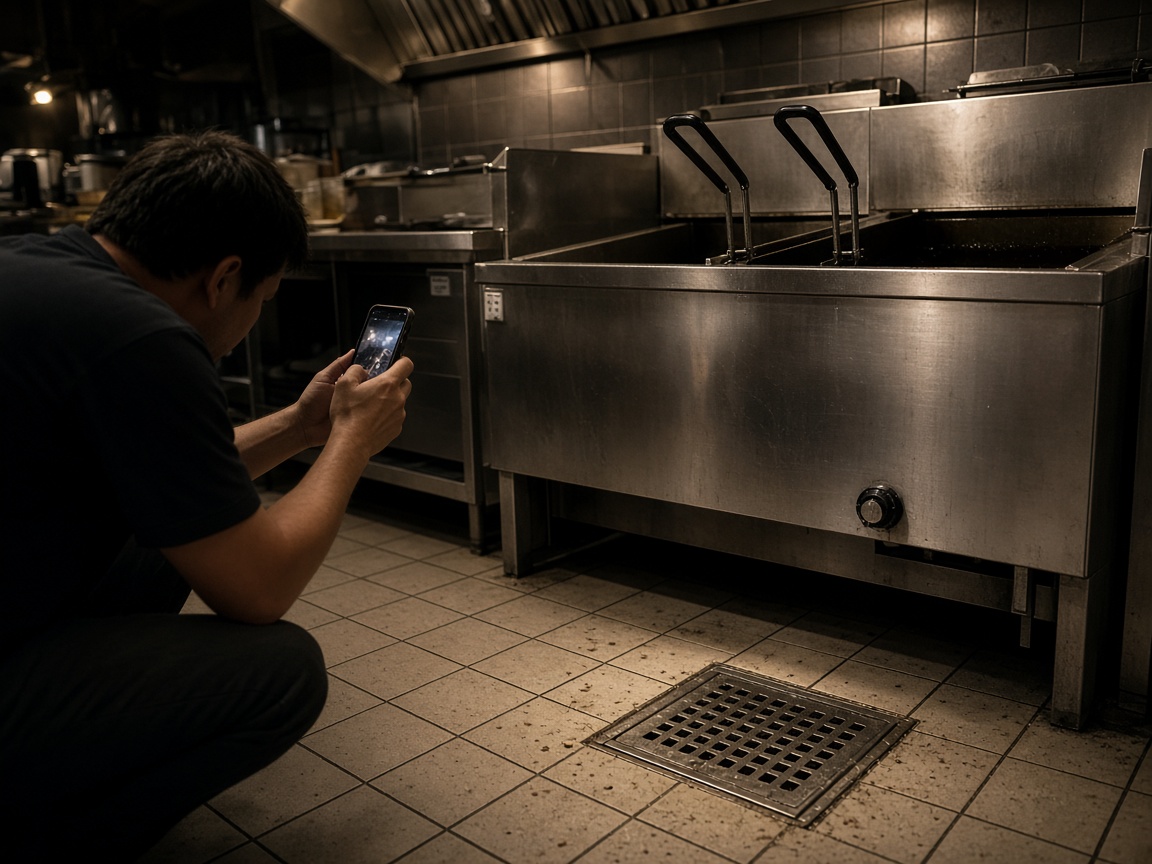
A short voice note at the pass becomes the draft: what was checked, what needs a look tomorrow, and what the owner needs to see. Time and place stay on the photos.
Voice note to draft
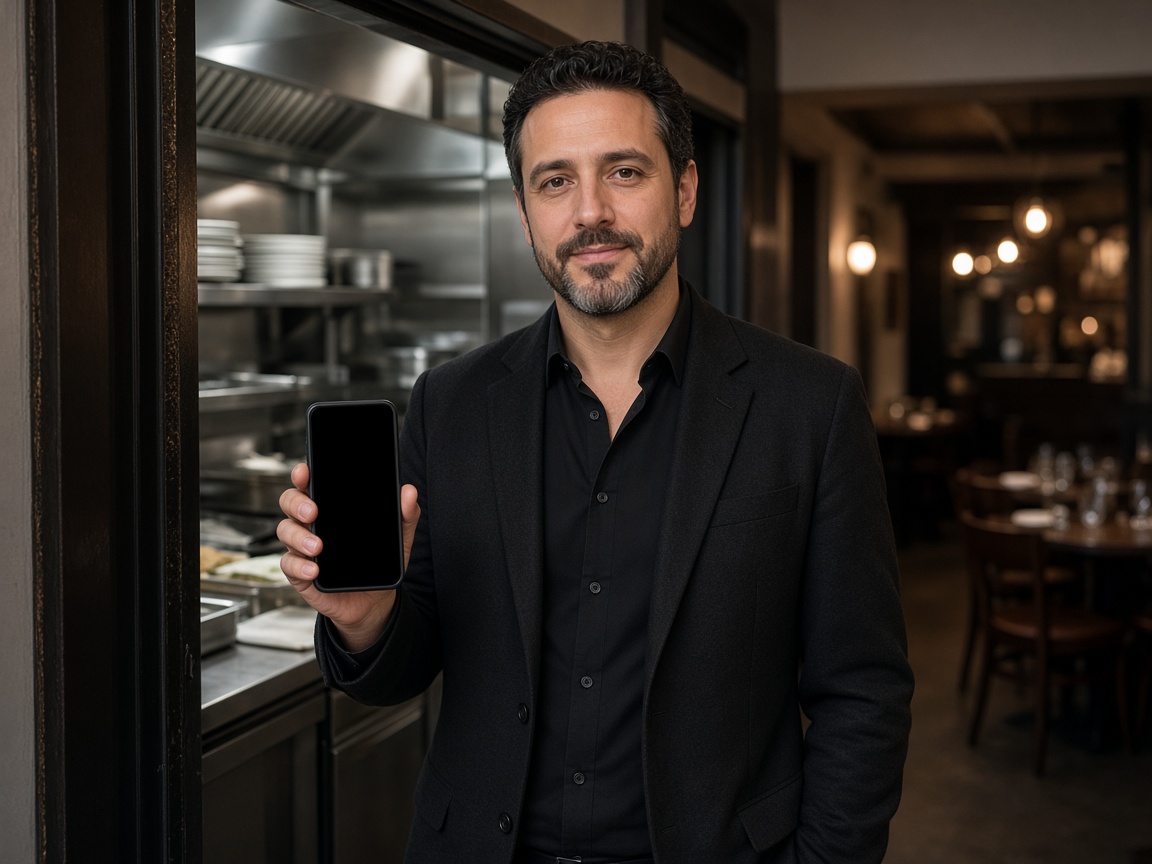
FWD one link with the photos, the draft, and the notes from the shift. They open it in the browser. Add tomorrow’s open and the same link still works.
One link for the owner
A restaurant inspection record in FWDLink starts in the kitchen, not in a shared camera roll. Name the album for the restaurant or the shift. Photograph the line, the hand sink, and the equipment as you found them at open or at close. The owner opens that same place. It follows the album pattern of the property photo app, with the shift record as the thing you send.
Speak a short note while you are still on the line. FWDLink drafts the record from the photos and that note: what you checked, what needs a look, and what the owner needs to see. Mark the spot with photo annotations so the callout stays on the picture. Time and place stay on the shot.
This is the restaurant’s own opening and closing record. A health-department inspection is a separate visit. FWDLink keeps the photos and the notes your team already takes so the owner can see the shift. It does not replace that official inspection.
FWD one gallery from share links. The owner opens it in the browser. Sharing an album is how you turn the link off after they have the shift. Add tomorrow’s open. The link they already opened keeps working.
Equipment notes stay with the kitchen. The walk-in gasket, the fryer at close, and the morning line open on one album, so the next manager sees yesterday before the lights come up.
Name the album for the restaurant or the shift. Today’s check starts there.
Shoot the line, the equipment, and the close as you found them.
Say what you checked. FWDLink drafts the record from the photos and that note.
Send one link to the owner. Tomorrow’s open goes on the same kitchen.
Your own opening or closing check: photos of the line, the equipment, and the facility, a short voice note, and a draft the owner can open.
No. This is the restaurant’s own opening and closing record. A health-department inspection is a separate visit.
Yes. Use one album per kitchen. The morning line and the night close stay together for the owner.
Yes. FWD one share link with the photos and the draft. They open it in the browser. Add the next shift and the same link still works.
On the kitchen album you already started. The walk-in gasket and the line from the same shift stay together.
Join Free. Opening, closing, and the equipment notes stay on that kitchen.