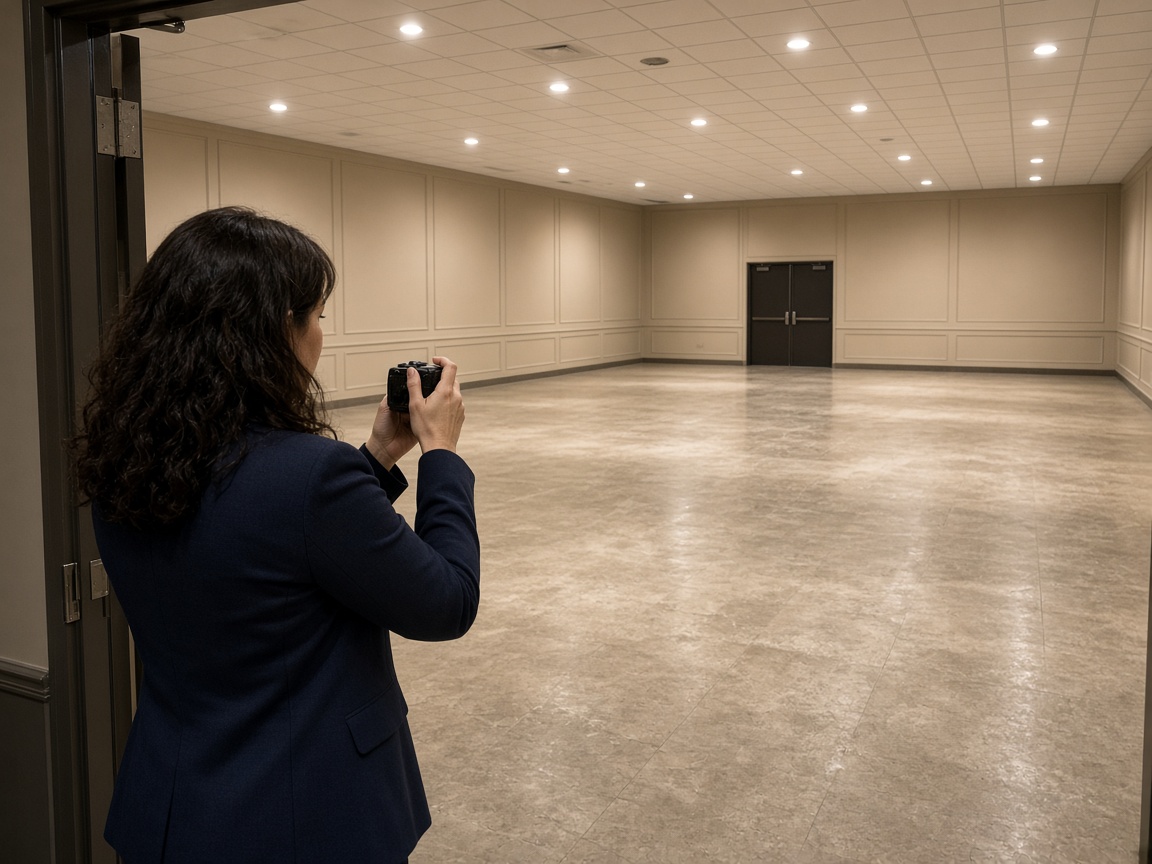
Plan the week on a calendar
Book delivery, setup, and pickup on CRM Schedule with the customer and venue address on the job. See which dates are already spoken for before you promise another order.
Rental equipment planning
Rental equipment tracking · events, delivery, and warehouse
You rent gear for events — delivery, setup, and pickup included. Register each tent, stage, or kit as a unit in Records, schedule jobs on the CRM calendar, and keep condition photos on that item instead of another Excel column.
Get the app for iPhone and Android


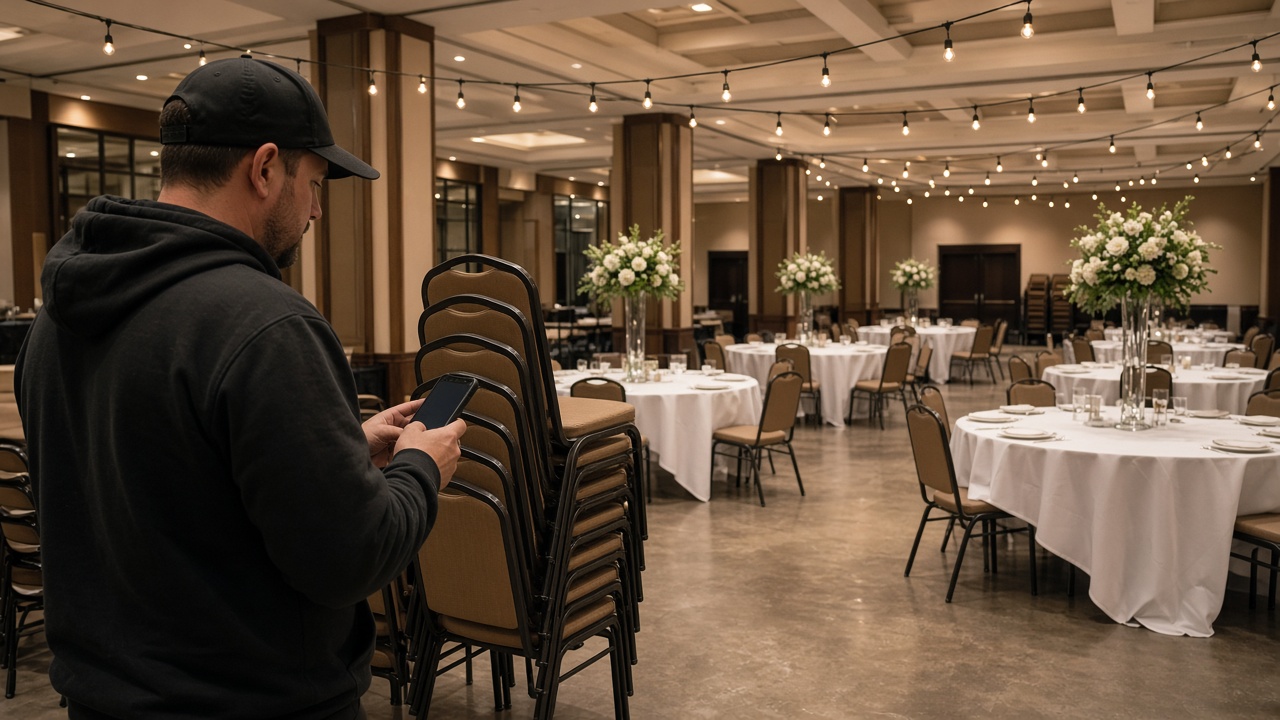
Book delivery, setup, and pickup on CRM Schedule with the customer and venue address on the job. See which dates are already spoken for before you promise another order.
Rental equipment planning
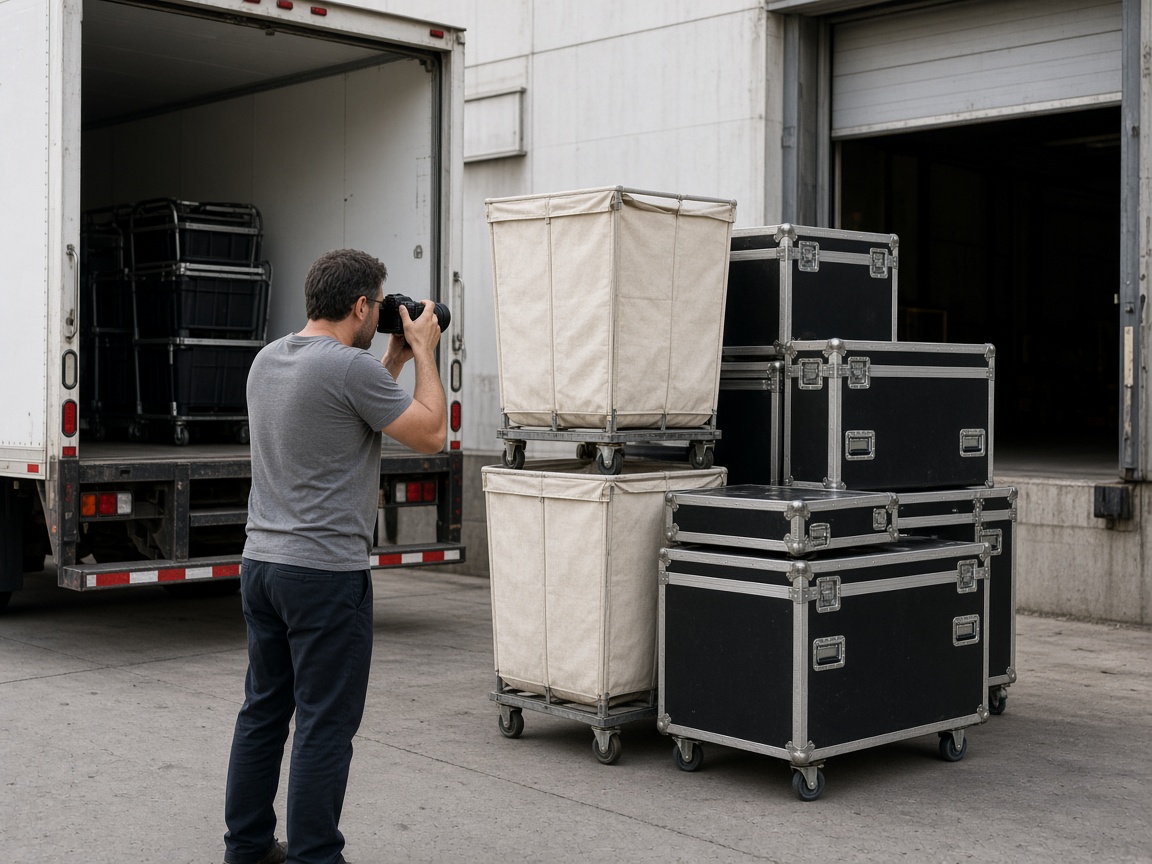
Create units for each asset ID you already use — search by number, category, or place. Warehouse and road crew add to the same unit album so history is not scattered across phones.
Equipment rental tracking
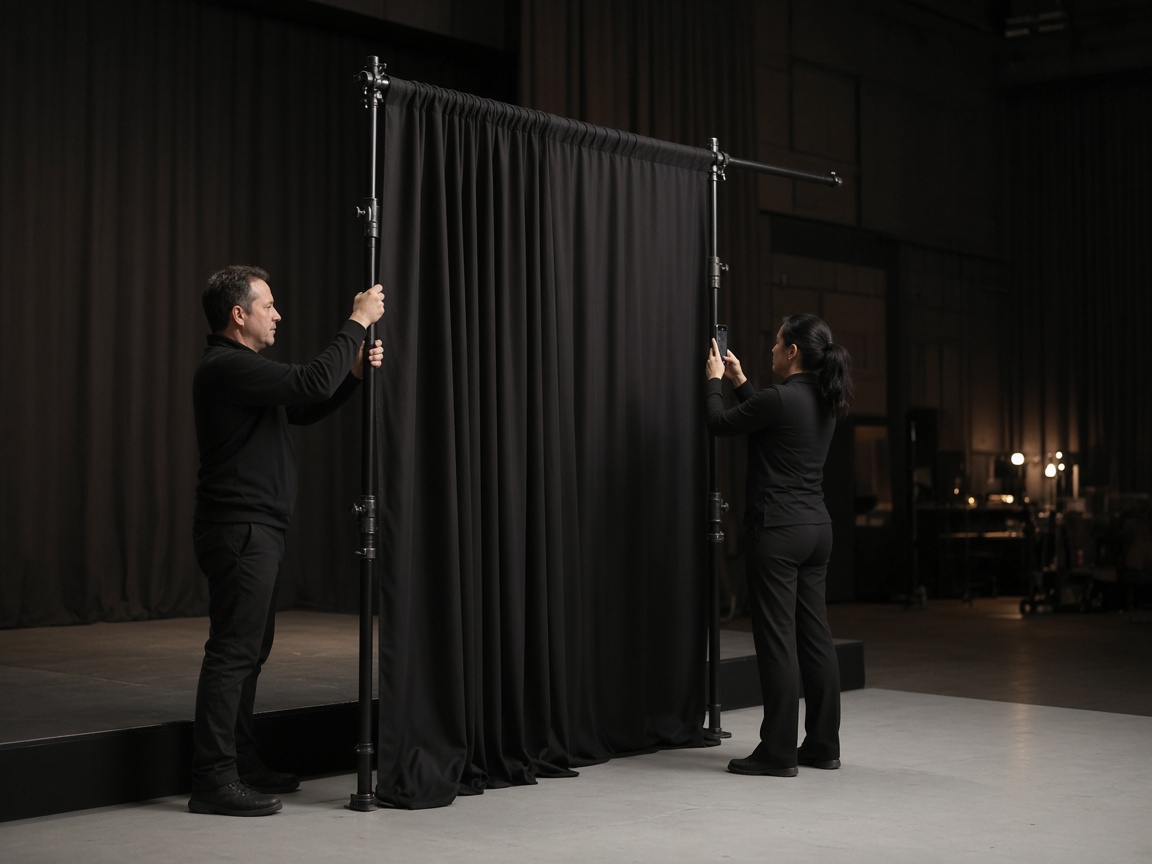
Mark units in the yard, on rent, or out of service. Photograph packed loads, on-site setup, and returns so the office knows where gear last was — with time and place on the shot.
Availability you can picture

Scratches, missing pieces, and venue condition live on that item’s timeline. FWD one link from share links when the planner or client needs the set — no separate photo dump.
History and documentation
Software for rental equipment tracking and planning usually starts when Excel stops scaling: you need a calendar view, a clear answer for “is this item free that weekend?”, and pictures when something comes back scratched. FWDLink treats each tent, speaker stack, or labeled kit as a unit in Records — searchable by number, category, and place — with delivery and pickup booked on the CRM calendar. It is cloud-based operations beside the bookkeeping you already use; it is not a replacement for contracts, tax, or full rental ERP.
Equipment rental management in FWDLink is unit-first. Open the Units filter in Albums to browse and search gear, use Select only when you need bulk cleanup, and open a unit to see photos, notes, and linked jobs. Status fields (in the yard, on rent, out of service, plus custom labels your workspace defines) give the warehouse a shared vocabulary for packed, on location, checked, and ready — updated from the phone when someone photographs the load or return.
Availability comes from what is scheduled plus what each unit’s status says today — not live GPS on every crate. For a date-range view of free vs booked units, use the unit fleet board on the business Records area when your workspace has units enabled. Pair that with calendar jobs so double-booking shows up before the truck leaves.
Delivery and setup at the hall belong on the job and on the unit. Photograph load-in at the venue address and keep kit condition on the unit album so loaders, drivers, and the office share one timeline. Invite shared albums so the warehouse and the truck add to the same kit. Share links send planners one browser gallery.
Checkout and damage photos stay on the unit: shoot the item, add a short voice note when you want a draft report, and send one link. For days with many drops, the optional route planner add-on orders stops beside CRM Schedule — enable it under Business → Add-ons when you need it.
Starter is free to start; plans add storage when every unit carries a full season. Show real setup work on Your Page and Local Pages. Running sanitation or waste rentals too? See portable restroom software and dumpster software. New here? How it works.
Create a unit per kit or asset ID — tables, stages, AV cases — so search finds “04” or the category name.
Schedule delivery and pickup with the customer and venue on the CRM job.
Load-in, damage, and strike photos stay on that unit’s album with time and place.
Set yard / on rent / out of service, then FWD one link if the client or planner asks.
FWDLink combines units, CRM calendar jobs, statuses, photos, and optional route planning. Availability is based on scheduled jobs and unit status — not RFID or telematics on every piece.
No. FWDLink is the operational layer: units, calendar, photos, and share links. Keep contracts and accounting where they are today.
Use unit status plus photos on each unit. Custom status labels can be added in workspace unit settings so your warehouse words match how you work.
Yes. CRM Schedule holds delivery, setup, and pickup jobs with addresses. Route planner is an optional add-on for ordering many stops on a map.
On the CRM job for that event and on the unit album for the kit you sent. Load-in, strike, and damage stay with the item so your team opens one place instead of a text thread.
Yes. FWDLink runs in the cloud. Your team opens units and calendar from browser and mobile apps.
Shoot on the job, in the shop, or at the bench. Keep stills on the same client file. Attach before/after proof to the estimate and invoice.
Field, shop, and device stills land in one album on the customer — not scattered across camera rolls.
Reopen the visit gallery next time, or FWD a clean link when the customer asks what you found.
The same photos ride on the estimate and invoice in Business CRM — then collect online from Plans.
Join Free. Calendar, units, and photos in one workspace.