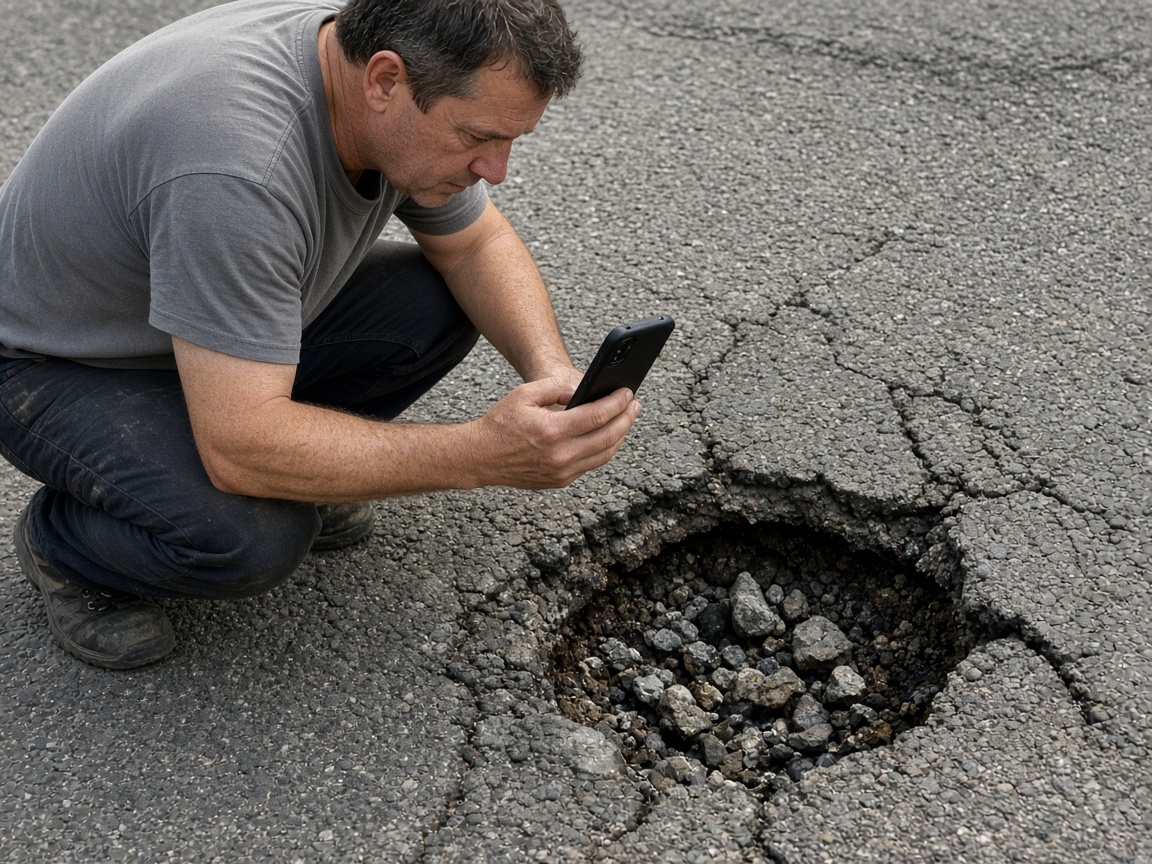
Photograph the damage as you found it
Name the album for the street, the block, or the job. The pothole, the cracked slab, and the curb stay on that place for the crew that closes it.
One album per street
Public works reports · roads, graffiti, and close-out
Photograph the cracked asphalt, the paint on the wall, the patch you just closed. Speak what you saw. FWDLink drafts the report. You review it, then send one link.
Get the app for iPhone and Android


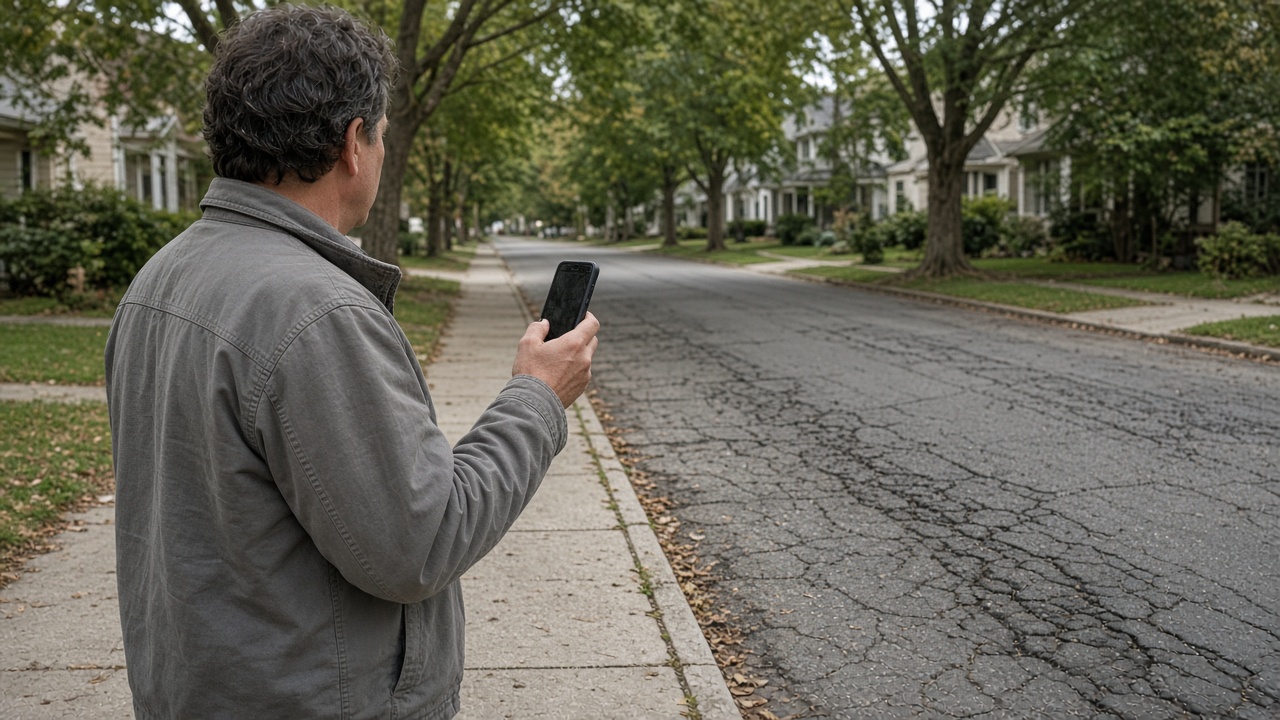
Name the album for the street, the block, or the job. The pothole, the cracked slab, and the curb stay on that place for the crew that closes it.
One album per street
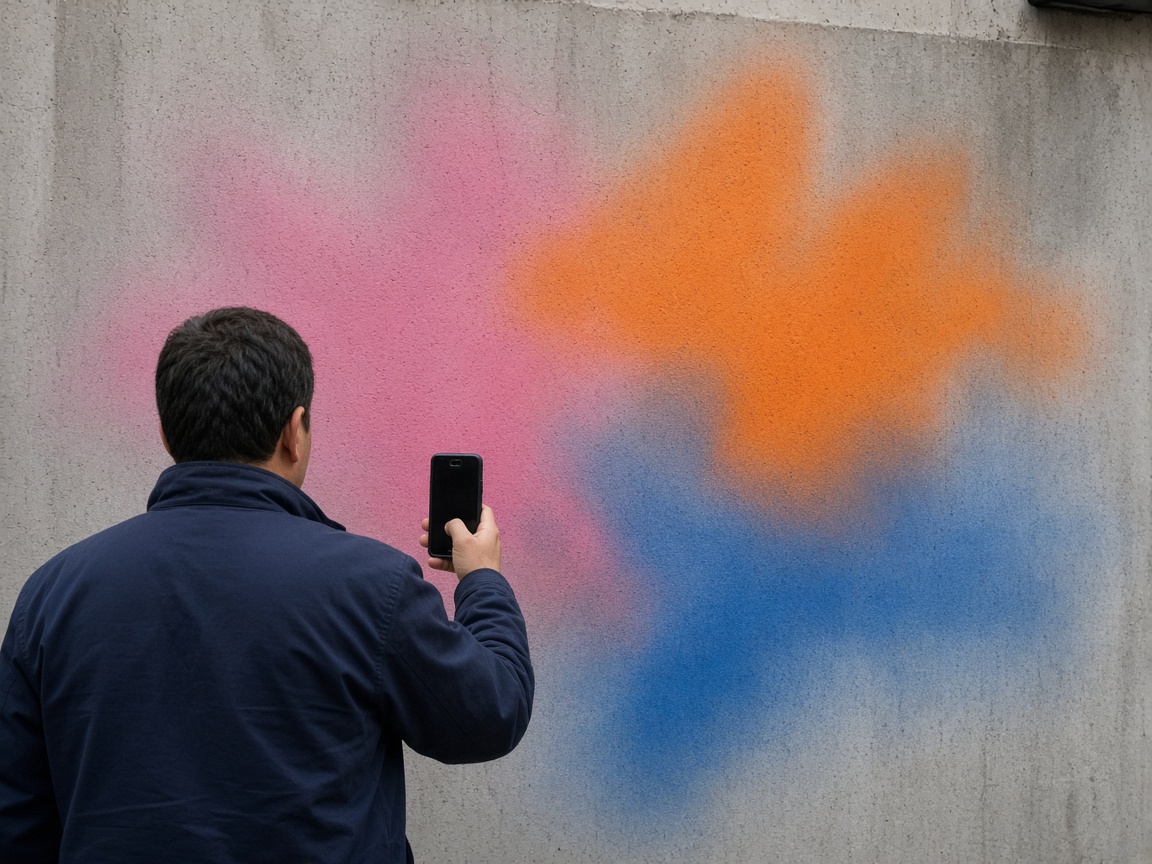
Color on the concrete, a mark on the abutment, paint along the underpass. A short voice note becomes the finding: what you saw, where it sits, and what the office needs to see. Time and place stay on the photos.
The wall on the photo
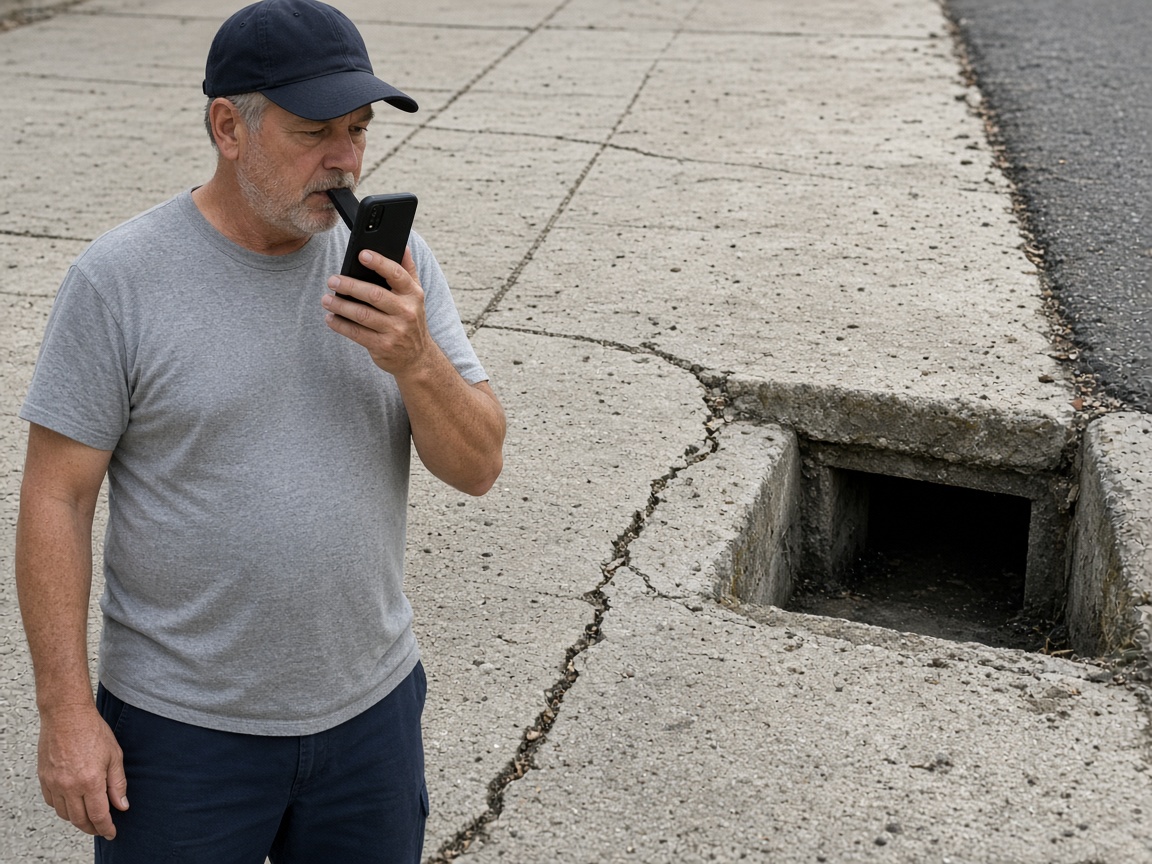
Say what failed, how wide it runs, and what the close-out needs. FWDLink drafts the field report. You review it before the office sees it.
Voice note to draft
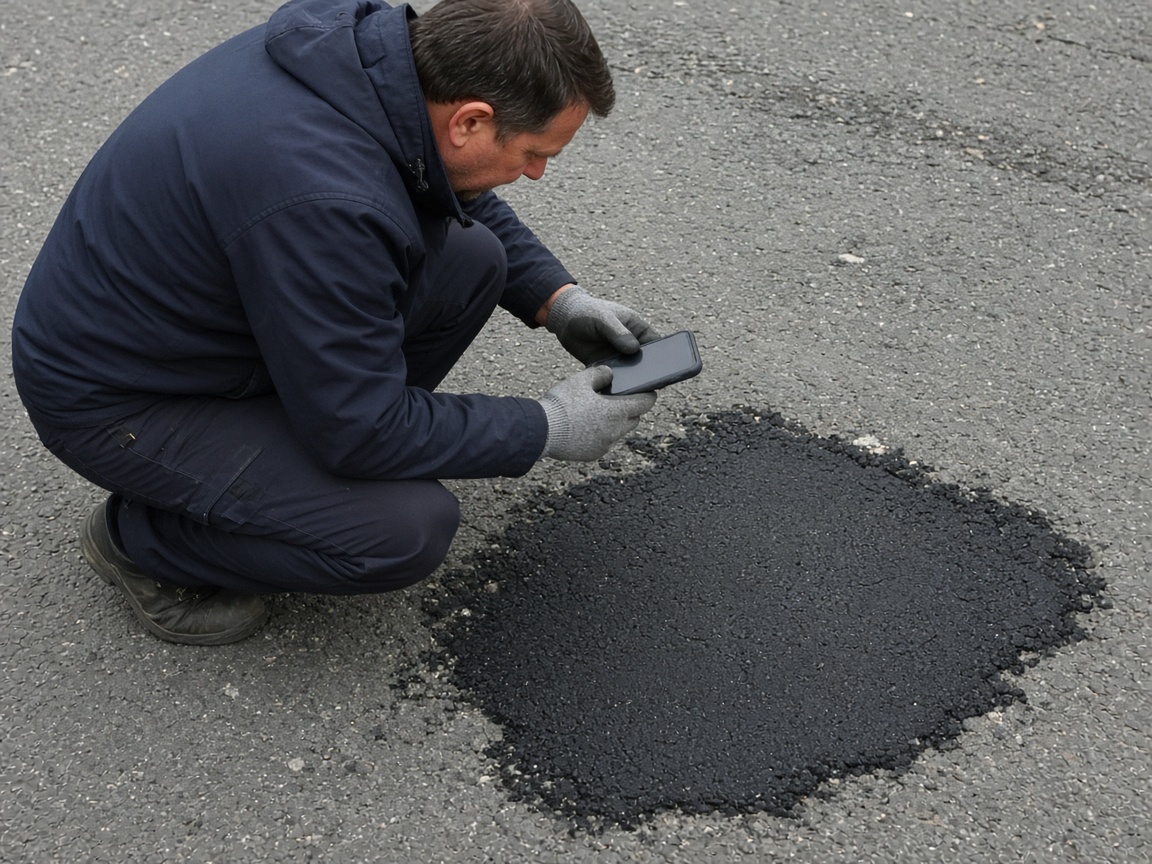
FWD one link with the photos, the draft you reviewed, and the notes from the block. The office opens it in the browser. Add the patch photo later and the same link still works.
One link for close-out
A public works report starts on the street, not in a shared camera roll. Name the album for the street, the block, or the job. Photograph the pothole, the cracked walk, and the wall as you found them. The close-out opens the same place. A private job site stays on the jobsite photo app.
Speak a short note while you are still on the block. FWDLink drafts the report from the photos and that note: what failed, where it sits, and what the office needs to see. You review the draft before it goes out. Mark the hole with photo annotations so the callout stays on the picture. Time and place stay on the shot.
The finished patch belongs on that same street. The open hole and the closed asphalt should not start a new thread. When the office needs a price before the work, the same photos can ride an estimate.
FWD one gallery from share links. The office and the crew open it in the browser. Sharing an album is how you turn the link off after the job is closed. Add the patch photo later. The link they already opened keeps working.
This page is the street: road damage, graffiti, and the close-out. The next crew opens the same album and sees what was already photographed.
Name the album for the street, the block, or the job. The close-out starts there.
Shoot the pothole, the wall, and the cracked walk as you found them.
Say what the office needs to see. FWDLink drafts the report. You review the draft.
Send one link. When the patch is in, add that photo to the same street.
A stop on a street: photos of the road damage, the graffiti, and the close-out, a short voice note, and a draft you review. The office opens one link.
Yes. FWD one share link with the photos and the draft you reviewed. They open it in the browser. Add the patch photo later and the same link still works.
On the street album you already started. The open pothole and the finished patch stay on that block. The office does not need a second thread.
Yes. FWDLink drafts the report from the photos and your note. You read it, change what you need, and then send the link.
Yes. Use one album per street, block, or job. Photograph the wall and the pothole on that place, speak the note, review the draft, and send one link.
Join Free. The pothole, the wall, and the finished patch stay on that block.