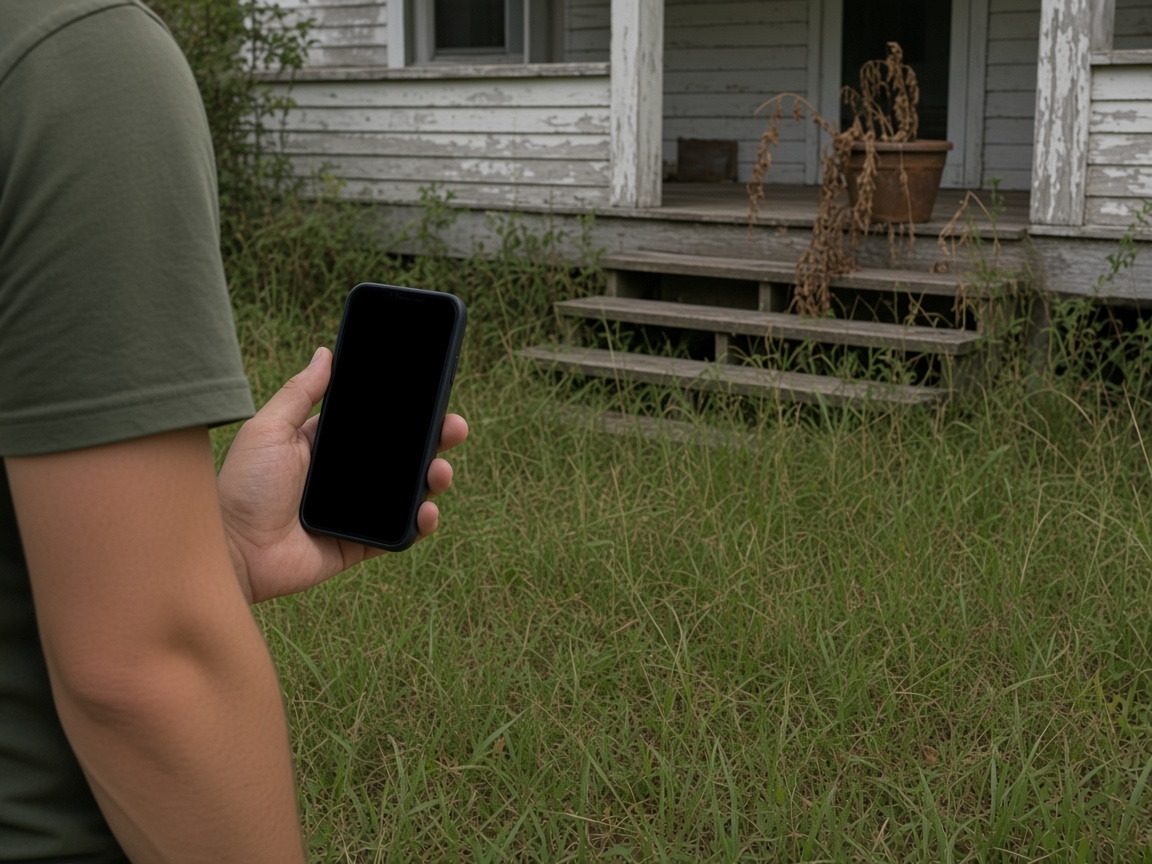
Photograph the vacant house as you found it
Name the album for the address. Tall grass, a dry porch, and an empty window stay on that property for the next preservation visit.
One album per address
Property preservation reports · vacant homes, foreclosure, and finished work
Photograph the overgrown yard, the lock, the cut grass. Speak what you did. FWDLink drafts the preservation report, you review it, and one link goes to the office.
Get the app for iPhone and Android


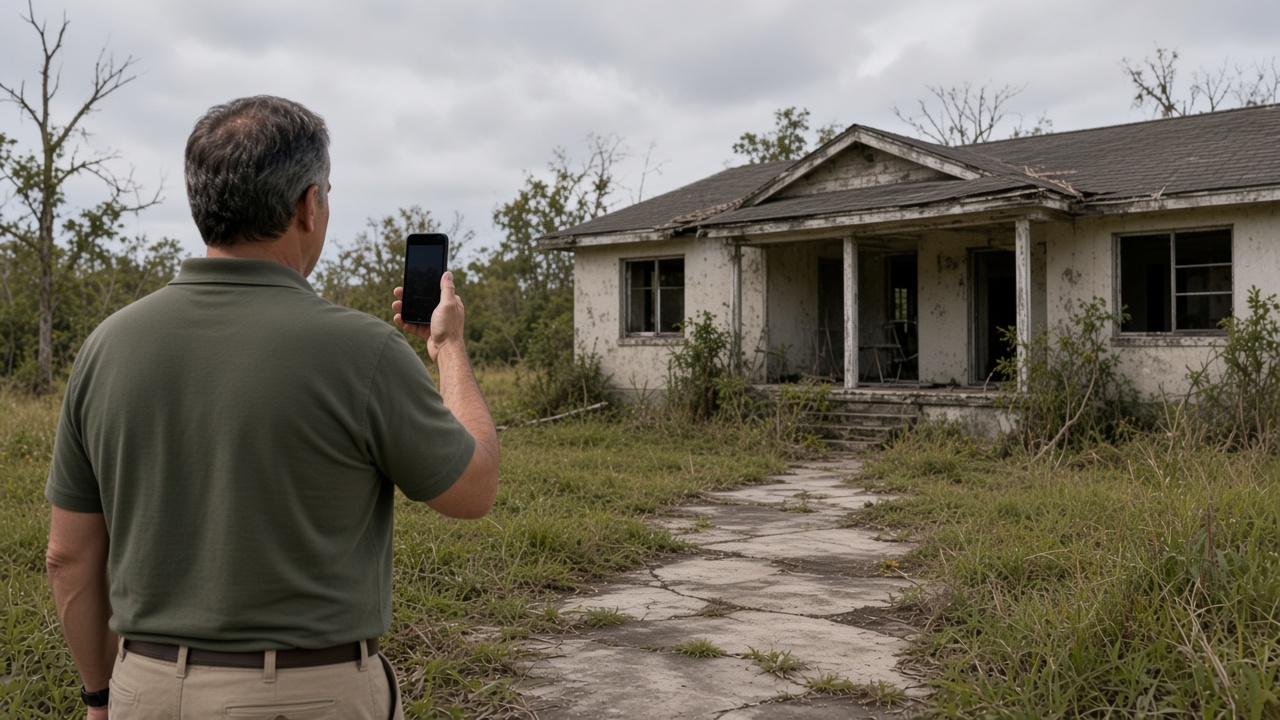
Name the album for the address. Tall grass, a dry porch, and an empty window stay on that property for the next preservation visit.
One album per address
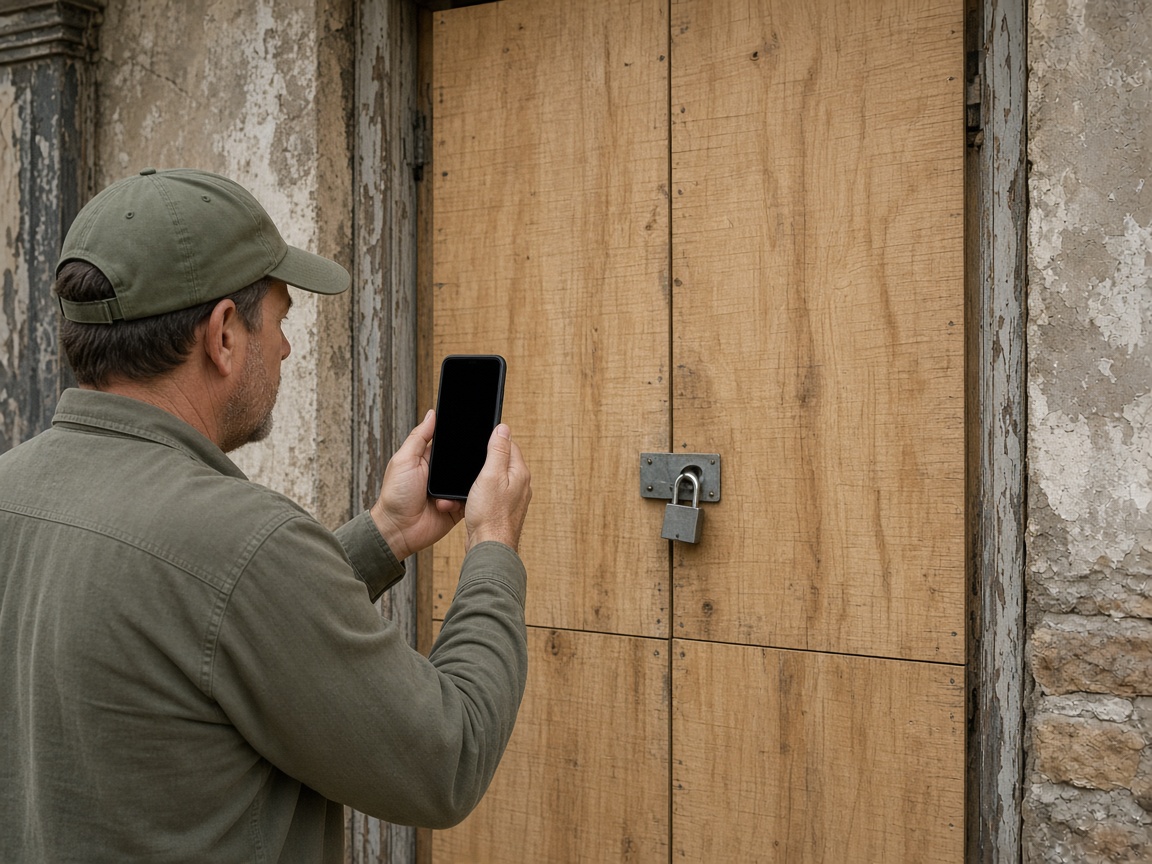
The boarded door and the lock belong on the same address. A foreclosure visit and a later re-secure open that album, with time and place on the photos.
The lock stays on the house
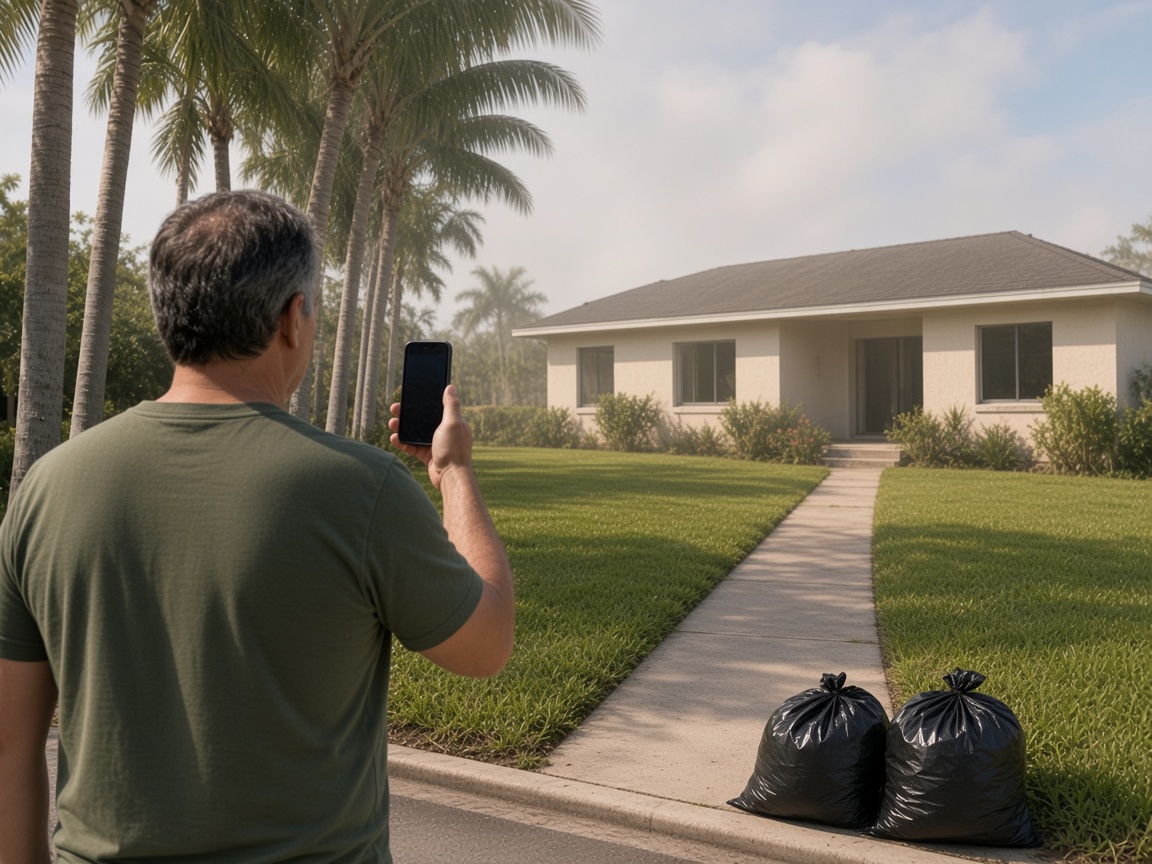
The cut lawn, the cleared walk, and the bags at the curb are the completion. They land on the vacant property you already opened.
Completion on the same album
Speak a short note about what you found and what you finished. FWDLink drafts the report. You review it, then FWD one link. The office opens it in the browser.
One link for the office
A property preservation report starts at the address. Name the album for the vacant house. Photograph the yard, the porch, the windows, and the secure as you found them. The next visit, including a foreclosure check or a work-completion stop, opens the same place. It follows the album pattern of the property photo app, with the report as the thing the office opens.
Speak a short note while you are still on the property. Say what was open, what you secured, and what you finished. FWDLink drafts the preservation report from the photos and that note. You review the draft before it goes to the office. Time and place stay on the photos.
Mark a broken window, a missing lock, or a debris pile with photo annotations so the callout stays on the picture. The initial photos and the completion photos live on that address, so the office can read the visit from start to finish.
FWD one gallery from share links. The office opens the photos and the draft in the browser. Sharing an album is how you turn the link off when the file is closed. If the next step needs a price, the same photos can ride an estimate.
A home watch visit is one owner checking on their own vacant house. That stays on the home watch photo app. This page is preservation work: the vacant property, the foreclosure secure, and the completion report for the office.
Name the album for the vacant property. The next visit starts there.
Shoot the yard, the secure, and the finished work as you found them.
Say what you secured and what you finished. FWDLink drafts the report. You review it.
Send one link to the office. Later completion photos stay on the same address.
A visit to a vacant or foreclosure property: photos of the condition, the secure, or the finished work, a short voice note, and a draft you review. The office opens one link.
Yes. Name the album for the address. The overgrown yard, the lock, and the cut grass stay together. The office reads one property.
You do. FWDLink writes the report from the photos and your voice note. You read it, then send one link.
Yes. FWD one share link with the photos and the draft you reviewed. They open it in the browser. Add a completion photo later and the same link still works.
Home watch is one owner and their vacant house. This page is preservation: foreclosure secures, yard work, and the completion report the office opens.
Join Free. The secure, the yard work, and the draft you review stay on that property.