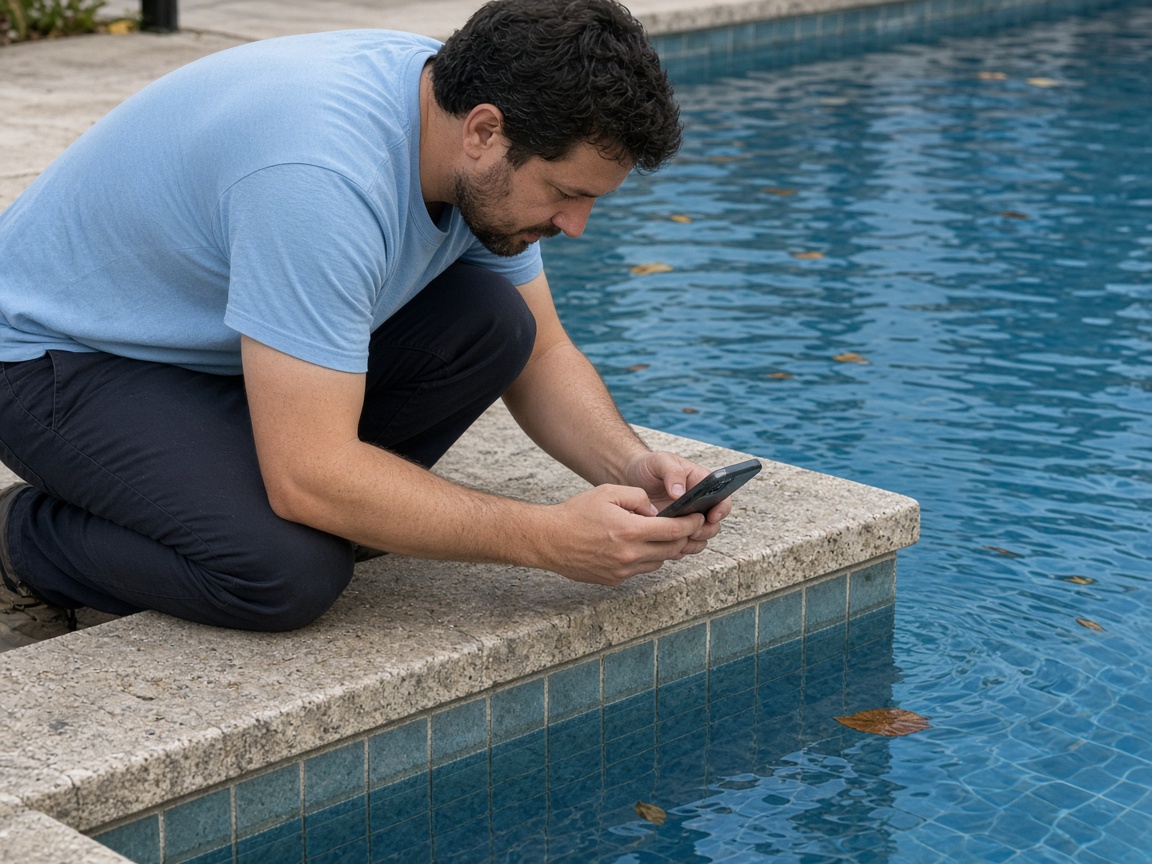
Photograph the water as you found it
Name the album for the pool, the address, or the customer. The waterline, the leaves, and the tile stay on that pool for the next visit.
One album per pool
Pool condition reports · water, equipment, and the visit
Photograph the water, the skimmer, the pump. Speak what you saw and what you did. FWDLink drafts the report. You review it, then send one link.
Get the app for iPhone and Android


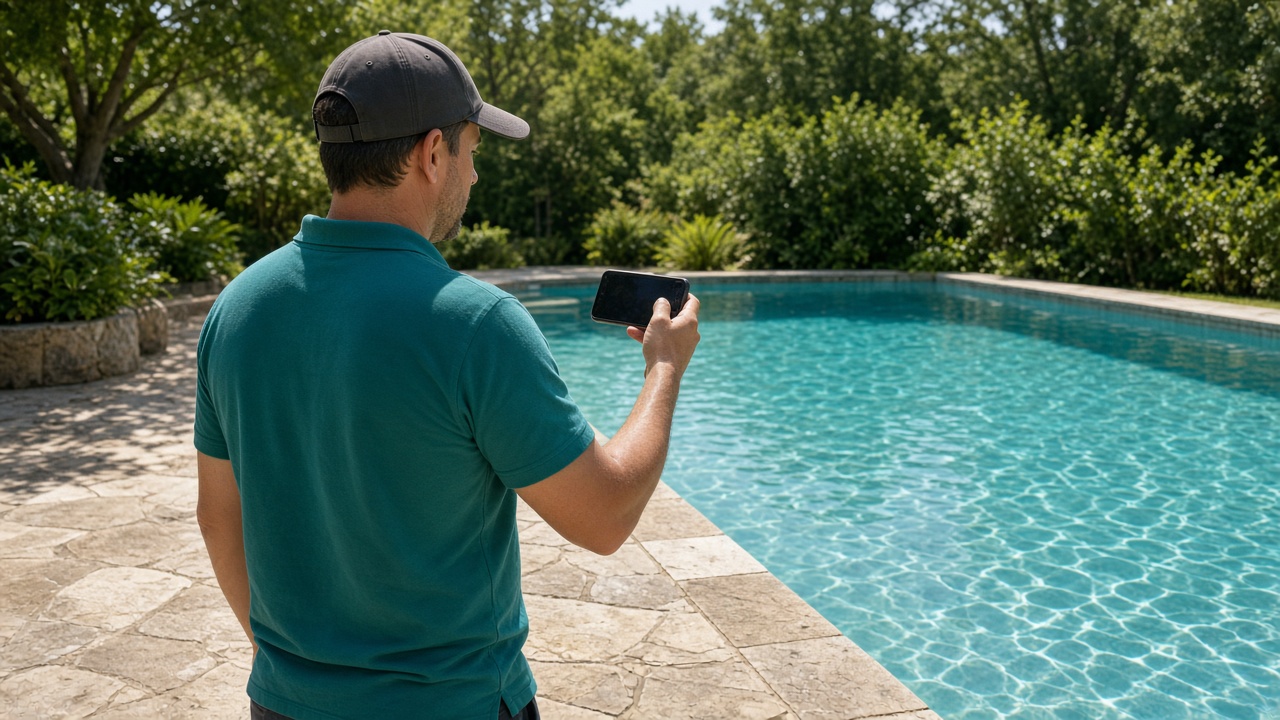
Name the album for the pool, the address, or the customer. The waterline, the leaves, and the tile stay on that pool for the next visit.
One album per pool
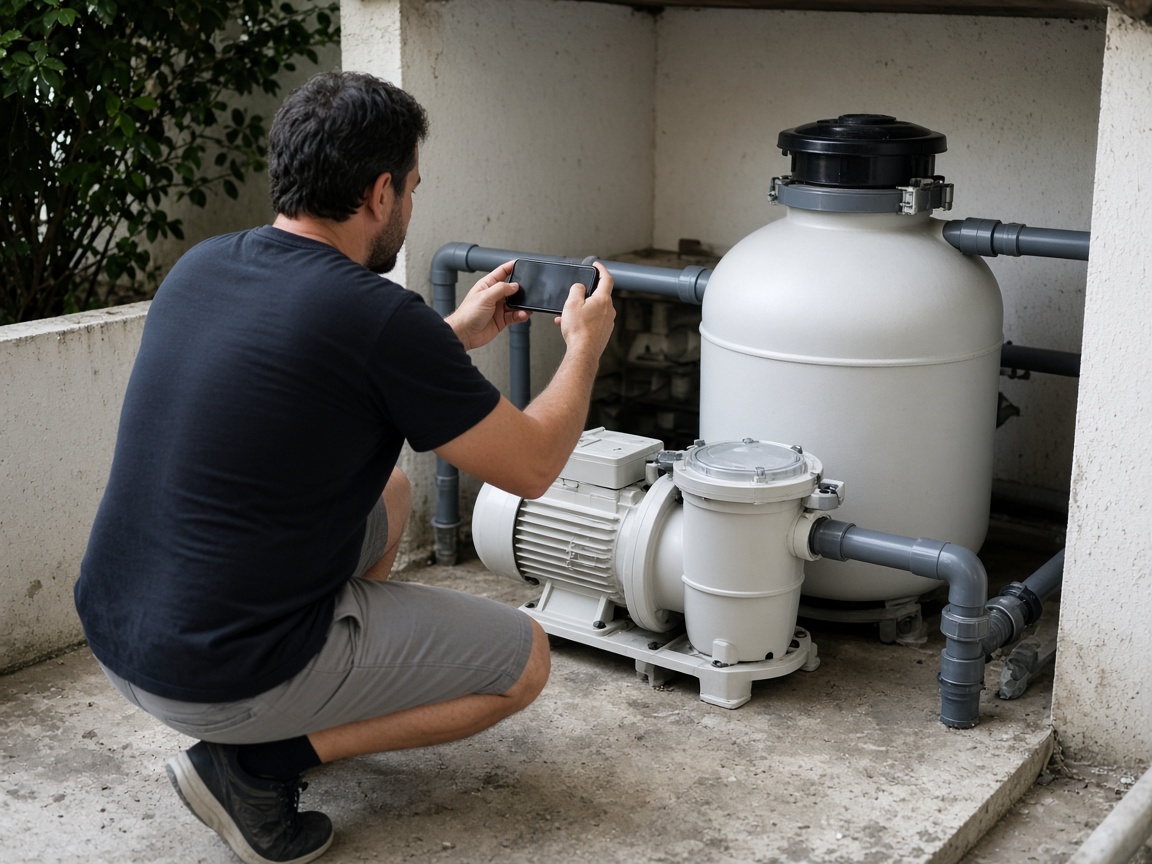
The pump, the filter, a hose that is wet, a lid that is off. Those photos stay with the pool. The next stop opens the same album and sees what you already found.
Equipment stays with the pool
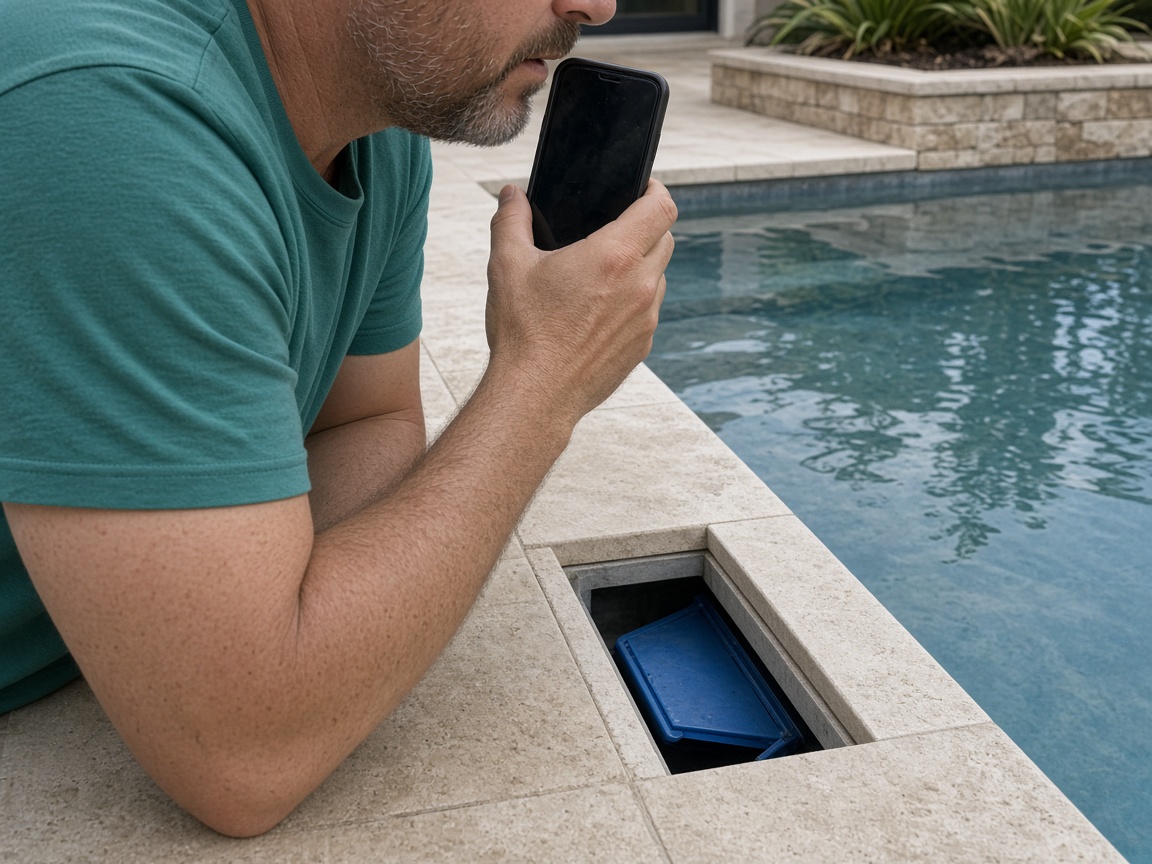
Say what you saw: cloudy water, leaves in the skimmer, a pump that is loud, a basket you emptied. FWDLink drafts the visit from the photos and that note. You review it before the customer sees it.
Voice note to draft
FWD one link with the photos, the draft you reviewed, and the notes from the stop. They open it in the browser. Add the next visit later and the same link still works.
One link for the pool
A pool condition report starts at the water, not in a shared camera roll. Name the album for the pool, the address, or the customer. Photograph the surface, the tile, and the skimmer as you found them. The next visit opens the same place. A house walk that is not the pool stays on the property photo app.
Speak a short note while you are still on the deck. Say what you saw and what you did: leaves in the basket, a noisy pump, a filter lid you opened. FWDLink drafts the visit from the photos and that note. You review the draft before it goes out. Mark a crack or a wet pad with photo annotations so the callout stays on the picture. Time and place stay on the shot.
Maintenance belongs on that same pool. The pump photo and the cleaned skimmer should not start a new thread. When the office needs a price before a repair, the same photos can ride an estimate.
FWD one gallery from share links. The customer and the office open it in the browser. Sharing an album is how you turn the link off after the season. Add the next visit later. The link they already opened keeps working.
This page is the service visit: the pool as you found it, the equipment, and the note you spoke. The next technician opens the same album and sees the last stop.
Name the album for the pool, the address, or the customer. The next visit starts there.
Shoot the pool as you found it, and the pump, filter, and skimmer on that stop.
Say what you saw and what you did. FWDLink drafts the visit. You review the draft.
Send one link. The next stop adds its photos to the same pool.
A service visit: photos of the pool and the equipment, a short voice note about what you saw and what you did, and a draft you review. The customer opens one link.
Yes. FWD one share link with the photos and the draft you reviewed. They open it in the browser. Add the next visit later and the same link still works.
On the pool album you already started. The pump, the filter, and the skimmer stay with that address. The office does not need a second thread.
Yes. FWDLink drafts the visit from the photos and your note. You read it, change what you need, and then send the link.
What you saw and what you did on that stop: the water, the skimmer, the pump, the filter. You say it in the note. The next visit opens the same pool.
Join Free. The water, the equipment, and the note stay on that pool.