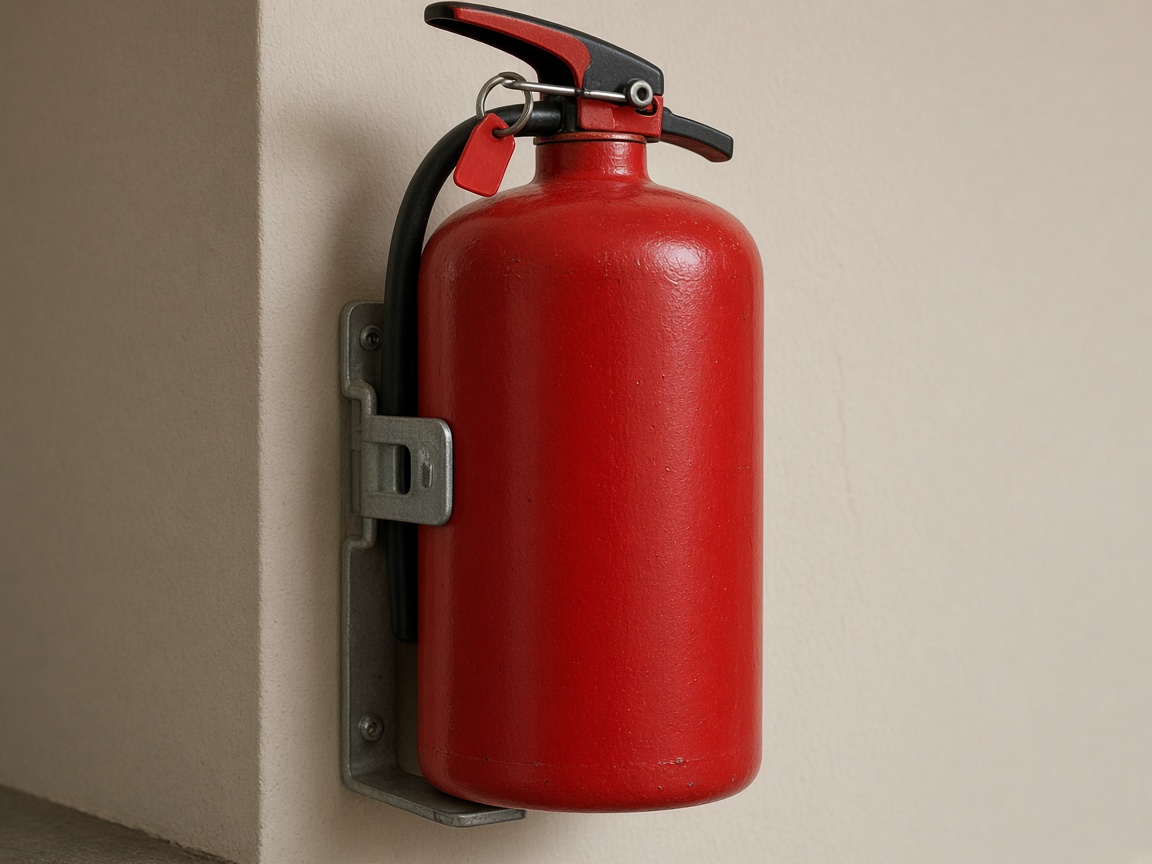
Photograph the extinguisher as you found it
Name the album for the building or the floor. The cylinder, the pin, and the bracket stay on that site for the next walk the inspector reviews.
One album per building
Fire protection reports · extinguishers, alarms, and sprinklers
Photograph the extinguisher, the alarm, and the sprinkler head. Speak what you saw. FWDLink drafts the report for the inspector to review. That draft is not a certified inspection by itself.
Get the app for iPhone and Android


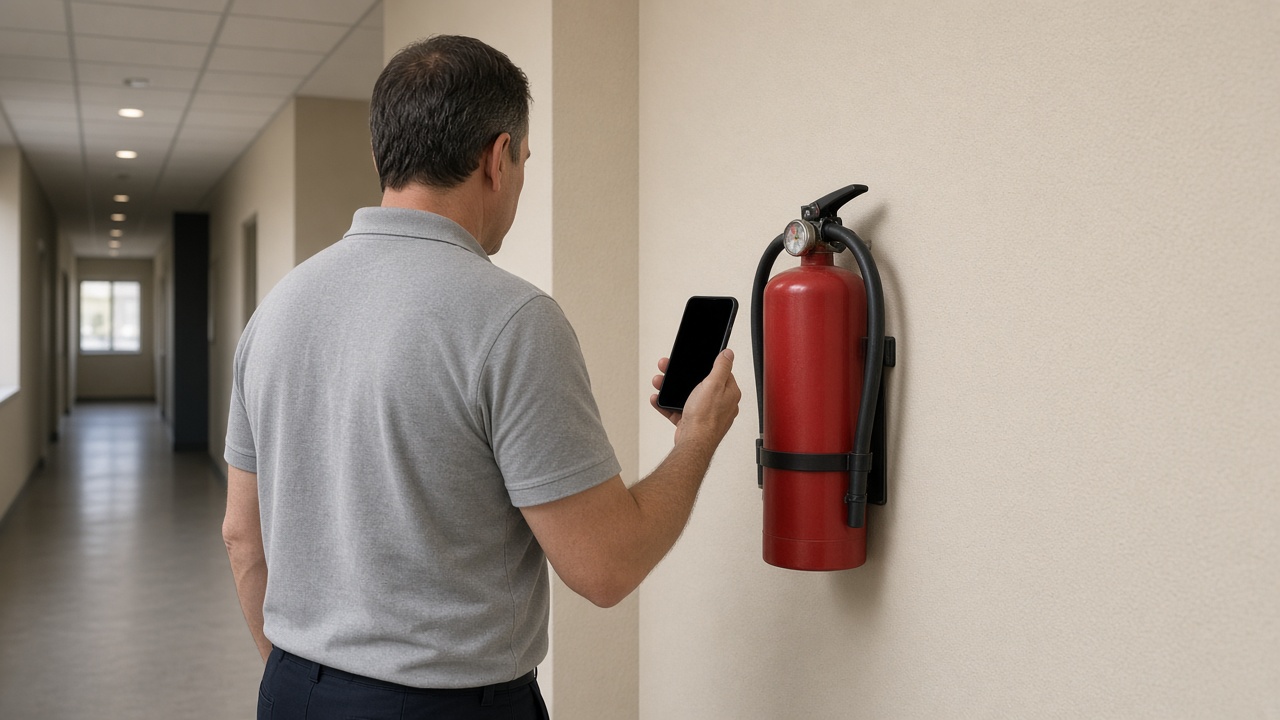
Name the album for the building or the floor. The cylinder, the pin, and the bracket stay on that site for the next walk the inspector reviews.
One album per building
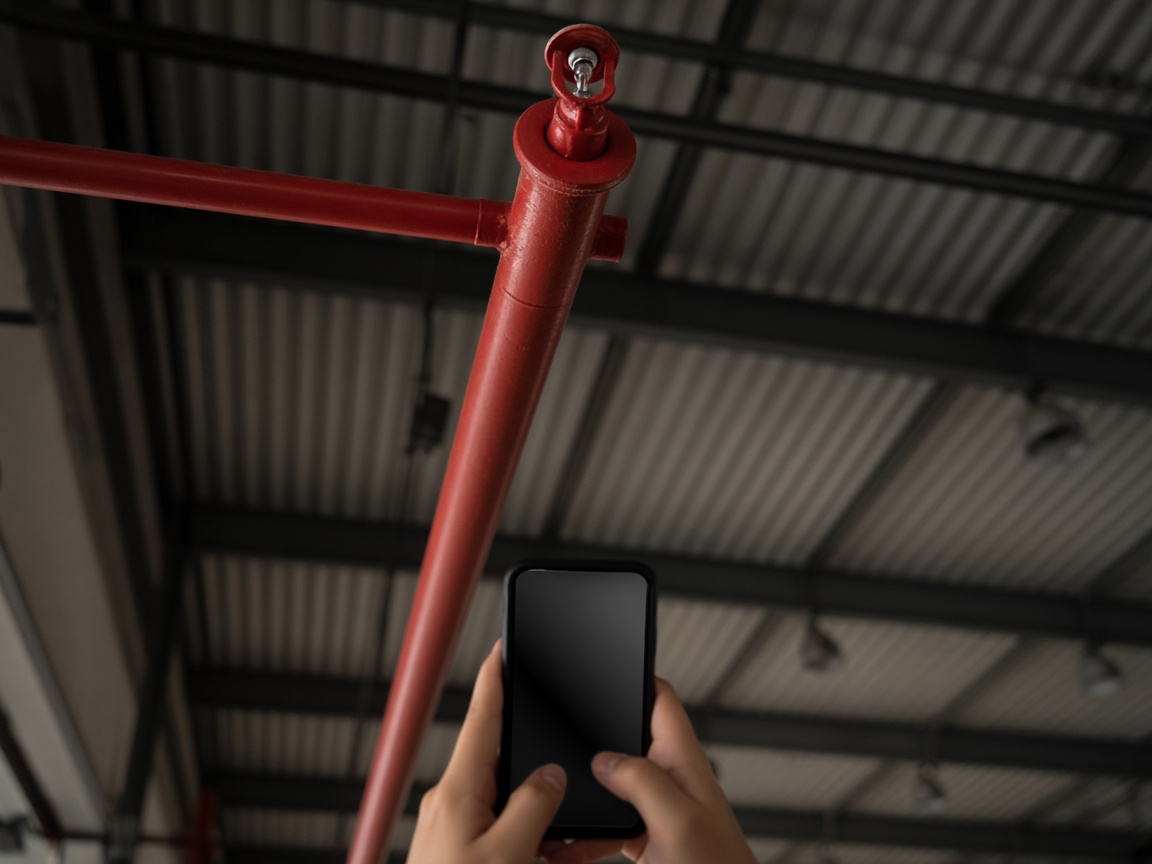
The head, the pipe, and what you could see from where you stood belong with the extinguishers. The inspector reviews that photo with the rest of the draft.
Sprinklers on the walk
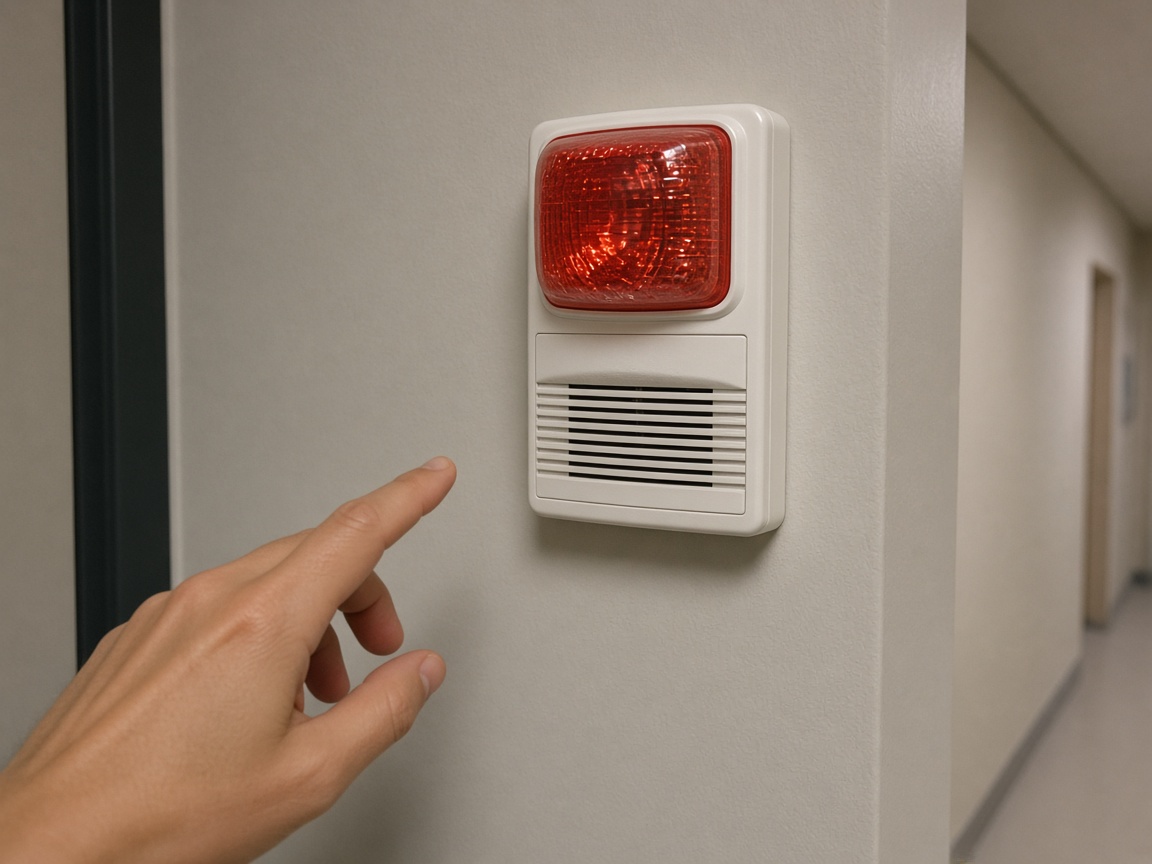
A short voice note in the corridor becomes the draft: which device, what you saw, and what the inspector needs to review. Time and place stay on the photos.
Voice note to draft
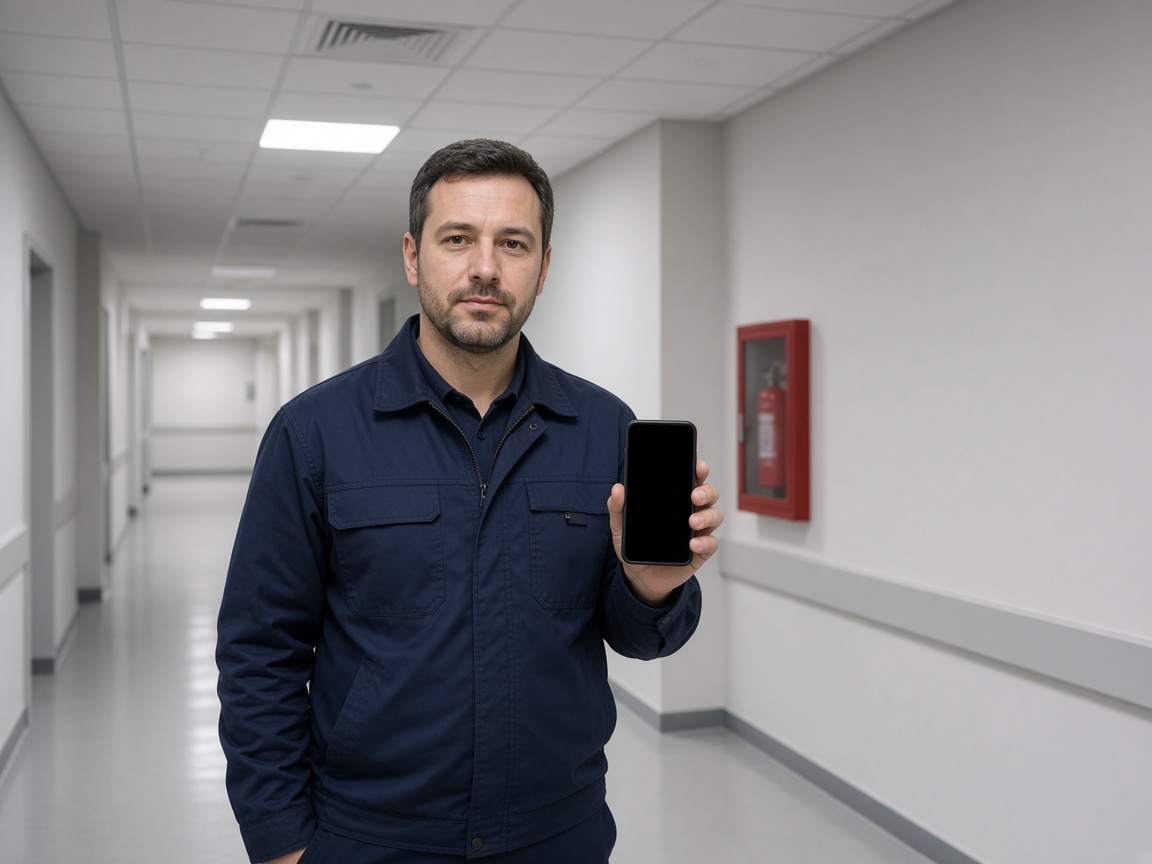
FWD one link with the photos, the draft, and the notes from the walk. The customer opens it in the browser. The next walk on that building stays on the same album.
One link to review
A fire protection report in FWDLink starts in the building, not in a shared camera roll. Name the album for the site or the floor. Photograph the extinguisher, the sprinkler head, and the alarm device as you found them. The next walk opens the same place. It follows the album pattern of the property photo app, with the draft as the thing the inspector reviews.
Speak a short note while you are still at the device. FWDLink drafts the write-up from the photos and that note: what you saw, where it sits, and what needs a review. Mark the spot with photo annotations so the callout stays on the picture. Time and place stay on the shot.
The draft is for the inspector to review. It is not a certified inspection by itself. The inspector checks the photos, the note, and the write-up before the visit is treated as the finished inspection. FWDLink keeps that record on the building so the review has one place to open.
FWD one gallery from share links. The inspector opens it in the browser. Sharing an album is how you turn the link off after the review. Add a photo from the next walk. The link they already opened keeps working.
Extinguishers, alarm devices, and sprinkler heads from the same building stay on one album. The office does not have to match three camera rolls to the floor you just walked.
Name the album for the building or the floor. The next walk starts there.
Shoot the extinguisher, the alarm, and the sprinkler as they sit.
Say what the inspector needs to review. FWDLink drafts the report from the photos and that note.
Send one link for the inspector to review. The draft is not a certified inspection by itself.
Photos of the extinguisher, the alarm, and the sprinkler, plus a short voice note and a draft. The inspector reviews that draft. It is not a certified inspection by itself.
No. The photos and the write-up are the draft the inspector reviews. A certified inspection still depends on that review.
Yes. Use one album per building or floor. The inspector opens one link for the devices you photographed.
Yes. FWD one share link with the photos and the draft. They review it in the browser. Add a later photo and the same link still works.
On the building album you already started. The inspector sees this walk next to the one before it.
Join Free. Extinguishers, alarms, and sprinklers stay on that building for the inspector to review.