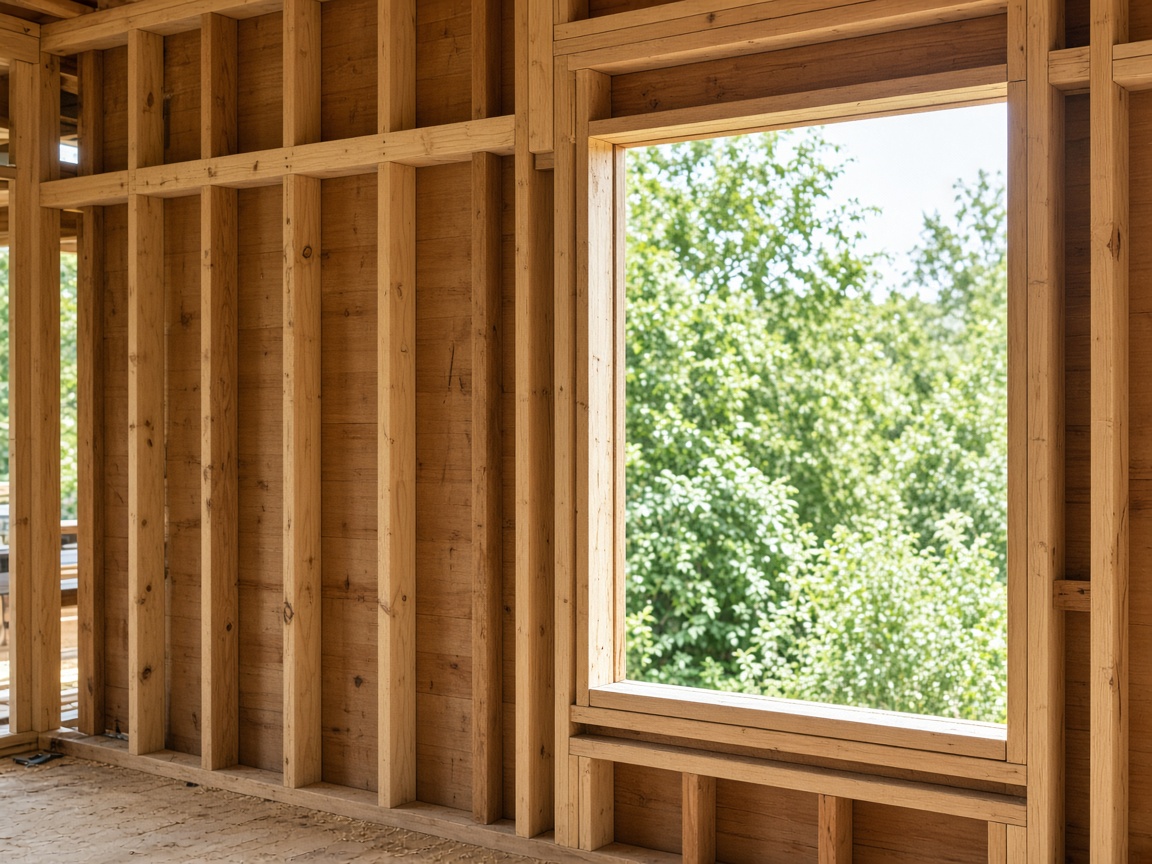
Photograph the progress on the job
The crew already keeps this address on the jobsite album. The framed wall and the open window land there, and the daily report starts from those photos.
The album for this address
Construction daily reports · logs, punch lists, and progress
Photograph the framing, the open window, the paint ding. Speak what the day did. FWDLink drafts the daily report from the album the crew already uses for that address.
Get the app for iPhone and Android


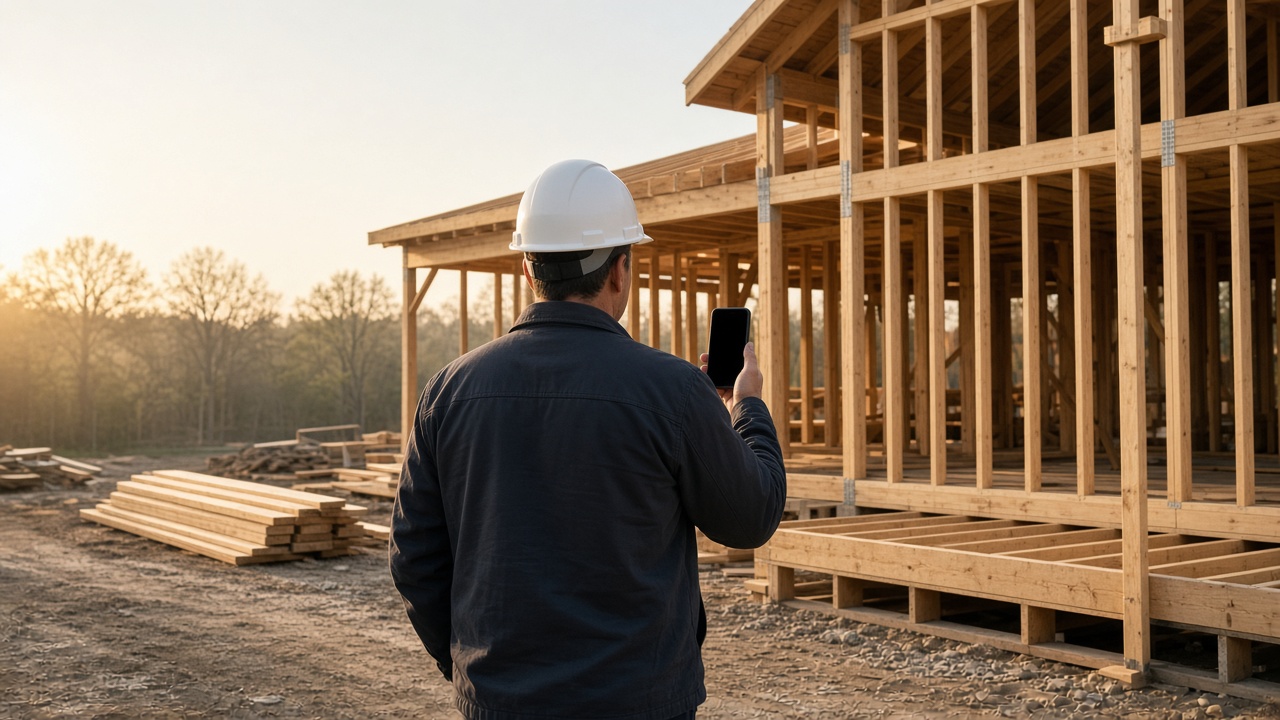
The crew already keeps this address on the jobsite album. The framed wall and the open window land there, and the daily report starts from those photos.
The album for this address
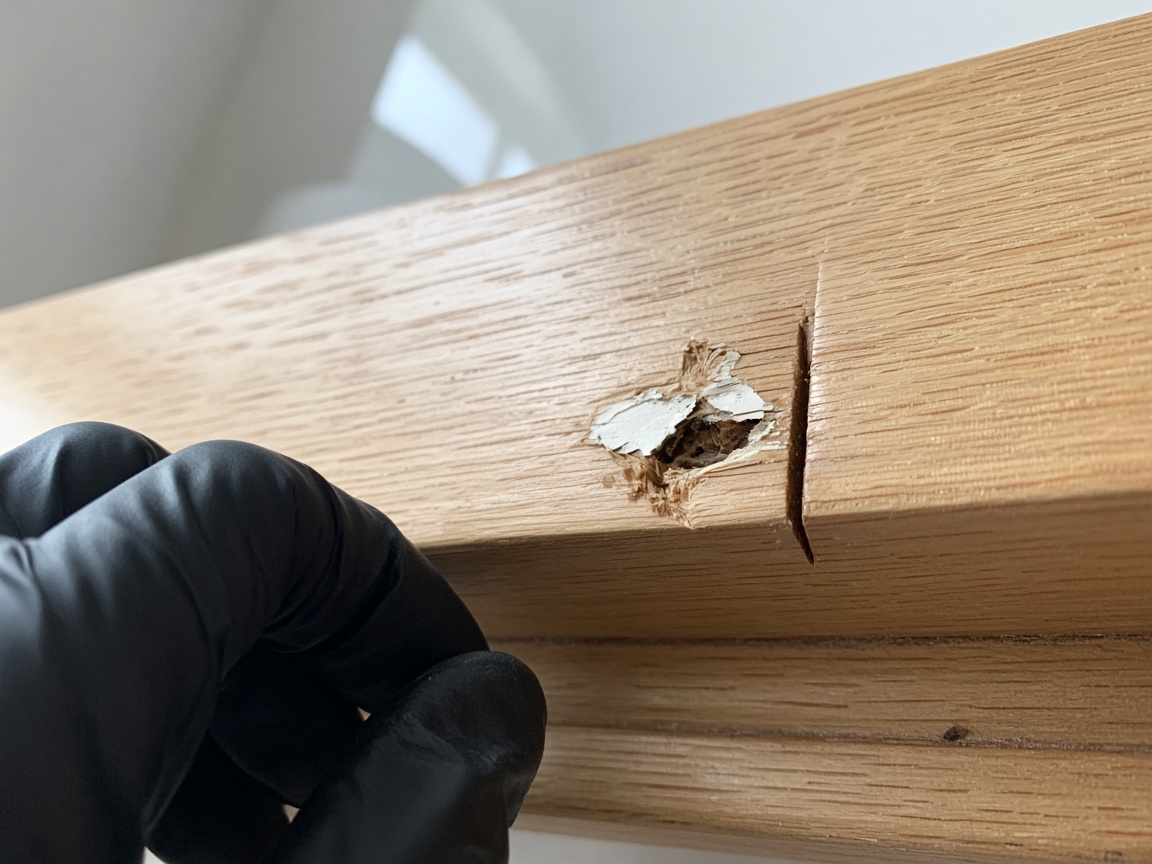
A paint ding and a gap in the trim belong on that address. A short voice note says what still needs a look. Time and place stay on the photos.
Punch list, same job
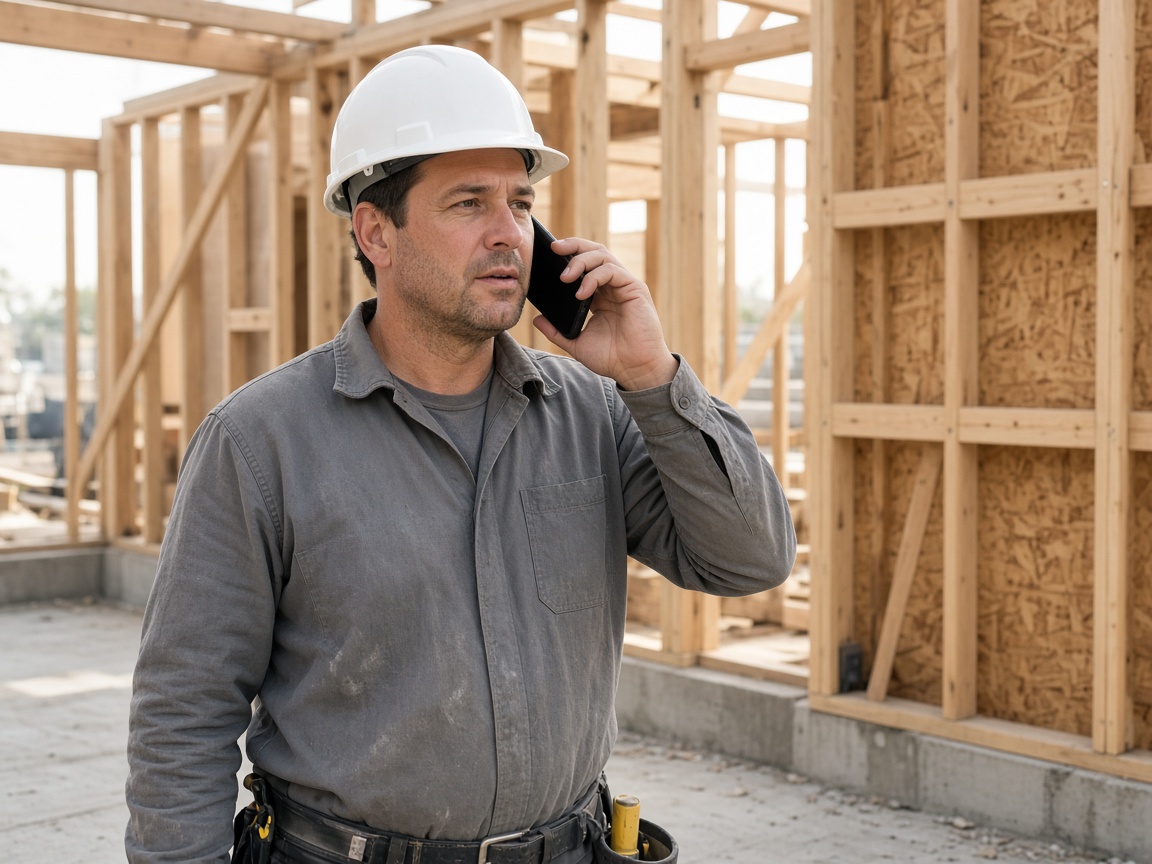
Say what moved, what is open, and what the owner should see. FWDLink drafts the daily report from the photos and that note.
Voice note to draft
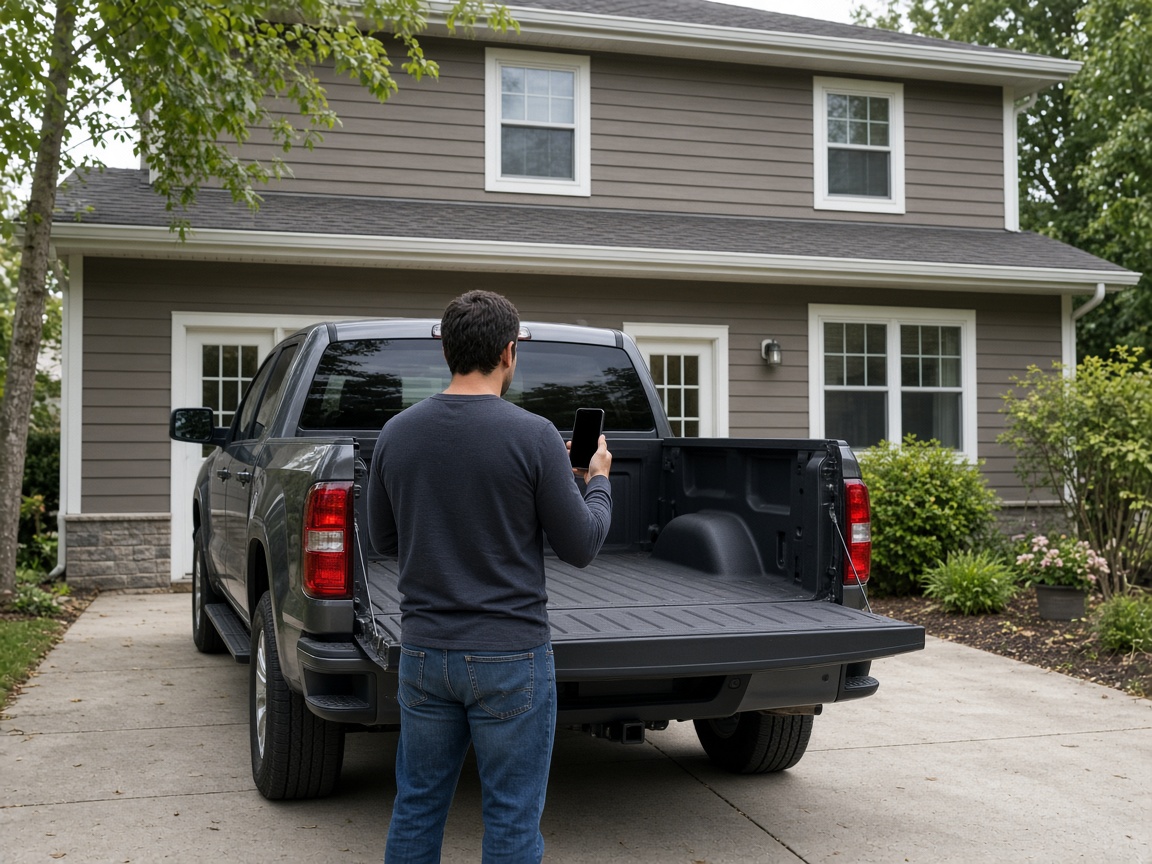
FWD one link with the photos, the draft, and the notes from the slab. The office opens it in the browser. Add the next morning’s photos and the same link still works.
One link from the job
A construction daily report is what you send from the job you already photograph. Open the album for that address and add the day’s framing, the window opening, and the progress on the slab. That album is the jobsite photo app. The report rides on the photos the crew already keeps there.
Speak a short note while you are still on the slab. FWDLink drafts the daily log from the photos and that note: what moved, what is still open, and which punch item needs a look. Mark the ding with photo annotations so the callout stays on the picture. Time and place stay on the shot.
FWD one gallery from share links. The office opens the day in the browser: progress, punch items, and the note. Tomorrow’s photos can join the same address. The link they already opened keeps working.
When the day is sent, turn the link off. Sharing an album is how you close it. The address album stays for the next morning, on the job you already photograph.
Punch items stay with the progress photos. A paint ding, a gap in the trim, and the voice note from the slab sit on that address. One link carries the daily report from the job.
Open the album for the address. It is the jobsite album the crew already uses.
Shoot the progress and the punch item as you found them.
Say what the day did. FWDLink drafts the daily report from the photos and that note.
Send one link from the job you already photograph.
The day’s photos and a short voice note from the job you already photograph, drafted into the report you send. Progress and punch items stay on that address.
Yes. FWD one share link with the photos and the draft. The office opens it in the browser. Add the next morning’s photos and the same link still works.
On the jobsite album for that address, the one the crew already uses. The daily report is what you send from it.
Yes. A paint ding and a gap in the trim go on the same address as the framed wall. One album holds the day.
The same address album. Yesterday’s report stays there, and today’s photos join it before you FWD the next link.
Join Free. Progress, punch items, and the daily note stay on the address you already photograph.