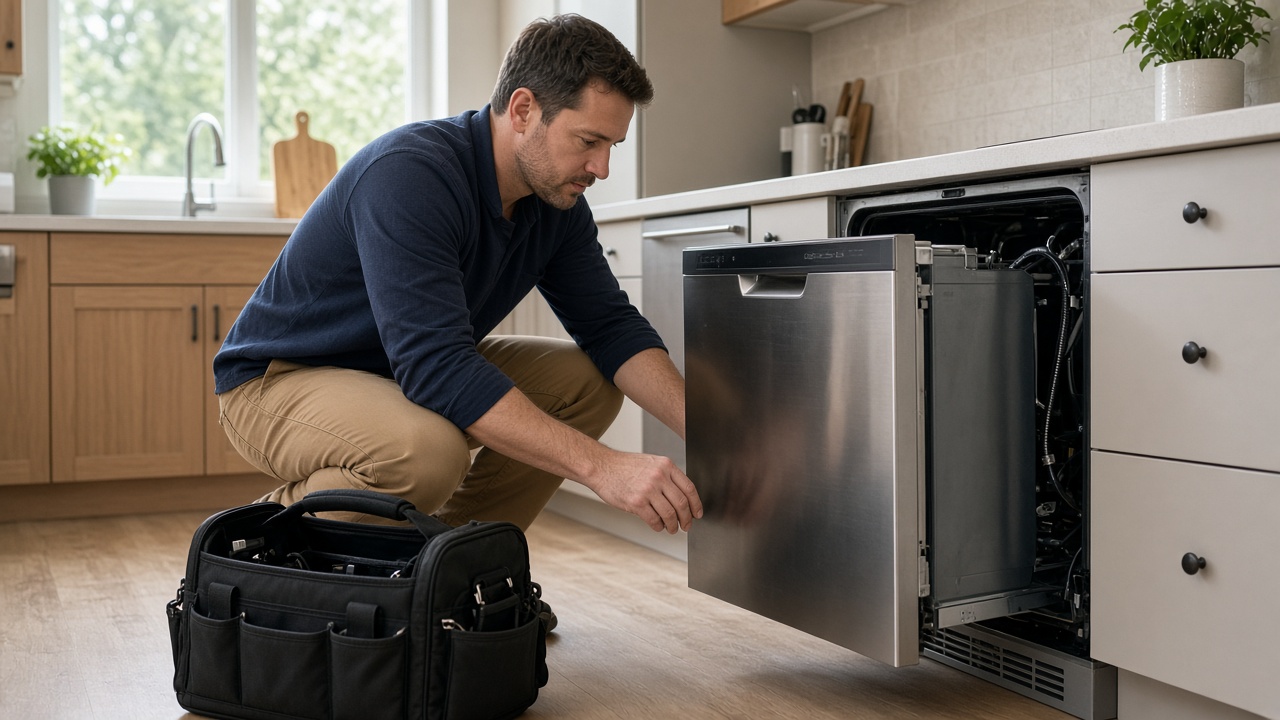
Schedule kitchen and laundry stops
Put each call on CRM Schedule with address, appliance type, and access notes.
Jobs & schedule
Appliance repair software · kitchen and laundry calls
FWDLink helps appliance repair teams keep clients, schedule, model photos, estimates, invoices, and Your Page in one workspace.
Get the app for iPhone and Android


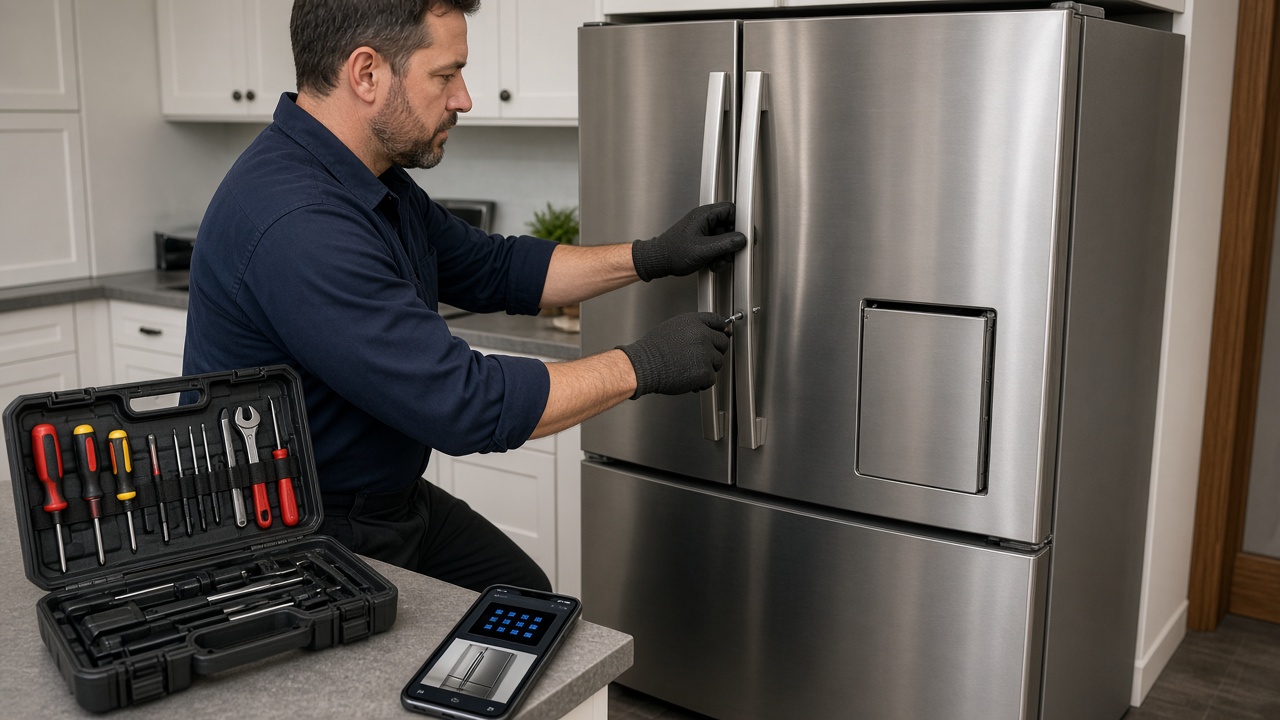
Put each call on CRM Schedule with address, appliance type, and access notes.
Jobs & schedule
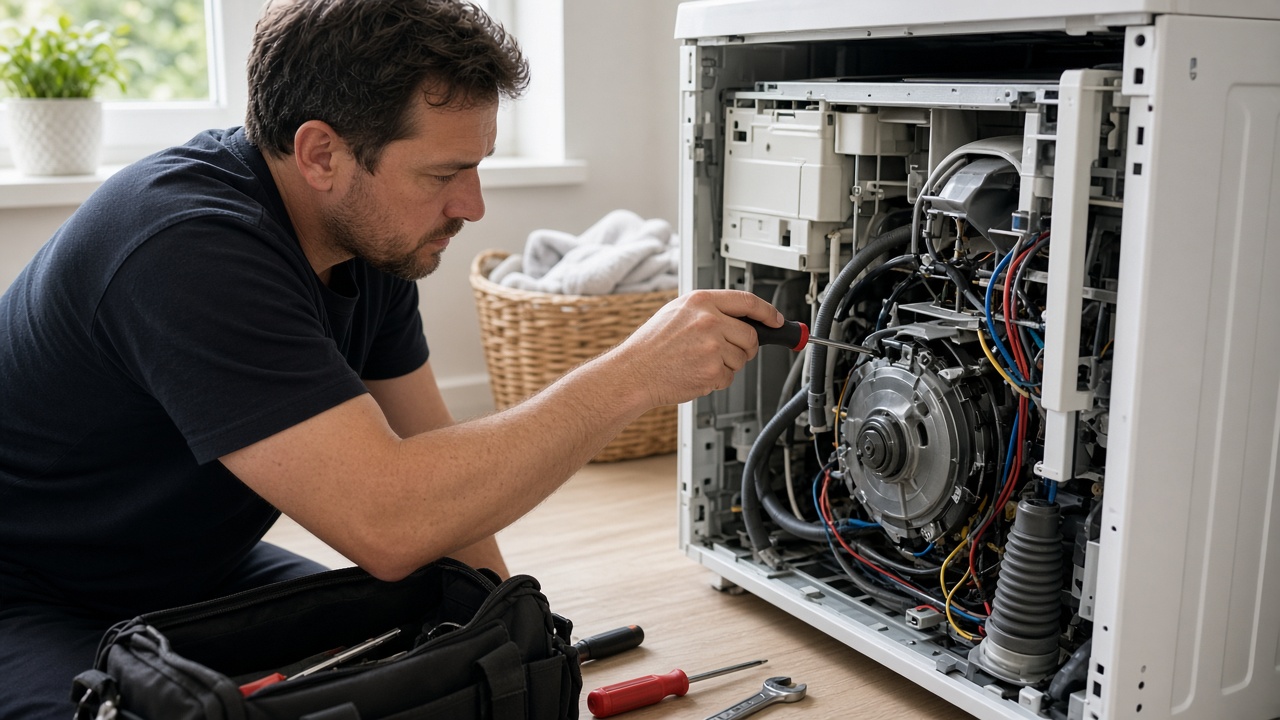
Shoot nameplates, error codes, and part photos into the property album before you leave.
Photos & records
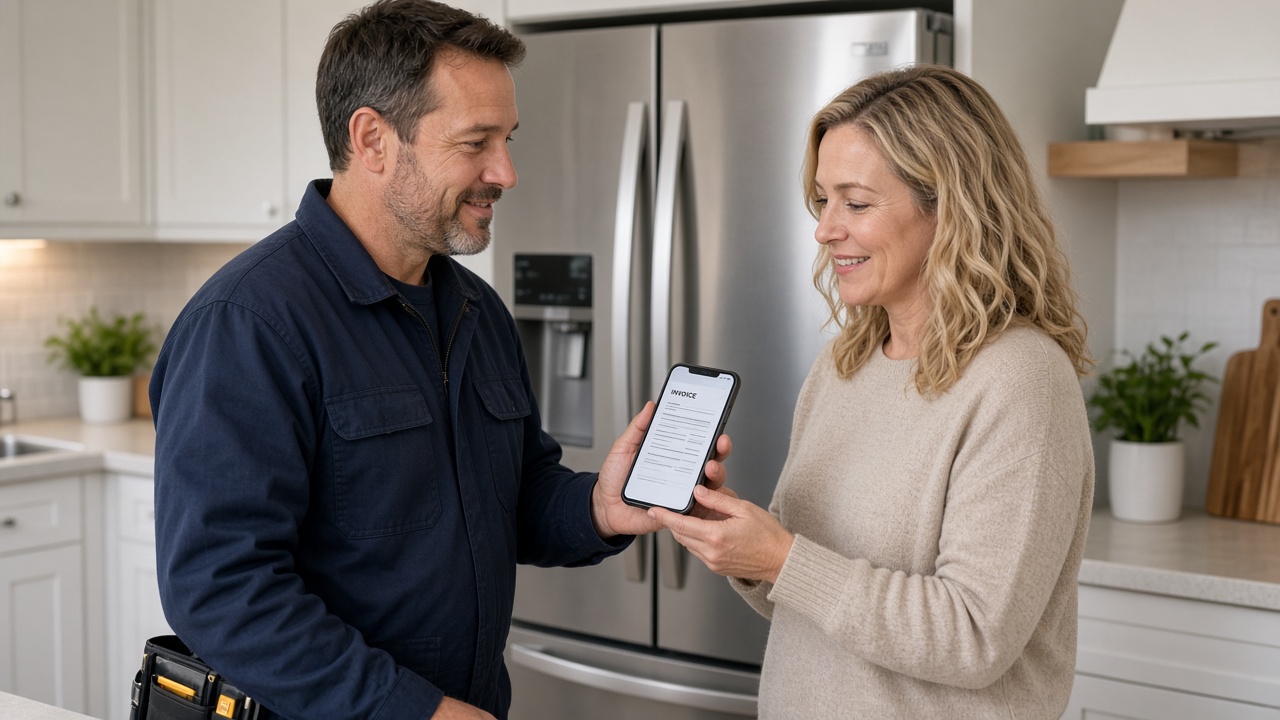
Attach proof and send the invoice from the kitchen — fees on Plans.
Billing
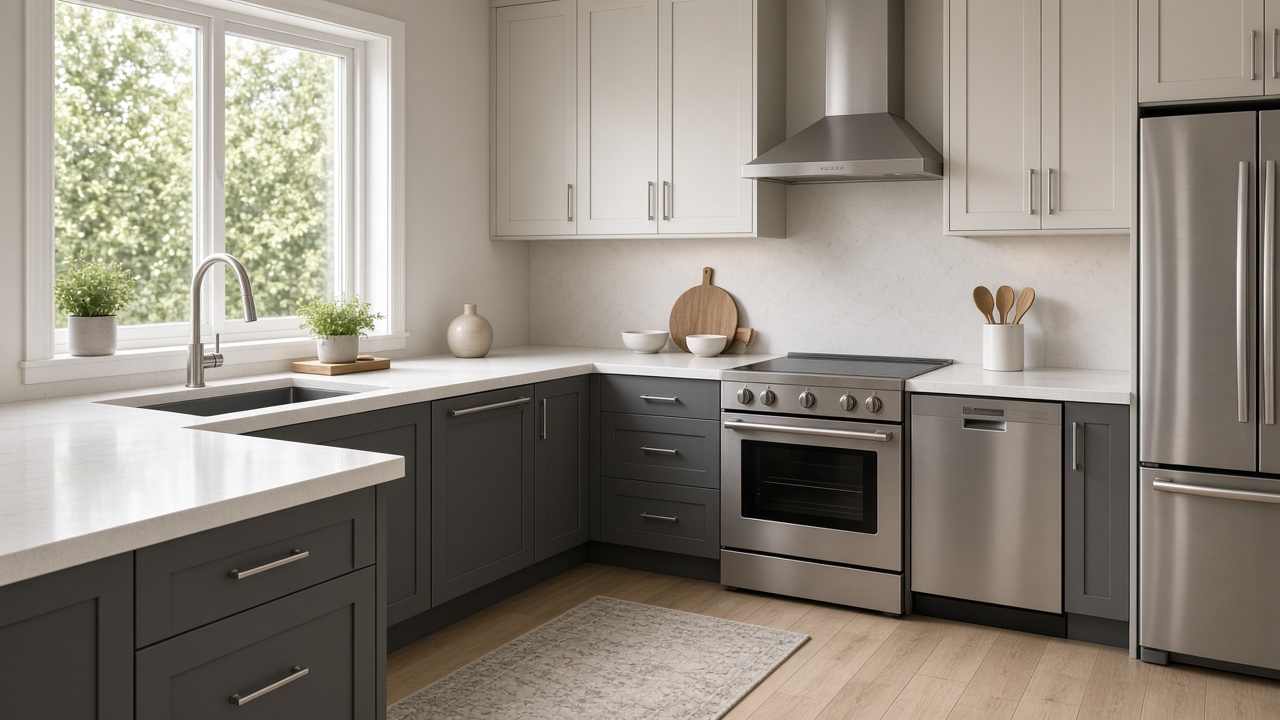
Your Page and Local publish finished jobs when you want more calls in the area.
Marketing
Appliance repair software on FWDLink keeps every service call, model photo, estimate, invoice, and customer note together in Business CRM. Leads from Your Page, the client file, the schedule, and the work order open the same way in the shop and in the home.
Plan the day on CRM Schedule. Put each stop on the calendar with the site address, and use route planner when laundry and kitchen calls stack up.
Keep brand, model, serial, and prior parts on each client so return visits start with context.
Quote and get paid with proof attached. Send estimates and invoices from the kitchen, invite customers to the portal, and keep them updated around arrival windows.
Show real repairs on Your Page and Local. Compare storage and online payment options on Plans.
Quote form on Your Page lands in Leads — save as client when you book the call.
Put the appliance stop on CRM Schedule with the site address.
Shoot the nameplate and repair, attach proof, send the invoice from the field.
The same client file holds model history for the next service window.
Clients, schedule, work orders, model photos by property, estimates, invoices, optional route planning, Your Page, and a client portal — the job and the bill in one workspace.
Yes. Mobile apps and the phone browser open work orders, albums, estimates, and invoices in the field.
Yes. Keep notes and photos on the client so the next tech sees what was already replaced.
Yes. It is service business software built around Business CRM — jobs, proof, and billing on one client record for appliance teams.
Yes. Capture field, bay, or device photos into the client album, share a link when someone asks for proof, and attach the same set to the estimate or invoice — fees for online payments are on Plans.
Shoot on the job, in the shop, or at the bench. Keep stills on the same client file. Attach before/after proof to the estimate and invoice.
Field, shop, and device stills land in one album on the customer — not scattered across camera rolls.
Reopen the visit gallery next time, or FWD a clean link when the customer asks what you found.
The same photos ride on the estimate and invoice in Business CRM — then collect online from Plans.
Join Free. Model photos, schedule, and invoices together.