Save it. Fwd it. Get Paid.
Where creators save all their content
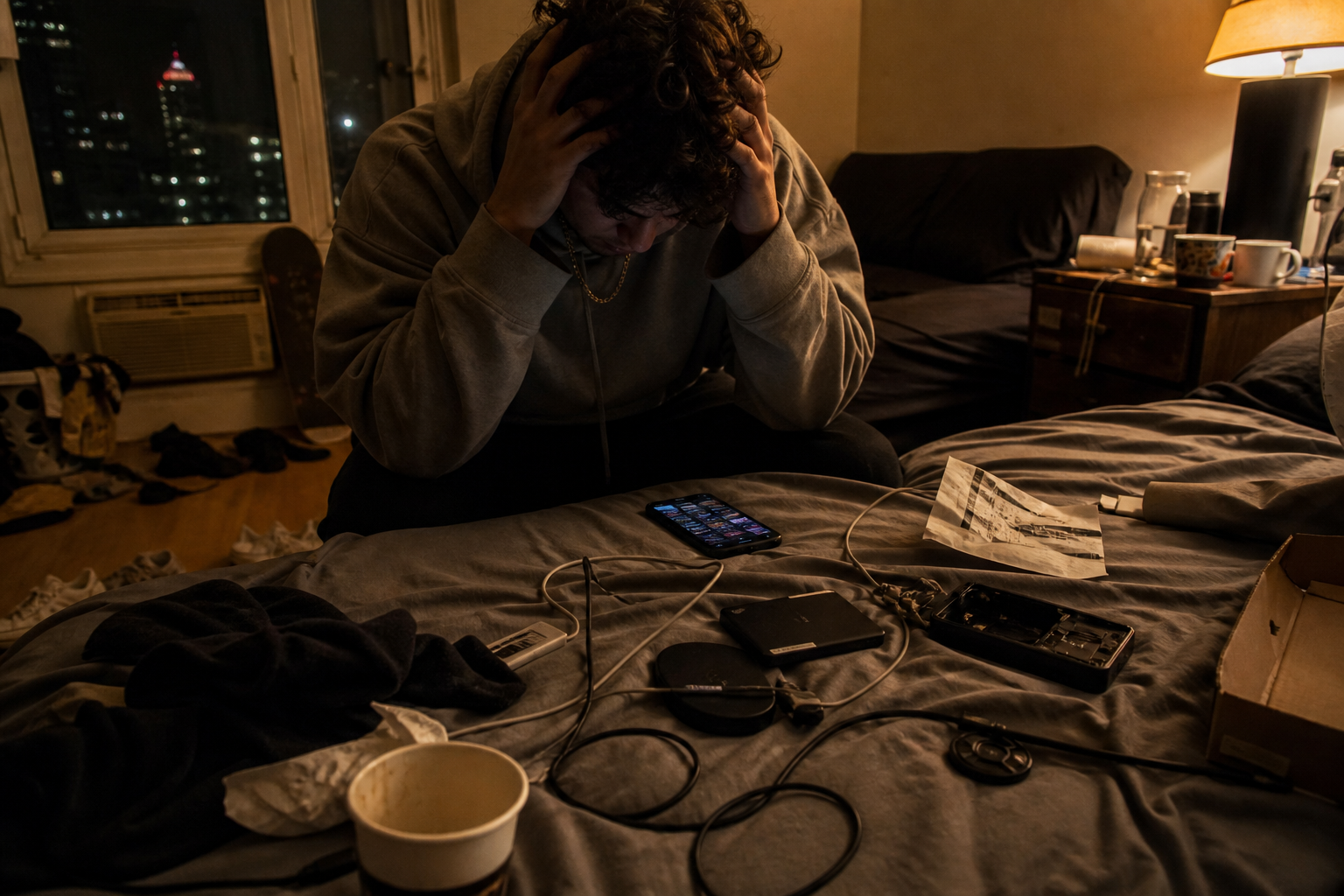
Fast drive for this week’s edits. Big drive for the archive. Google Drive or Dropbox when a client needs a file. That covers storage. What it never covers is the set you send — raw, BTS, selects, and finished drops scattered across Recents, DMs, and folders named “final2.” Keep the terabytes where they are. Put the set you forward in a private content library, send one live link, and get paid from the same place. Drive stores files. FWDLink forwards the set.
Free to start · SSD/NAS for bulk · FWDLink for the set you send · Drive stores files — FWDLink forwards the set




SSD & NAS for bulk
Keep terabytes on local drives. FWDLink is not trying to replace them — it holds the set you send.
Private content library by drop
Albums for a project, collab, or campaign — video, stills, audio, and files together. Not a scavenger hunt.
FWD the set. Get paid.
Live links to editors, brands, and fans. Same media on invoices and monetize offers when you’re ready.
Where it lives now
Where do creators save all their content?
In four places at once. Active projects on a fast SSD. Archives on an HDD or NAS at home. Cloud drives for client handoffs and collab folders. Phone Recents for everything else, until it disappears. None of that is wrong — storing terabytes and sending a set are different jobs. FWDLink is the private content library for the set you send: organized albums, live FWD links, and a public page when you want to feature work or get paid.
Drive vs FWDLink
Drive stores files. FWDLink forwards the set.
Drive vs FWDLink
Drive stores files. FWDLink forwards the set.
Google Drive and Dropbox are excellent file lockers — shared folders, permissions, terabytes. FWDLink is built around the send: albums people open in a browser without an account, a storefront page for what you feature, CRM docs that reuse the same media, and monetize tools on the link they already have. Upload into an album, then FWD. Your NAS keeps doing its job — this one ends the twenty-minute hunt before every handoff.

Where it all sits
Working SSD, archive HDD — and the set you send
Your content is an asset, and most creators already split it up: a working SSD for active edits, an archive HDD or NAS for backup, labeled boxes for finished seasons. None of that helps you send a set. FWDLink is where you organize the set you forward, share it, and get paid for it.
Working SSD
Active edits and exports this week — the fast drive on your desk while you cut.
Archive HDD / NAS
Long-term backup for finished seasons, labeled boxes, and old projects at home.
Cloud drive
Shared folders with collaborators who need file access.
FWDLink
Private content library + live links + monetize — the forwardable set, organized by drop.

SSD, NAS, and cloud — what each tier is for
Working SSD: speed for active edits and exports this week — the drive on your desk while you cut. Archive HDD or NAS: cheap long-term backup for finished seasons, labeled boxes, and old projects you might license later. Cloud (Drive, Dropbox, iCloud): shared folders with collaborators who need file access. FWDLink: the private content library for the set you send — organize raw and BTS by drop, FWD to an editor or brand, pin keepers on your page, attach the same files to invoices. Backing up terabytes and sending a set are different jobs. Start your content library free when you are ready to stop losing the set.
Start your content library freeHow it works
From scattered storage to a live link in four steps
Keep terabytes local. Upload the set you send. FWD when someone needs it.
01
Tier storage honestly
SSD for what you edit this week. NAS or HDD for archives. Cloud for what someone else needs to open.
02
Upload the forwardable set
Raw, BTS, selects, and finished clips into a FWDLink album — a drop, a project, a collab.
03
FWD a live link
Send one URL to an editor, brand, or client. They open it in a browser — no account required. Keep adding; the link stays current.
04
Monetize from the same page
Pin keepers on your public page. Attach proof to invoices. Add tips or memberships when you want to get paid.
Creator storage — frequently asked
- Where do creators save all their content?
- They split it. Fast SSDs hold active edits. NAS or HDDs hold archives. Cloud folders handle collabs. Recents holds everything until it vanishes. FWDLink is the content library for the set you reuse and send — private albums, live FWD links, and invoices with the same media. Keep terabytes local. Save the working set here.
- Where should creators store raw footage and BTS?
- Keep bulk archives on SSD, NAS, or HDD. For the set you will forward — raw, BTS, selects, and finished clips — use a private FWDLink album by drop or project. FWD a live link when an editor, brand, or collab needs it without exposing your whole vault.
- How is FWDLink different from Google Drive for creators?
- Drive stores files in folders. FWDLink organizes media into albums you forward — live links that open in a browser, a public page for featured sets, and the same files on invoices and monetize offers. Drive is the locker. FWDLink is organize, share, and get paid.
- Do I need to move everything off my hard drive?
- No. Keep terabytes local. Upload the set you send — what an editor, brand, or fan needs — into FWDLink albums. You are adding a place to send from, not replacing bulk storage.
- Can I monetize from the same library?
- Yes. Pin sets on your public page, attach media to invoices, and add tips or memberships on Monetize — all from the library you already organized. One home. Multiple sends.
- How do creators organize and backup content files?
- Most use a working SSD for active projects, an archive HDD or NAS for long-term backup, and labeled folders or boxes for finished seasons. FWDLink handles the part they send: organize raw, BTS, and selects in private albums by drop or project, then FWD a live link when an editor, brand, or collab needs the set — without digging through three drives.
- What is a working drive vs an archive drive for creators?
- A working SSD holds what you edit this week — fast, always plugged in. An archive HDD or NAS holds finished seasons, old BTS, and labeled backup boxes you rarely touch but never delete. FWDLink is not either drive; it is the content library for the set you send — organized albums, live links, and a way to get paid, alongside the drives you already own.
Stop losing the set before every handoff.
Start your content library free — organize by drop, FWD a live link, and monetize when you are ready. Drive stores files. FWDLink forwards the set.