FWDLink
FWDLink for travelers
Send home the day you actually lived.
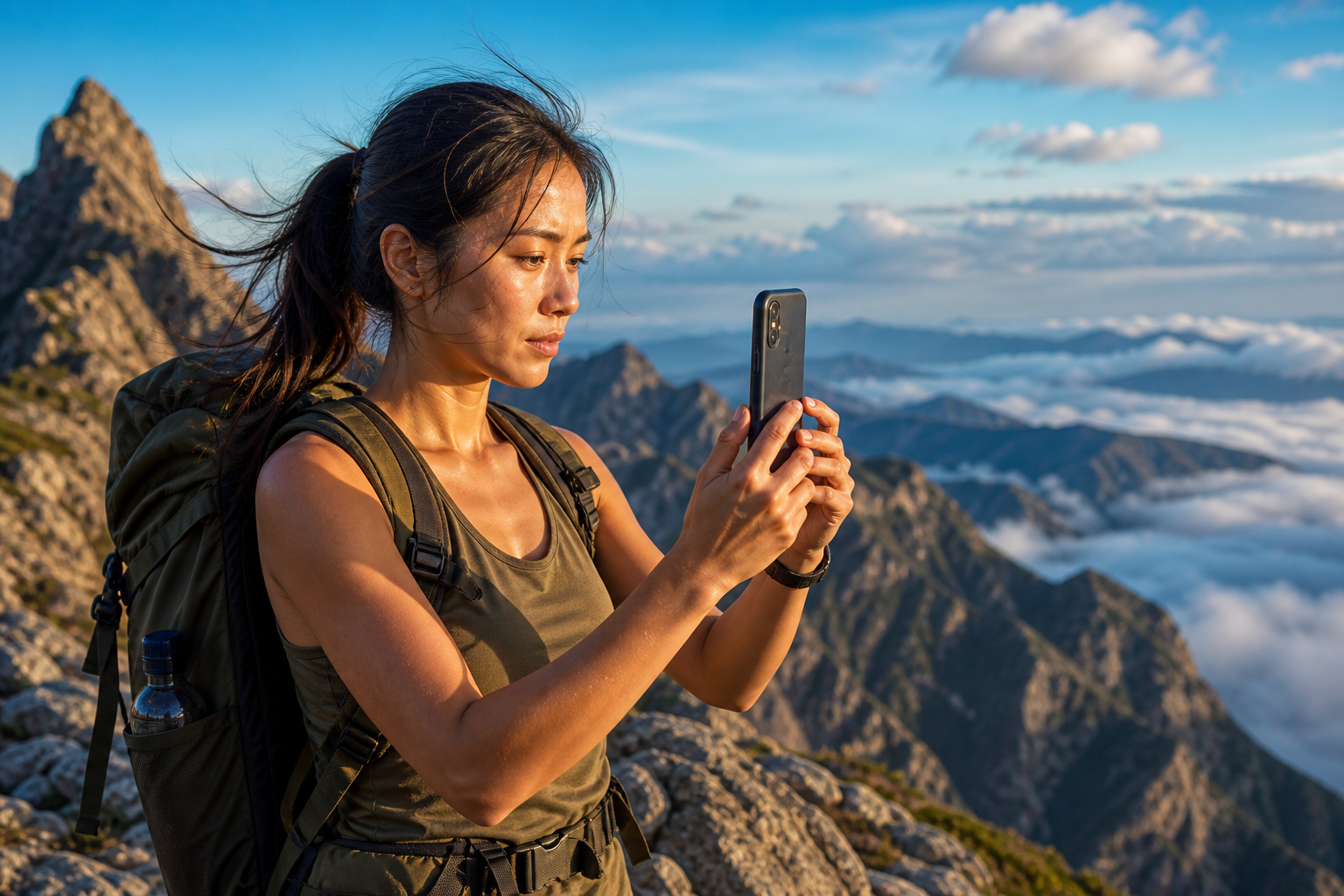
The ridge. The city. Dinner that tasted like the trip. Shoot it, then give the keepers a day album — or one trip album that grows. FWD it to family instead of dumping forty photos into a chat nobody scrolls twice. Keep adding from the phone. The URL stays the same.
Day albums · Live trip link · Private until you FWD
The problem
A week of Recents is not a trip you can send home
Boarding passes, menus, the vista, the blurry one, the perfect one — Recents mixes them. Family asks “how’s the trip?” and you dump 40 photos into a chat that nobody scrolls twice. The day on the ridge deserved an album — not a firehose.
The fix
Day albums on the road. One live link home.
Each night — or whenever you have wifi — open FWDLink and upload the day’s keepers. File “Day 3 · ridge” or drop them in the trip album. FWD once. Add more from the hotel terrace. They reopen the same URL — and they can feel the trip.
Trip albums
Give the day a home before Recents swallows it
The trail, the museum, dinner — three moments, one day album, or one growing trip. You pick the album and upload from Recents. Family gets a link they can linger on, not a firehose.

How it works
From the trail to a link family can feel
You already take the photos. FWDLink is the trip they can actually watch — the one you’re proud to send home.
01
Shoot the day
Phone on the trail, at dinner, in the window seat. Use whatever camera is with you — the phone is enough for the day you’re living.
02
Upload from Recents
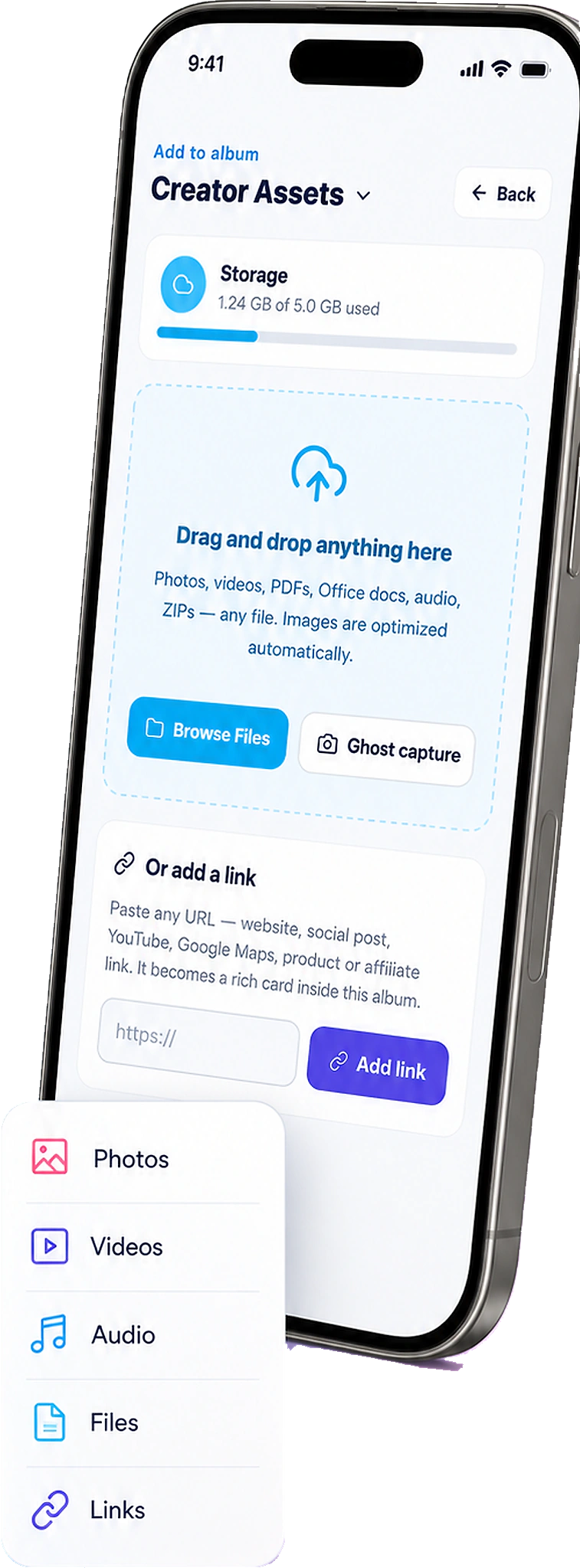
At the hotel or in a café, open FWDLink and add the day’s keepers to the trip album. Leave the boarding-pass scans in Recents.
03
File a day or the whole trip
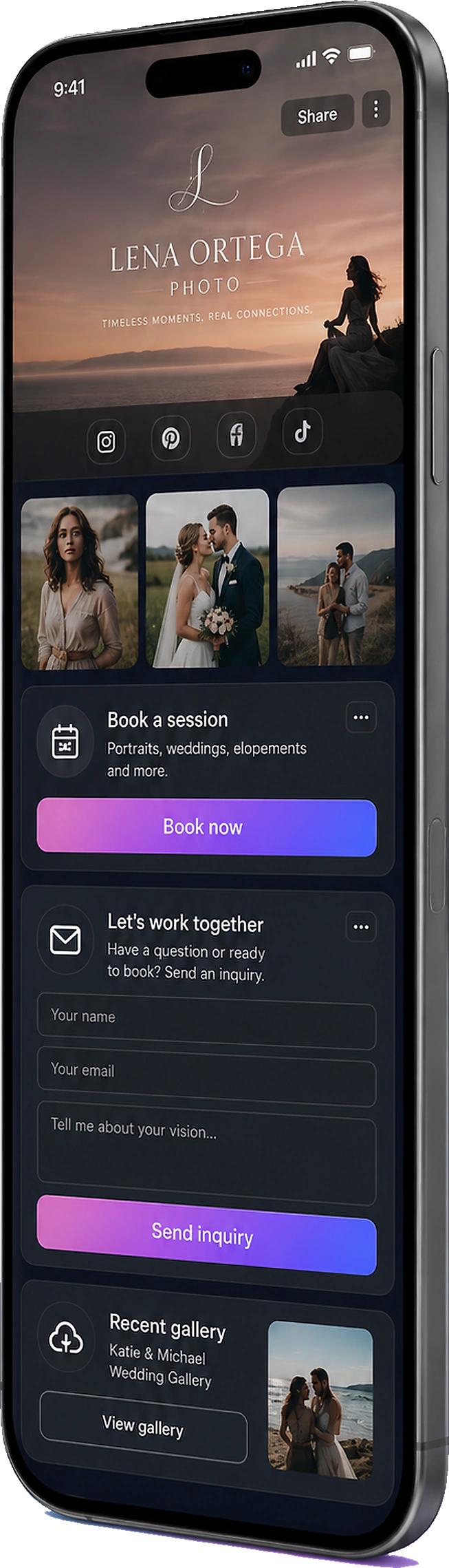
Create “Patagonia · Day 2” or keep one trip album. You choose the home and organize in the private library.
04
FWD the trip home
Send family one link. Add tomorrow’s ridge to the same URL. Raw and near-duplicates stay private. They get the trip — not the pile.
A trip is a story. Recents is a pile.
Day albums keep the story in order. One trip album is fine if you travel light. Either way, family opens a gallery they can linger on — not a chat.
Day albums
Tuesday’s ridge does not fight Thursday’s market.
One trip link
FWD once. Keep adding. They reopen the same URL.
Place on the memory
Pin the trailhead, the city, the hotel — the album remembers where.
Action cams and glasses can ride. The trip is still yours to file.
A GoPro on the descent or glasses on the trail can land in the same trip album once they’re on your phone. This page is the traveler’s library — not a wearable setup guide.
Family gets the trip. You keep the raw.
FWD the set you’d actually show. Near-duplicates, boarding passes, and the unfiltered dump stay in the library. That’s the kindness of not dumping Recents on the people you miss.
Selective FWD
Parents get the vista. The group chat does not get 200 frames.
Same library at home
Trips sit next to family albums and everything else you FWD.
Works offline-to-share
Shoot all day. File when you have wifi. The album waits.
Ways to use it
The trip moments worth sending home
Family asking “how’s the trip?”, a Recents pile you can’t send, the friend who couldn’t come — upload the day, then FWD the album.
Family at home
They asked how the trip is. Send a link they can feel.
FWD one trip album. Add each night. They stop asking you to resend 40 photos in the group chat.
Camera roll
A week of Recents is not a trip
Boarding passes and vistas in one pile. Upload keepers into a day album before Recents swallows Tuesday’s ridge.
Day hikers
One ridge, one album
Upload the outing before it mixes with airport shots. FWD it if someone wants the day.
With kids
The vacation grandparents can open
FWD the kid set. Keep the rest of the roll in the private library.
Road trips
Stops as albums, or one growing link
Upload each stop — or one trip album. FWD once. Same URL at the next motel wifi.
Solo
A library for later, a link if you want
File it for yourself. FWD a friend the one day that mattered.
Frequently asked questions
- Should I make a day album or one trip album?
- Either. Day albums keep the story in order on longer trips. One trip album is simpler for a weekend. You can FWD the whole trip or a single day.
- Can I add photos after I already sent the link?
- Yes. The live URL updates as you upload more from Recents — that’s the point of a trip link.
- What if I also shoot with a GoPro or glasses?
- Once that media is on your phone, upload it into the same trip album. For capture-device guides, see Action cameras and Smart glasses.
- Are trip photos public?
- No. They stay private until you FWD a link or feature an album on your page.
- Is this just a backup of my travel photos?
- No. You upload keepers into a day or trip album, then FWD a live link family can open — without dumping Recents into the group chat.
File tonight’s day. Send home the trip.
Start free. Upload the next keepers from Recents into a trip album — then FWD family one link. See Plans when you need more storage.
Keep exploring
- The photos they asked for — not your entire camera roll.
- The birthday grandma can actually find — in one family album.
- You clipped it. You flew it. Send the album — not the card dump.
- You captured it hands-free. Send the album — not Recents.
- Content library
- Place-pinned albums — organize work and life by where it happened
- Your private photo vault.
- Plans & pricing