Professional share links
Photo sharing for photographers — a link that looks like your work
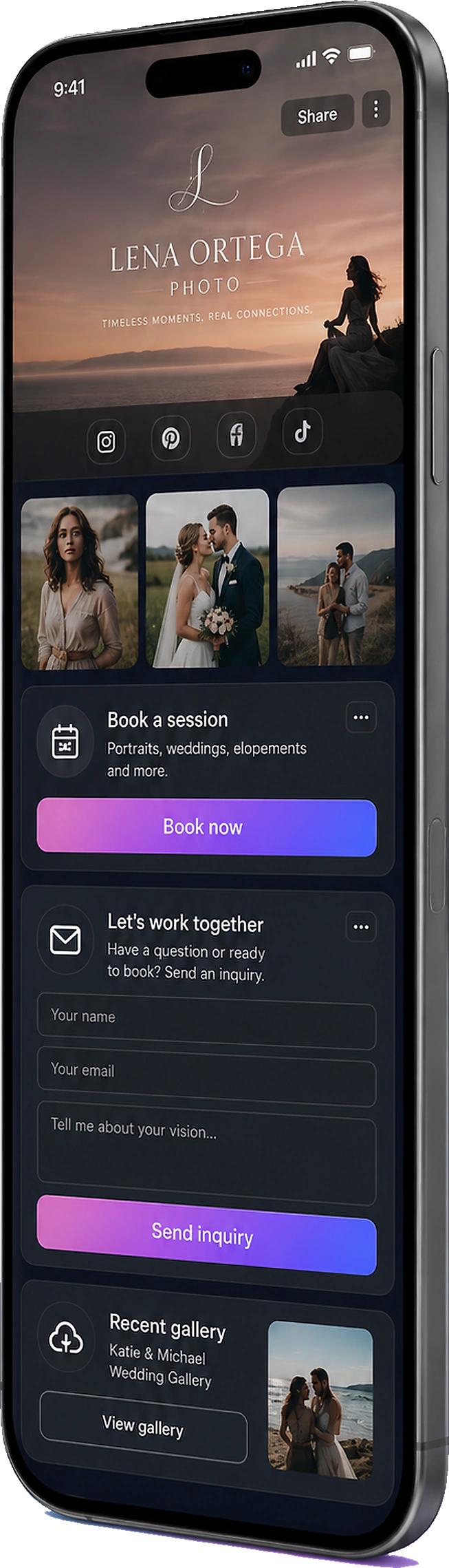
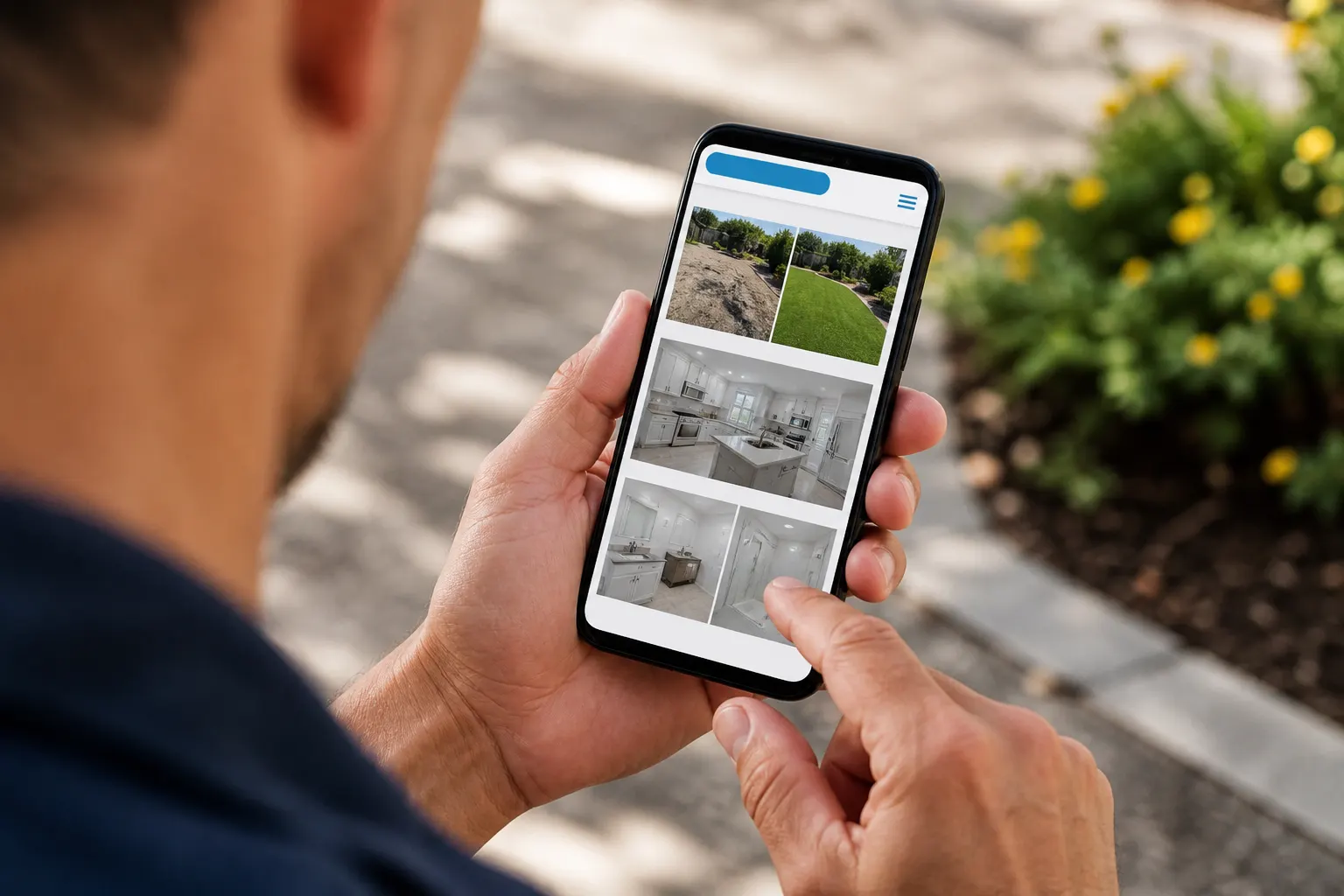
Clients should not hunt a zip named “Johnson_wedding_finals.zip”. Send one FWDLink. They open a gallery on their phone, forward it to family, and you can drop more frames on the same URL. Built for how photographers actually send work — not a generic file dump.
Looks like you
A page with your name on it — not a generic cloud permission screen.
One URL, keep adding
Sneak peeks tonight. Selects next week. Same link they already forwarded.
Forwardable on purpose
Family opens it without an account. That is how the next inquiry starts.
How it works
01
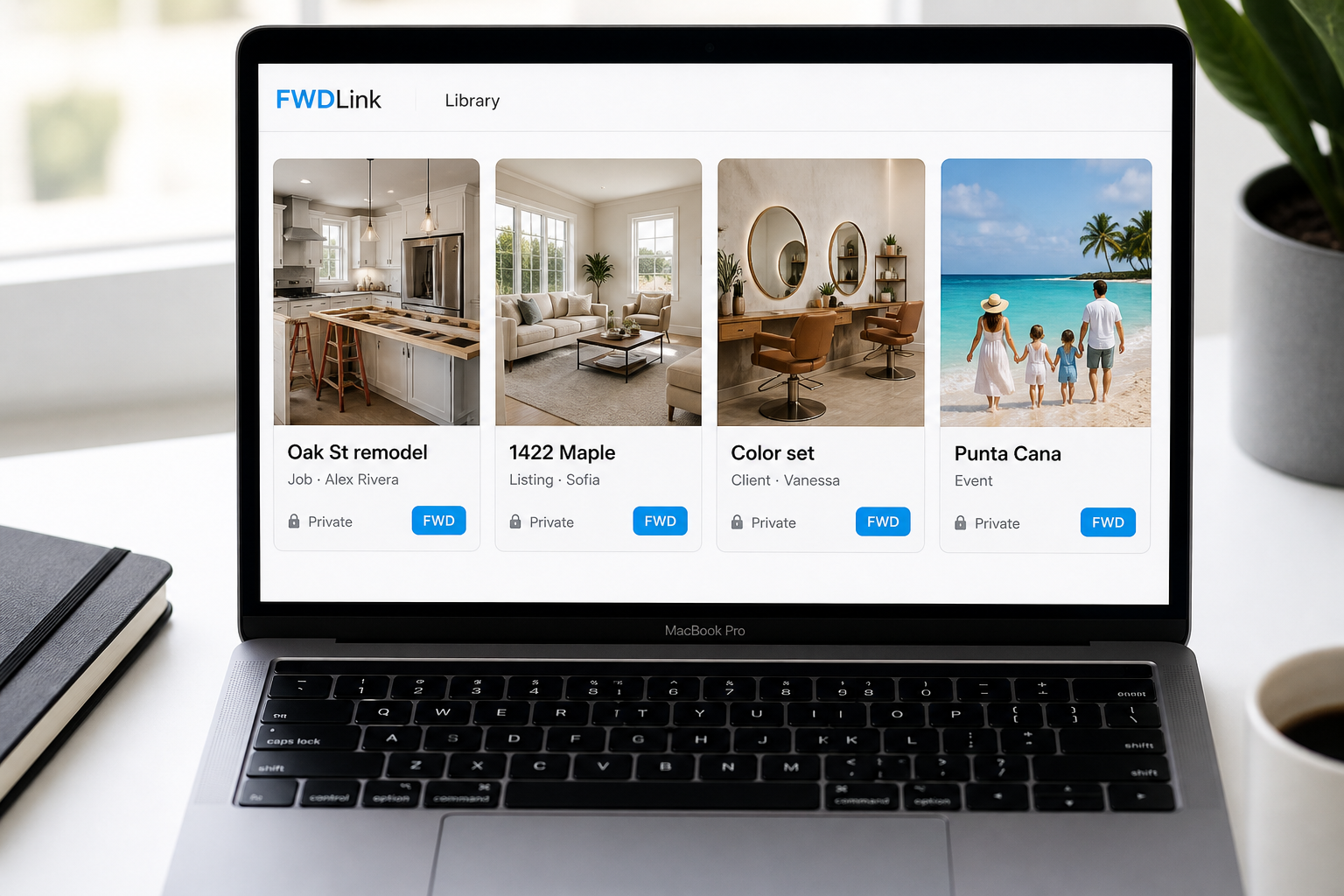
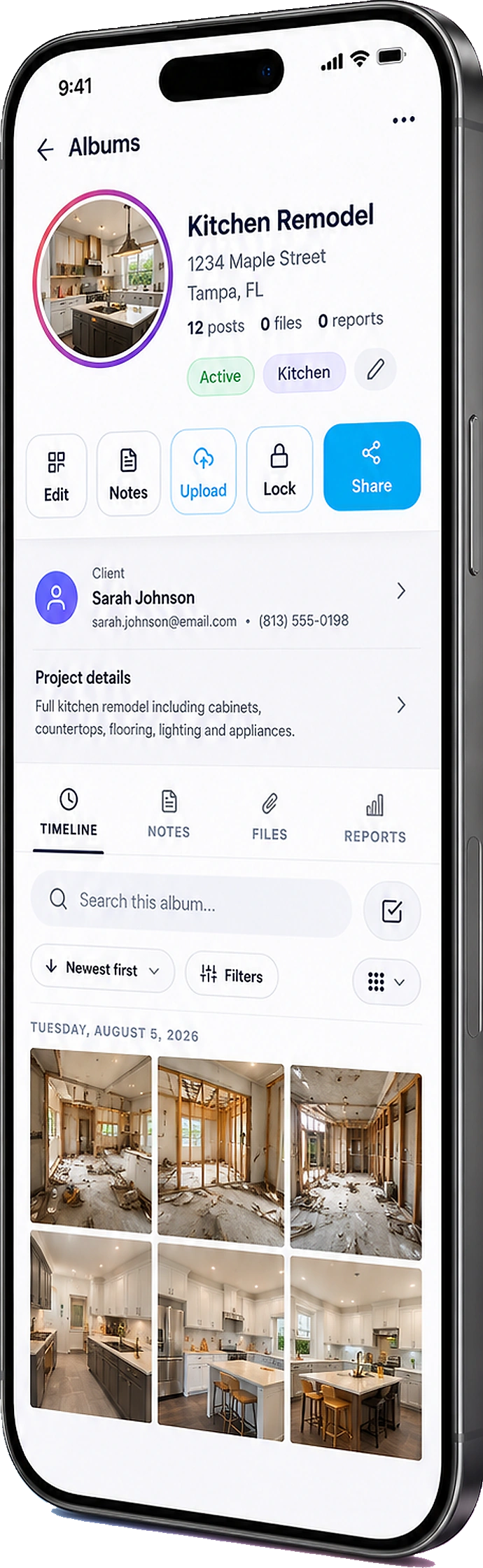
Save the set to an album
Name it for the client or the day. Mix stills and a highlight if you have one.
02
Share one professional link
Text it, email it, put it on your page. They open it in a browser.
03
Let them forward it
Parents, the wedding party, the brand team — same gallery, no extra zips.
04
Keep the link current
More edits land in the same place. You are not resending a new folder every Friday.
Photographers need a share site, not a pile of files
A Drive folder and a WeTransfer dump get pixels across. They do not feel like the session. A FWDLink gallery is something people sit with: order, names, a page that belongs to you. That is the difference between “here are the files” and “here is how I deliver.”
This is not the trades “send the job photos” page
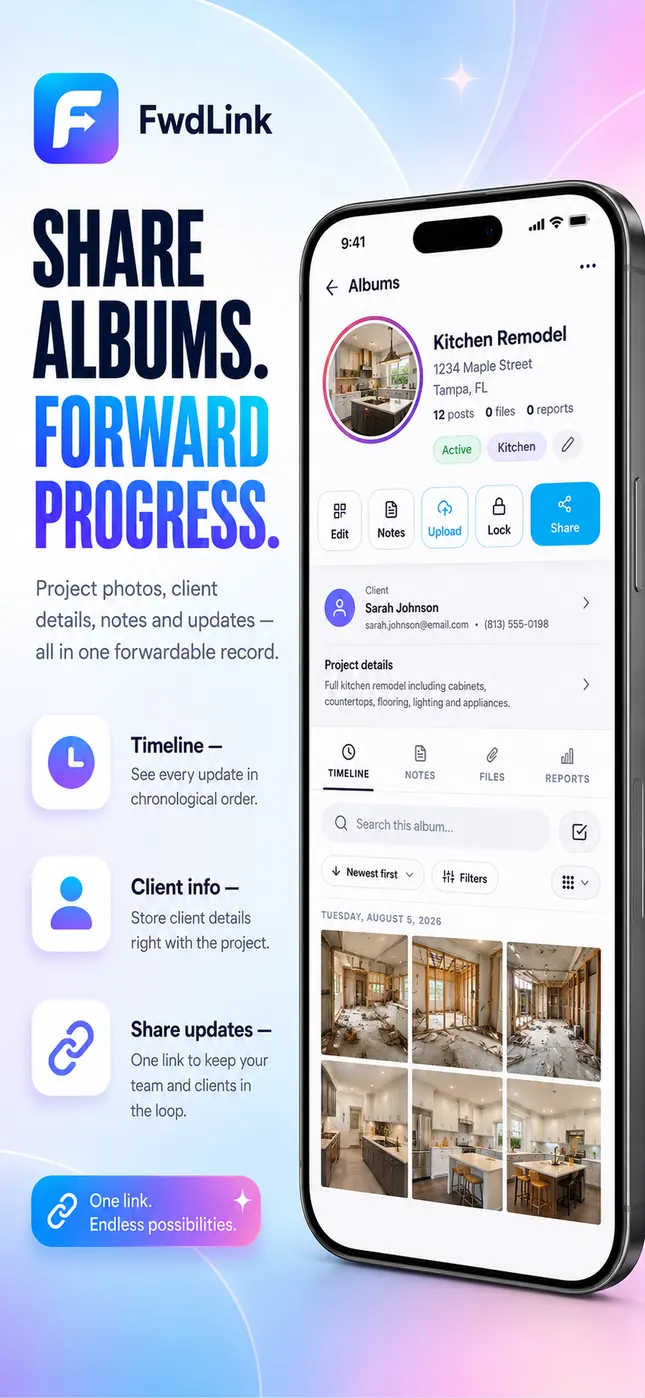
Sharing work photos with a homeowner after a remodel is a different job. This page is for photographers who send a professional set: portraits, weddings, brands. The client expects a gallery they can show people — not a jobsite album.
One link you can put on your page
Pin public portfolio albums on your FWDLink. Keep client deliveries on a private share. Same studio, two jobs: attract the next booking, and send this one home without a zip.
Frequently asked questions
Is this different from a photographer client gallery?
The gallery page is the delivery experience — sneak peeks, video, the shoot as a place. This one is the share itself: a professional photo-sharing link instead of a zip or a cloud folder.
Do clients need an app?
No. They open the link in a browser on any phone.
Can I add photos after I send the link?
Yes. The same URL stays current.
Can family forward the gallery?
Yes. That is the point. They should not need a login to look.
Can I mix video with stills?
Yes. One album.
Can I protect downloads?
Yes. Set protection per album when you share.
Related
More FWDLink pages