For personal chefs
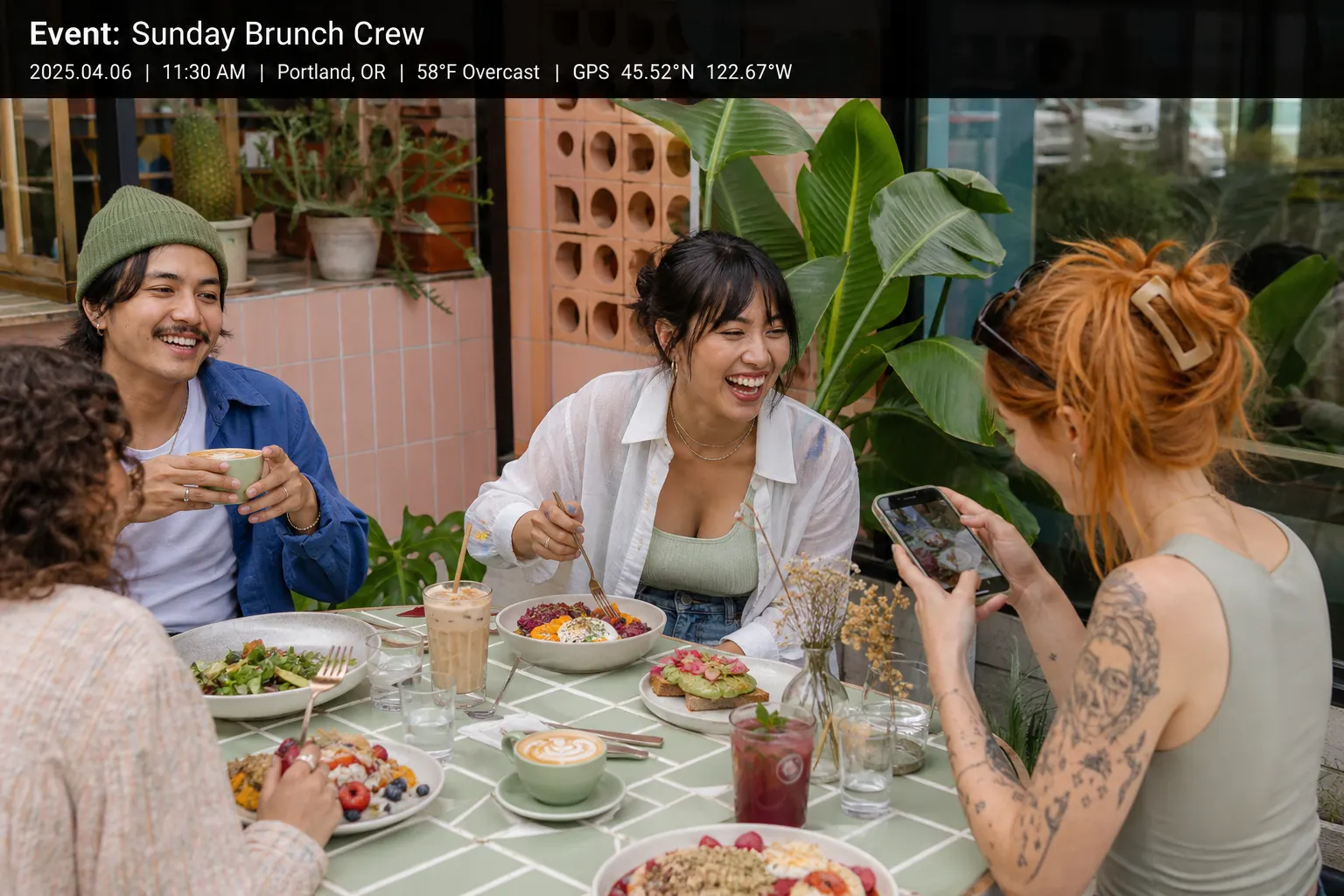
Personal chef photos — the week’s plates in one client album
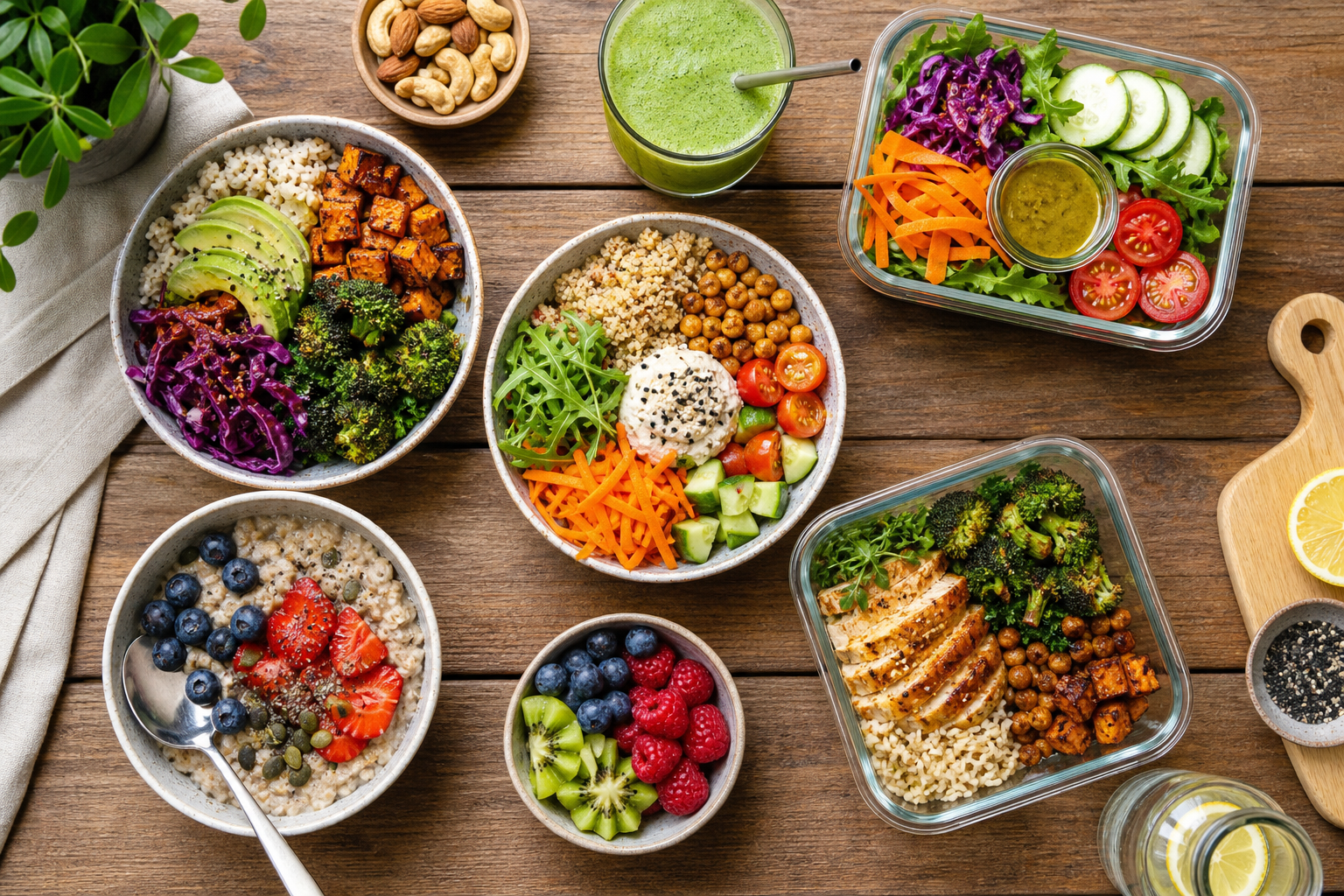
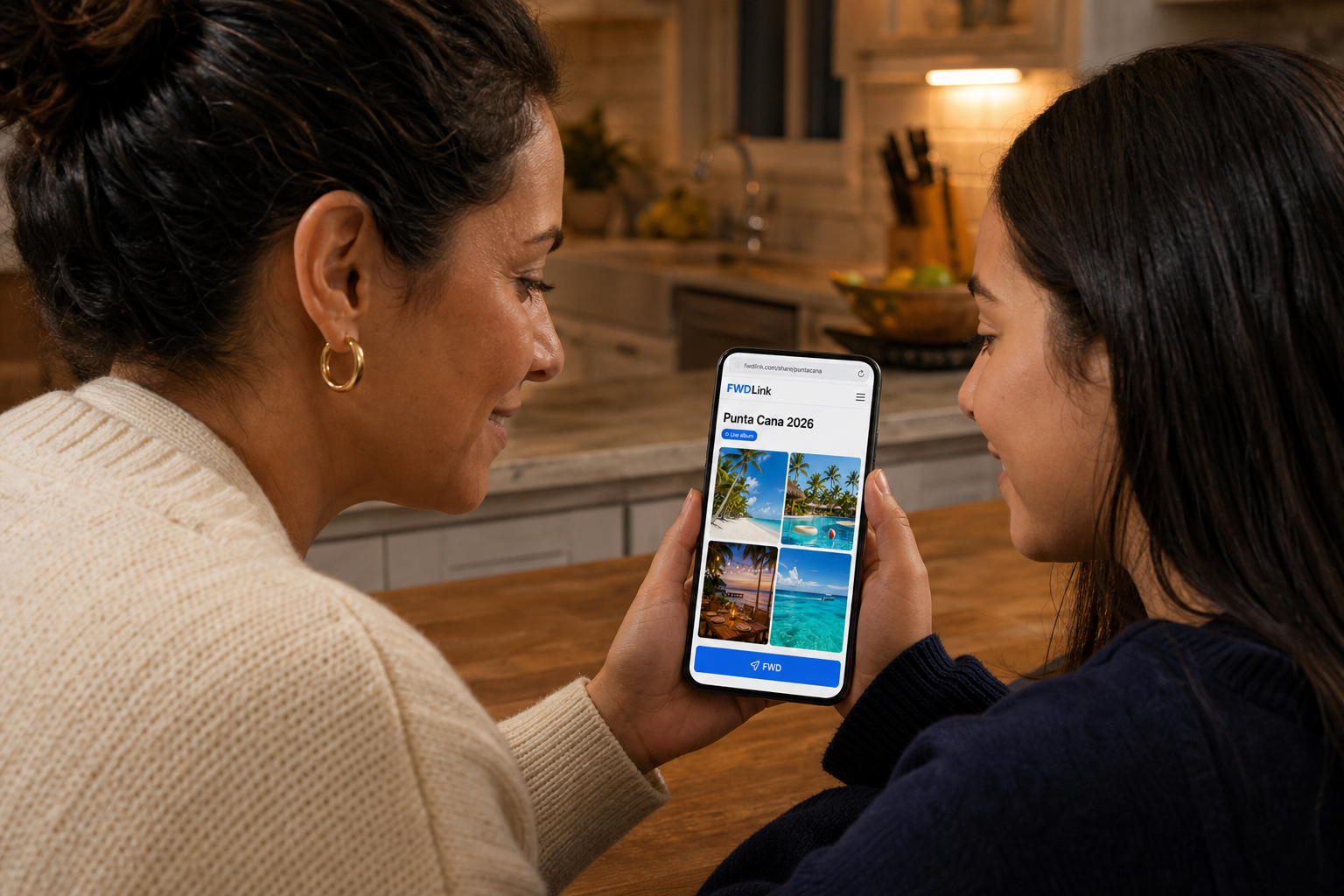
Prep in their kitchen, labeled containers, the plated test — save it to that household’s album. Share one link so they know what is in the fridge. Pin the home. Send a cotización for the next week from the same FWDLink.
Album per household
Dietary notes live with the photos.
What you left in the fridge
They open the link instead of opening every lid.
Menus on your page
Public plates for new clients. Private kitchens stay private.
How it works
01
Photograph the plates
Or the labeled stack. Whatever they need to recognize.
02
File the house album
Pin the kitchen.
03
Share the week’s link
They already have it after week one.
04
Add next cook date
Same album all season.
Not a restaurant QR menu
QR menus are for diners scanning a table. This is a household you cook in.
Dietary reality lives in photos
A note plus a photo of the label beats a forgotten text.
Next week’s estimate
Send a cotización when the menu changes. Same page they already open for photos.
Frequently asked questions
Is this a restaurant menu page?
No. Chefs in homes. Restaurants have a QR menu page.
Can each family have an album?
Yes.
Can they view without an app?
Yes.
Can I show public dishes?
Yes, on your page, separate from private households.
Can I send a cotización for a weekly package?
Yes.
Can a partner in the house open the same link?
Yes.