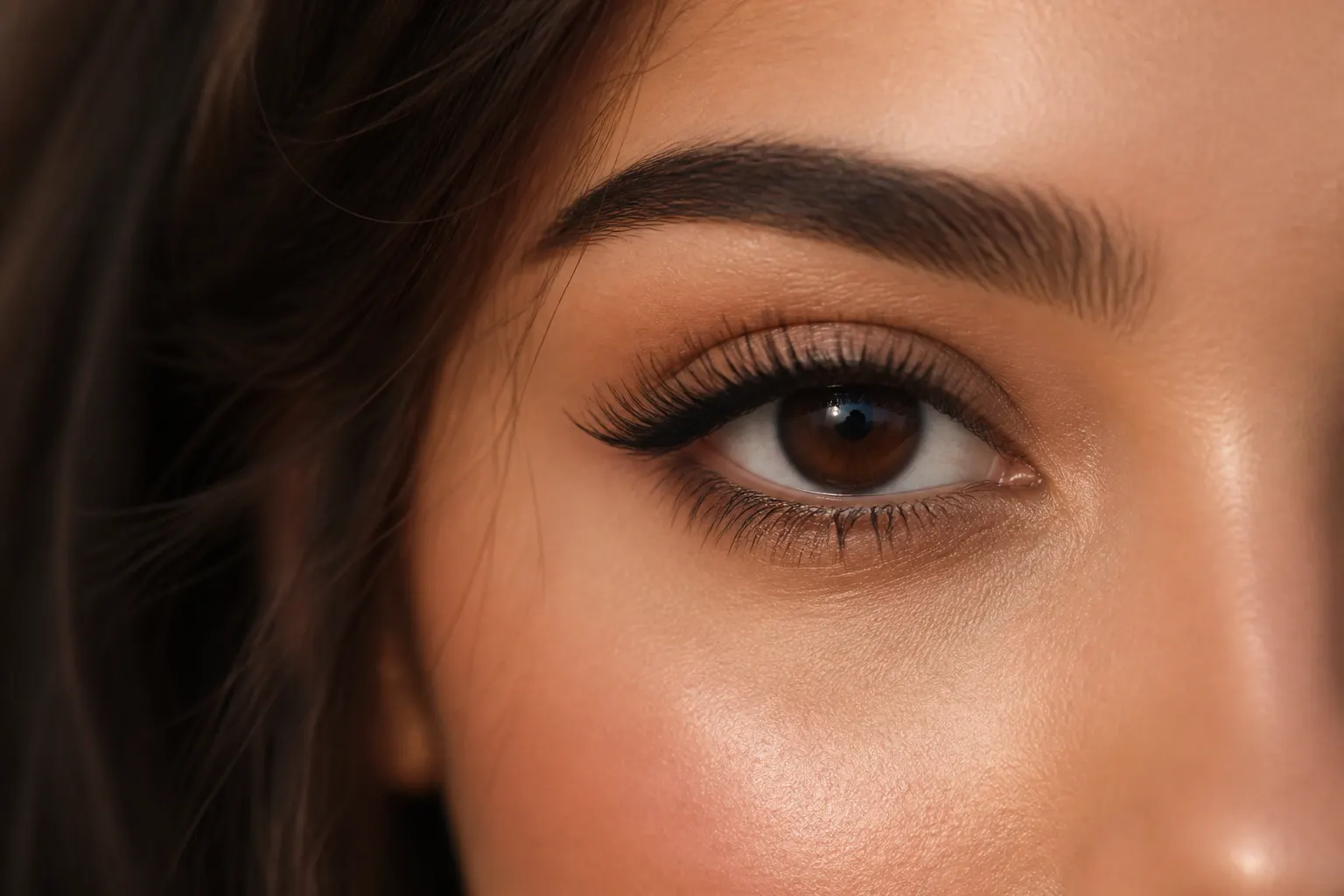
For lash techs
Lash maps and set photos in one client album
Classic, hybrid, volume — photograph the natural lash, save the map, then add the finish. One album per client so fills are not a guessing game. Share a link they can show a friend without you screenshotting six angles from Recents.
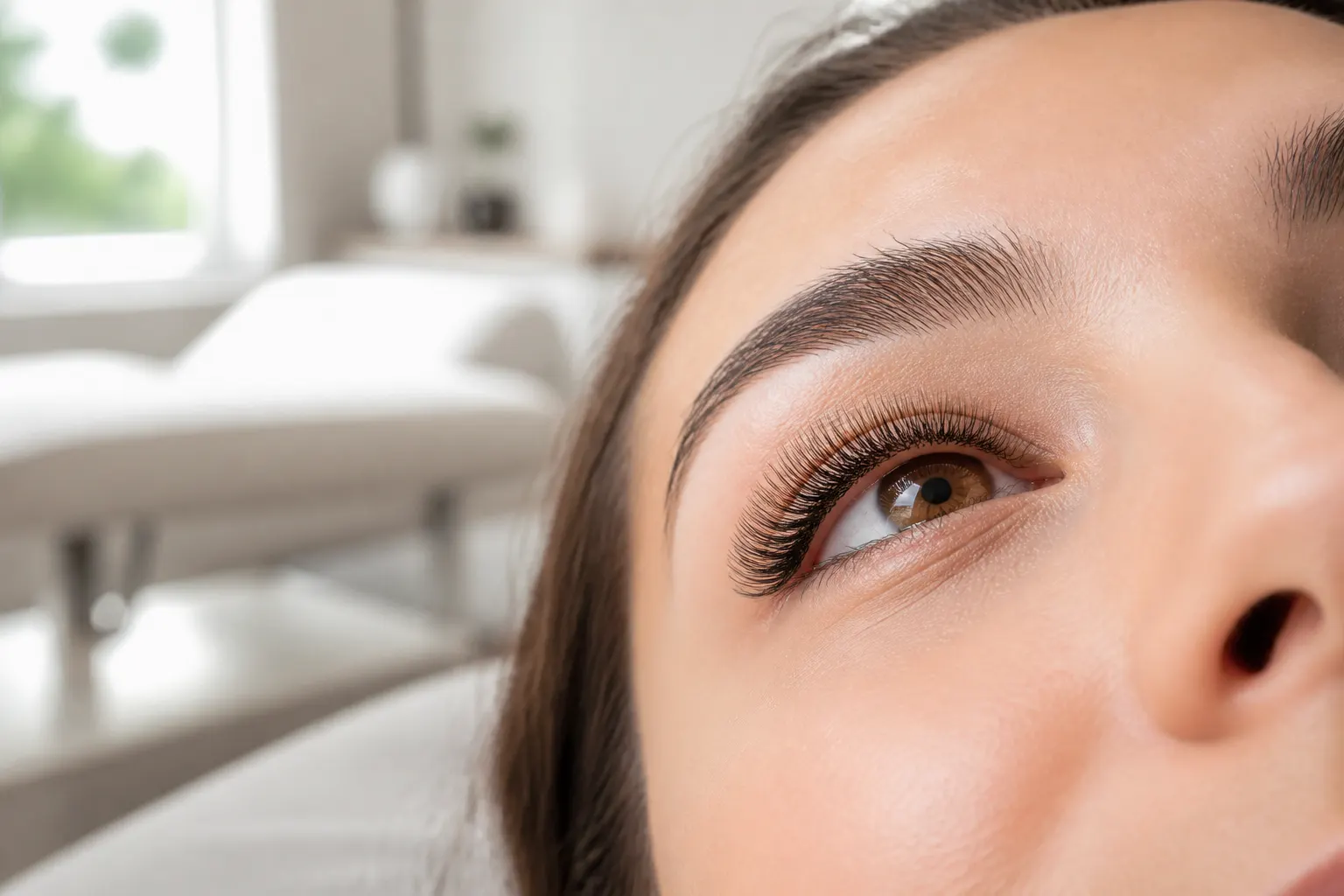
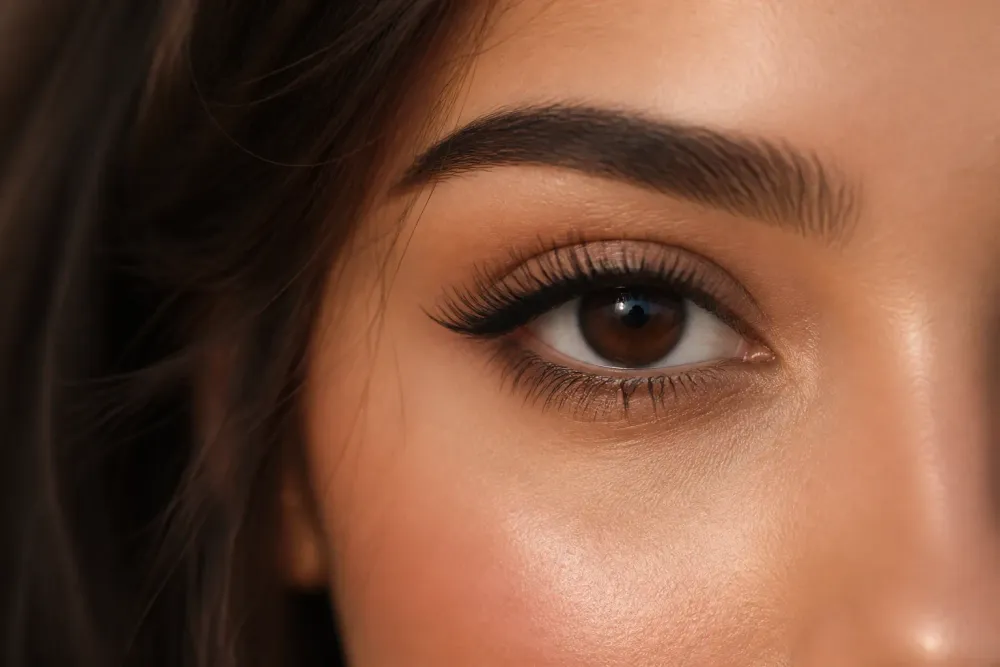
Map + before + after
The trio that makes the next fill faster.
Fills on a timeline
Dated albums show how the set wore — useful when they come in late.
Suite page
Public work for new clients, private albums for regulars.
How it works
01
Photograph the natural lash
Before anything goes on.
02
Save the map
Photo of the map or a note in the album.
03
Add the full set
Open-eye and closed if that is your style.
04
Send one link
They keep it for fills. Friends get the album, not a crop.
Fills fail when the map lives in your head
A photo of the map next to last visit’s after shot is the whole job. FWDLink keeps those two together.
Retention photos without a public callout
If you track how a set wore, keep it in their private album.
New clients find you from the work
A public lash album on your page does the talking. Requests and a cotización for a full volume set can sit under it.
Frequently asked questions
Can I store lash maps with the photos?
Yes — photograph the map or add a note in the album.
Are client lash photos private?
Until you share a link. You choose.
Can they forward the set to a friend?
Yes, if you send them a share link.
Can I take fill requests from my page?
Yes.
Do they need an account?
Not to view the album.
Can I work this beside the beauty studio page?
Yes. That hub covers the whole studio. This page is the lash-album version of the story.