FWDLink
FWDLink for families
The birthday grandma can actually find — in one family album.
Kids, vacations, birthdays, and the ordinary Tuesday — give them one home. FWD an album to grandparents, the soccer group, or the cousins who only needed the weekend. The rest stays private. Relief is sending the day, not dumping Recents into a chat nobody can scroll.
Family library · Selective albums · Private until you FWD
The problem
The day that mattered should not vanish in a group chat
Five phones dump into three chats. Attachment limits. Grandma never finds the birthday. The people who love these kids deserved one album — not a buried thread and a “which chat has the photos?”
The fix
One family library. FWD only the album they need.
Upload from the camera roll into a family album. Keep the library private, then FWD a birthday, a vacation, or “this weekend with the cousins.” Same link as you add the photos someone finds later. That’s the relief of knowing they can actually open it.
Selective albums
Everyone does not need every photo — and that’s a kindness
One library for the family. Separate albums for grandparents, the school group, and the relatives who only wanted the party. You choose what leaves the house. They get the day they were hoping for.
How it works
From the party to a link grandma can open
You already took the photos. FWDLink is the album relatives can open — without the group-chat pile, and with the day still feeling like the day.
01
Capture the day
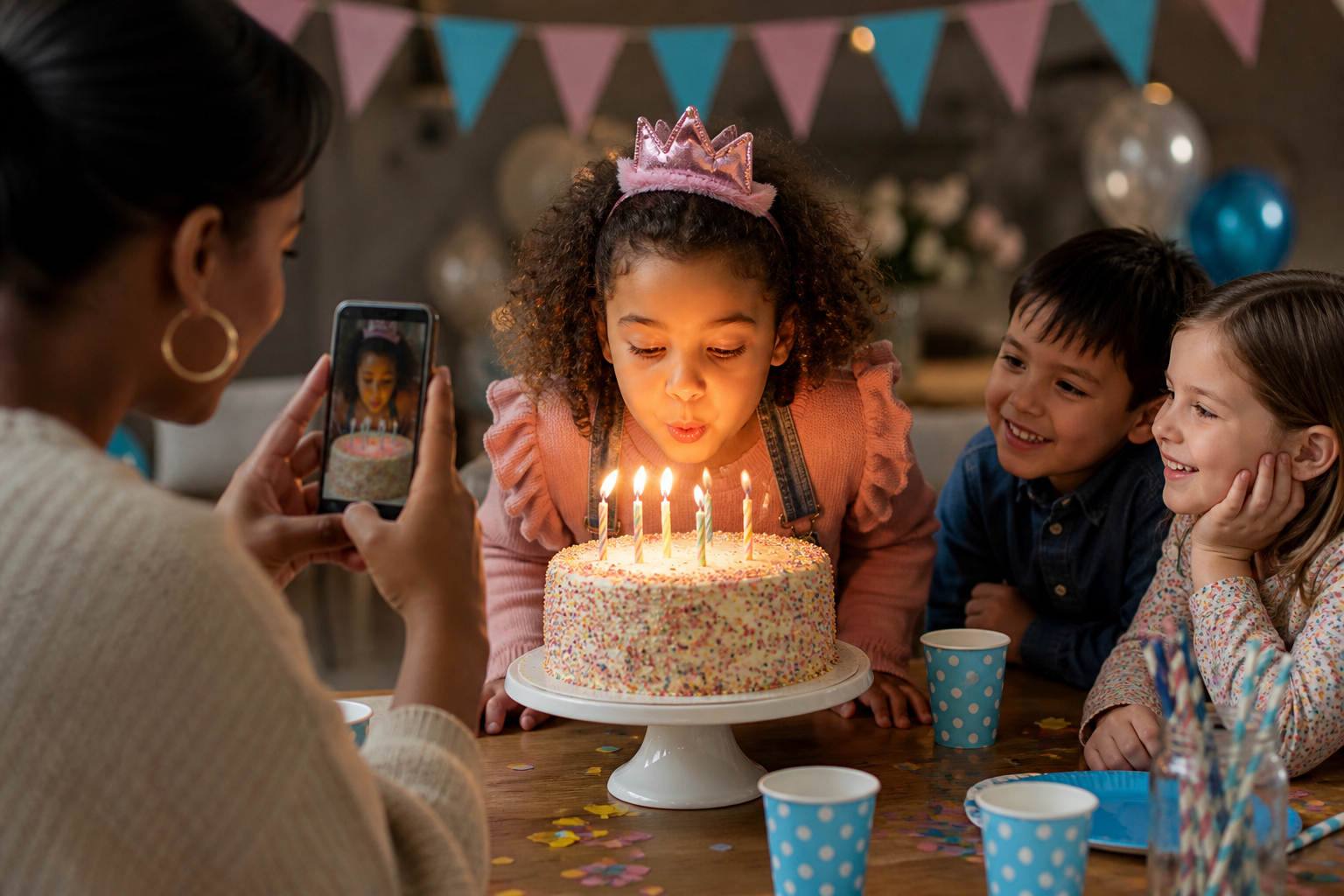
Birthdays, recitals, the beach week, the ordinary afternoon. Shoot it on your phone like you already do — the moments you’d miss if they vanished in a thread.
02
Upload into a family album
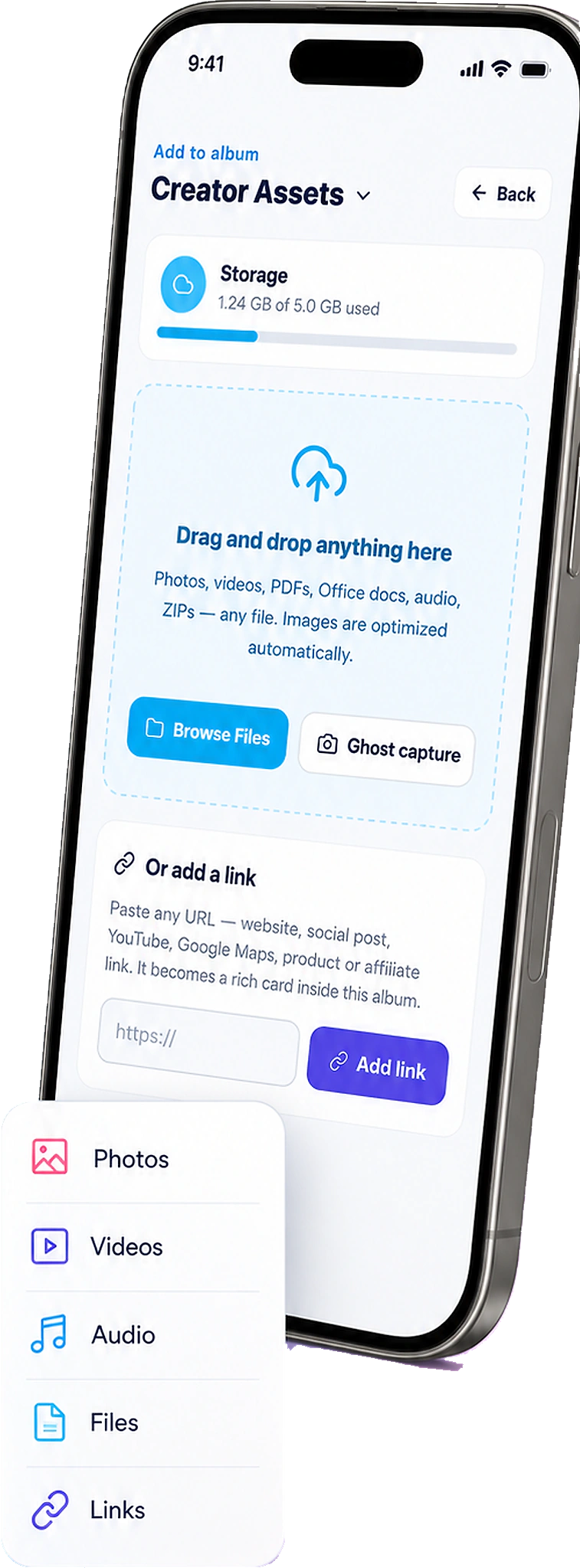
Open FWDLink. Add the keepers from Recents into a kids, vacation, or holiday album — not one endless camera roll.
03
Choose who gets which album
Grandparents get the birthday. The cousins get the weekend. The full library stays yours. That’s the kindness of not dumping Recents on everyone.
04
FWD the link — keep adding
Send once. When someone finds more photos next week, drop them in. The same URL still works — grandma still has the birthday.
A library for the years. Albums for the day they asked for.
You will not re-send the good years from a chat archive. File as you go. FWD the slice someone asks for — the birthday, the trip, this weekend with the cousins.
Kids, by year or by kid
Separate albums when you want them. One library when you don’t.
Vacations that relatives can scroll
FWD the trip album. Keep the unfiltered dump private.
Birthdays without the thread
One link after the party. Add the photos that arrive late.
Private until you decide who is in the room
A family library is not a public dump. Content stays private until you FWD an album. Pin the house, the park, or the venue so the story stays grounded — the place they remember.
The same library as everything else you FWD
Family albums live next to trips, work, and the private vault. One account. Selective shares. The people who love these kids get the day — not the whole roll.
No attachment limits
Skip the “which chat?” scramble.
Place on the memory
Pin grandpa’s house, the park, or the church.
Keep adding for years
The link you sent after the party still opens the full album.
Ways to use it
The days you want them to have — without the scramble
The group chat is not an album. Upload the day, then FWD only the people who should see it.
Group chat
Stop burying the birthday in the thread
Upload the party into a family album. FWD one link. Relatives stop asking which chat has the photos — and they actually see the cake.
Grandparents
The birthday, not the whole roll
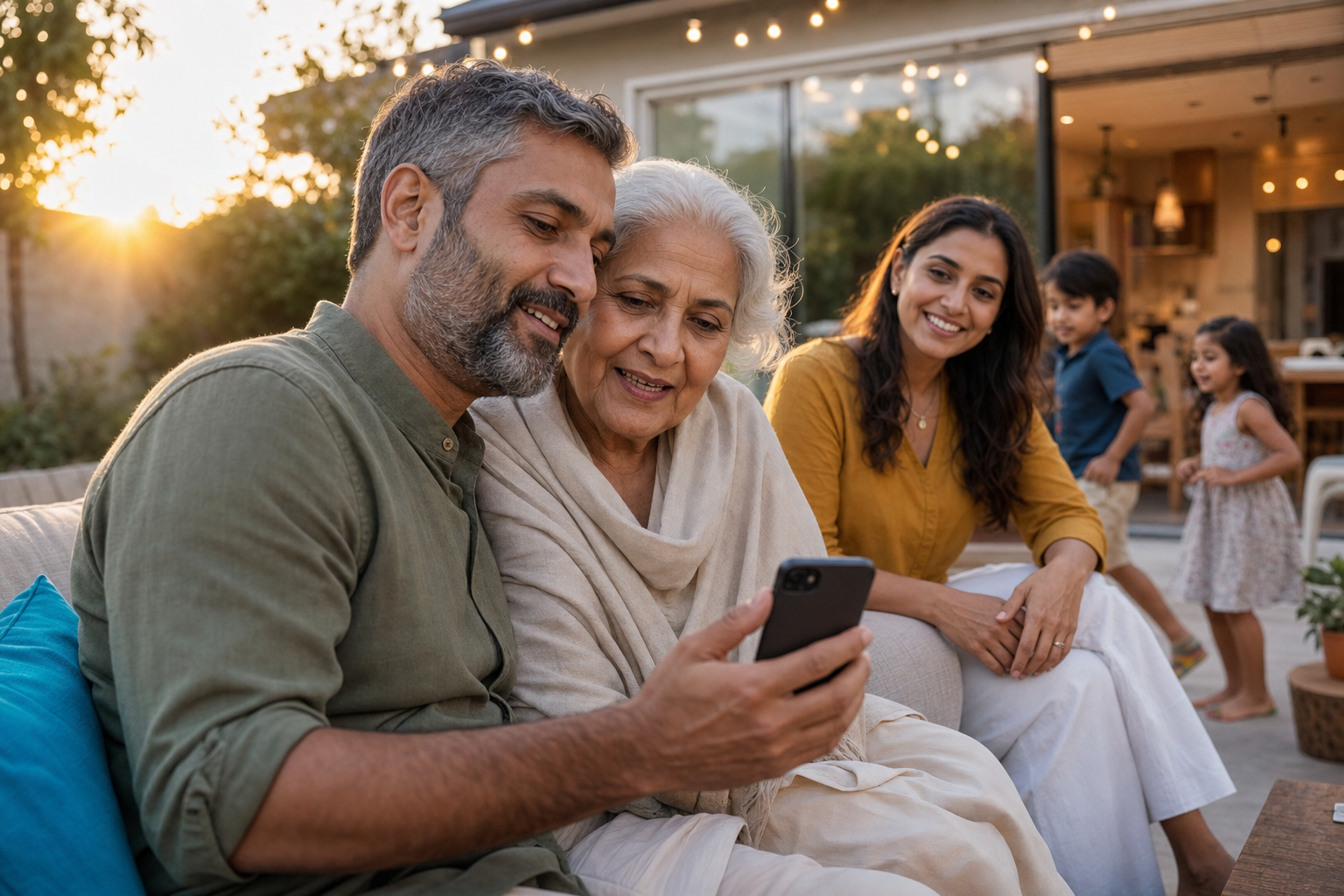
FWD a clean album they can reopen on any phone — no app, no account dance. That’s the relief.
Kids
A library that grows with them
File by year or by child. FWD a slice for the recital group — keep the rest private.
Vacations
The trip, for the people who weren’t there
FWD the vacation album. Keep the 400 near-duplicates in the library.
Weekends
Cousins who only needed Saturday
A small album. One FWD. They don’t get the rest of Recents.
Holidays
Everyone’s photos, one home
Upload what aunts send later into the same holiday album. The link you already FWD’d still works.
Frequently asked questions
- Is a family album private?
- Yes until you FWD the link. Send it only to family. The rest of the library stays put.
- Can relatives add photos later?
- You can keep adding to the same album — the link you already sent shows the new shots. Invite others to contribute when you want a shared event set.
- How is this different from a group text?
- Texts bury the day. FWDLink is an album you send — live, selective, and easy on any phone. Grandma can actually find the birthday.
- What about weddings and big events?
- A family library can hold those days. For guest-contribution event albums, you can still FWD one link or QR — the pattern is the same.
- Do I need a separate app for family vs work?
- No. Same library, different albums. File kids next to trips and, if you want, work — then FWD only the set each person needs.
Give them the day. FWD it to the people who love it.
Start free. Upload the next birthday or vacation from Recents into a family album — then FWD one link. See Plans when you need more storage.
Keep exploring
- The photos they asked for — not your entire camera roll.
- Send home the day you actually lived.
- Content library
- Your private photo vault.
- Event photo sharing in one album everyone can open
- You captured it hands-free. Send the album — not Recents.
- Place-pinned albums — organize work and life by where it happened
- Plans & pricing