FWDLink
FWDLink for action cameras
You clipped it. You flew it. Send the album — not the card dump.
GoPro, drones, helmet cams, and body cams catch what your hands can’t — the roof, the ridge, the lot from the air. When that media hits the phone, open FWDLink and give the keepers a home: a job, a listing, a trip. Then FWD only the set someone asked for. This is not smart glasses — it’s the cameras you mount, fly, and clip on. The footage already did the work.
GoPro · Drone · Helmet cam · Private until you FWD
The problem
That POV deserved an album — not another leftover app
The Hero fills up. The drone app fills up. The body cam fills up. Then it all lands in Recents next to lunch. A client, a crew, or family asks for the set — you hunt through four leftover apps. POV without an album is just more footage. The roof, the descent, the aerial deserved a home.
The fix
Mount it. Fly it. Clip it. Give it one album.
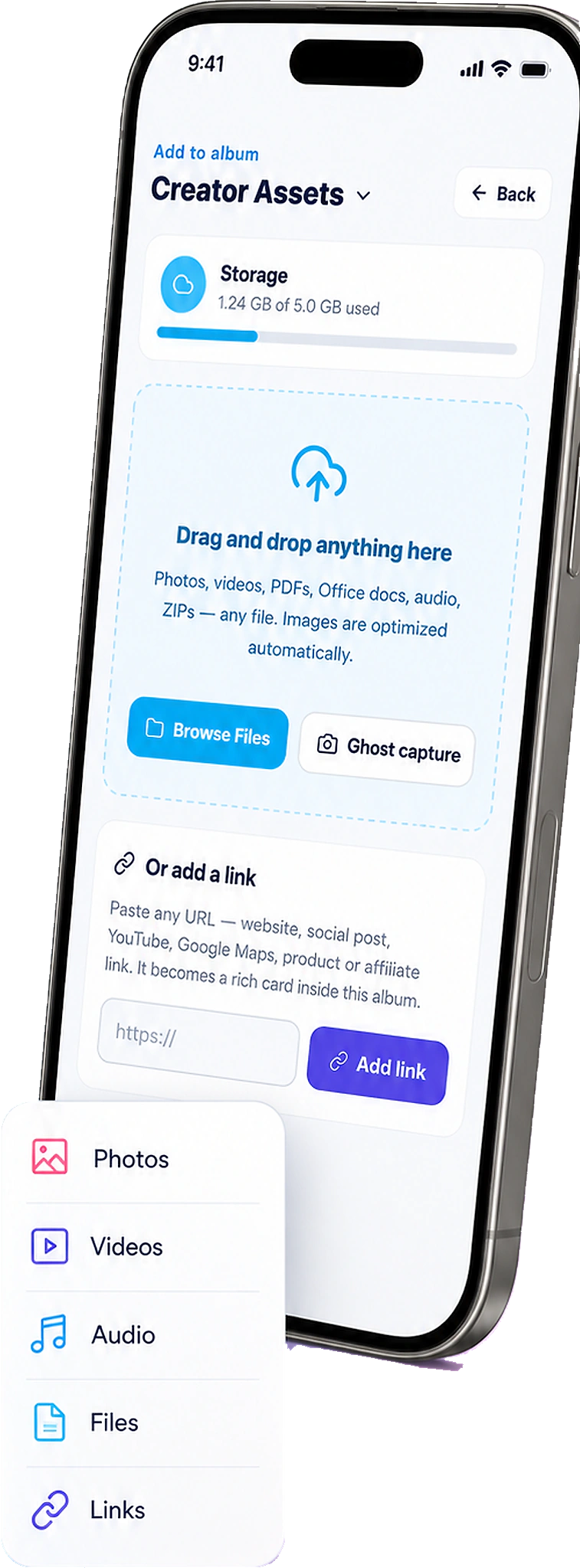
When the shot is on your phone, upload it into a FWDLink album — a job, a listing, a trip. Then FWD a live link: a roof walkthrough, a property aerial, a descent. Raw stays private until you send it. Relief is sending the set, not the card.
Offload → album → FWD
Helmet cam and drone dumps, one album you’re proud to send
Action-cam imports start on the camera roll like everything else. Open the album they belong in and upload — a job, a listing, a trip — instead of a folder named “GoPro 47.” Family, a buyer, a GC get a link they can actually open.
How it works
From POV to a link they’re glad to open
The camera is mounted, flown, or clipped. FWDLink is where the shot lives after it hits the phone — the album you’re proud to send.
01
Capture hands-free or from the air
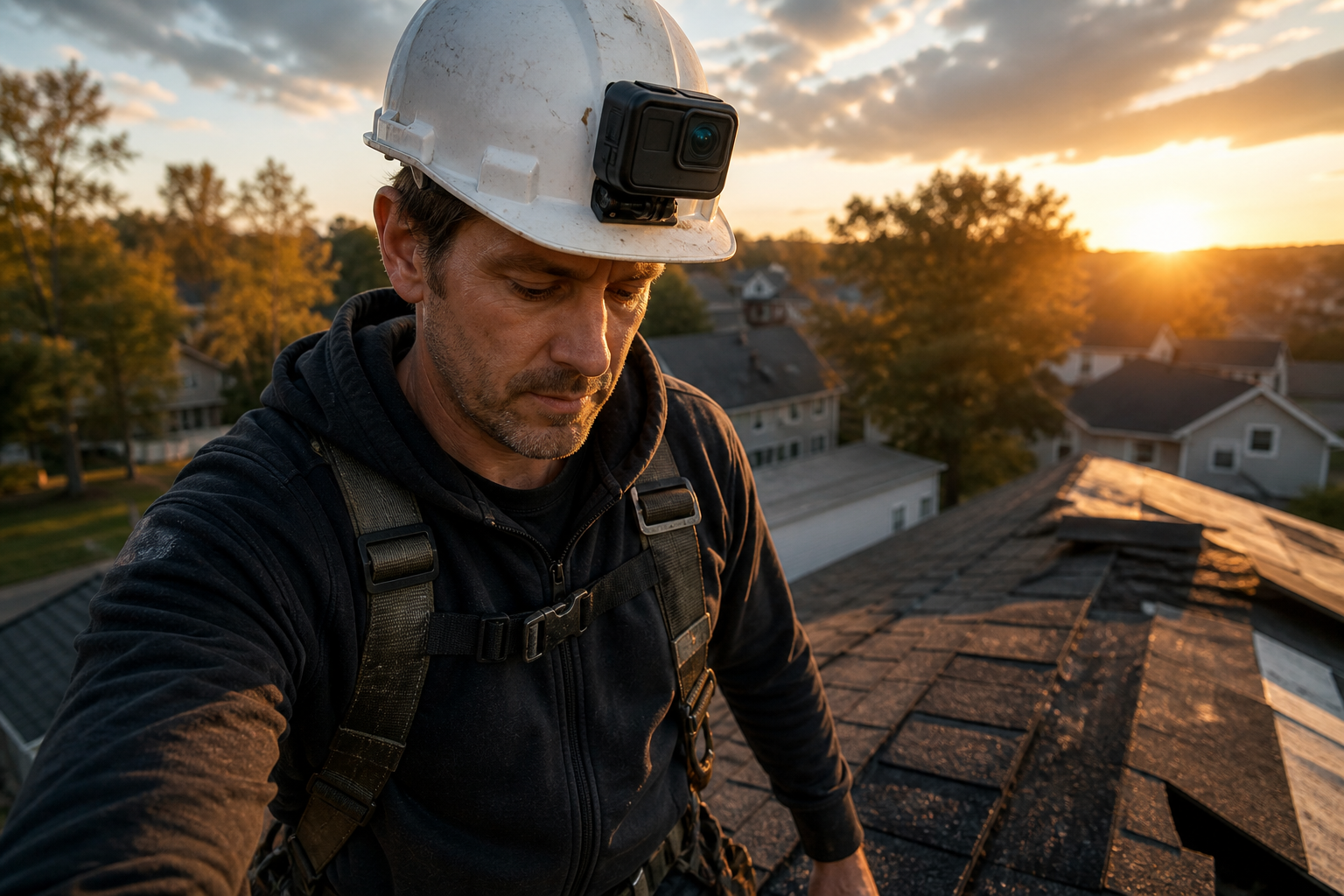
Helmet on the roof. GoPro on the descent. Drone over the lot. Body cam on the shift. Use the camera that fits the motion — that’s the footage worth keeping.
02
Offload to the phone, upload to FWDLink
Import from the camera app or Recents. Open FWDLink, open the album, and add those files — the same upload as any other photo you care about on the phone.
03
File the POV in the album
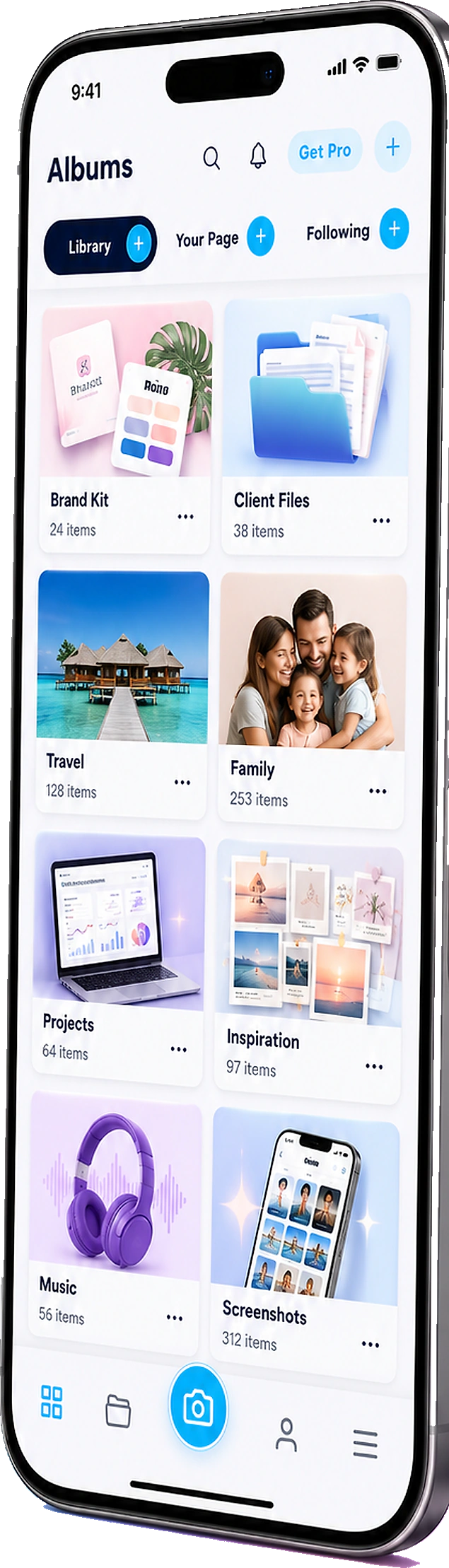
Job record, listing album, trip, or client. You pick the home and organize in the private library. That’s the relief of knowing it has a place.
04
FWD the set
Send a roof walkthrough, a property aerial, or a trail clip. Keep the rest of the dump private. Same URL as you add more shots you’re proud of.
Mounted, flown, clipped — not worn on your face
Smart glasses are a different capture path. This page is GoPro-class, drones, helmet cams, and body cams: POV for work and travel when you need the camera off your hands and off your nose. Same library. Same live link.
Helmet & body cam
Hands-free on the roof, the site, the shift — then file by job. The walkthrough they asked for.
GoPro & POV
Trail, water, bike — a trip album you’re glad to send, not another Hero gallery you’ll never open.
Drones
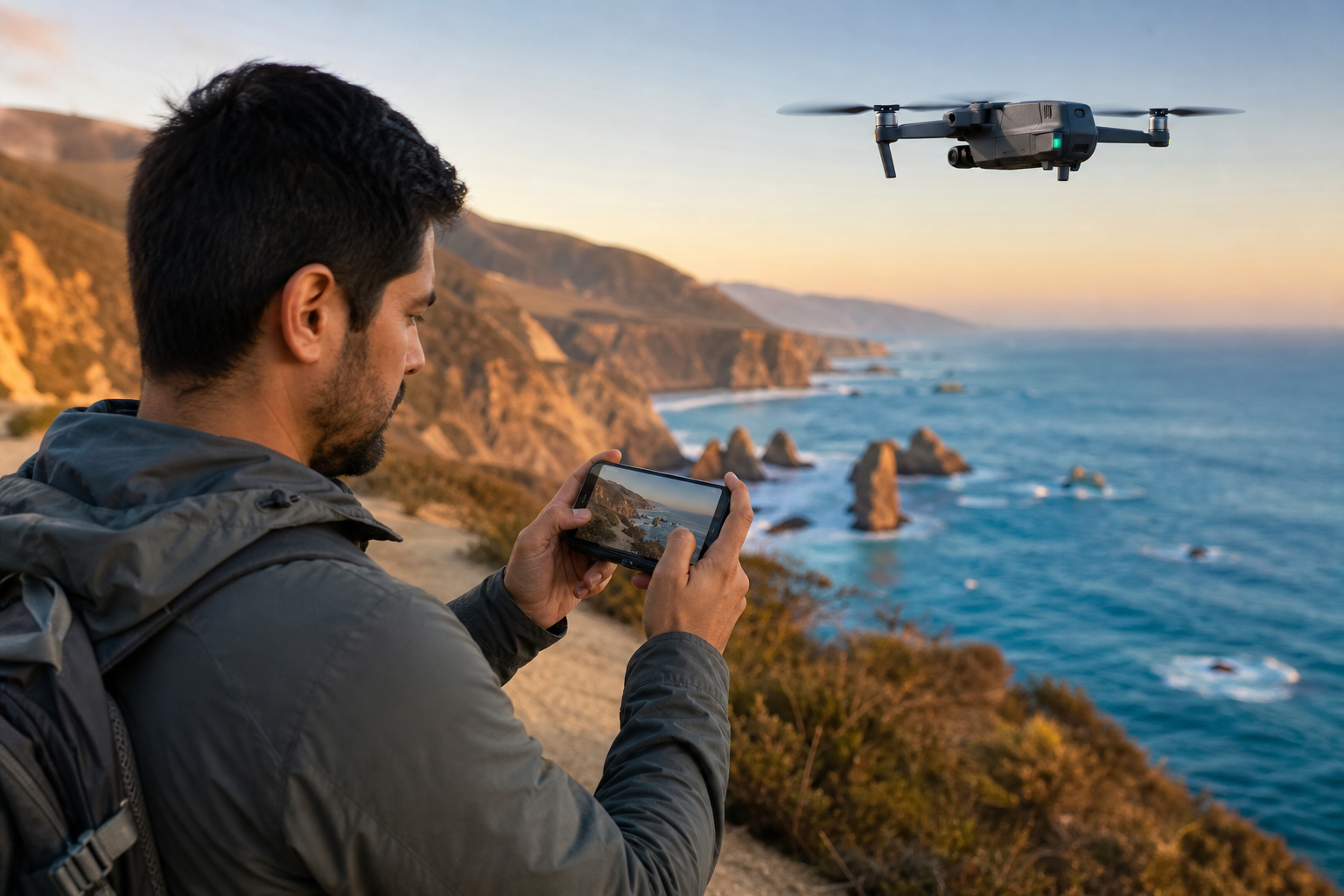
Aerials of the lot, the coastline, the build — same library as the stills. One pack. One link.
The leftover camera app is not the send
Manufacturer galleries are for offload. FWDLink is the library you FWD: a job update, a listing aerial, a trip. When the next card dumps onto the phone, upload it into the same album. Same URL. Same pride in what they open.
Same library as the phone in your pocket
Action-cam shots sit next to phone stills, lists, and files. Attach the aerial to an estimate. FWD the descent to family. One workspace. The footage already belongs together.
Jobs & sites
Helmet POV files with the project — then a client link, not a 4GB chat. That’s the walkthrough they can reopen.
Listings from the air
Drone stills drop into the listing album buyers already have. Same pack. Same live URL.
Trips & POV
The Hero dump becomes a day album you can actually send — the one family is glad to open.
Ways to use it
Same import. A real send each time.
Work POV, listing aerials, travel, body-cam shifts — the camera changes. The album you FWD doesn’t. That’s the relief.
Jobsite
Helmet POV out of the Recents pile
Clip the cam. Walk the work. Upload into the job record. FWD a project update — or attach it when you bill. That’s the roof they asked for.
Listings
Aerials that join the listing pack
Upload drone stills into the same album as the ground shots. Buyers reopen the URL they already have — and they can feel the property.
Clients
They asked for the roof. Send a link.
Stop sending a 4GB chat. FWD the walkthrough album when the GC or homeowner asks. Relief is knowing they can actually open it.
Travel
Descent, then a trip album family can open
Offload, upload, file the trip. Family gets a link they can linger on — not a Hero gallery login.
Family
The group chat can’t hold the POV
Upload the keepers into a family or trip album. FWD one link. Leave the rest of the card private. They get the day they were hoping for.
With the phone
POV plus the still you framed
Action cam and camera roll upload into the same album. One library, one FWD — the set you’re glad to send.
Frequently asked questions
- How do I get GoPro or drone photos into FWDLink?
- Offload to your phone (camera app, Recents, or files), then open FWDLink and upload into a job, listing, trip, or client album. You choose the home.
- Does FWDLink appear on my phone’s share sheet?
- Not as a drop target for incoming photos. You upload into an album inside FWDLink. After that, you can FWD the album link with the share sheet you already use.
- Is this the same as the smart glasses page?
- No. Smart glasses are frames you wear — Ray-Ban Meta, Snap, Spectacles. This page is cameras you mount, fly, or clip: GoPro, drones, helmet cams, body cams. Both can land in the same FWDLink library.
- Can helmet-cam jobsite video go to a client?
- Upload it into the job album, then FWD a project-update link — not a huge text thread. Keep raw private. That’s the walkthrough they asked for.
- Are action-cam photos public?
- No. They stay private until you FWD a link, feature an album, or attach media to a document you send. You choose what leaves.
- Do you replace the GoPro or drone app?
- No. Those apps capture and offload. FWDLink is the library and the link you send after the media is on your phone — the album you’re proud to FWD.
Offload the card. Give it a home. FWD the set.
Start free. Upload the next GoPro, drone, or helmet-cam shot into a FWDLink album — then send a link when someone needs it. The footage already did the work. See Plans when you need more storage.
Keep exploring
- The photos they asked for — not your entire camera roll.
- You captured it hands-free. Send the album — not Recents.
- Jobsite photo app
- Send home the day you actually lived.
- Show the listing you’re proud of — in one live link.
- Content library
- Jobsite photos on your page — trust first, then the close
- Plans & pricing