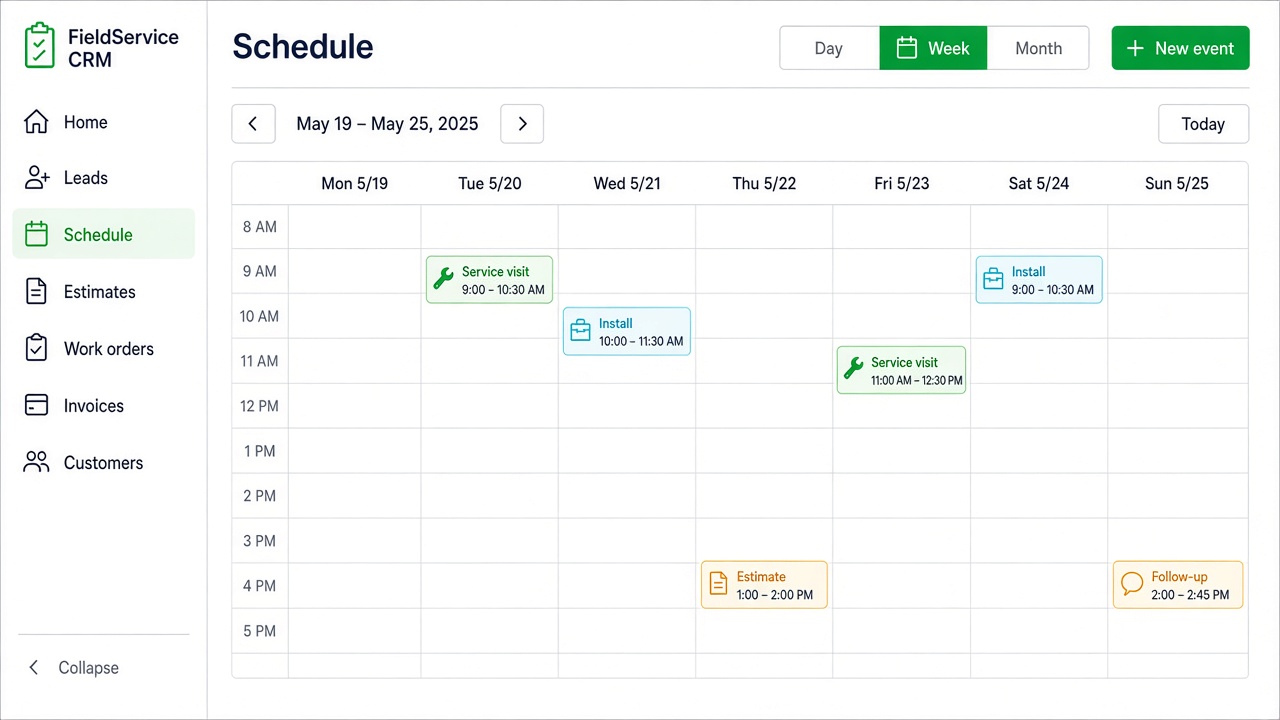
One calendar for the office and the truck
Visits sit next to the customer and the work order. Nobody is rebuilding the day in a separate spreadsheet.
Shared schedule
Scheduling & dispatch · field service
Book the stop on a shared schedule with the customer already attached. Your crew sees where to be and what was promised — the same scope you quoted.
Visits sit next to the customer and the work order. Nobody is rebuilding the day in a separate spreadsheet.
Shared schedule
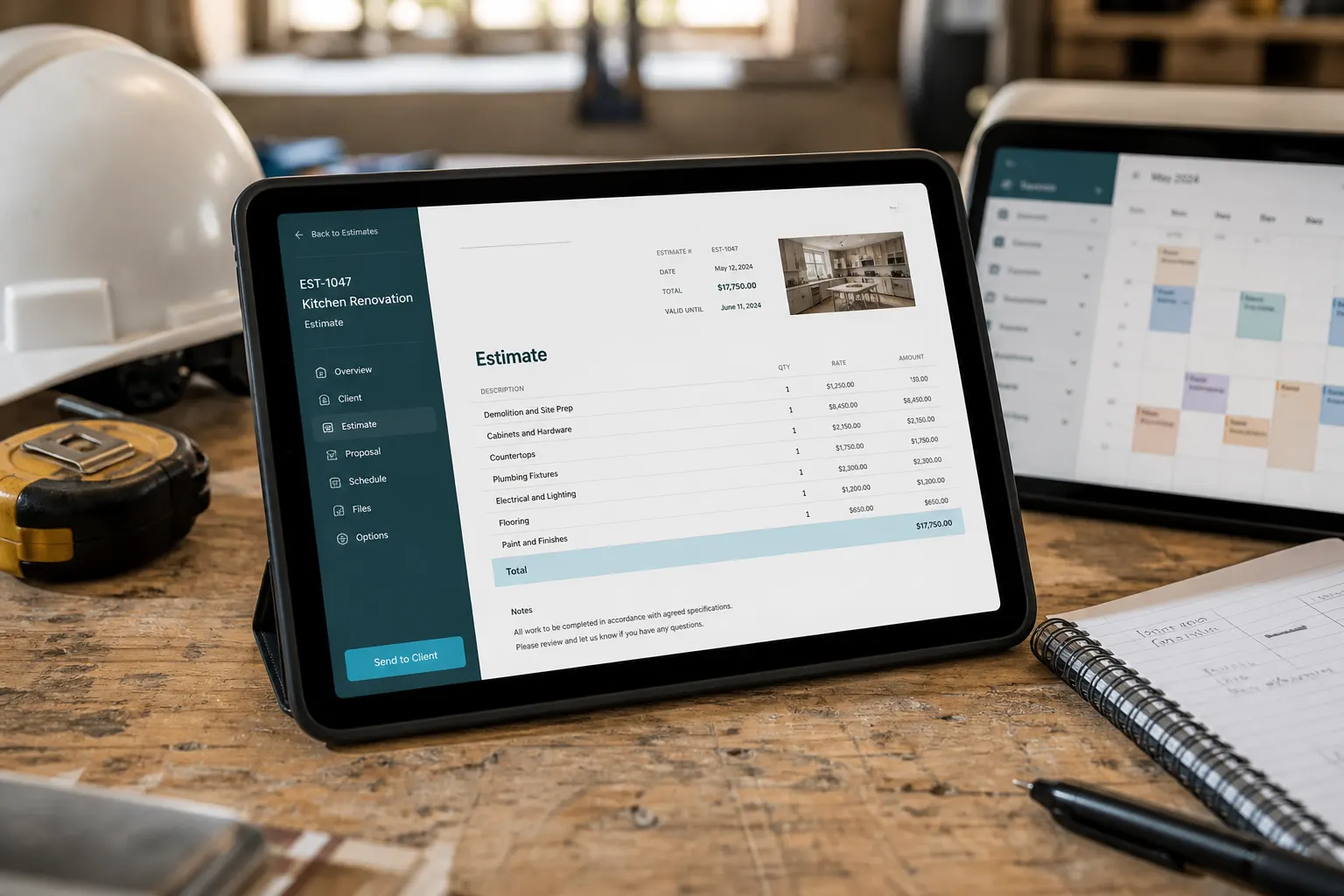
When they say yes, the same record is ready to schedule. You are not retyping the address into another app.
Same job

Assign the stop, open it on iPhone or Android, and keep status updates on the same card the office already sees.
Dispatch

Photos, notes, and line items stay on the visit. The tech opens the job they are supposed to run — not a blank calendar block.
On the record
This feature lives inside the all-in-one Business CRM for service teams.
Scheduling, quotes, invoices, photos, SMS, and crew — one hub for the whole job.
See the whole week of booked jobs in one view.
Scope and status for every visit.
Quote first — then schedule from the same job.
Join Free. Book, dispatch, and invoice from one Business CRM.