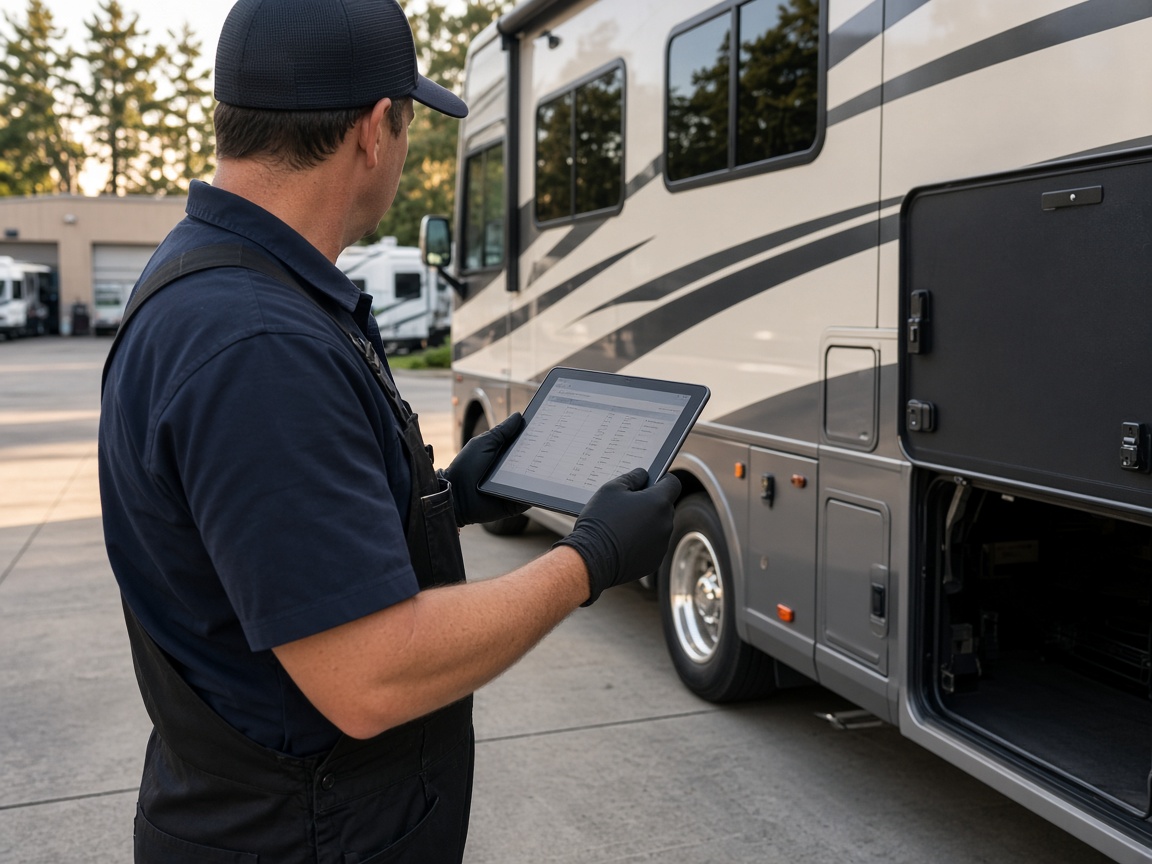
Schedule the coach and the bay
Put drop-off, mobile service, and parts waits on CRM Schedule with the unit and customer on the same job.
Jobs & schedule
RV repair software · shop photos that get you paid
FWDLink keeps the coach, the schedule, and photos on the same client file — roof and systems proof, estimates, and invoices together so the office and the bay open one record when it is time to get paid.
Get the app for iPhone and Android


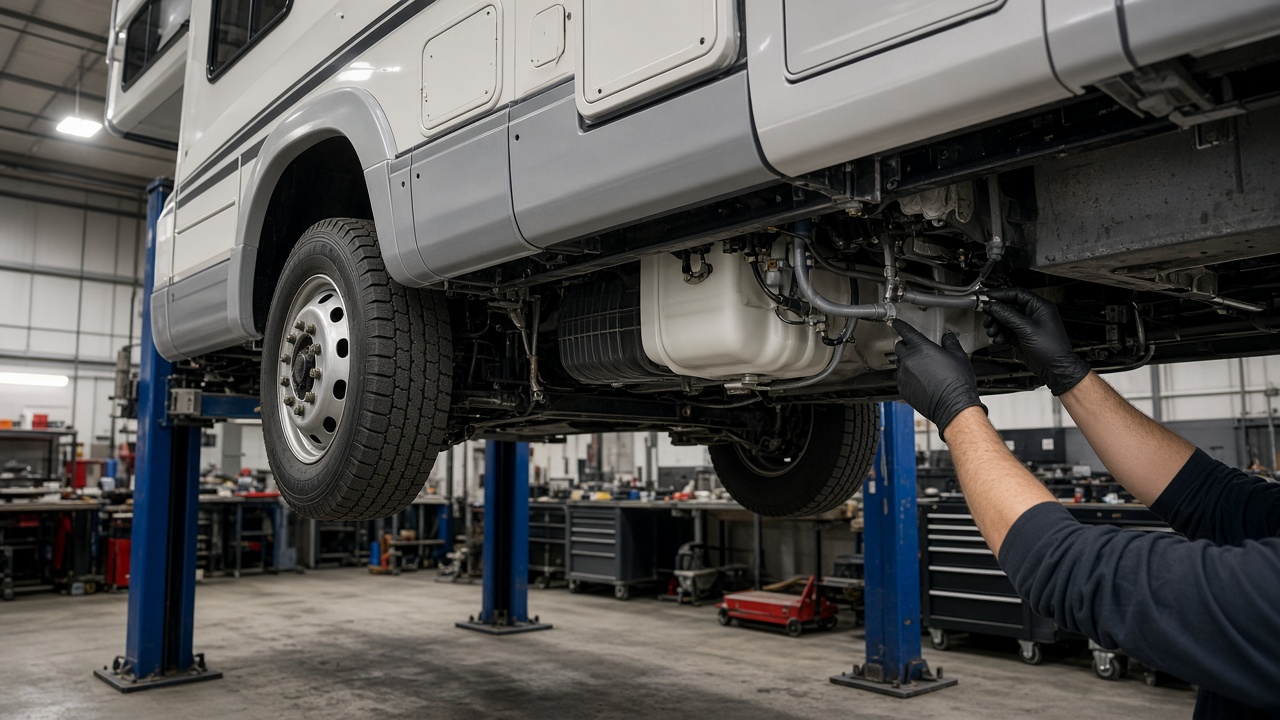
Put drop-off, mobile service, and parts waits on CRM Schedule with the unit and customer on the same job.
Jobs & schedule
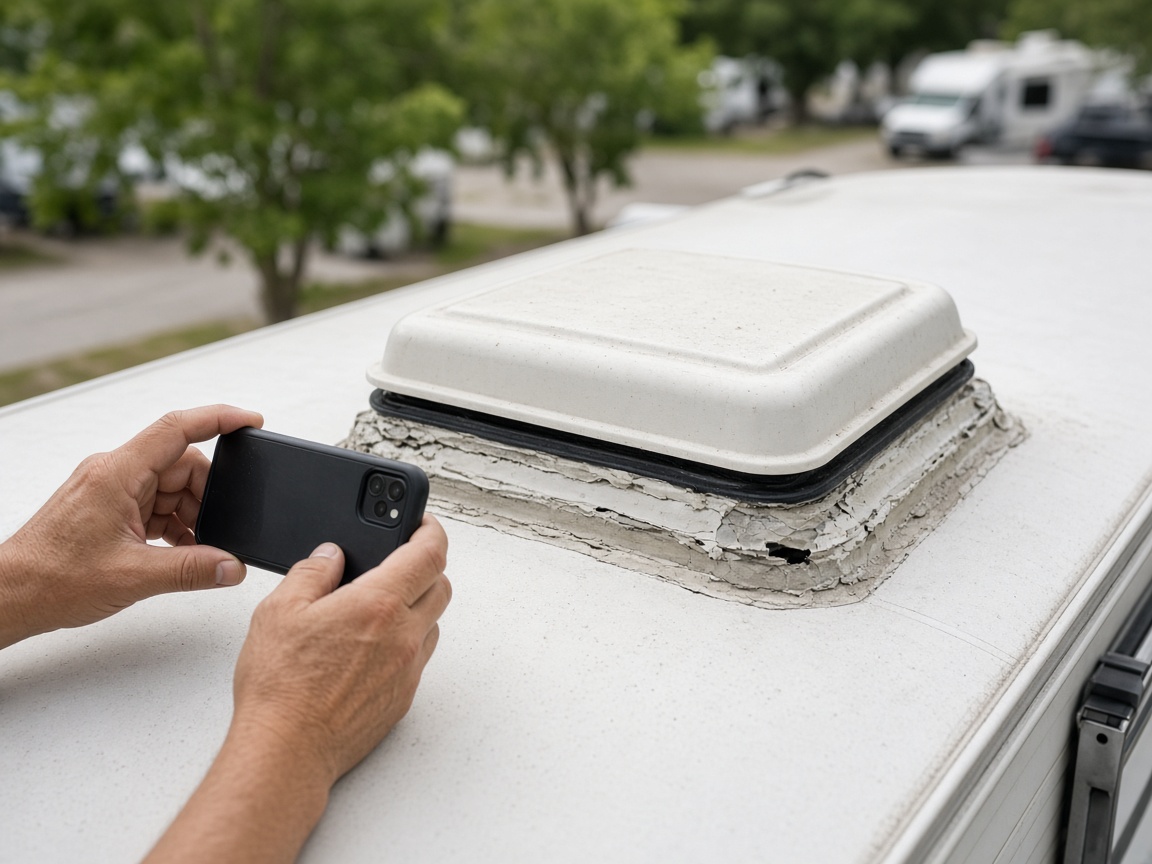
Roof leaks, slides, plumbing, and prior visits live on the client album — attach the same photos to the estimate so the owner sees why it costs what it costs.
Photos & records
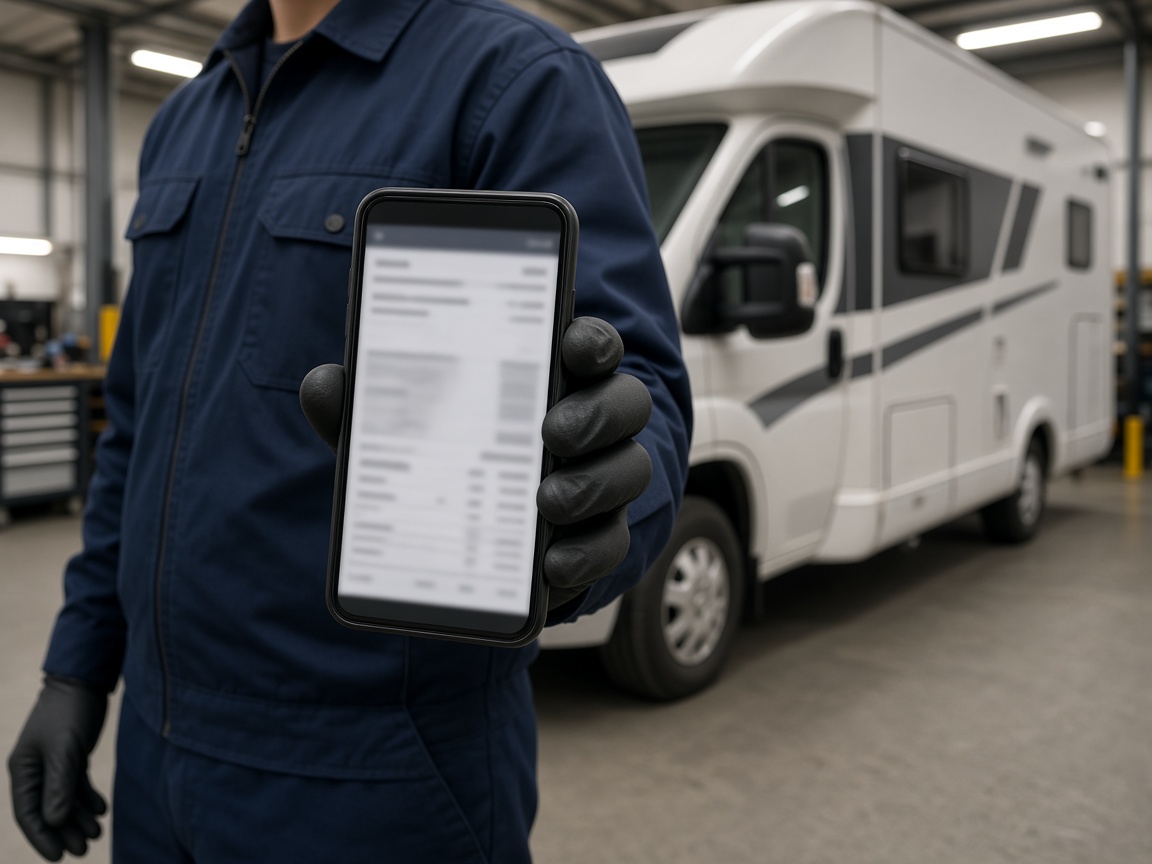
Send estimates and invoices from the bay with proof on the file. Collect payment online — fees on Plans.
Billing
FWD a gallery or report when insurance or the owner needs proof. Your Page and Local show real RV work nearby.
Reports & marketing
RV repair software on FWDLink keeps every coach, bay photo, estimate, invoice, and customer note together in the All-in-one Business CRM. Leads from Your Page, the client file, the schedule, and the work order open the same way in the office and in the shop.
Plan drop-offs and mobile calls on CRM Schedule. Keep unit notes, VIN, and prior visit photos on the album so the tech arrives ready.
Quote and get paid with proof attached. Send estimates and invoices from the bay, invite owners to the portal, and keep them updated around parts waits.
Show real RV work on Your Page and Local. Use Plans when you want to compare storage and online payment options.
Quote form on Your Page lands in Leads — save as client when you win the job.
Put drop-off or mobile service on CRM Schedule with the unit notes.
Shoot the walk-around, attach proof, send the invoice from the shop.
The same client file holds photos for the next visit or warranty call.
Clients, schedule, work orders, photos by unit, estimates, invoices, Your Page, and a client portal — the job and the bill in one workspace.
Yes. Mobile apps and the phone browser open work orders, albums, estimates, and invoices on the shop floor.
Yes. Keep walk-around and tear-down photos on the client file and attach them when you send the estimate or invoice.
Yes. It is service business software built around Business CRM — jobs, proof, and billing on one client record for RV repair teams.
Yes. Capture field, bay, or device photos into the client album, share a link when someone asks for proof, and attach the same set to the estimate or invoice — fees for online payments are on Plans.
Shoot on the job, in the shop, or at the bench. Keep stills on the same client file. Attach before/after proof to the estimate and invoice.
Field, shop, and device stills land in one album on the customer — not scattered across camera rolls.
Reopen the visit gallery next time, or FWD a clean link when the customer asks what you found.
The same photos ride on the estimate and invoice in Business CRM — then collect online from Plans.
Join Free. Clients, schedule, photos, and invoices together.