FWDLink
FWDLink for realtors
Show the listing you’re proud of — in one live link.
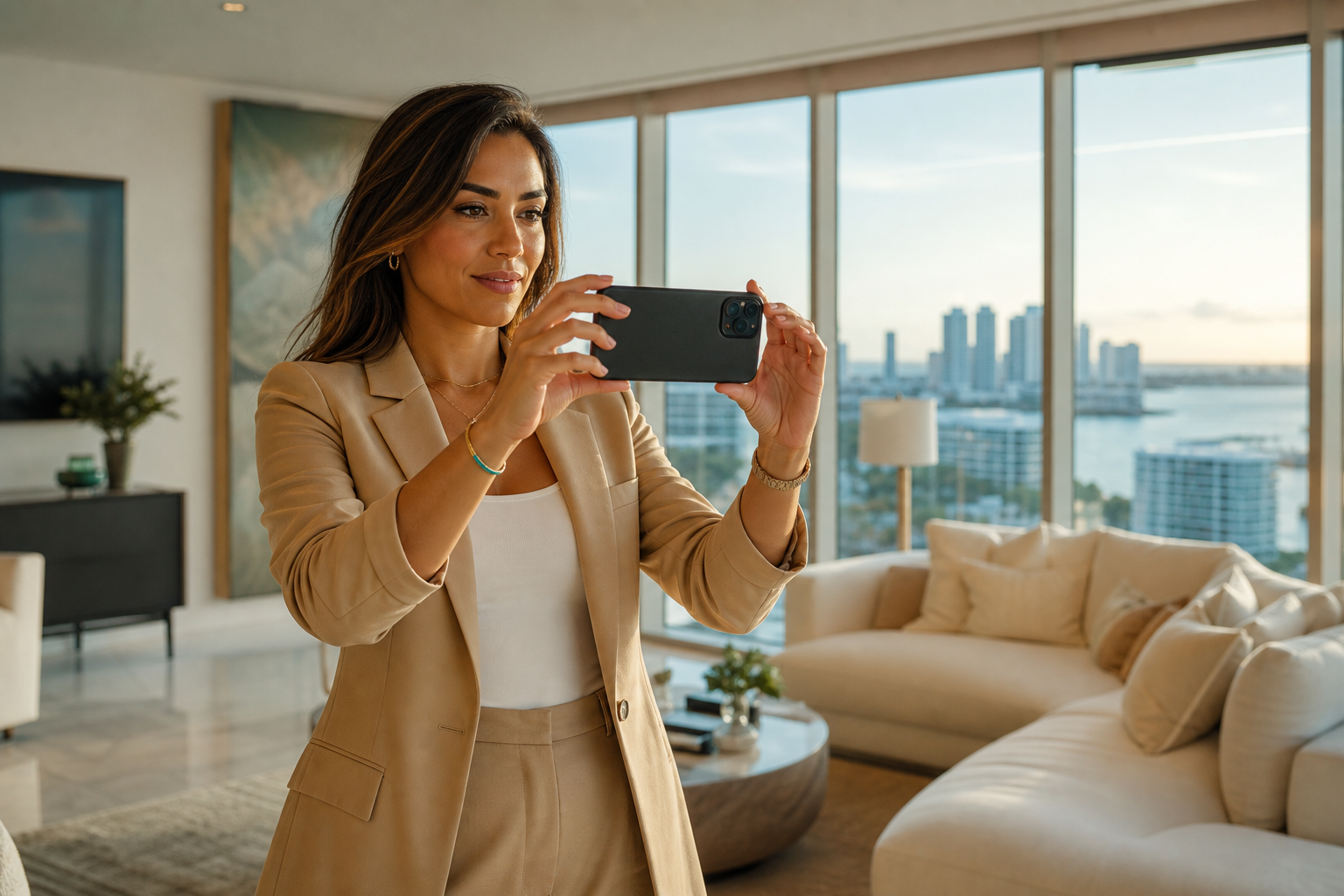
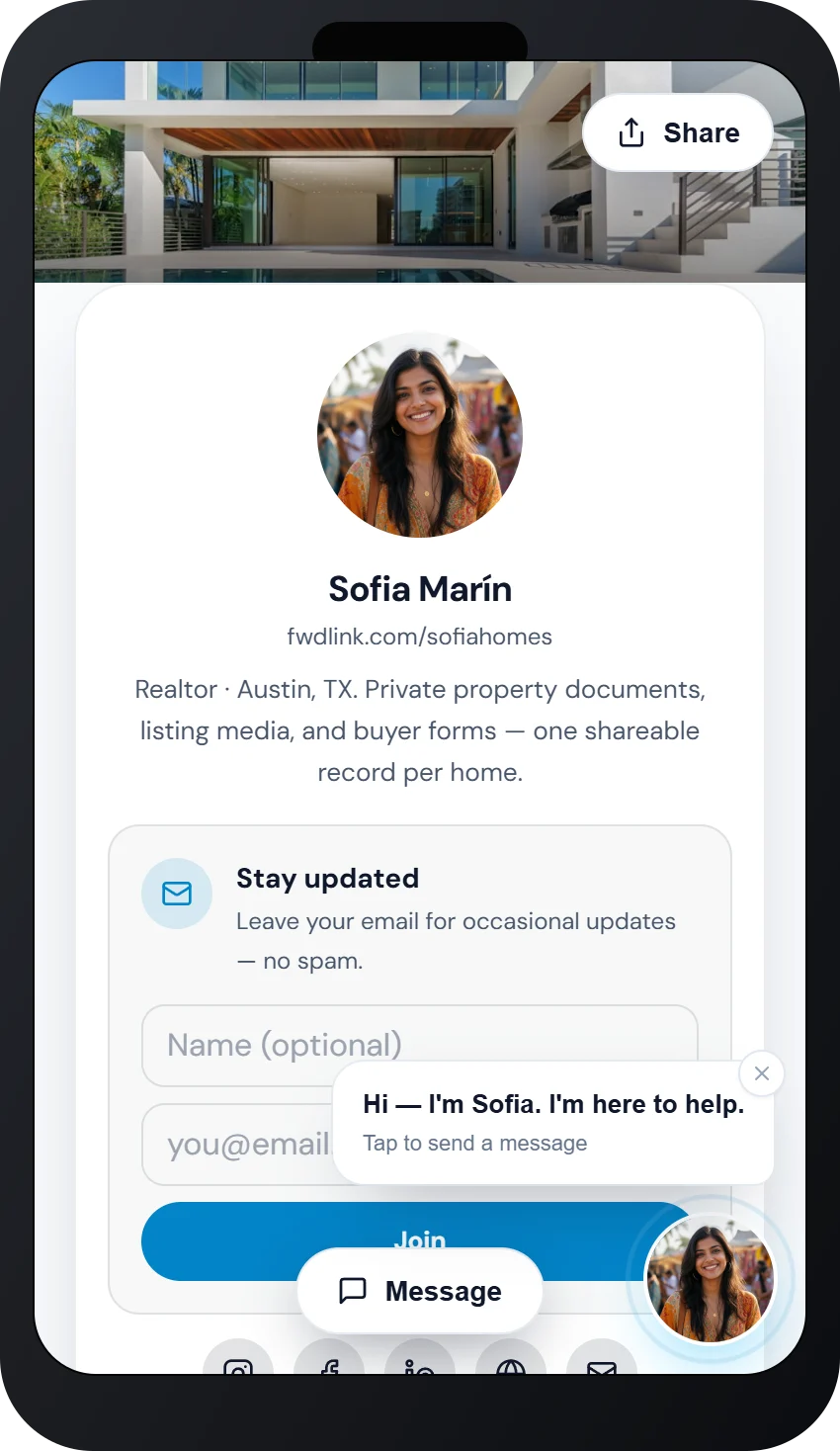
That kitchen light. The yard. The way the rooms actually feel. Shoot it on your phone, upload photos, floor plans, and disclosures into an album pinned to the address, then FWD a live link to buyers. Staging shots land later — they reopen the same URL. Inquiries live on your page. See Sofia at /sofiahomes.
Listing album · Live buyer link · Private until you FWD
The problem
They fell for the house. Then they had to hunt your texts.
Photos in a thread. Floor plan in email. Disclosures in a portal. “Can you resend the link?” The packet falls apart the moment staging photos land. MLS is your system of record. It is not the calm, beautiful link you send from the driveway — the one a spouse is glad to reopen tonight.
The fix
One album they can fall for. One URL that stays with them.
Walkthrough shots, PDFs, and open-house notes land in a listing album. FWD the link. Add more later — they reopen the same URL. Feature active listings on your public page, capture inquiries, and keep CRM next to the media. This is a listing packet, not a contractor jobsite tool wearing a realtor hat.
Listing packet
The address is on it. The whole packet stays together.
Pin the album to the property. Hero shots, walkthrough clips, floor plans, and disclosures open as one gallery they can bookmark. You keep adding after staging — they reopen the same link, still proud of what they’re showing their spouse.

How it works
From the showing to a link they keep opening
You already know this house. FWDLink is how the walkthrough becomes a packet buyers are glad to send each other.
01
Capture the house
Phone in hand through kitchen, light, and yard. Shoot the walkthrough you already take — the one that made you proud to list it. Not a separate production day.
02
Upload into the listing album
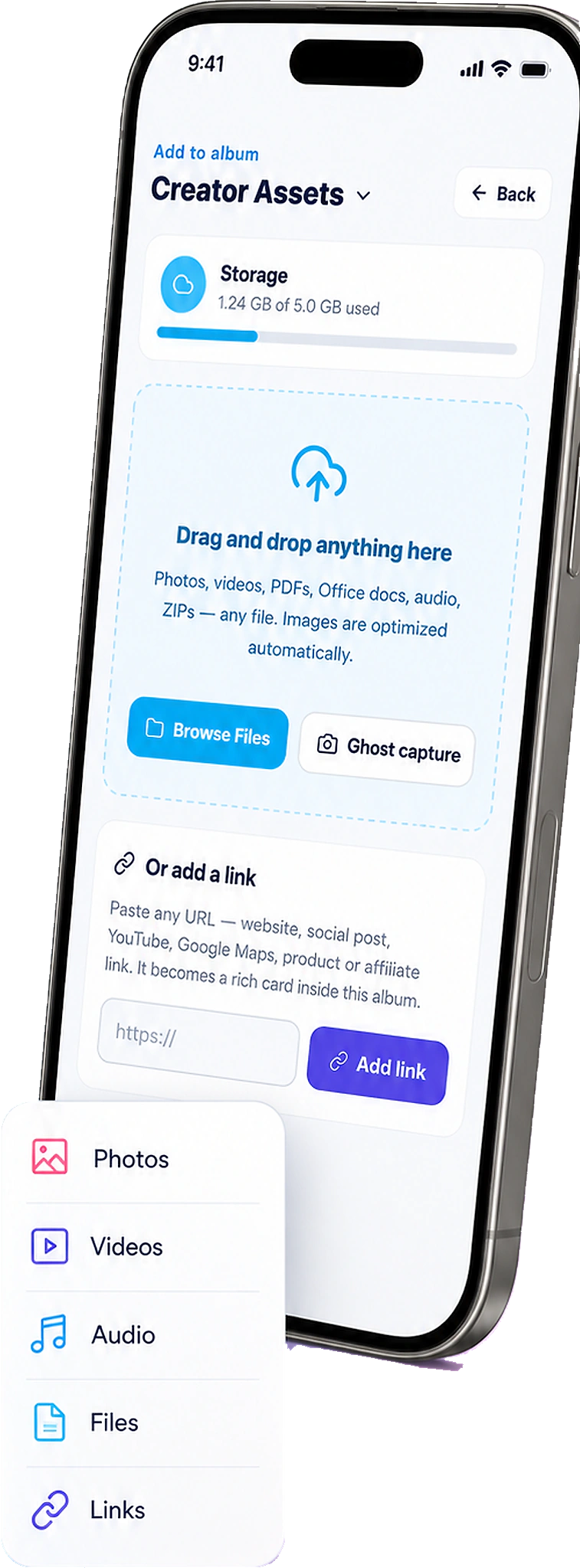
Open FWDLink. Add walkthrough shots from Recents. Pin the address. Drop in the floor-plan PDF and disclosures next to the photos — the packet looks like you.
03
FWD a live link
Text buyers and partners one URL they’ll actually open. After staging, add shots — they reopen the same link. No more “which text has the photos?”
04
CRM and get paid
Feature the listing on your page. Capture inquiries on the same FWDLink. Attach the packet to follow-ups — MLS stays MLS.
A listing that shows like a gallery — not a chat dump
Buyers open rooms in order, with the address on the packet. You look like the agent who has it together — because the media actually is together. That’s the pride you feel when they forward it to each other.
Photos + docs
Floor plans and disclosures ride with the walkthrough — one album.
Same URL after staging
New photos drop in. The link you already sent still works.
Your public page
Feature active listings the way Sofia does on /sofiahomes.
This is a listing packet — not a jobsite album
Contractors file by trade and punch list. You file by address, buyer, and showing. FWDLink is the client-facing link; your MLS and CRM stay the systems of record.
Inquiries on the page. Next step in CRM.
Serious buyers message from the album or your public listings page. Open houses, neighborhood notes, and partners can live on the same FWDLink they already bookmarked — the one they were excited to send home.
Contact from the packet
A form on the album beats “reply to this thread.”
One agent page
Listings, guides, and reviews — clients stop asking you to resend.
Get paid from the same home
Attach media to the documents you already send when the deal moves.
Ways to use it
The listing moments that used to fall apart
Buyers hunting texts, staging photos with no home, “can you resend the link?” — upload the walkthrough into an album, then FWD the packet you’re proud to send.
Listing pack
Photos, floor plan, and disclosures — one URL
Upload the walkthrough and PDFs into one album. FWD the packet. Buyers stop hunting three apps — and start showing each other the house.
Just listed
The walkthrough, the same day you’re proud of it
Upload from Recents, FWD before the first showing. Add MLS-quality stills later without a new link.
Buyers
They asked for the listing. Send something beautiful.
FWD the album instead of a thread. After staging, they reopen the same URL — still the house they fell for.
Open house
QR on the flyer, album on the phone
Guests open the packet on site. You capture who actually looked — and they leave with a link worth sending home.
Sellers
Prep shots they can approve
FWD a private album of what you captured before it goes on your public page. They see you already care.
Your brand
Listings on /yourname
Feature active albums on a page clients bookmark — like /sofiahomes — not five scattered links.
Frequently asked questions
- Can I include floor plans and disclosures as PDFs?
- Yes — documents sit in the same album as listing photos and walkthrough clips.
- Does this replace my MLS or CRM?
- No. FWDLink is the client-facing listing packet and agent page you share. MLS and CRM stay your systems of record.
- What is /sofiahomes?
- A live demo of a realtor page on FWDLink — listings, galleries, and a way to inquire. Open /sofiahomes to see the pattern.
- Is this the same as the jobsite photo app?
- No. Jobsite albums are for contractors — trades, punch lists, estimates. This page is listing walkthroughs, buyer links, and your agent page.
- Are listing photos public?
- Only what you FWD or feature. Keep seller-prep and raw walkthroughs private until you choose.
- How do buyers reach me from the album?
- Add a contact form on the album or your public page so serious buyers message you without another portal login.
Send the listing you’re proud of.
Start free, upload your next walkthrough into a live album, and put listings on a page buyers can bookmark — like /sofiahomes.
Keep exploring
- The photos they asked for — not your entire camera roll.
- You captured it hands-free. Send the album — not Recents.
- Content library
- The one-page lead site people open from your bio
- A digital business card that shows your work, not just your number
- Free website builder — forever free on Starter
- The birthday grandma can actually find — in one family album.
- Plans & pricing