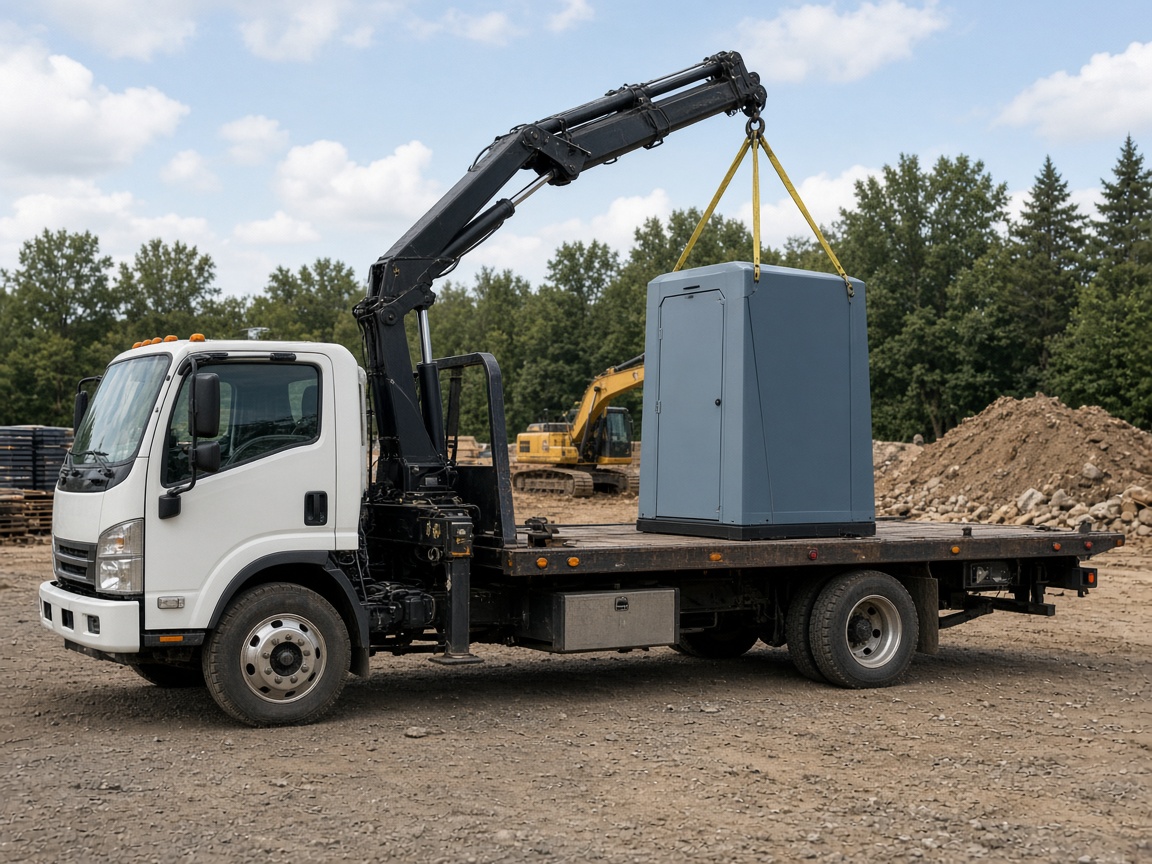
Schedule delivery, service, and pickup
Book each stop on CRM Schedule with the customer and site address. See which days are already spoken for before you promise another unit.
Jobs & dispatch
Portable restroom software · sanitation rentals
FWDLink helps portable toilet rental teams keep clients, jobs, site photos, estimates, invoices, optional route planning, and Your Page in one workspace — so the yard and the truck share the same record.
Get the app for iPhone and Android


Book each stop on CRM Schedule with the customer and site address. See which days are already spoken for before you promise another unit.
Jobs & dispatch
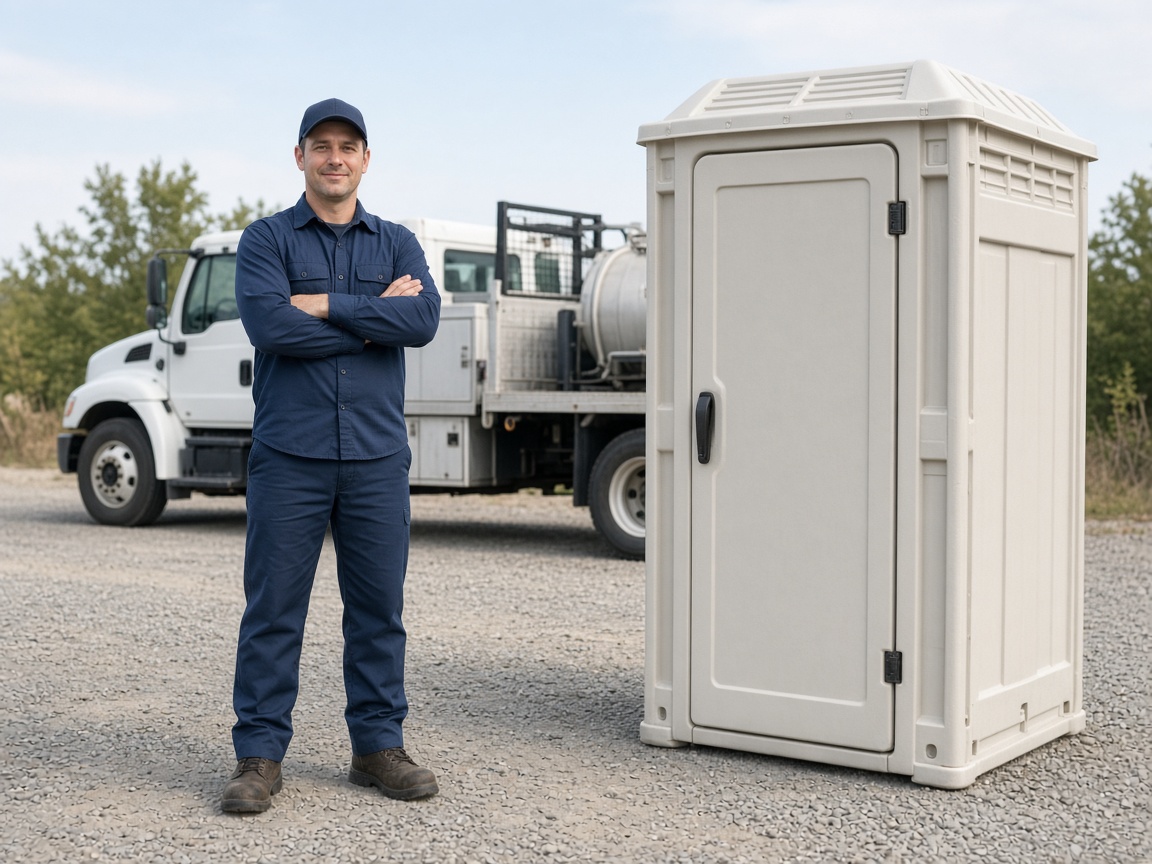
Photos and notes stay on that site album — placement, service visit, and pickup. The office and the driver open the same place. Add Route Planner for multi-stop mornings.
Sites & routes
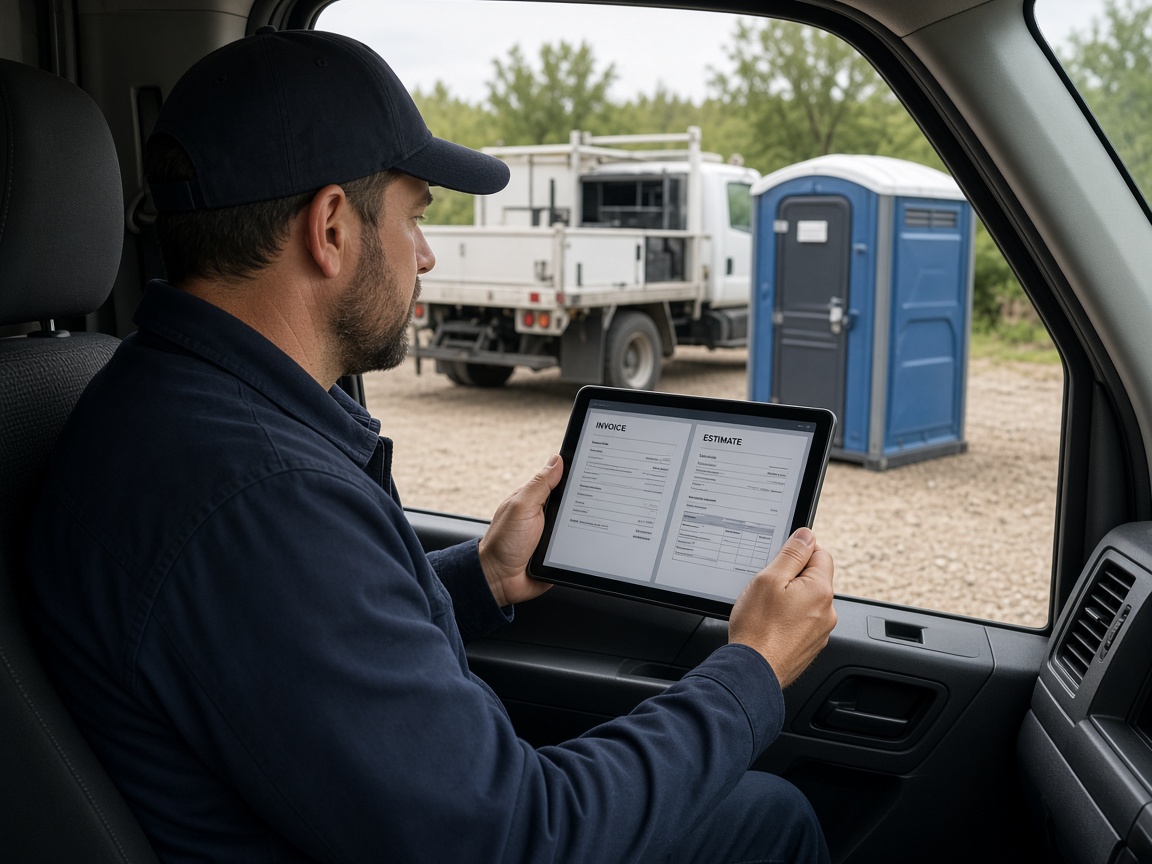
Save the client once. Line items, photos, and a live share link ride the estimate and the invoice — from the driveway or the yard.
Billing
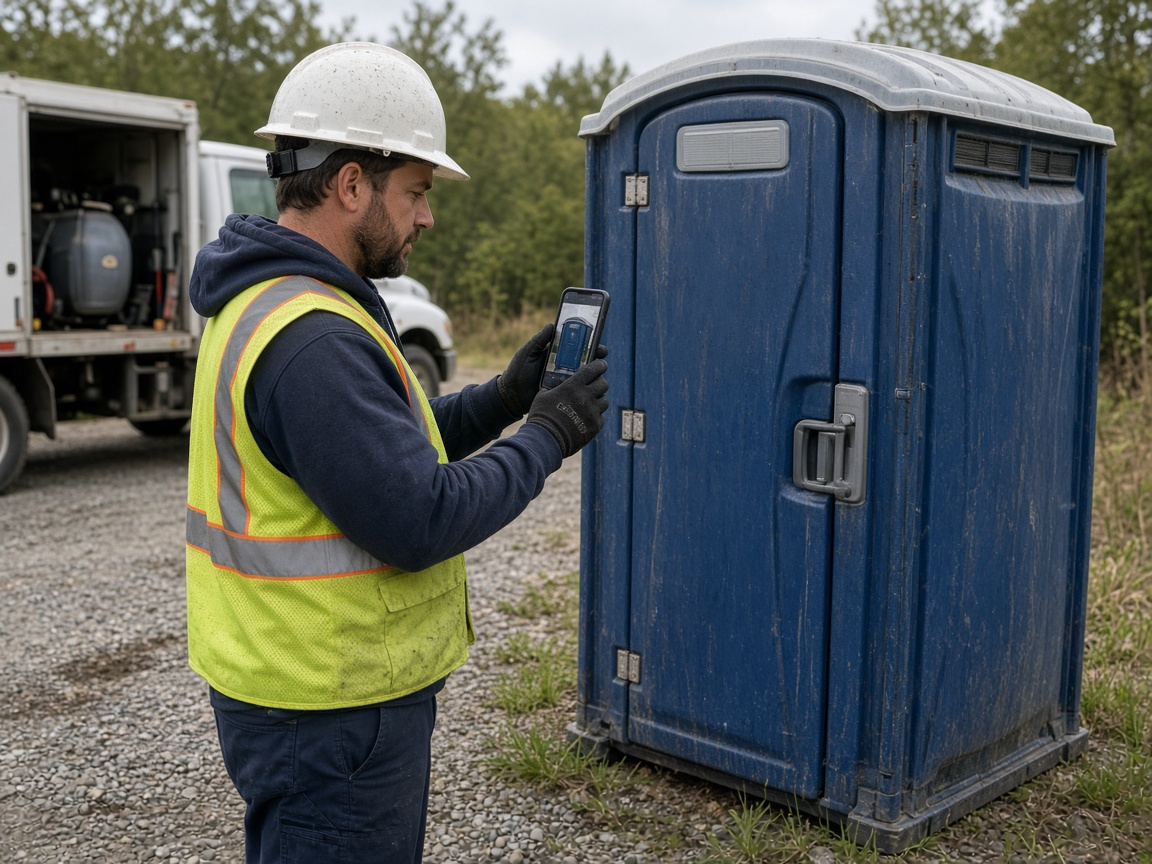
Techs shoot the stop, update the work order, and FWD a gallery when the customer wants proof. Share Your Page and Local when you want the next event booking.
Mobile & marketing
Portable restroom software on FWDLink keeps every delivery, pickup, service stop, photo, estimate, invoice, and customer note together in the All-in-one Business CRM. Name albums by field, job, or customer so the yard and the truck open the same site the next time you roll in.
Plan the week on CRM Schedule. Book delivery, service visits, and pickup with the site address on each job. On busy mornings, route planner helps sequence stops next to the calendar. Drivers open the work order and site photos from the phone; the office sees the same timeline.
Know the stop before you arrive: placement, service, and pickup photos stay on the unit, site, and client file. Track units by the IDs you already use, with notes and history on the same record your schedule, route, estimate, and invoice use.
Quote and get paid from the same client file. Attach placement or damage shots to an estimate or invoice, collect payment online, and ask for a review when the rental closes — see Plans for storage and online pay.
Win the next event with Your Page and Local Pages — real delivery and service photos plus a quote form. Join free to start running the next delivery, service visit, and pickup in one workspace.
Save the client, then schedule delivery or service with the address on the job.
Delivery, level set, service, and pickup stay on that site album.
Attach proof from the same album. Collect payment when the rental closes.
Put real site photos on Your Page so the next event finds you.
Yes. Photos stay on the site, unit, job, client file, estimate, and invoice so delivery, service, and pickup all share one record.
Save each stop on the client and site album. Photograph delivery, service, and pickup there, and track units with the IDs your yard already uses so history stays findable.
Yes. Open the work order, shoot the stop, update status, and share a link. Store badges on this page point to the mobile apps.
Yes. Keep the conversation on the client file, send share links for proof, and keep customers updated when delivery or service windows change.
Shoot on the job, in the shop, or at the bench. Keep stills on the same client file. Attach before/after proof to the estimate and invoice.
Field, shop, and device stills land in one album on the customer — not scattered across camera rolls.
Reopen the visit gallery next time, or FWD a clean link when the customer asks what you found.
The same photos ride on the estimate and invoice in Business CRM — then collect online from Plans.
Join Free. Schedule, photos, and invoices in one workspace.