FWDLink
Inspection reports where the photos are the product
Shoot the condition. Organize by address or unit. Send one link — not a camera-roll scramble.
Free forever plan · Claim your page · Start in minutes
From the field
Field pros already share proof by link
Home · rental · vehicle inspectors
Clients buy clarity. Photos deliver it.
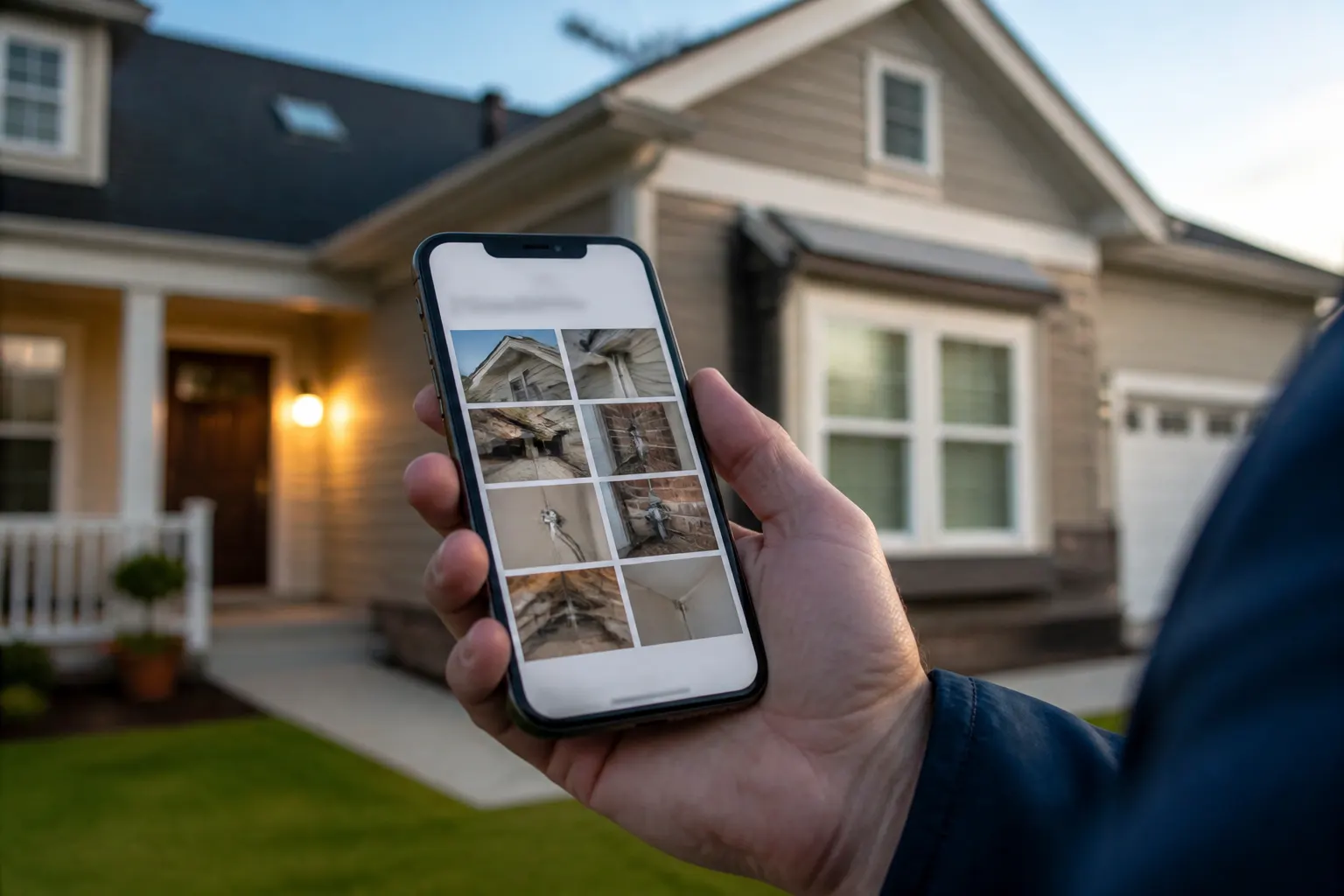
Your FWDLink holds the inspection album by place. Buyers, landlords, agencies, and dealers open one link and see the same set you shot on site.

How it works
Shoot → organize → share the report
On site, on your phone — one live link when you leave.
01
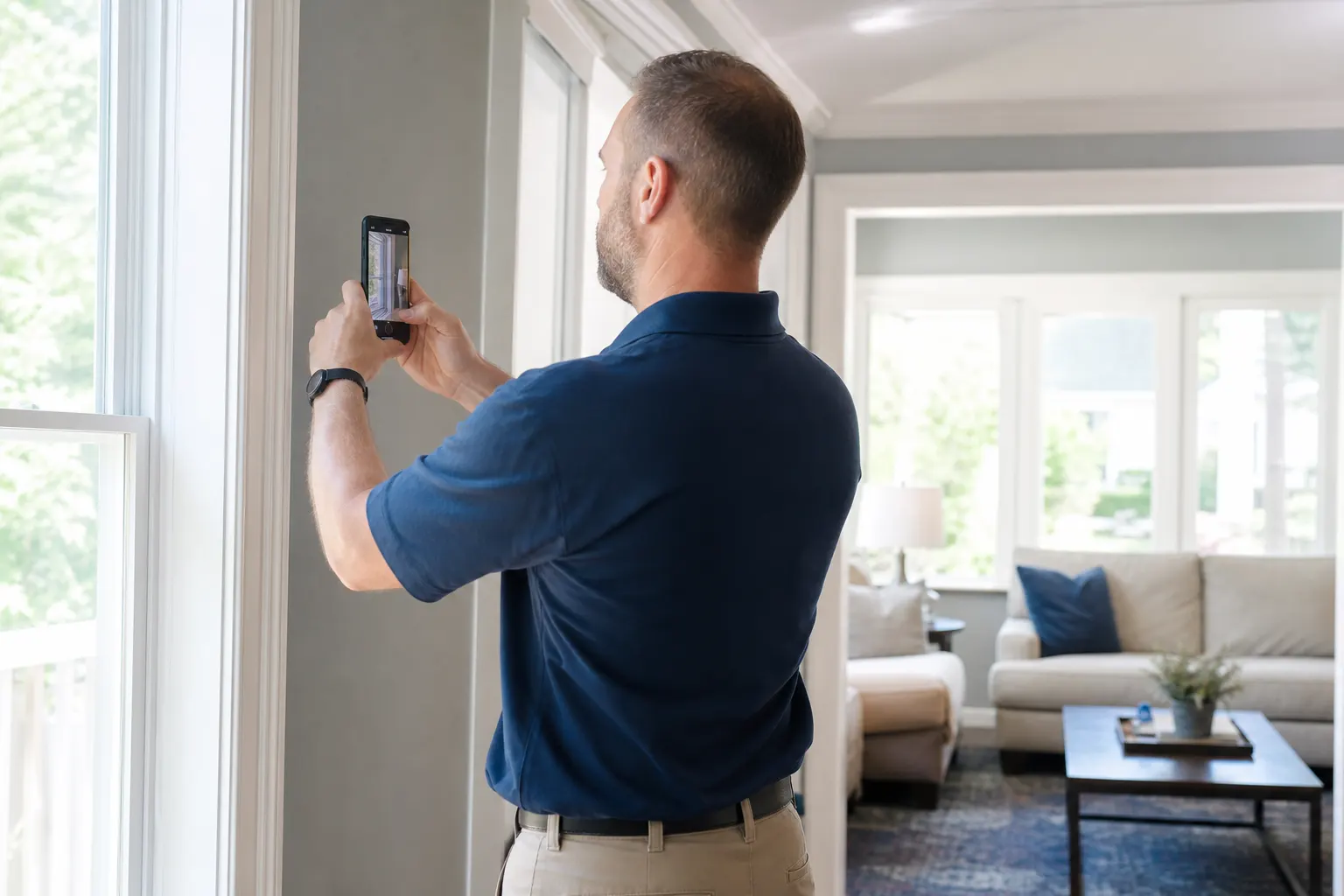
Capture every angle
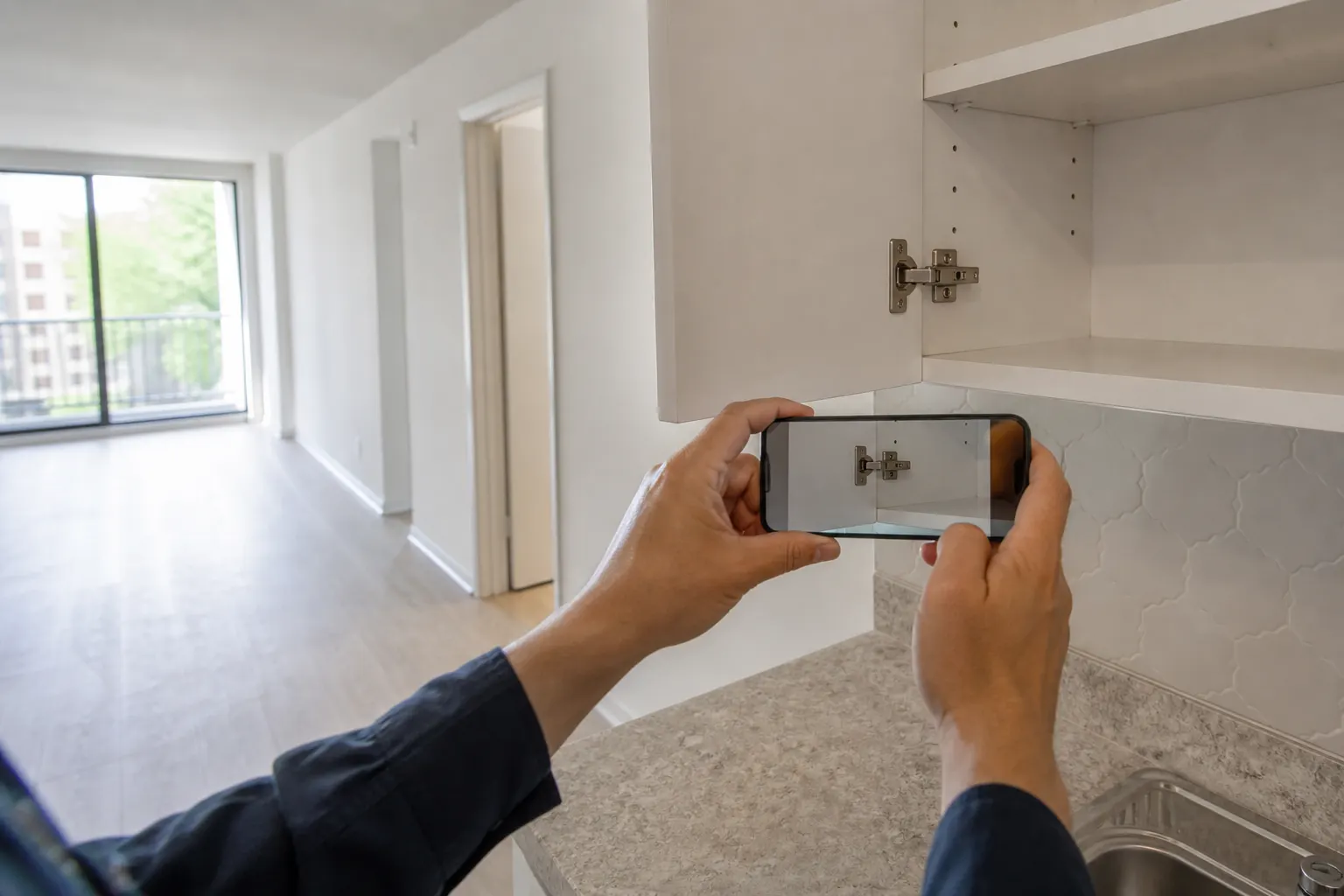
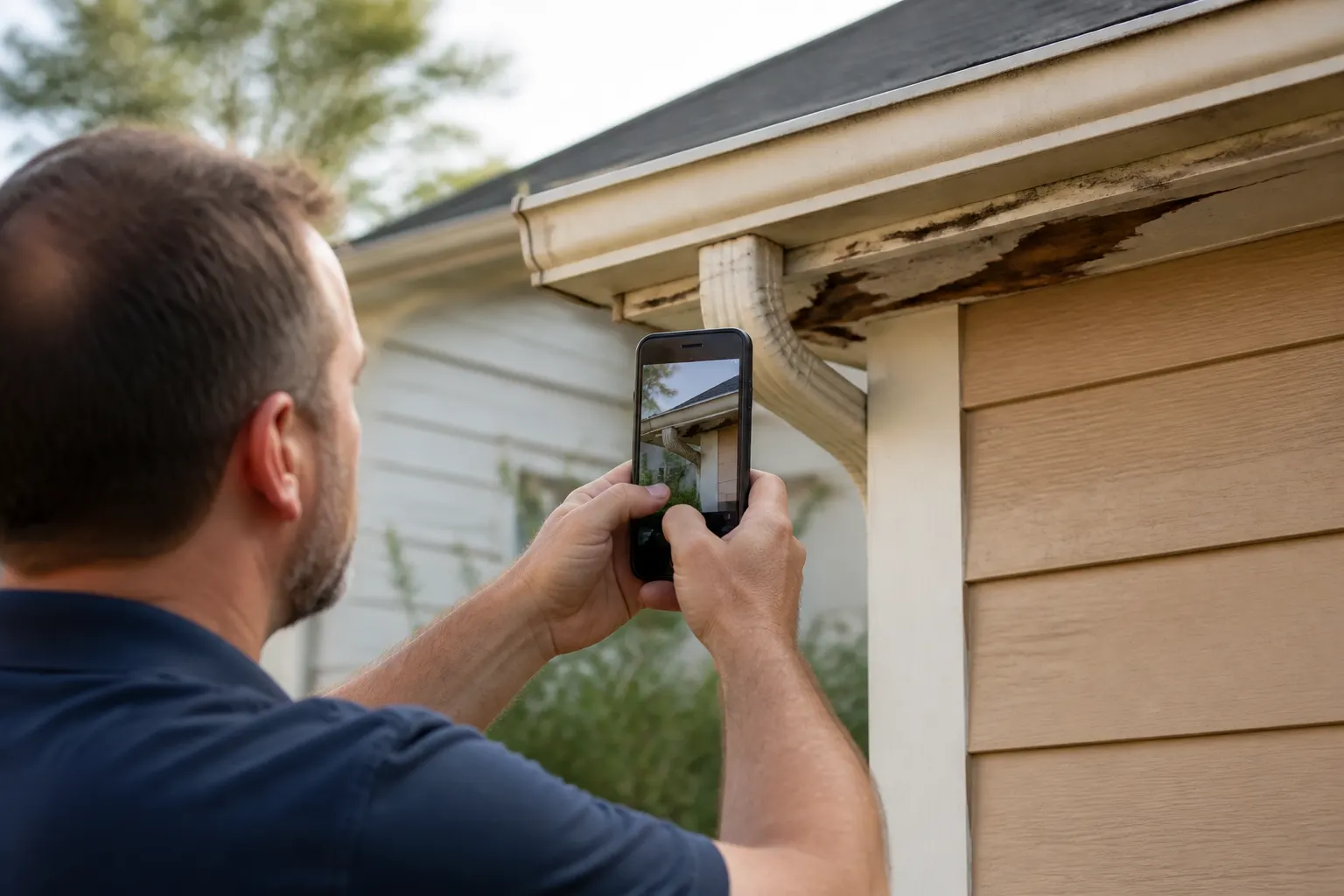
Room by room, panel by panel, exterior details — shoot as you walk.
02
Pin to the place
Album by address, unit, VIN, or lot — find it later without scrolling camera roll.
03
Share one link
Client, agent, landlord, or dealer opens the same set in any browser.
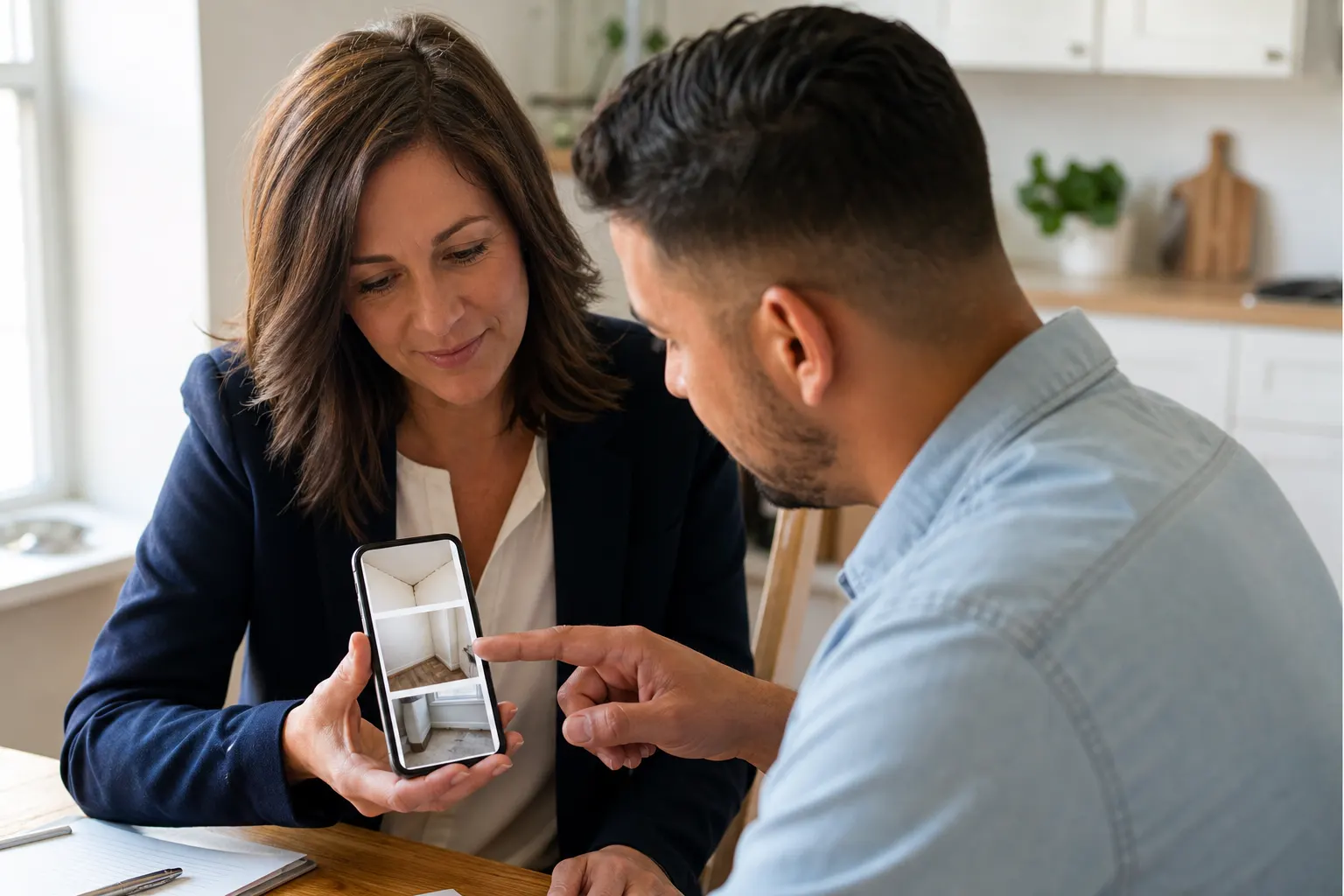
04
Keep adding if needed
Follow-up shots land in the same live link — no resend chaos.
Homes, rentals, and vehicles — same workflow
Condition is the deliverable. Whether you walk a house, a turnkey rental, or a used car, the report is the photo set plus a link people can forward.
Home & property walks
Systems, finishes, exterior details — organized for buyers and agents.
Move-in / move-out rentals
Proof of condition for landlords, tenants, and property managers.
Vehicle condition sets
Exterior, interior, tires, odometer — one album per car.
Your page is the handoff. CRM keeps the client.
fwdlink.com/you shows who you are. Inspection albums live by place. When you quote a re-inspect or related service, the client file is already there.
One brand clients forward
Public page plus photo report under the same username.
Place-pinned albums
Find last month’s unit or VIN without digging through texts.
Quote when it fits
Estimates and invoices in the same workspace after the report.
Built for phone-first inspection days
Between appointments, in the driveway, in an empty unit — shoot, pin, share before you drive to the next stop.
Live links stay current
Add clarifying shots later — same URL.
Off the fragile camera roll
Records live in albums you can open from another device.
Starter free to start
Claim your link and run your first photo report this week.
Start free. Upgrade when the volume grows.
Starter covers your page and core photo workflow. Online pay and seats are on Plans.
See Plans & feesFrequently asked questions
- Is this for home inspectors only?
- No. Home, rental move-in/out, and vehicle condition inspectors use the same photo → album → link flow. Anyone whose deliverable is a set of condition photos.
- Can clients open the report without an app?
- Yes. They open the link in any browser on phone or desktop.
- Can I keep adding photos after I send the link?
- Yes. The same link stays live as you add follow-up or clarifying shots.
- Can I invoice after delivering the photo report?
- Yes. Estimates and invoices live in the same FWDLink workspace when you are ready to bill.
Send the photo report before you leave the site
Claim your link, shoot the first album, share one URL today.