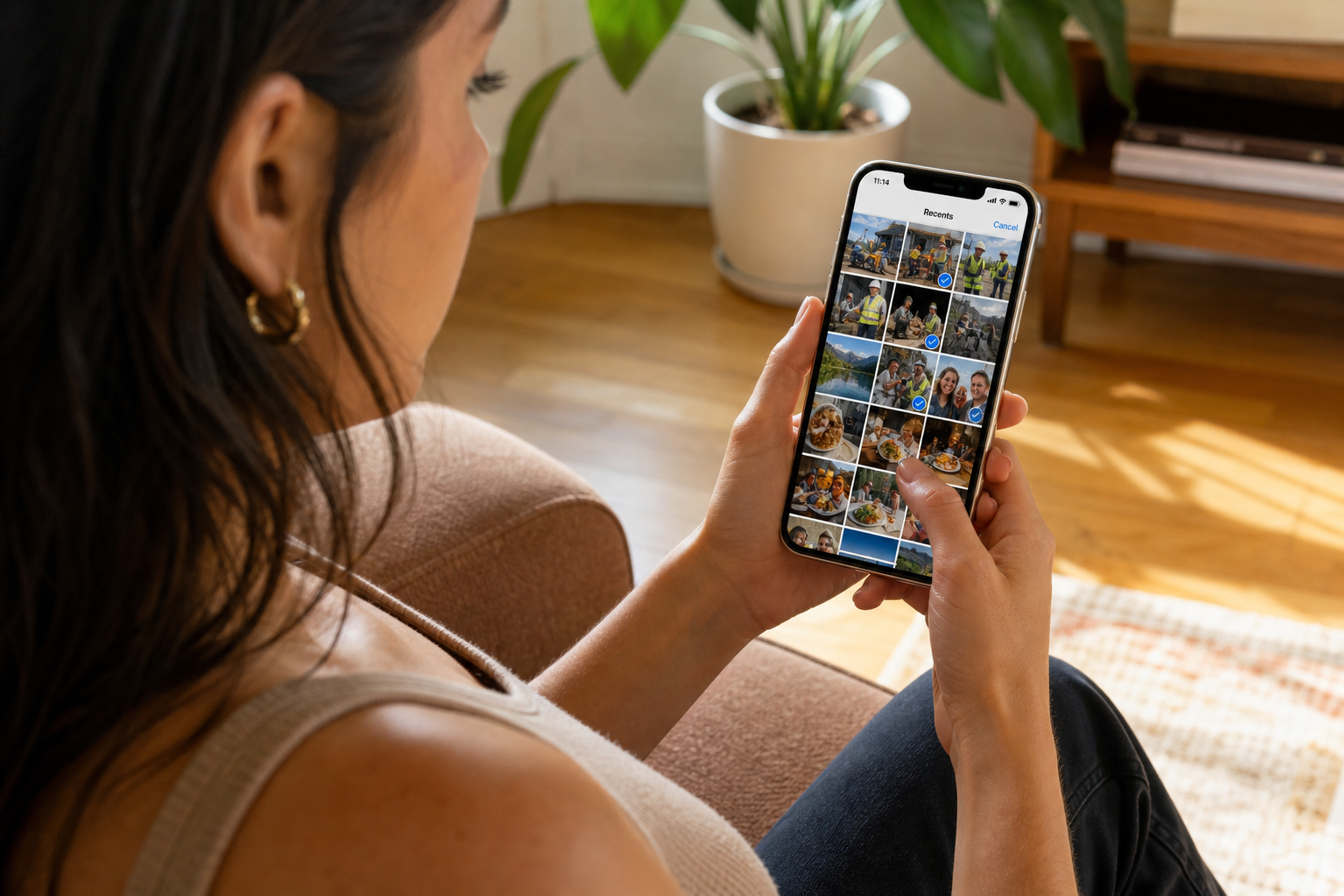
On the spot, off the camera roll
Take the photo now — save it to a cloud album, not just Recents
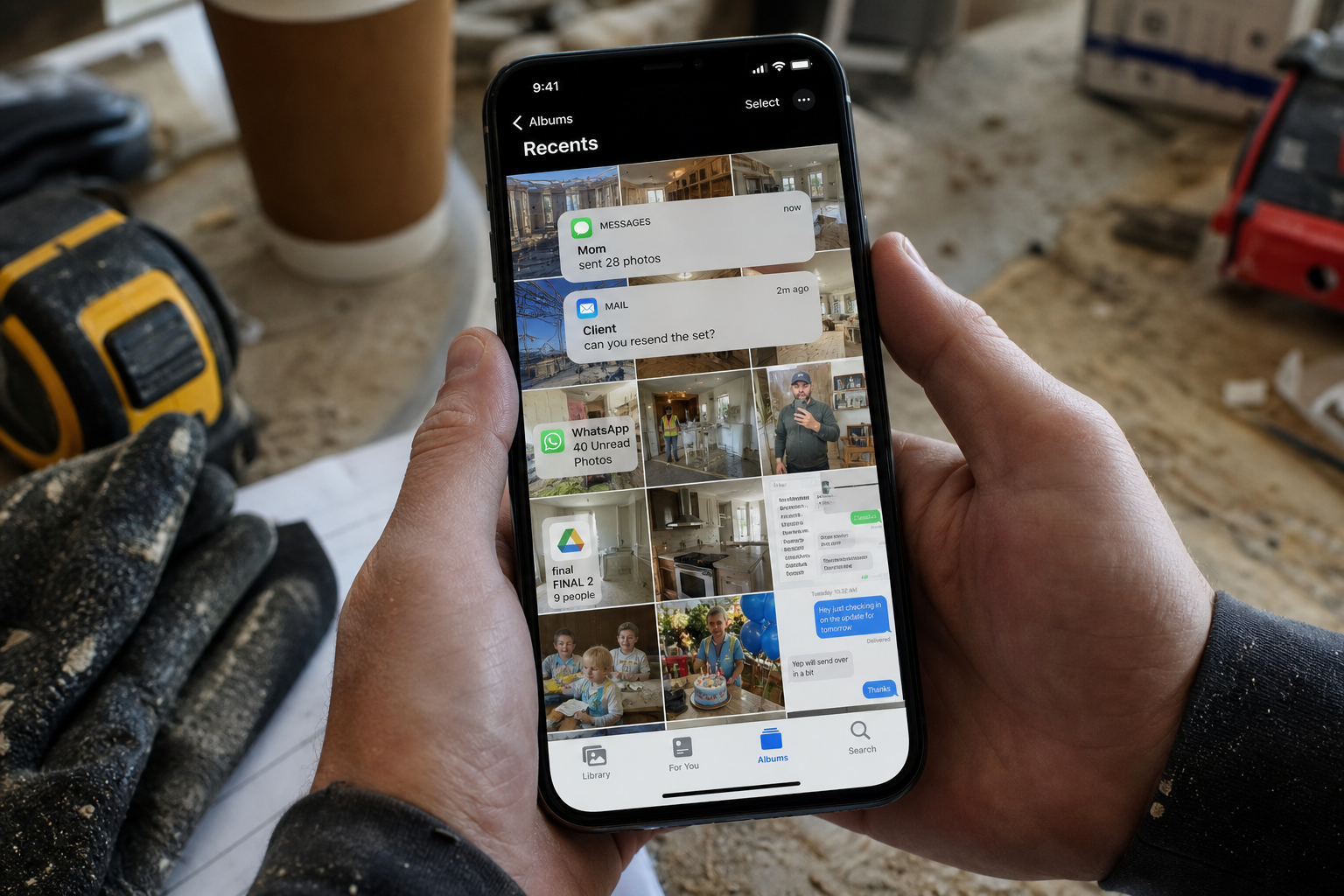
Something is happening in front of you. You do not want it buried under screenshots. Save it into an album — often pinned to the place — so it is still there if the phone dies. Share a link when someone asks. That is the whole move.
Now, not later
The moment you shoot it, it has a home.
Place when it matters
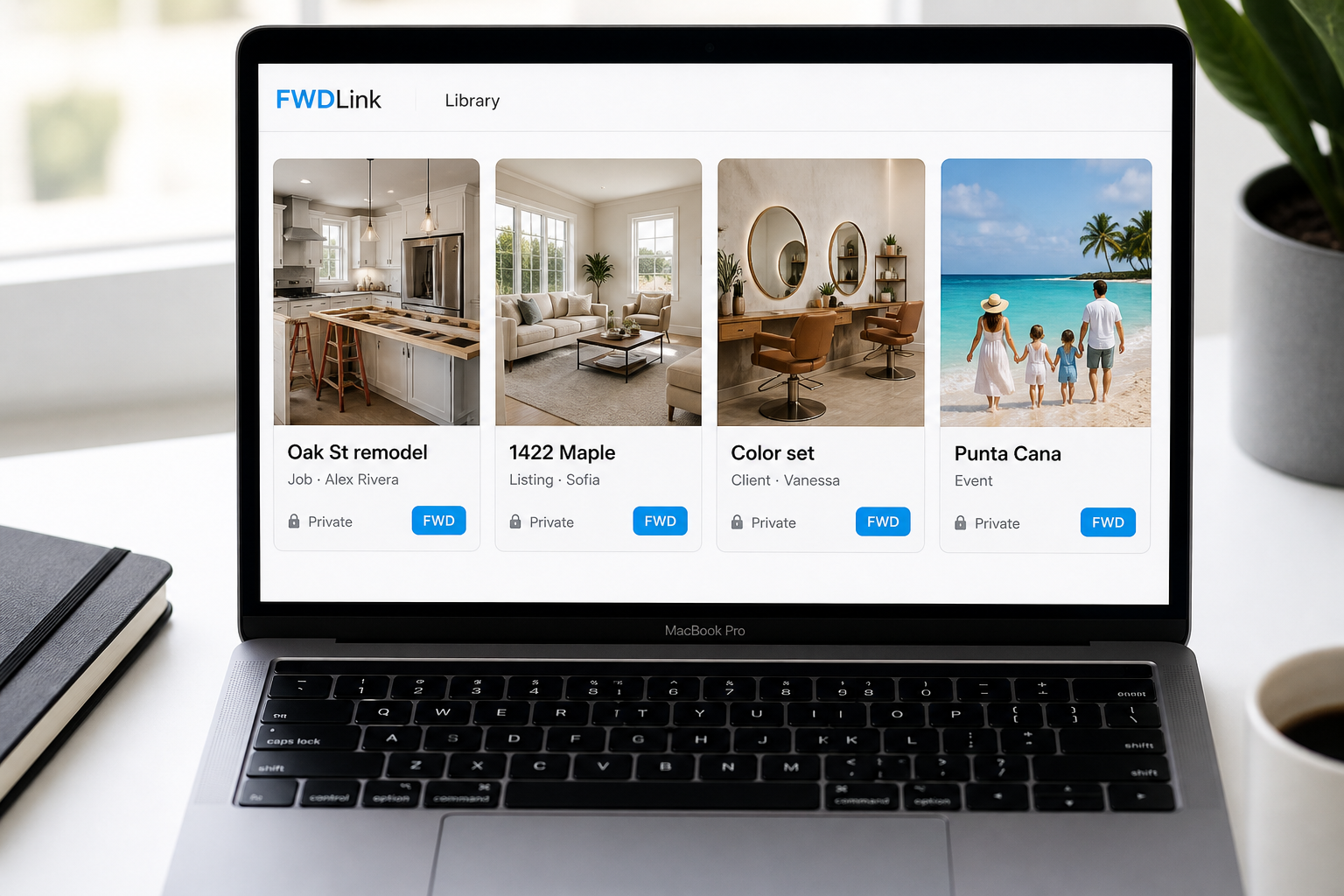
The park, the apartment, the school lot — the album remembers.
Share only if you want
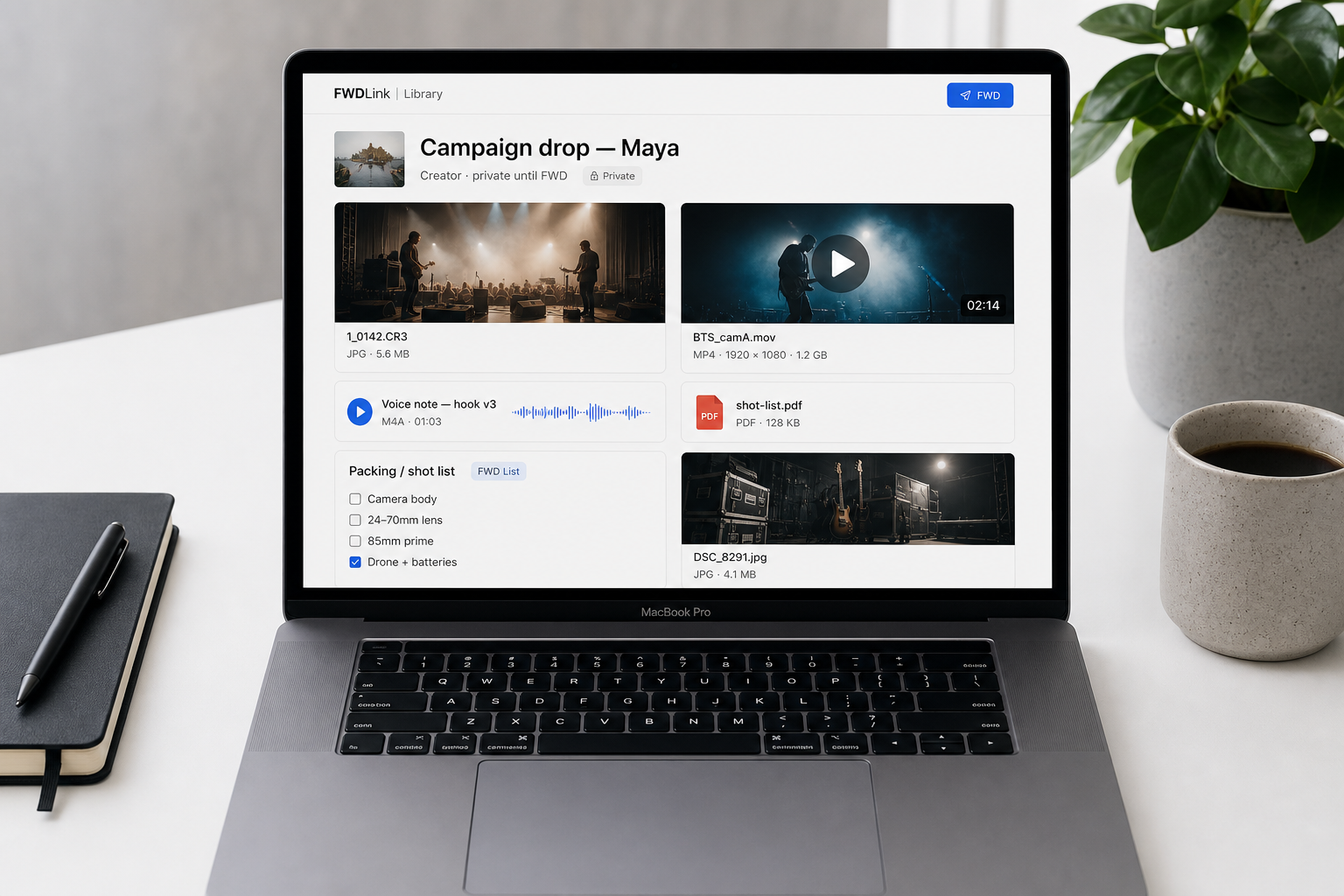
Private until you send a link.
How it works
01
Shoot it
Use the camera you already have.
02
Save to an album
Create one for this day or this place.
03
Pin the place if it helps
You will thank yourself when you search later.
04
Share later — same link
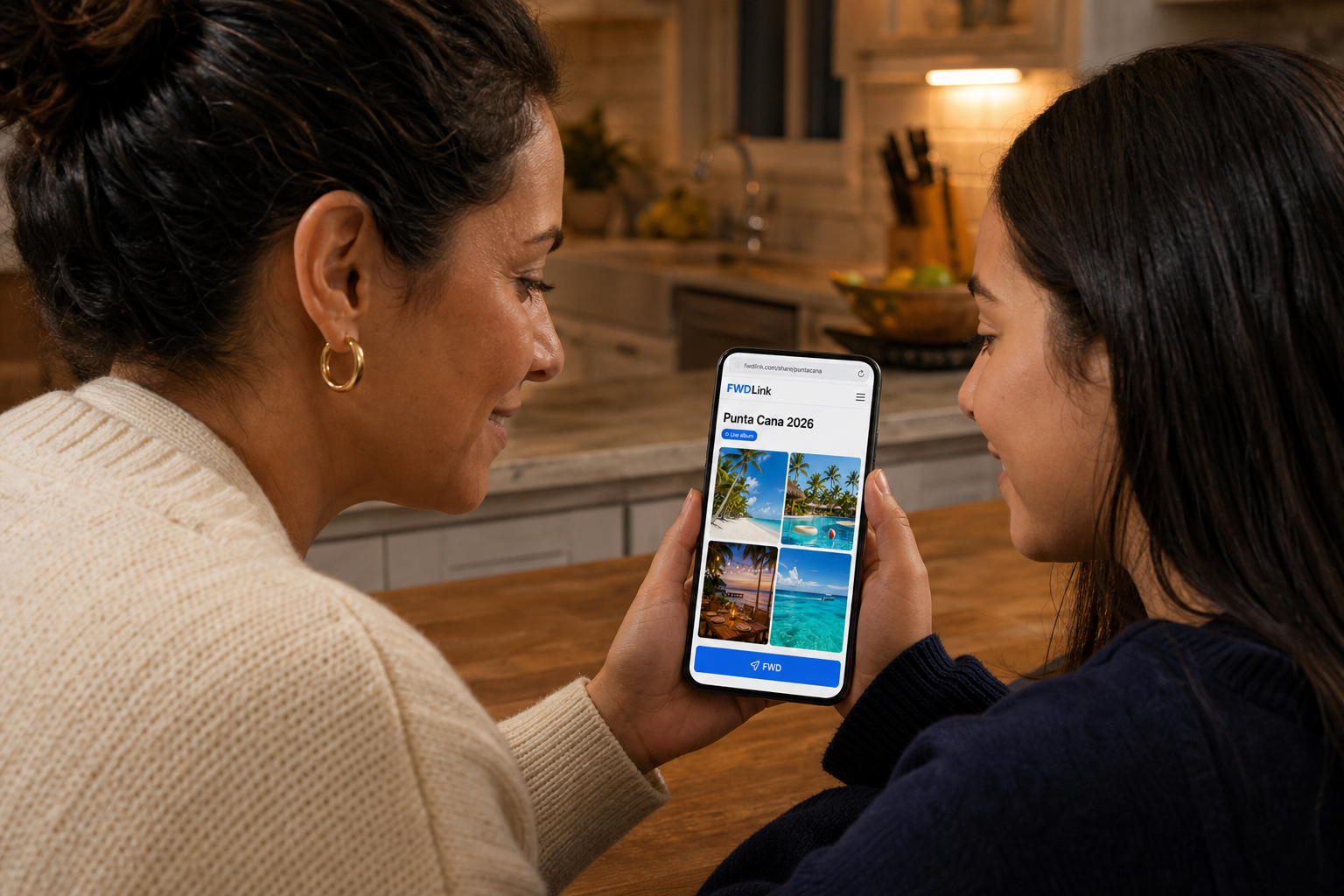
When someone asks, you are not digging through Recents.
From your phone is the import. This is the capture.
The from-your-phone page is for pulling keepers out of Recents. This page is for the shot you take right now and want in an album immediately.
A broken phone should not take the day with it
Albums live off the camera roll. Share a link from any other device if you have to.
One link when they ask
You do not have to share. When you do, it is the set — not your whole roll.
Frequently asked questions
Is this the same as the from-your-phone page?
That page is about uploading from Recents. This one is about saving a shot the moment you take it.
Can I keep the album private?
Yes. Share a link only when you want to.
Can I pin a place to the album?
Yes. Useful for trips, homes, and fields.
What if my phone breaks?
The album is in the cloud. Open it from another device.
Can several people add to the same album?
You can share access when you want help collecting. Or keep it to yourself.
Do I need a public page?
No. Albums work without a page. Add a page later if you want a home for several albums.