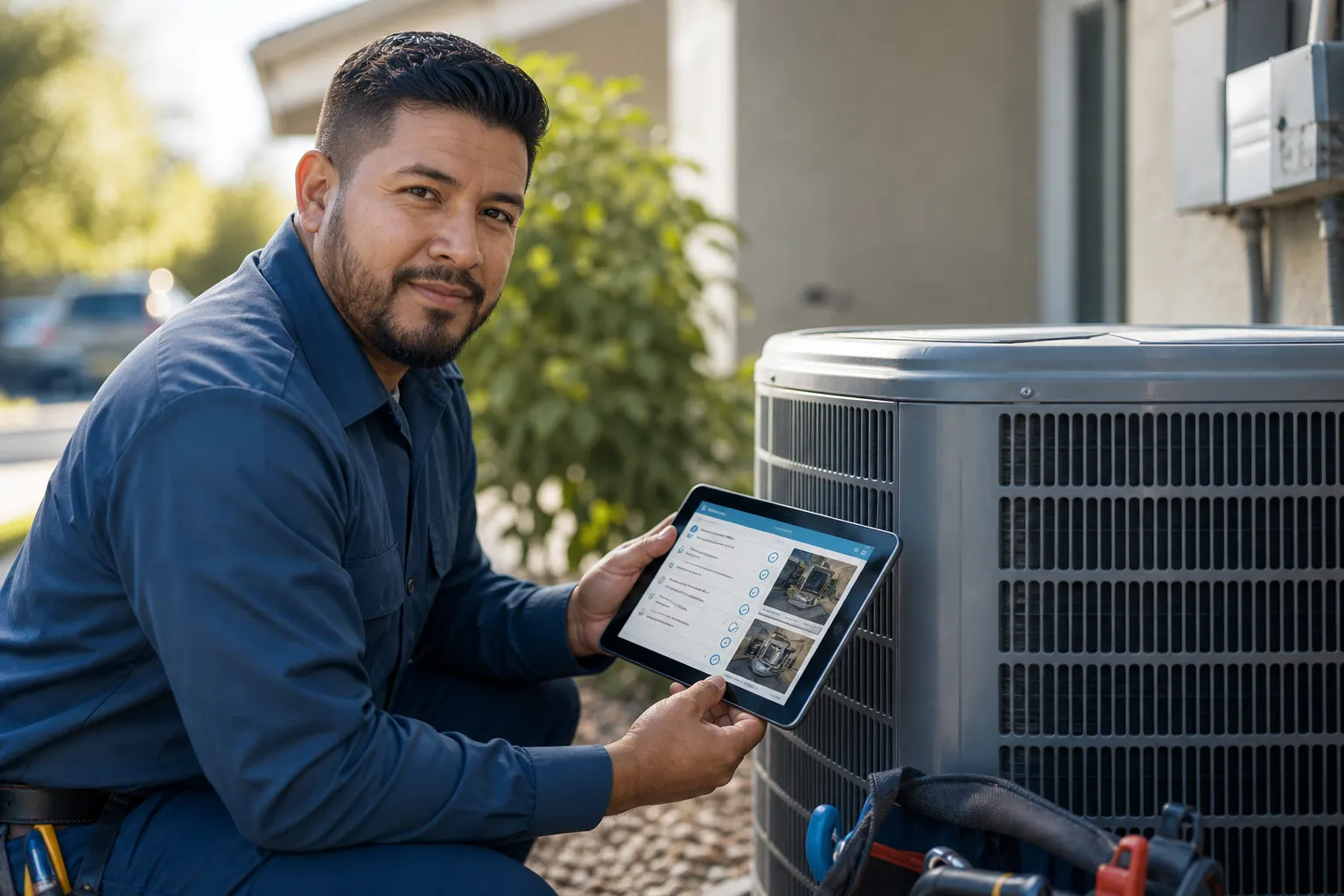
Tasks that stay on the job
Break the site into open tasks the crew can close from the truck. Status is not a sticky note on the trailer wall — it is on the same job everyone opens.
Task tracking
Jobsite tracking app · tasks, jobs & field docs
Tasks, job status, field photos, and production history sit on one jobsite record. Your crew sees what is open; the office sees the same story — then estimate or invoice when the work is ready. FWDLink is the tracking layer for the site, not a camera roll alone.
Get the app for iPhone and Android


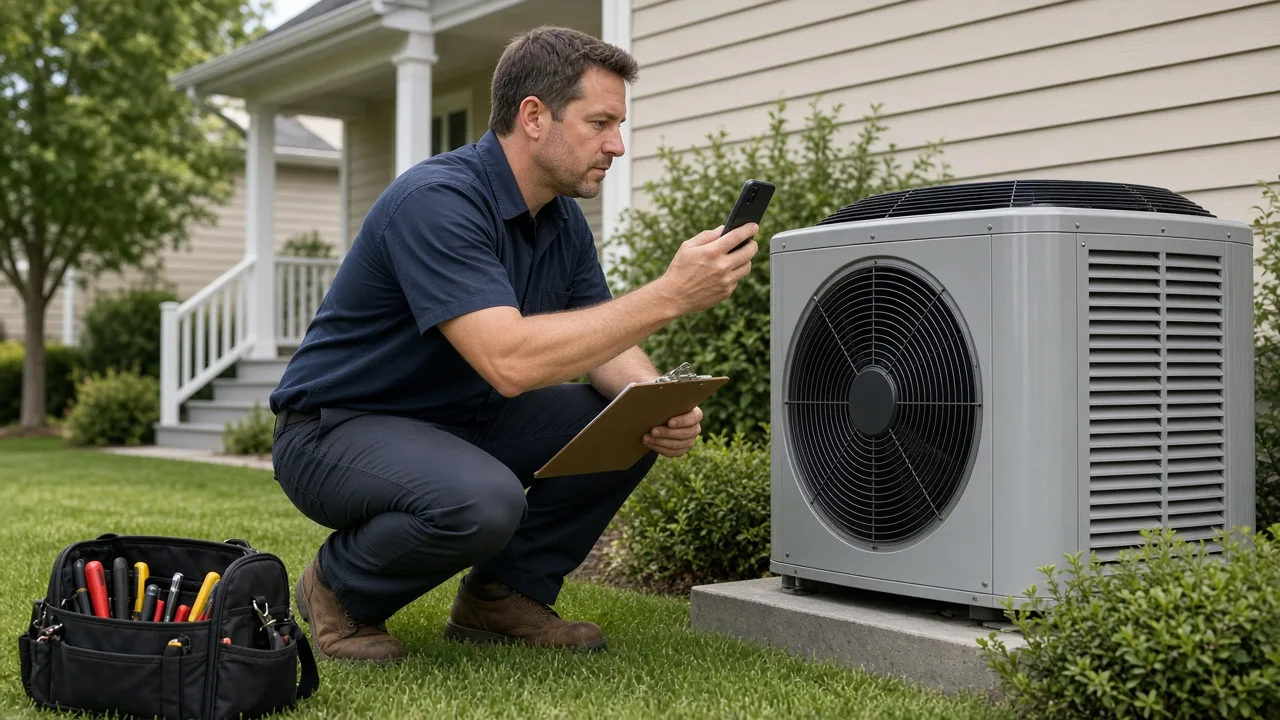
Break the site into open tasks the crew can close from the truck. Status is not a sticky note on the trailer wall — it is on the same job everyone opens.
Task tracking
Shoot conditions, progress, and proof into the job you are already tracking. Capture complements the jobsite photo app — albums stay useful because the task and status live beside them.
Photos + tasks
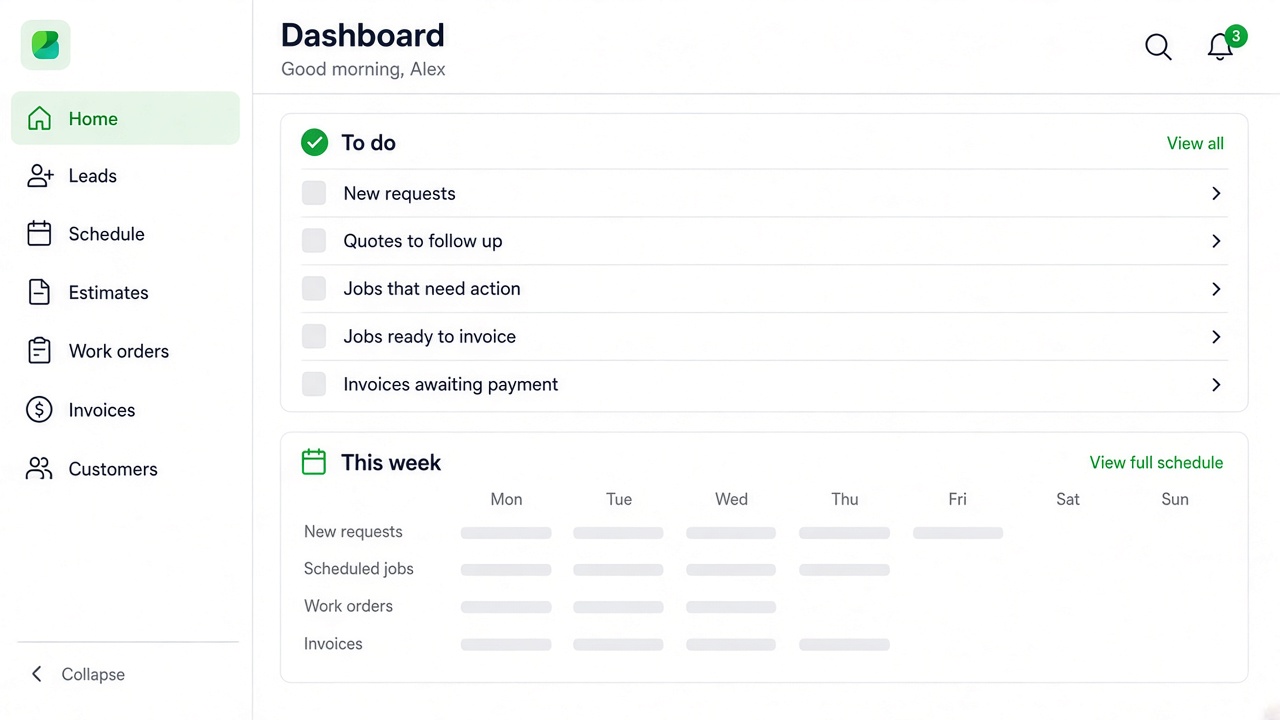
Who ran what, what closed, and what still needs a visit stays visible for field and office. You are not rebuilding the week from texts.
Crew visibility
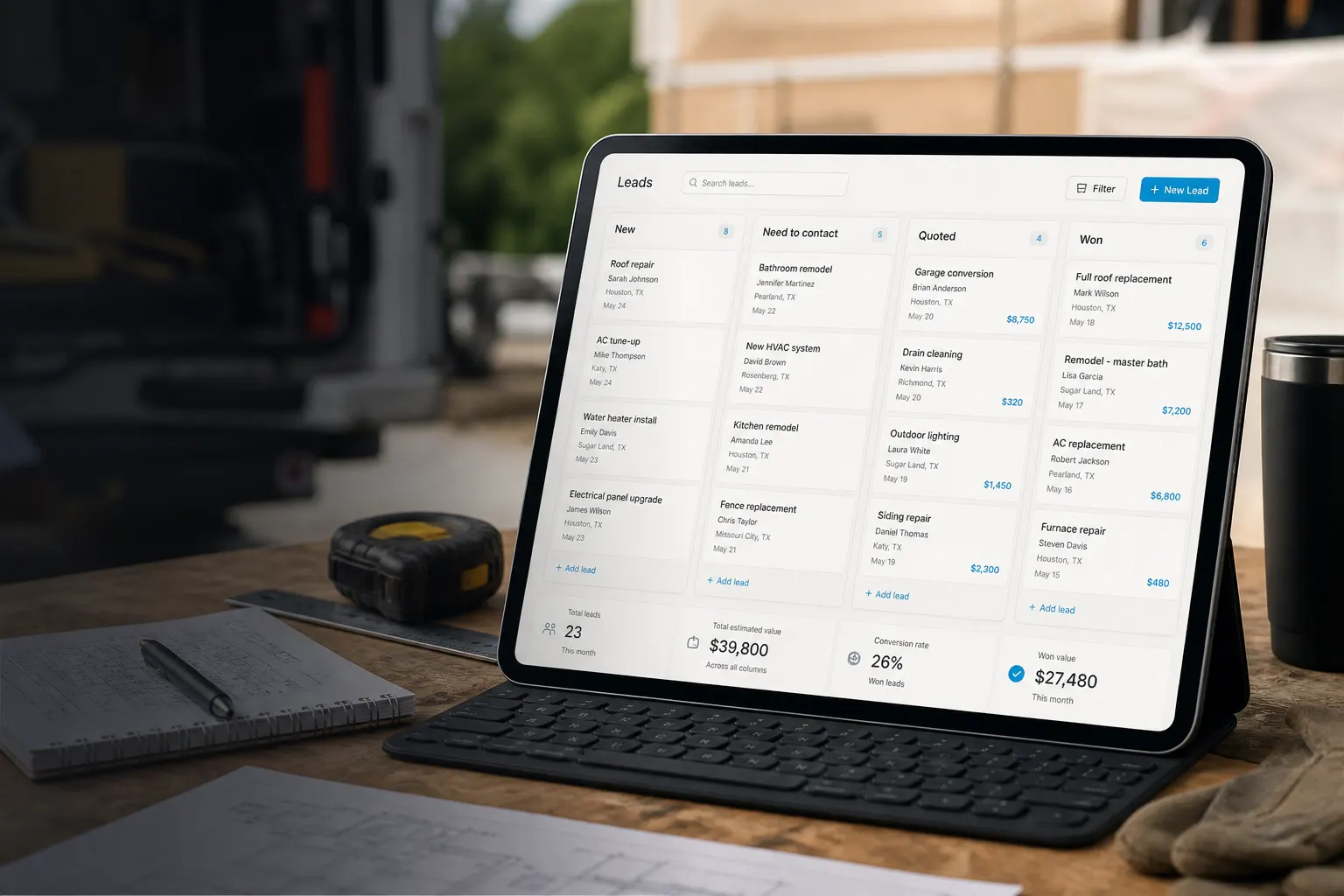
The customer and the site stay on one file. When the work is ready, send the estimate or invoice from that same record — Local, social, and Your Page sit in the broader platform when you want to show finished work.
Through paid
A jobsite tracking app keeps tasks, job status, field photos, and production history on one record. Crews close work from the truck; the office sees the same open items without rebuilding the day from group chats.
Photos still matter — they document field conditions next to the task they prove. Use the jobsite photo app habit for albums, and this page for the tracking layer: what is open, what closed, and what still needs a visit.
When the site is ready, estimates and invoices leave from the same client and job file. Your Page, Local, and social sit in the broader FWDLink platform when you choose to show finished work — without turning this page into a hop grid of every trade.
Start from the client and address so tasks, photos, and status share one jobsite record.
List what the crew must close. Shoot conditions and progress into the same job while work is underway.
Office and crew see what finished and what is still open — the story stays on the job, not in a personal phone.
Send the quote or bill from the same record. Share finished work on Your Page when you want a public view.
The jobsite photo app is for albums and capture by address. This tracking app is for tasks, job status, production history, and crew visibility — with photos documenting the field on that same job.
Yes. Production history and field documentation sit on the job you are tracking. When you need a shareable progress or summary link, project reports pull from the same jobsite story.
Jobsite tracking is the site layer — tasks, photos, and production history. Estimates, invoices, Local, social, and Your Page are part of the broader FWDLink platform when you need them, not a separate stack.
Yes. Open the job on iPhone or Android, close tasks, and leave photos on the same record the office already sees.
Jobsite tracking lives with photos, work orders, and billing inside Business CRM — plus Local and Your Page when you want a public face.
Scheduling, quotes, invoices, photos, SMS, and crew — one hub for the whole job.
Albums and capture by address — complementary to tracking.
Scope and status the crew runs on site.
Share progress and field summaries as a link.
Join Free. Tasks, field docs, and billing sit in Business CRM.