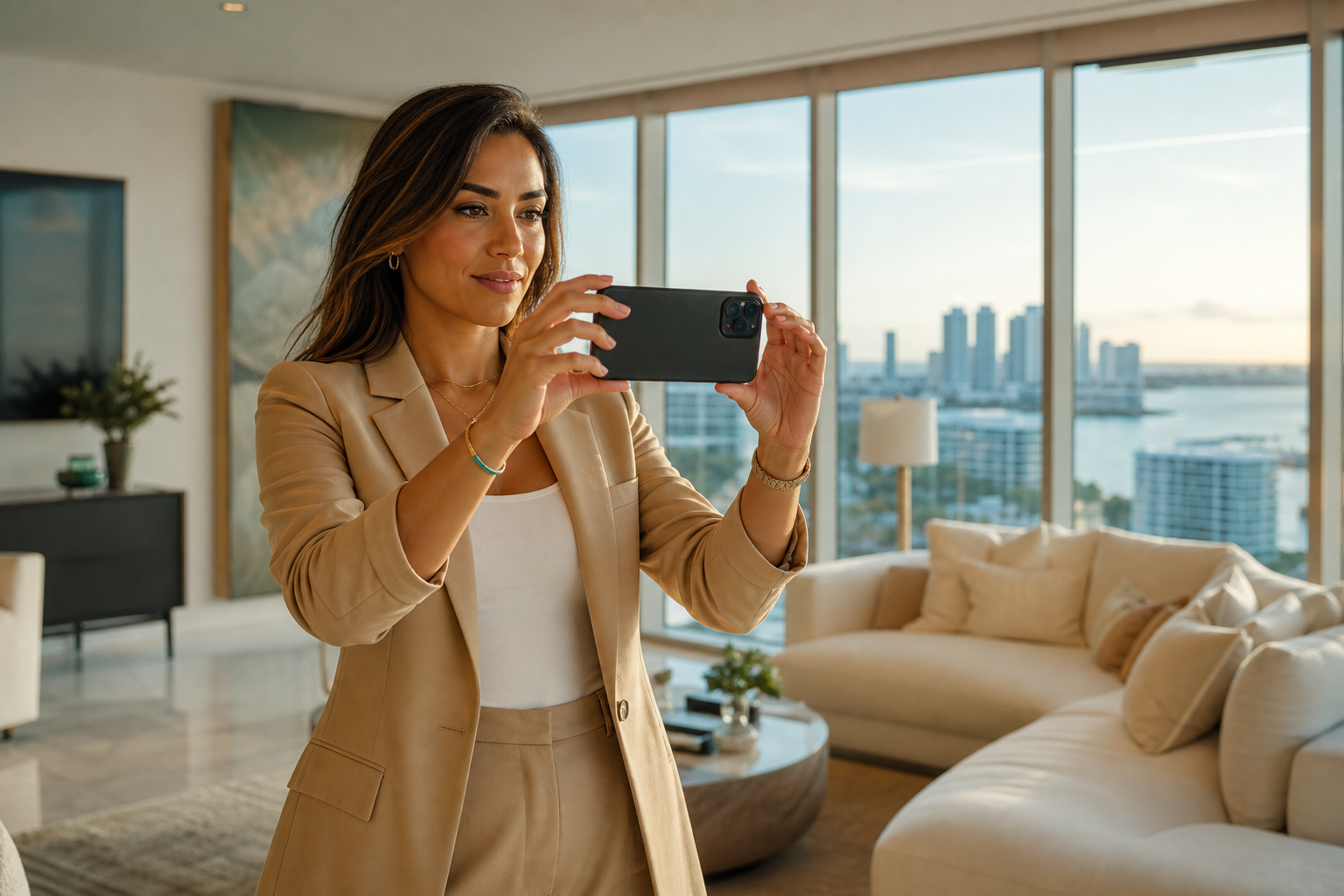
For home stagers
Home stager photos — vacant to styled in one listing album
Empty rooms, the truck, the last pillow — save them in an album pinned to the listing. Share one link with the agent. They forward it to the seller. You are not dumping 80 images into an email that dies on a phone.
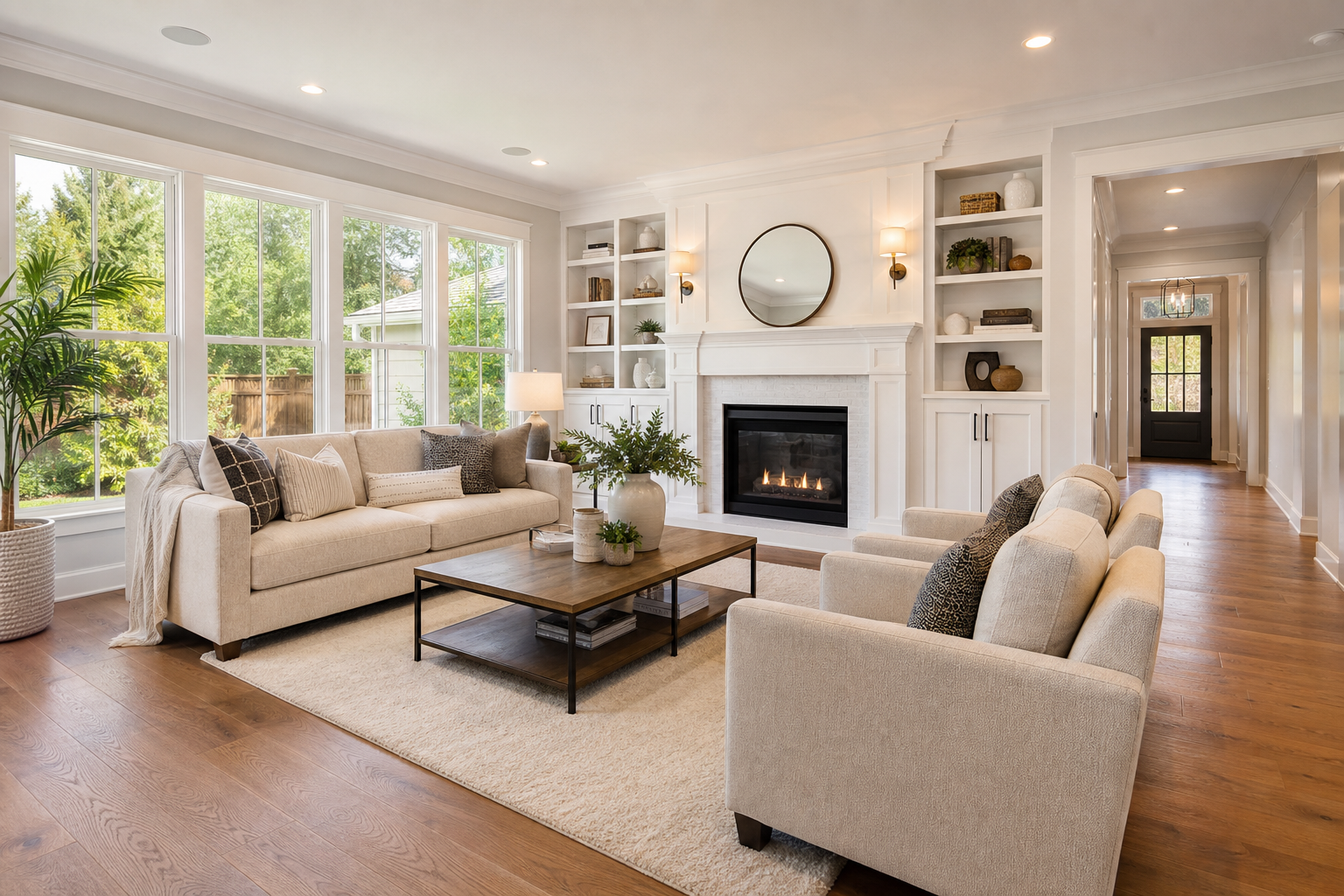
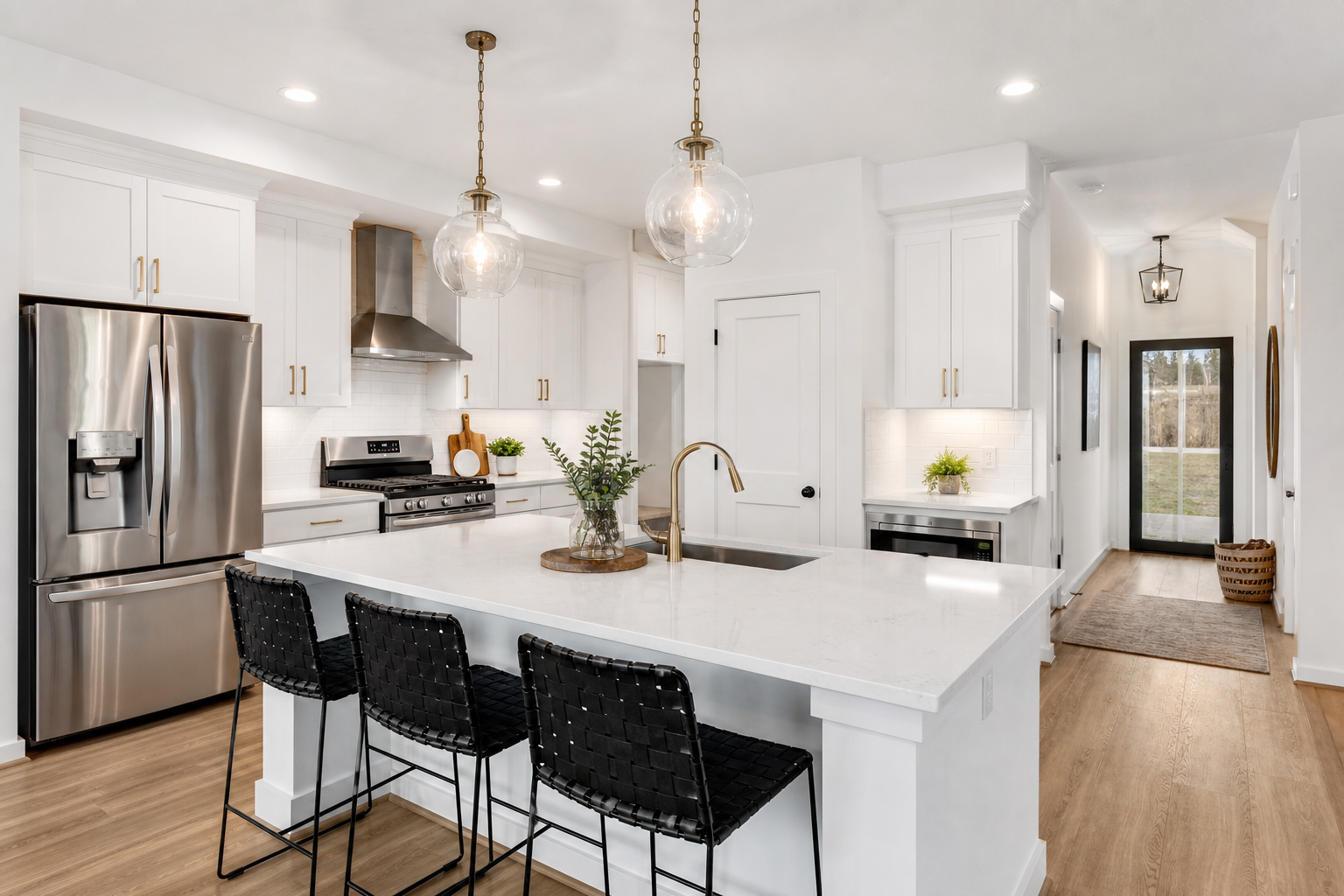
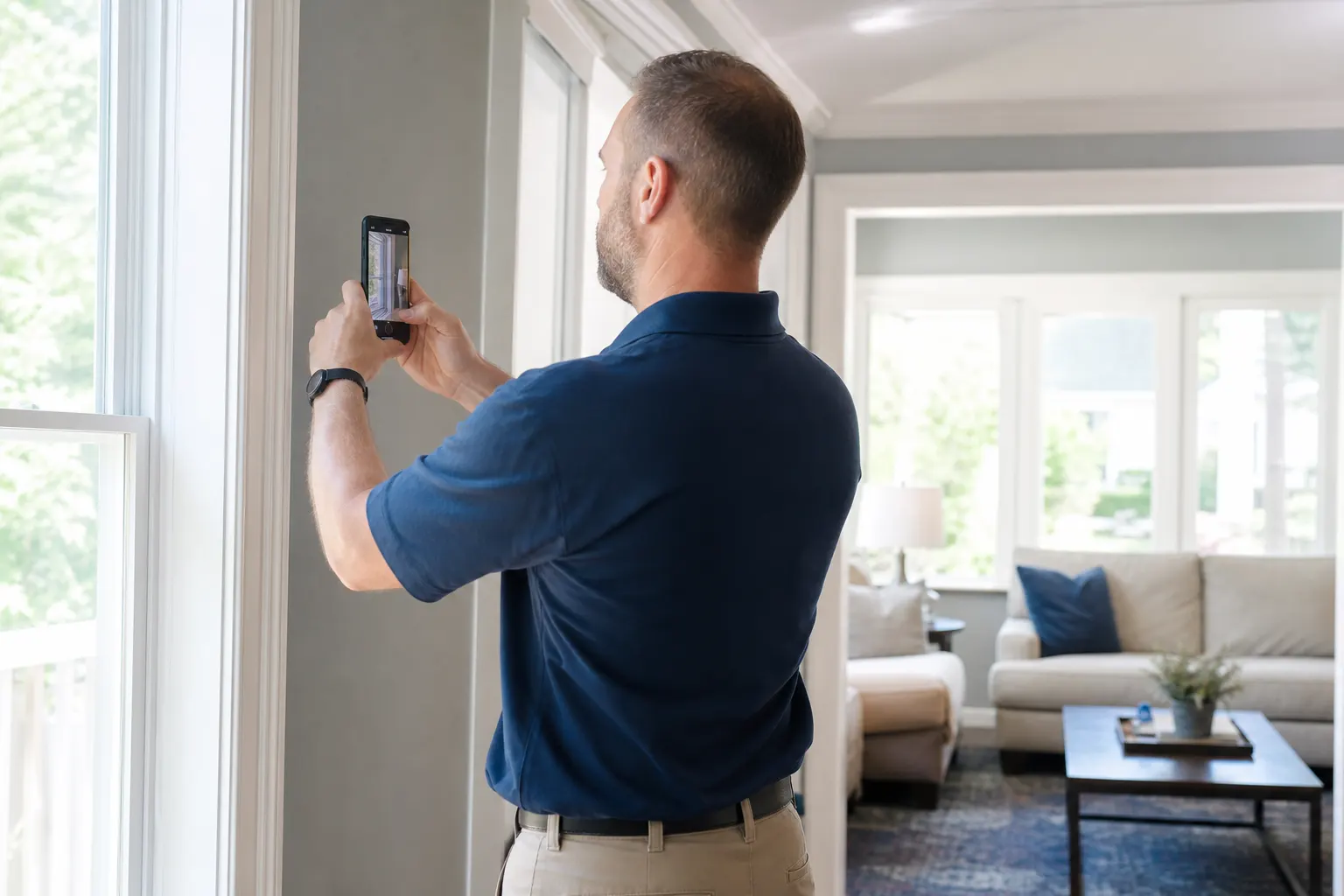
Vacant, then styled
The pair that sells the next job.
Pinned to the house
Find last spring’s staging when the same agent calls.
Agent-ready link
They open it in a browser and send it on.
How it works
01
Shoot vacant
Every room you will restage.
02
Create the listing album
Pin the address.
03
Add styled shots
Same album. Same link.

04
Share with the agent
They already know where to look next time.
Stagers are not listing agents
Agents have their own realtor pages. This is the staging set you hand them.
Sellers need the before too
They forget how empty it looked. The album is the thank-you.
The next house
Public afters on your page. Send a cotización for the next listing from the same FWDLink.
Frequently asked questions
Is this a realtor listing album?
Realtors have their own pages. This is for stagers handing work to agents.
Can I pin each property?
Yes.
Can the agent forward the album?
Yes.
Can I keep vacant shots private?
Yes. Share styled only if you prefer.
Can I send a cotización for the next staging?
Yes.
Do agents need an app?
No.