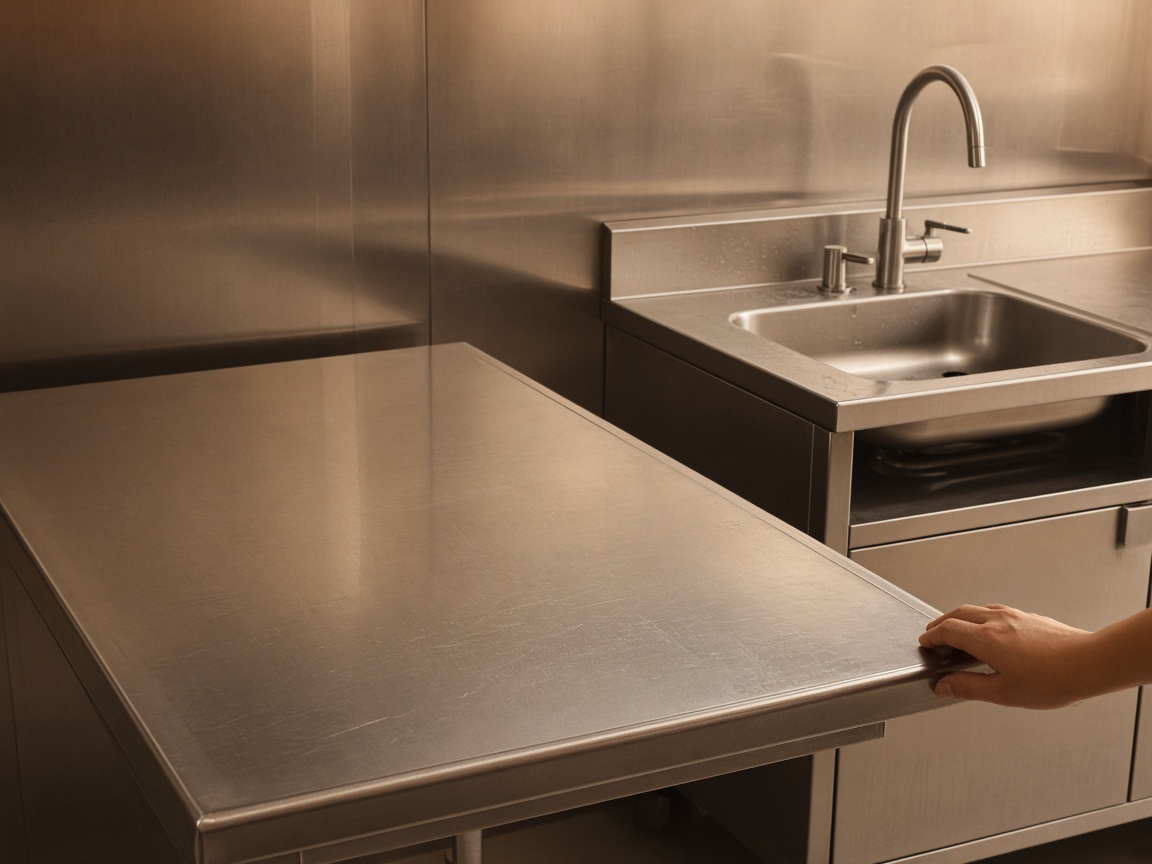
Plan the grease route on one calendar
Book each kitchen stop on CRM Schedule with the account and address. Add Route Planner for dense downtown mornings.
Routes & dispatch
Grease trap software · kitchen service routes
FWDLink helps grease service teams schedule routes, photograph proof at the trap, invoice the account, and keep the next service date on the same client file.
Get the app for iPhone and Android


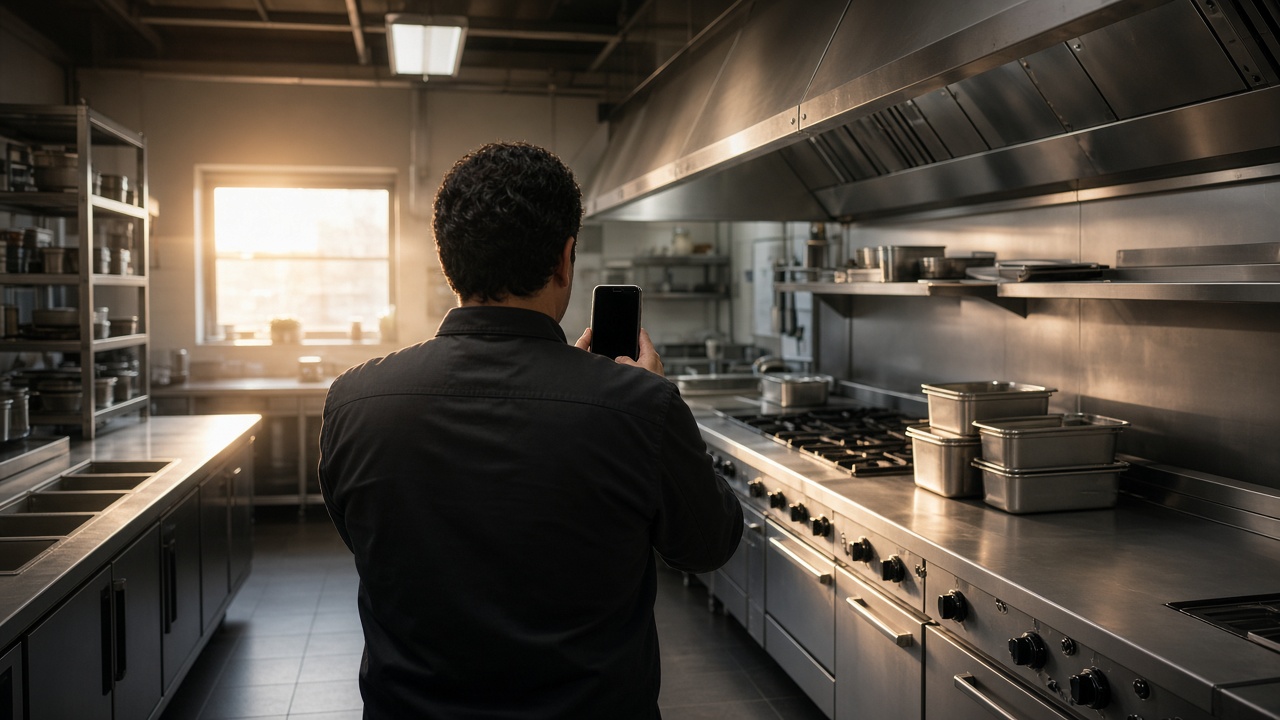
Book each kitchen stop on CRM Schedule with the account and address. Add Route Planner for dense downtown mornings.
Routes & dispatch
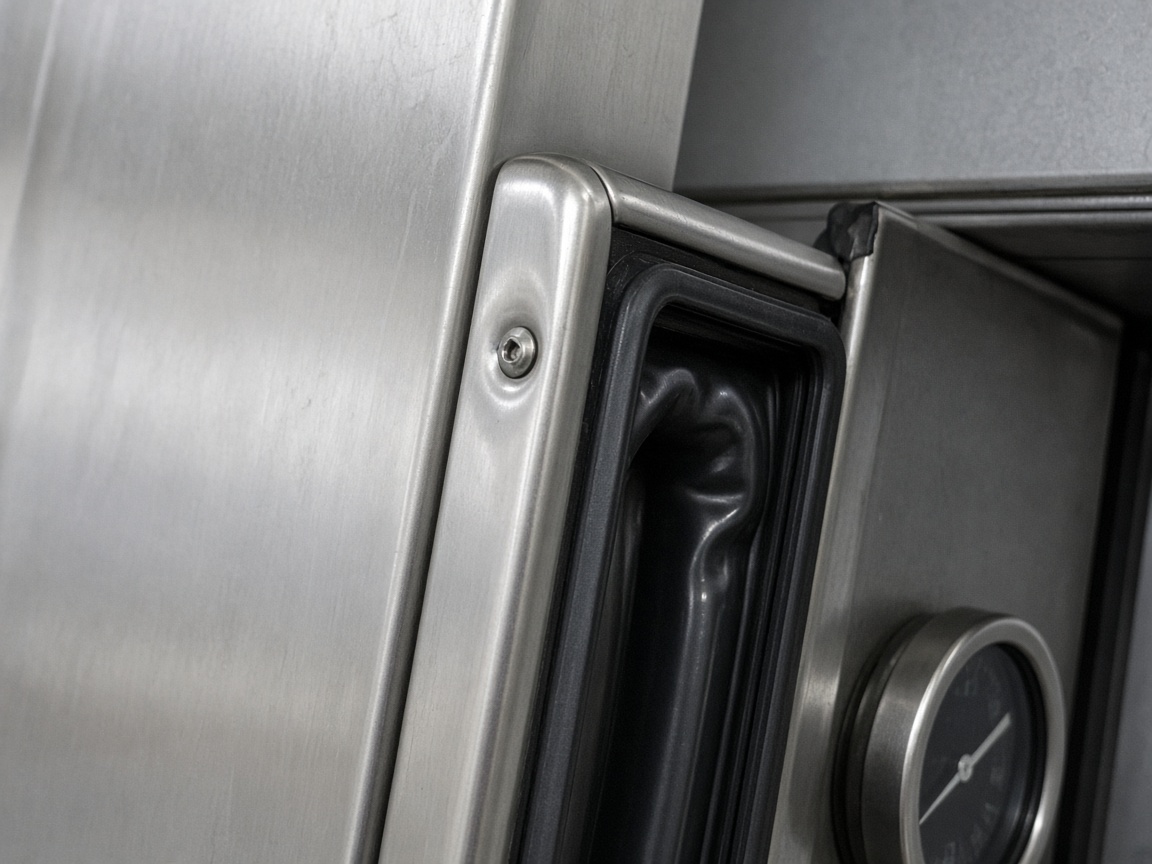
Photograph the trap and the work as you leave it. The next tech opens the same kitchen album — not a lost text thread.
Site records
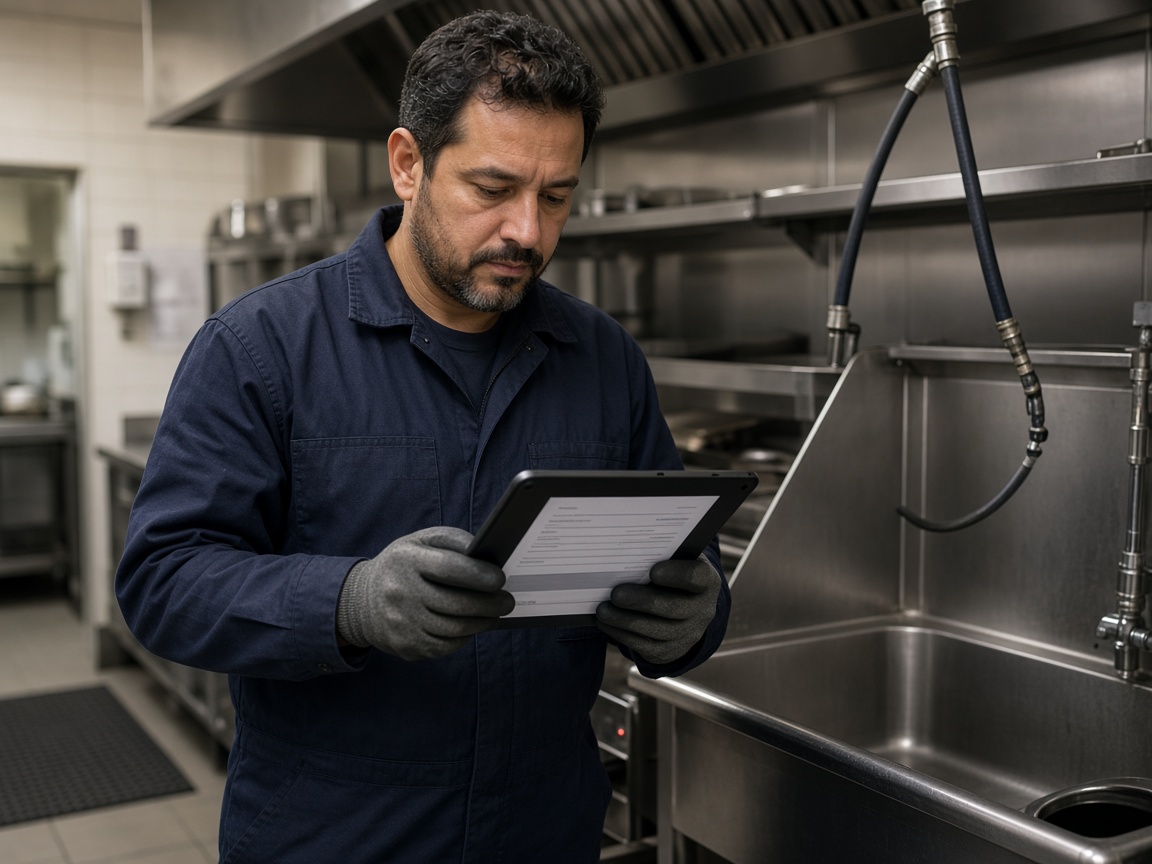
Estimates and invoices reuse the client, line items, and visit photos. Collect payment online when the kitchen is ready to pay.
Billing
FWD a gallery or report when they need proof for compliance. Your Page and Local help nearby kitchens find your route.
Reports & marketing
Grease trap software on FWDLink keeps every kitchen account, route stop, proof photo, estimate, and invoice together in the All-in-one Business CRM. Your Page captures new accounts into Leads so sales and service share one brand.
Plan dense routes on CRM Schedule and use route planner when the morning is packed. Techs open the stop on the phone, photograph the trap, and update the work order before they leave the dock.
Every account stays findable: contacts, service notes, scheduled visits, and photo history on that kitchen so the next tech sees what you left.
Invoice with proof attached, invite kitchens to the portal for invoices and shared files, and keep managers updated around service proof. Publish route proof on Local when you want nearby accounts.
Start free from Plans and keep the next kitchen route, invoice, and proof record moving in one workspace.
Client file holds contacts, address, and service notes.
Put the visit on CRM Schedule; use Route Planner when the day is dense.
Photograph the trap, attach to the invoice, send from the dock.
Leave the next date on the same client so the route stays full.
Yes. CRM Schedule holds each stop, and Route Planner helps sequence busy multi-stop mornings.
Yes. Keep visit photos on the kitchen album and FWD a share link or report when they ask.
Yes. Keep managers updated around the service visit, and share a proof link when they need the visit record.
Yes. Attach proof and send the invoice from the phone after the stop.
Shoot on the job, in the shop, or at the bench. Keep stills on the same client file. Attach before/after proof to the estimate and invoice.
Field, shop, and device stills land in one album on the customer — not scattered across camera rolls.
Reopen the visit gallery next time, or FWD a clean link when the customer asks what you found.
The same photos ride on the estimate and invoice in Business CRM — then collect online from Plans.
Join Free. Routes, proof, and invoices in one workspace.