FWDLink
Forward content via a link
Keep it in your library, then forward a live link they can open.
That’s FWDLink. Photos, video, clips, audio, files — they live in a private library until you forward a link. Recipients open it in the browser. You can keep adding, and they still have the same URL. Nothing leaves until you decide to share.
Nothing goes out until you send it. Same link as you add more. Free to start.
The problem
You tried to forward the content. Then it lived in five places.
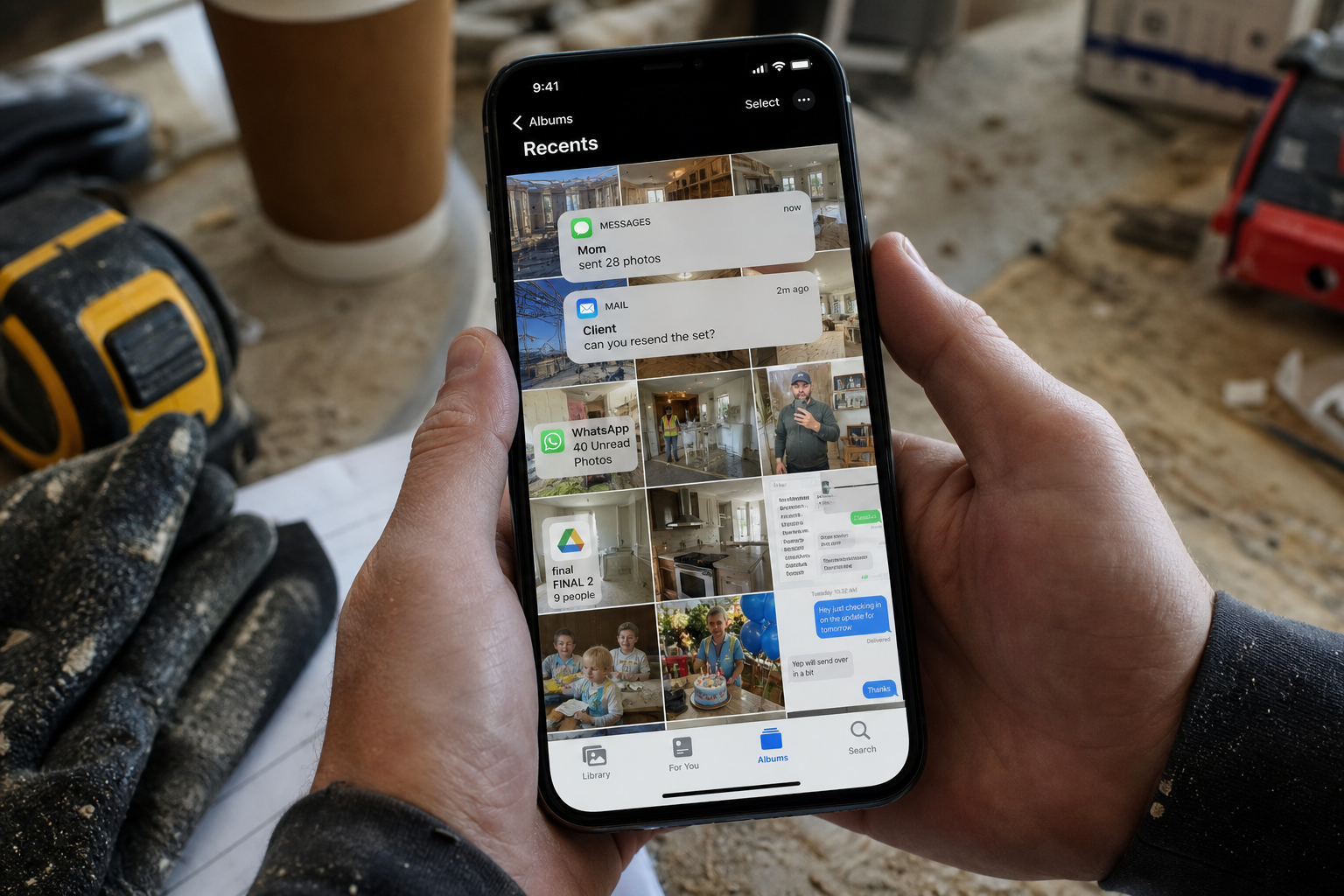
They asked for the photos, the clip, the file. You dropped a pile in a chat, or attached too much to an email. Then Saturday happened, and the rest is somewhere else. They wanted a link they could reopen. They got whatever you could grab at 4 p.m.
The fix
Keep the content in your library. Then forward a live link they can keep.
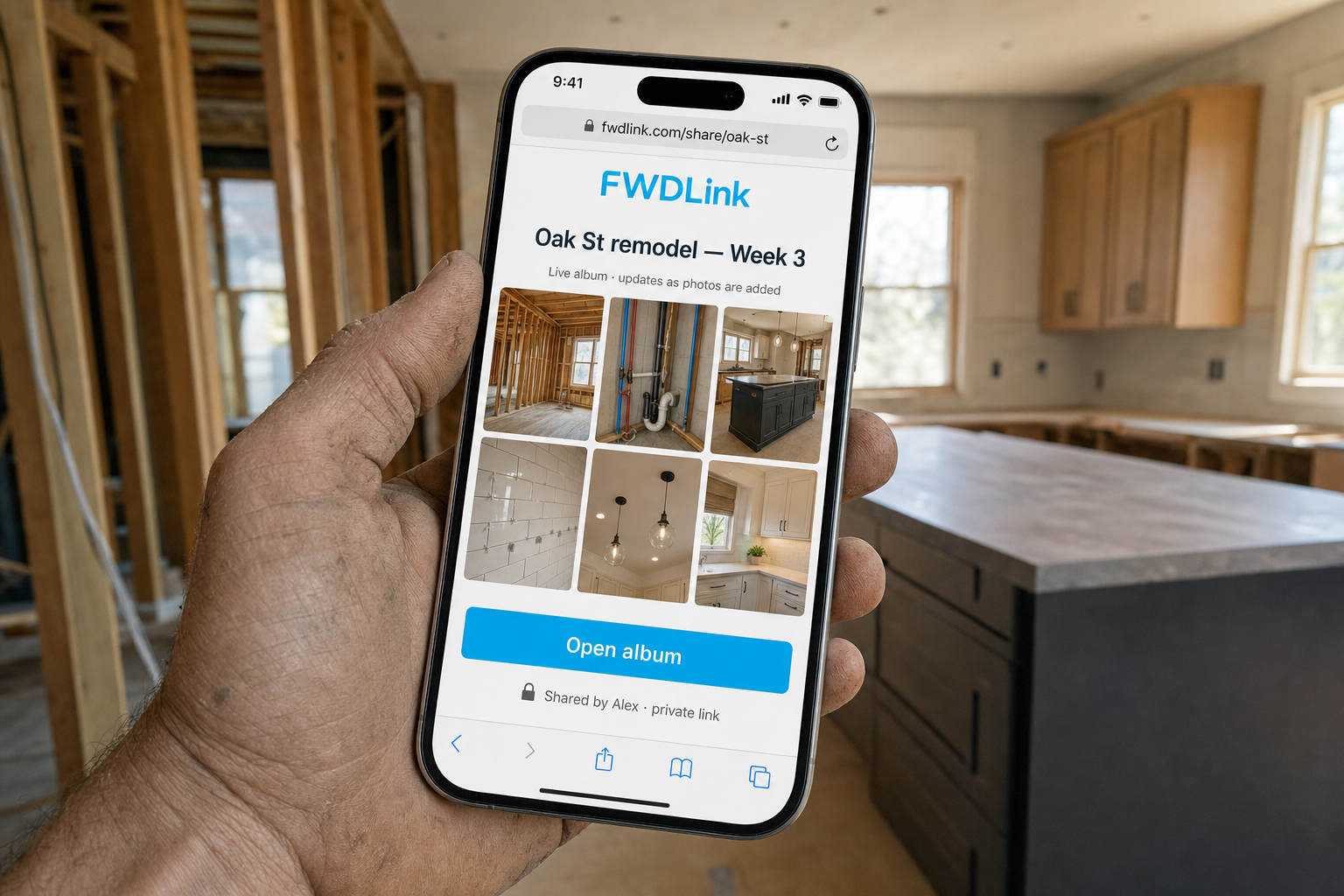
Save photos, video, clips, audio, and files in a private library, then forward a link. Add Friday’s walkthrough and they still have the URL you texted on Thursday. Later, if you want a public page or to attach the same media to an estimate, you can. First you just need a send that doesn’t go stale.
The send
You forward a live link, and it stays current.
It’s how you forward content without dumping a chat: photos, video, audio, and files from your library, open in the browser, no extra app, and it updates as you add more. FWDLink is how you make that send — from a private library you control. Everything else stays behind your login until you choose otherwise.
How FWDLink does it
Save it in your library, forward a live link, and keep the same URL.
It starts in your library. Then you forward a live link. A public page, booking, or invoice is there when you need it — not something you have to set up on day one.
01
Give it a home in your library
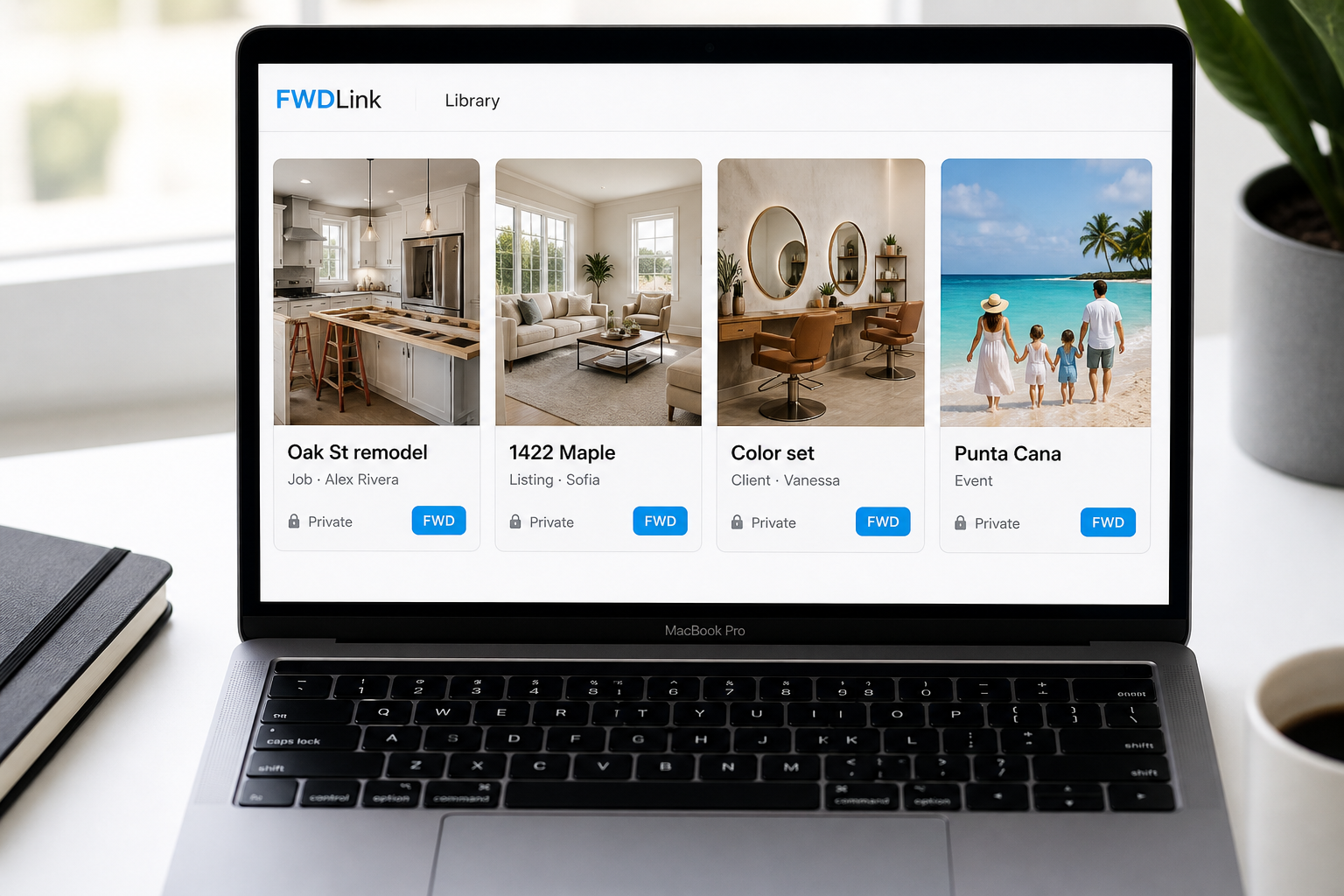
Pull photos, video, clips, voice notes, and files out of your camera roll and chats. Upload them into a private library — by job, listing, client, or trip if you want it organized.
02
Forward a live link
Copy one URL. They open it in a browser — no app, no account required to view. Add more later; they still have Thursday’s link.
03
Or put keepers on your page
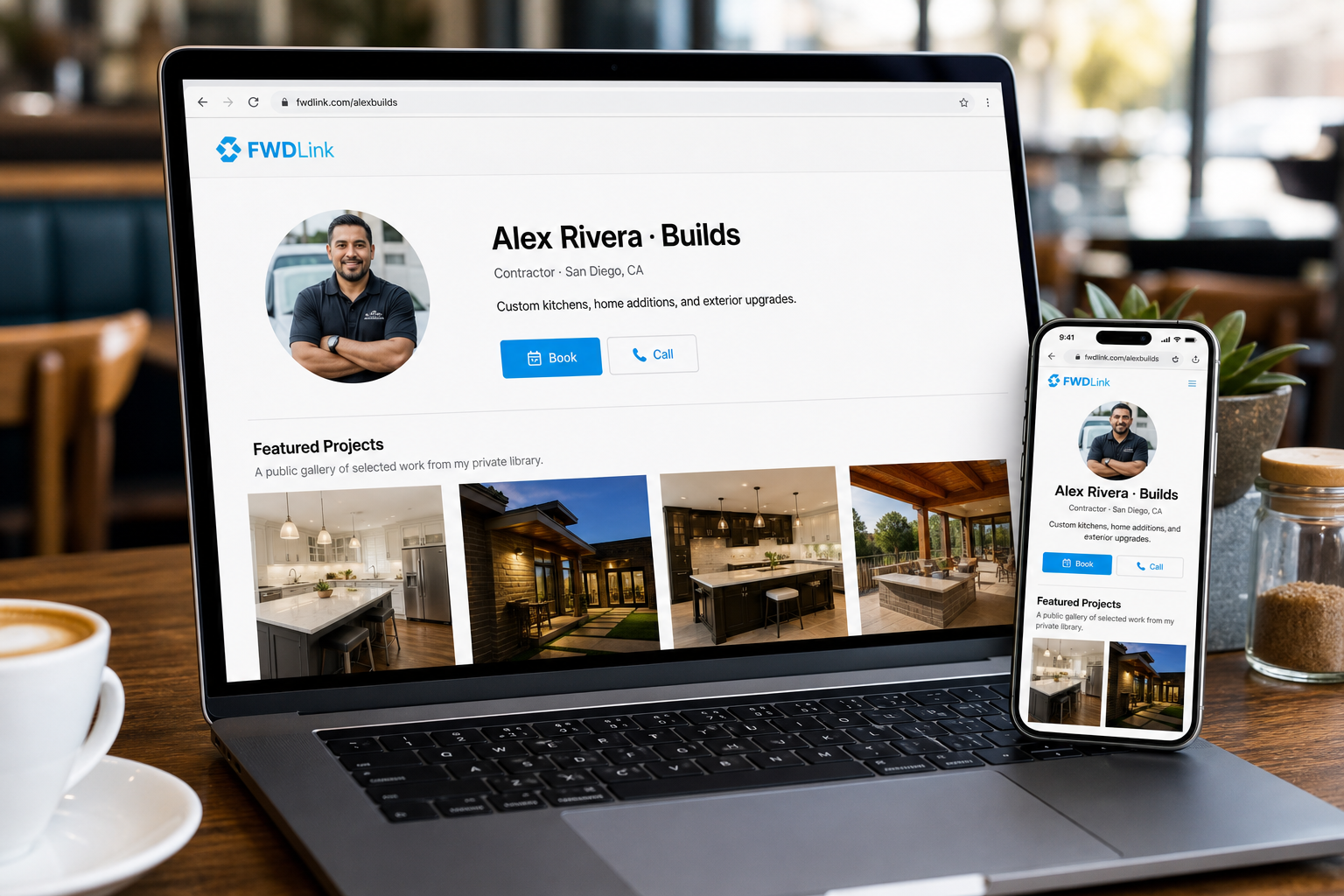
When you want a storefront, your public page is what people save from a bio or a QR. Feature the set you are proud of. Smart Link can structure that page around a goal — book, sell, or grow — without changing the URL.
04
Get paid with the same media
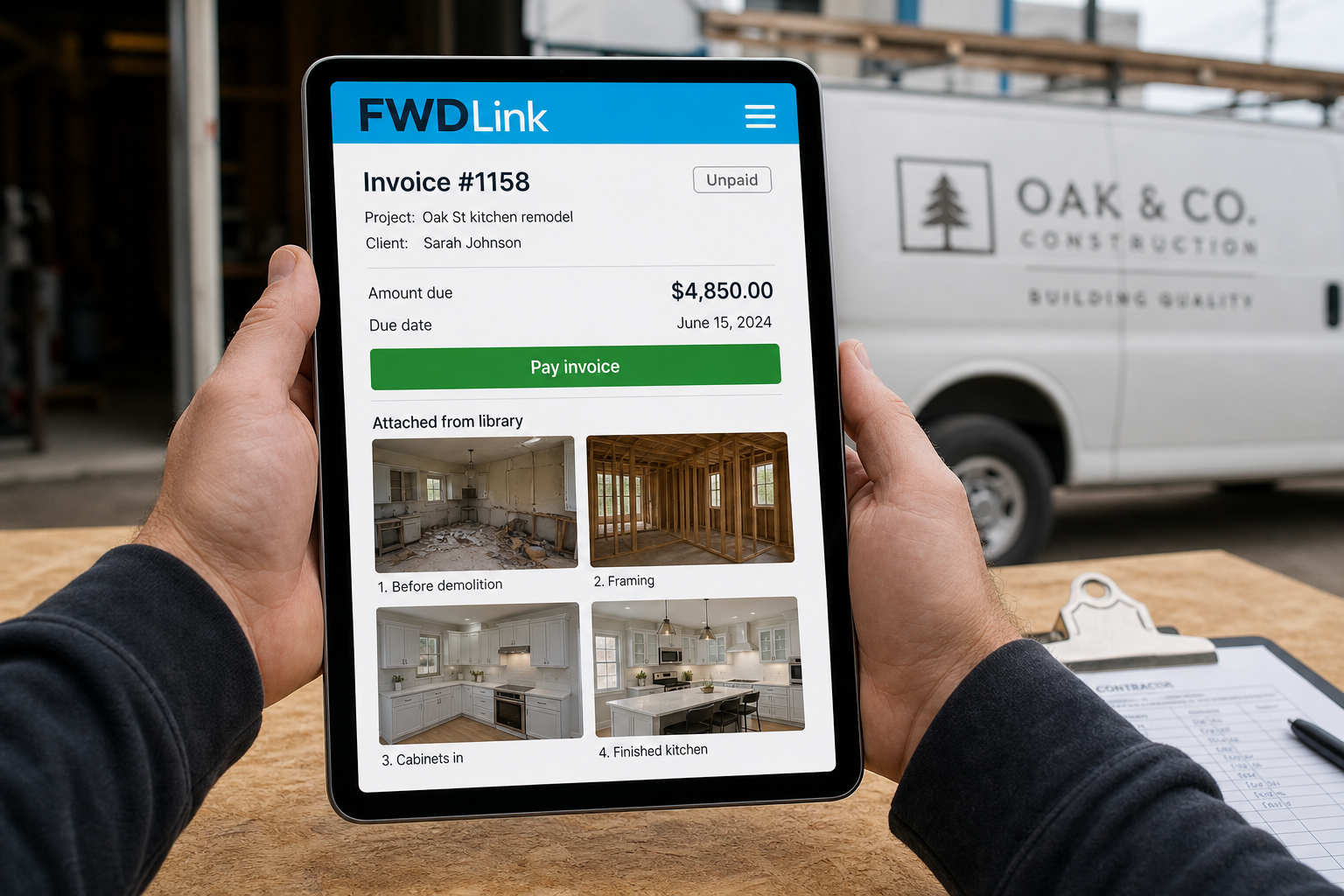
Attach library photos, clips, or files to an estimate or invoice when you are ready to bill. Creators can add tips, memberships, and paid access on the same page people already open. One home — the send and the bill.
If you wanted to forward content via a link, you’re in the right place.
Keep the content in your library, then forward a live URL. You are not chasing a new file every weekend. You are sending a link that still works next week.
Private until you send it
The library stays yours. Recipients see what you FWD — not your camera roll, not the whole vault.
Same URL, fresher set
Keep adding walkthroughs, clips, or Saturday’s stills. They reopen the link you already sent.
A page, a booking, an invoice — when you need them
The link is the send. When you are ready, you can feature keepers on a public page, open bookings, or attach the same media to an invoice. Same library — and nothing you have to figure out on day one.
The library is where the set lives. The link is how someone else sees it.
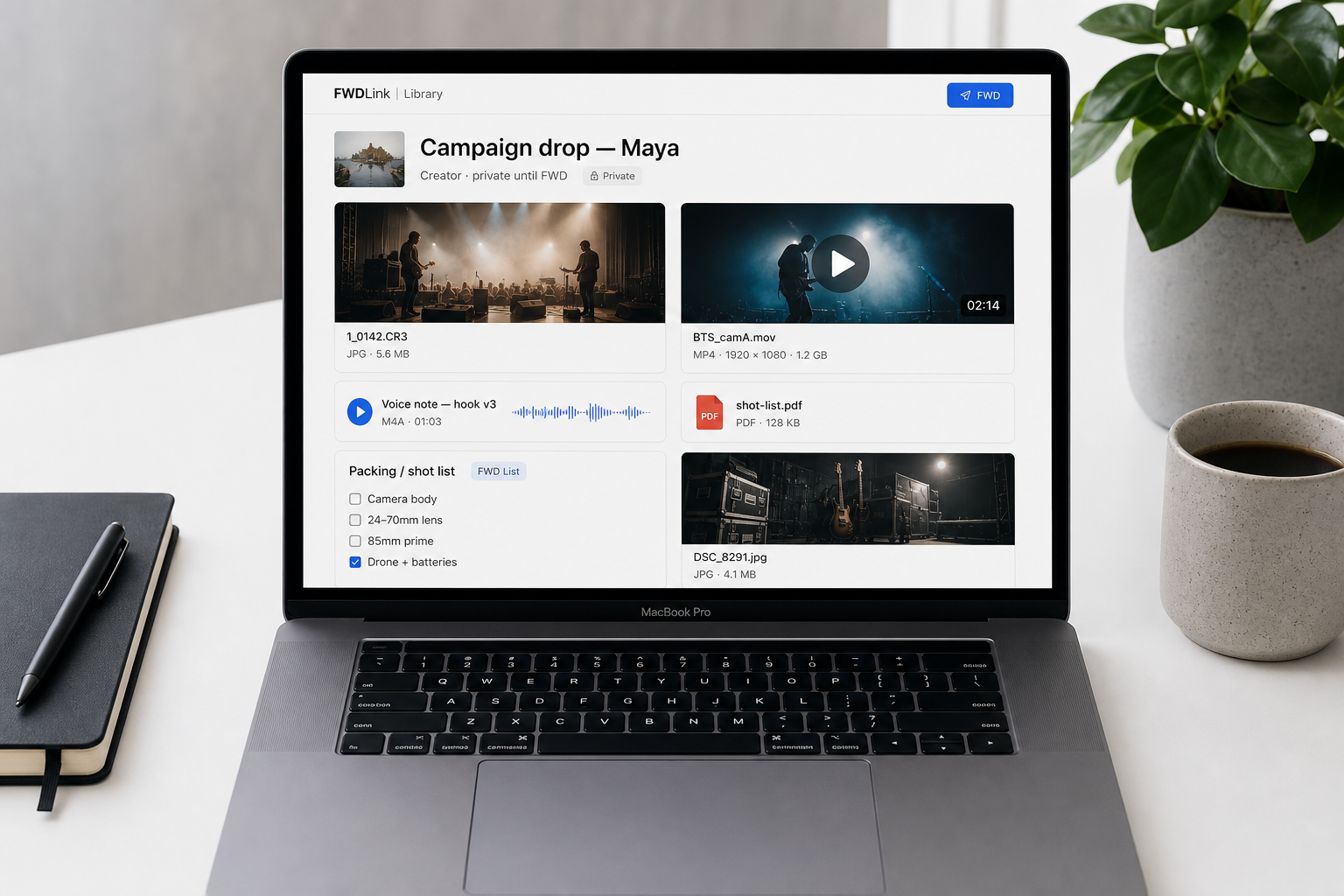
Your Content library holds photos, video, clips, audio, files, and lists. When someone asks for the set, you FWD a live link — a slice, not the whole vault. Creators do this with a pack. Contractors do it with Friday’s walkthrough. Families do it with the trip.
Organize it your way
Albums and records are just how the library stays tidy — by job, drop, or trip. Find Oak St or Maya’s campaign in seconds, then FWD that slice, not a scavenger hunt.
Turn it off when you are done
A live link is a choice. You can stop sharing when the job closes or the trip is over.
Ways to use it
Who this is for
Anyone who needs to forward content — and would rather send a link than a pile.
Contractors
Friday walkthrough, Monday invoice
FWD the live link to the GC. Add Saturday’s shots without a new thread. Attach the same media when you bill.
Realtors
A listing pack buyers can reopen tonight
Share one live set for 1422 Maple. The spouse opens the same URL after dinner. Feature hero shots on your public page when you want them on your storefront.
Creators
Keep the drop. Send the pack they asked for.
Store clips, BTS, stills, and files in one library. Reuse them. FWD a live set to an editor, brand, or fan — then earn from tips and memberships when you are ready.
Families
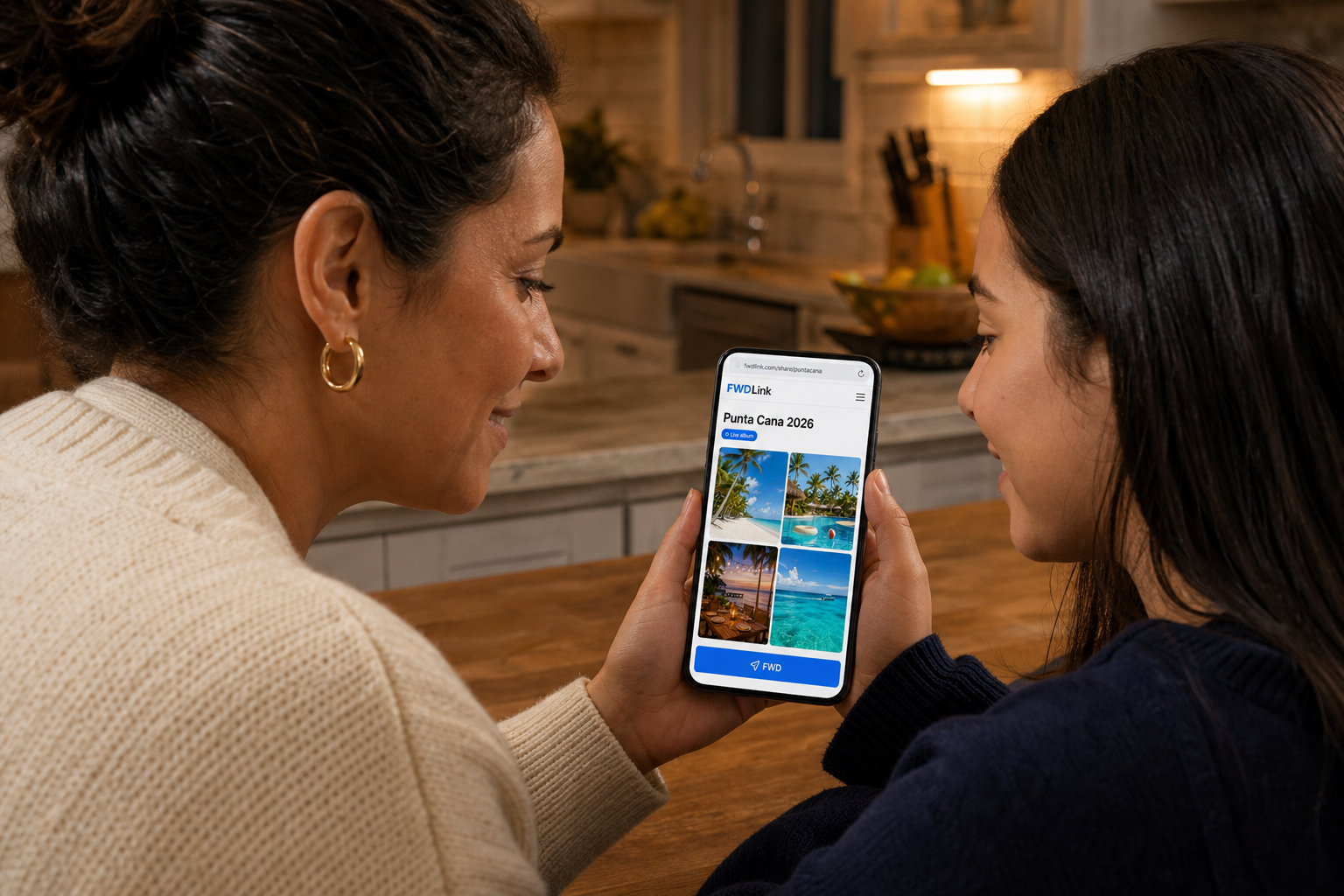
One vacation link — not eighty photos in the chat
Punta Cana lives in your library. FWD a link to relatives. Add Saturday’s beach stills. Grandma opens the same URL.
Beauty & services
Before and after they can save — then book when they are ready
FWD the color set to the client. Pin keepers on your page when you want a storefront. Let them book the next chair from the same place.
Anyone who shares work
A URL you are happy to text
If you have ever said “I’ll forward it” and then dreaded the hunt — this is the link that feels like you meant it.
Frequently asked questions
- Is FWDLink a forward link?
- That’s the idea. If you want to forward content via a link, FWDLink is how: keep photos, video, audio, and files in a private library, then forward a live URL. Recipients open it in the browser. Add more later — same link. A public page, booking, or invoice can wait until you need it.
- What is a forward link?
- A live URL you use to forward content — photos, video, audio, files, whatever the set is — from your library. Recipients open it in a browser. You can keep adding, and they reopen the same link — instead of waiting on another zip or a pile in the chat.
- Does the link change when I add more?
- No. That is the point. Add Friday’s walkthrough or Saturday’s files to your library. The URL you already sent still shows the latest set.
- Is a forward link always public?
- No. Your library is private until you FWD a link or feature a set on your public page. You choose the slice they see — and you can turn a share off when you are done.
- Can I use it for my bio, bookings, or invoices?
- Yes, when you want to. FWD a live link when someone asks for the set. Put keepers on your public page for a bio or QR. Smart Link helps structure that page around a goal. Attach the same media to estimates and invoices, or add tips and memberships when you want to get paid from the page people already open.
- Do people need a FWDLink account to open it?
- No. They open the live link in a browser on any phone. You are the one with the library.
- Is it free to start?
- Yes. A free plan lets you build a private library and FWD live links. No card to start. Storage and paid extras are on the Plans page.
Send a link you’d be happy to open yourself.
Start free. Keep the next set in your FWDLink library, then forward a live URL. A public page, a booking, or an invoice can wait until you need them.