
Assign tasks on the job file
Break the day into crew tasks on the same work order the office already opened — who owns framing, who owns punch, what still blocks the next trade.
Crew tasks
Foreman software · tasks, field photos, punch lists
FWDLink helps foremen, crew leaders, and site supervisors keep tasks, daily field photos and conditions, punch lists, and client notes on the same job file — so the office sees progress and billing has proof.
Get the app for iPhone and Android



Break the day into crew tasks on the same work order the office already opened — who owns framing, who owns punch, what still blocks the next trade.
Crew tasks
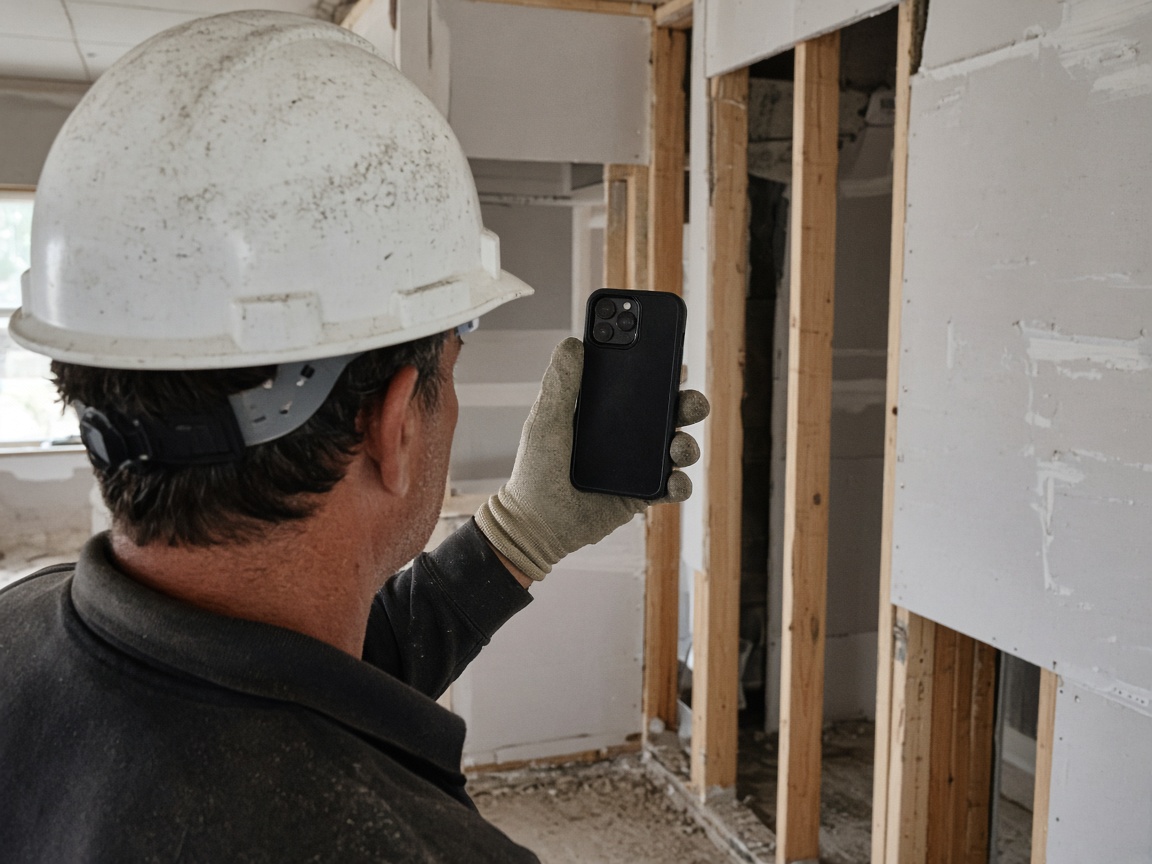
Capture progress, weather holds, delivery drops, and site conditions into the client album so the office and GC see the same day you walked.
Daily field photos

Tick items against photo proof on the same job file — no scavenger hunt when the superintendent asks what is left.
Punch lists

Push the same photo record with the draw or invoice so production documentation backs what you claim was finished.
Office & billing
Foreman software on FWDLink is built for crew leaders and site supervisors who track the job — not a generic field service CRM alone. Tasks, daily field photos and conditions, punch lists, and the client file sit in Business CRM so the office and the crew open the same record.
Plan the crew day on CRM Schedule. Put the jobsite window on the calendar with the site address, then keep task notes and trade handoffs on that work order.
Document production as you go. Shoot progress and site conditions into the job album, close punch items with photos, and keep change-order context with the same client.
Update the office and get paid with proof attached. Send estimates and invoices from the job with the photo record the GC or owner already saw.
When you want discovery without a link farm, show finished work lightly on Your Page and Local. Compare storage and online payment options on Plans.
Pull the client and work order the office already set — address, scope, and prior photos in one place.
List tasks for the shift on that job so everyone knows what must finish before the next trade.
Shoot daily progress and site conditions, then close punch items with photo proof on the same album.
Share the day with the office and attach the same proof when the draw or invoice goes out.
Client and job files, crew tasks on the work order, daily field photos and site conditions, punch lists with proof, estimates, invoices, optional schedule, Your Page, and a client portal — production documentation and billing in one workspace.
No. Foremen, crew leaders, and site supervisors on GC or trade crews use it to track the jobsite day and keep the office aligned — including subcontract leads who run a crew on someone else’s job.
Yes. Mobile apps and the phone browser open the job file, albums, tasks, estimates, and invoices in the field.
The angle is jobsite production: crew tasks, daily condition photos, punch lists, and proof for draws — not just dispatching service calls. Business CRM still holds the client, schedule, and invoices underneath.
Yes. Capture field, bay, or device photos into the client album, share a link when someone asks for proof, and attach the same set to the estimate or invoice — fees for online payments are on Plans.
Shoot on the job, in the shop, or at the bench. Keep stills on the same client file. Attach before/after proof to the estimate and invoice.
Field, shop, and device stills land in one album on the customer — not scattered across camera rolls.
Reopen the visit gallery next time, or FWD a clean link when the customer asks what you found.
The same photos ride on the estimate and invoice in Business CRM — then collect online from Plans.
Join Free. Tasks, daily photos, punch lists, and invoices together.