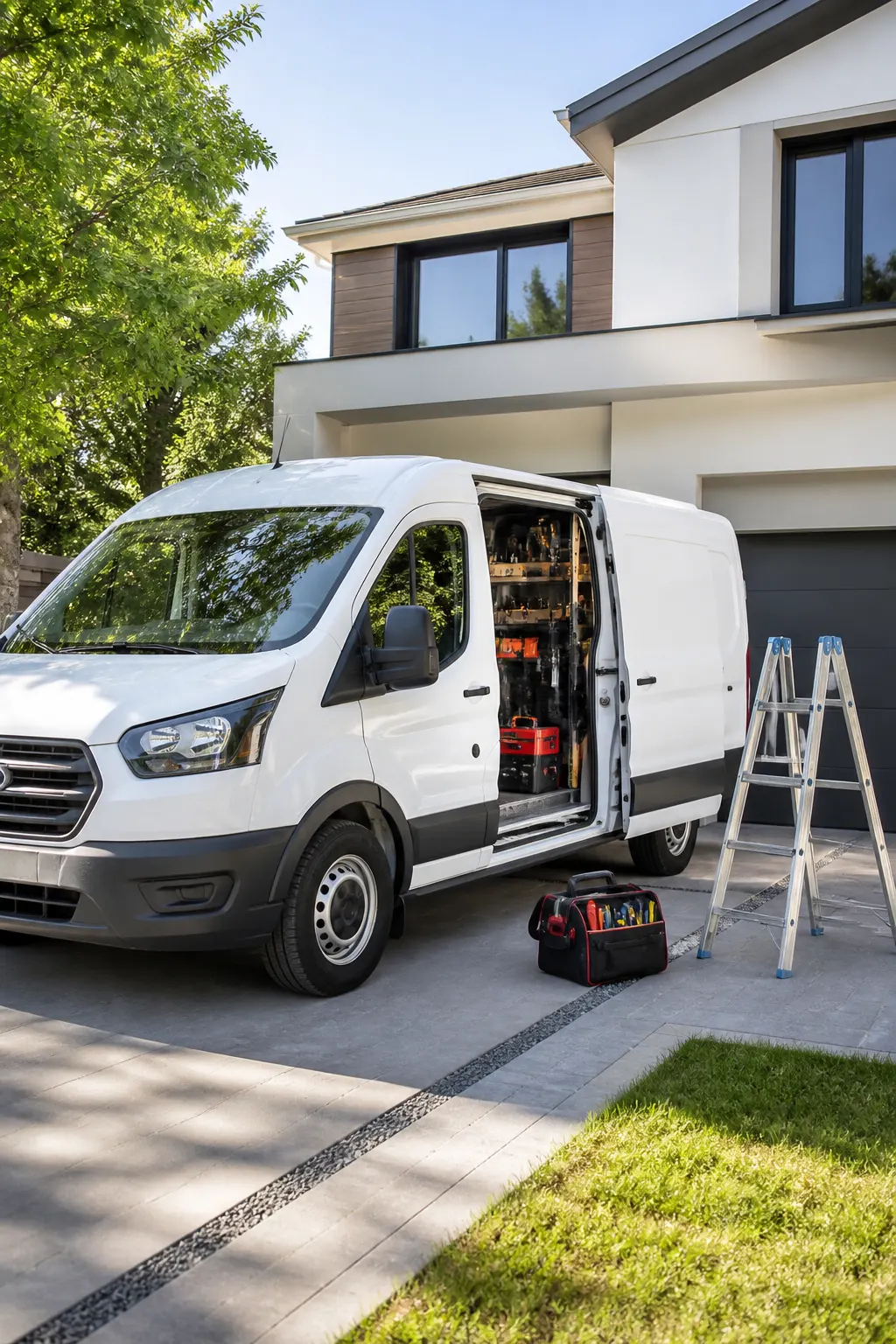
Field service · truck CRM
Field service CRM you can run from the truck
The stop is the office. Capture the job, keep media on that client, send the estimate or invoice before you pull away. FWDLink is the page they found you on — and the CRM in your pocket after.
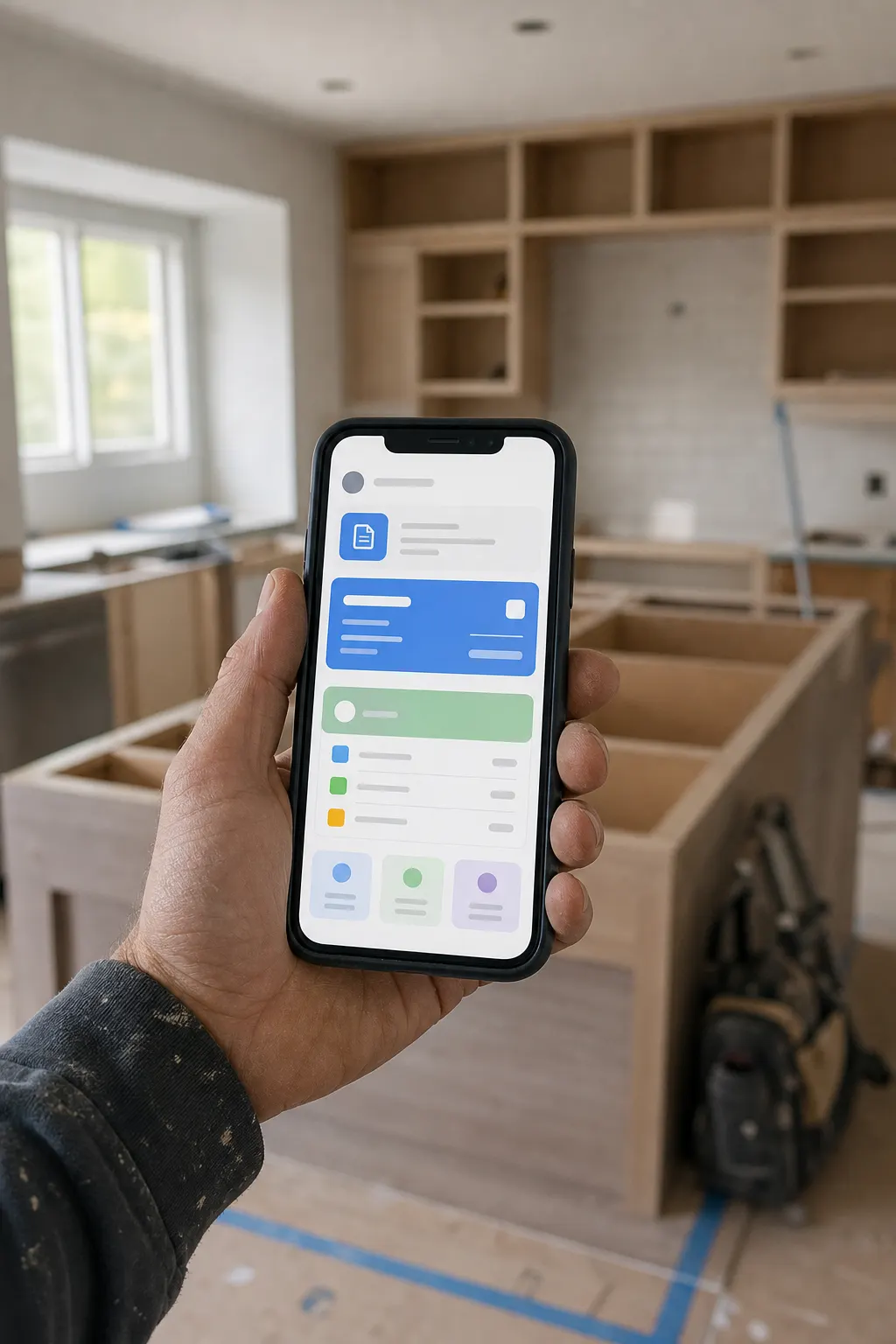
Mobile from the stop
Client, media, work order, invoice — on the phone you already carry.
Media on the job
Photos and walkthroughs file to that stop, not a camera roll mixed with three other routes.
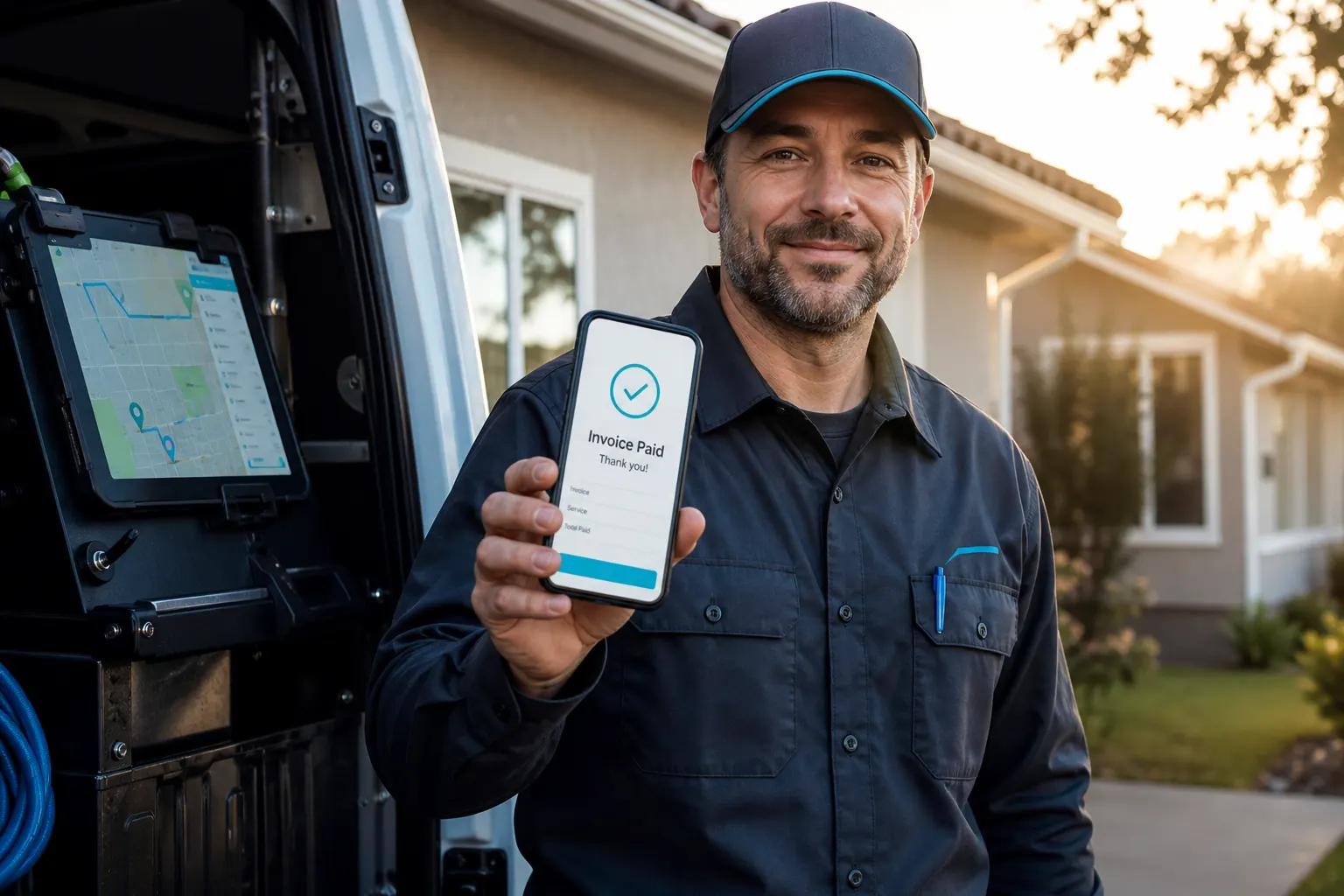
Paid before the next pin
Quote and invoice with proof attached. The office is not retyping the visit at night.
How it works
- 1
Put the page on the truck
fwdlink.com/you on the van, the card, the text. Inquiries land in Leads — not a pile of missed calls.
- 2
Run the stop from the phone
Open the client, shoot the job, keep the work order on that stop. You are not waiting for a desktop.
- 3
Quote and invoice before you leave
Attach the media. Send the estimate or the invoice from the driveway. Same file the office sees.
- 4
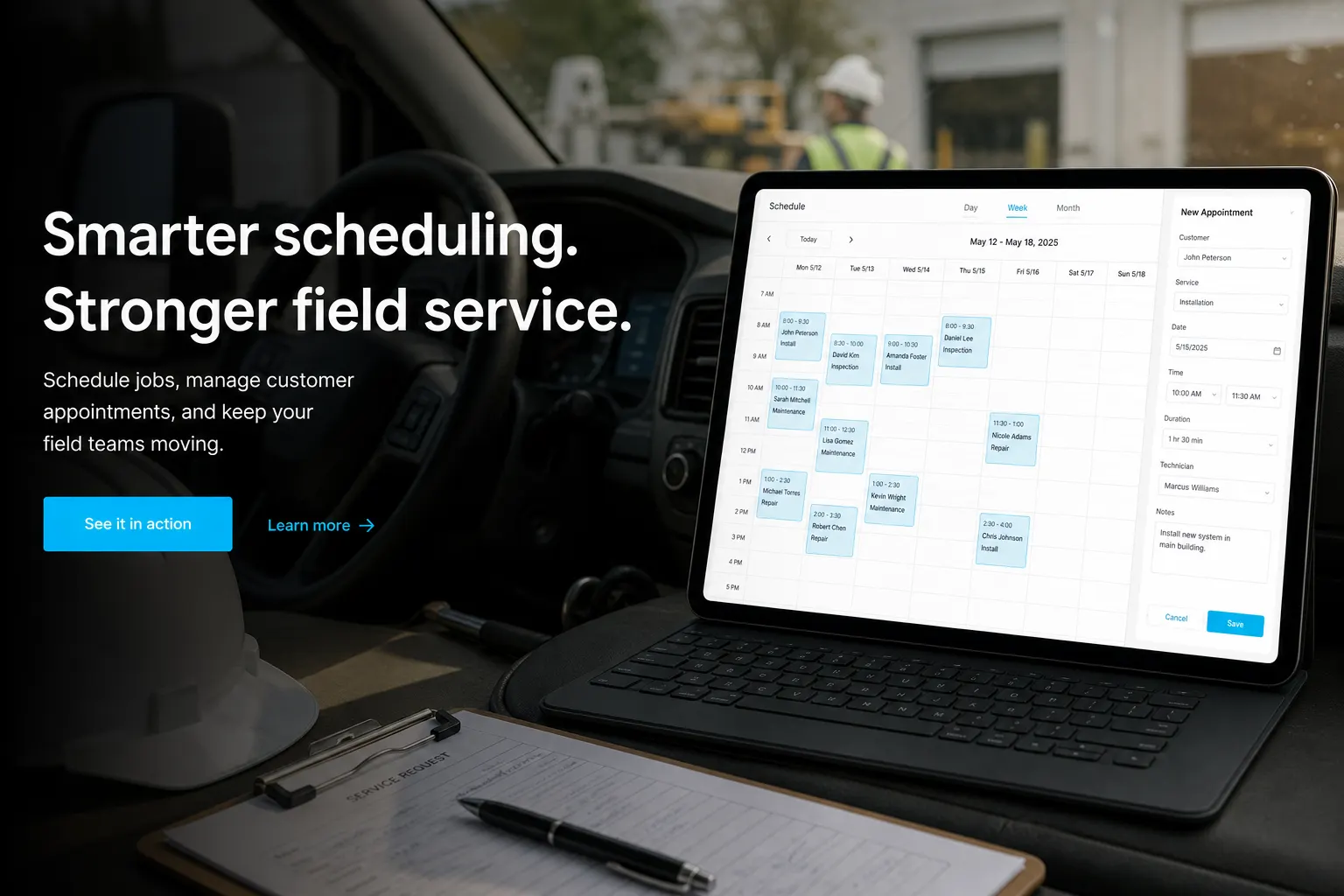
Plan the next day when it is multi-stop
Schedule in CRM. Route Planner is an optional add-on when the morning has more than one pin.
A CRM that fits in the cab
Desk CRMs assume you type the day up later. Field days do not work that way. FWDLink keeps the client, the shots, and the bill on the phone so the visit closes while you are still there.
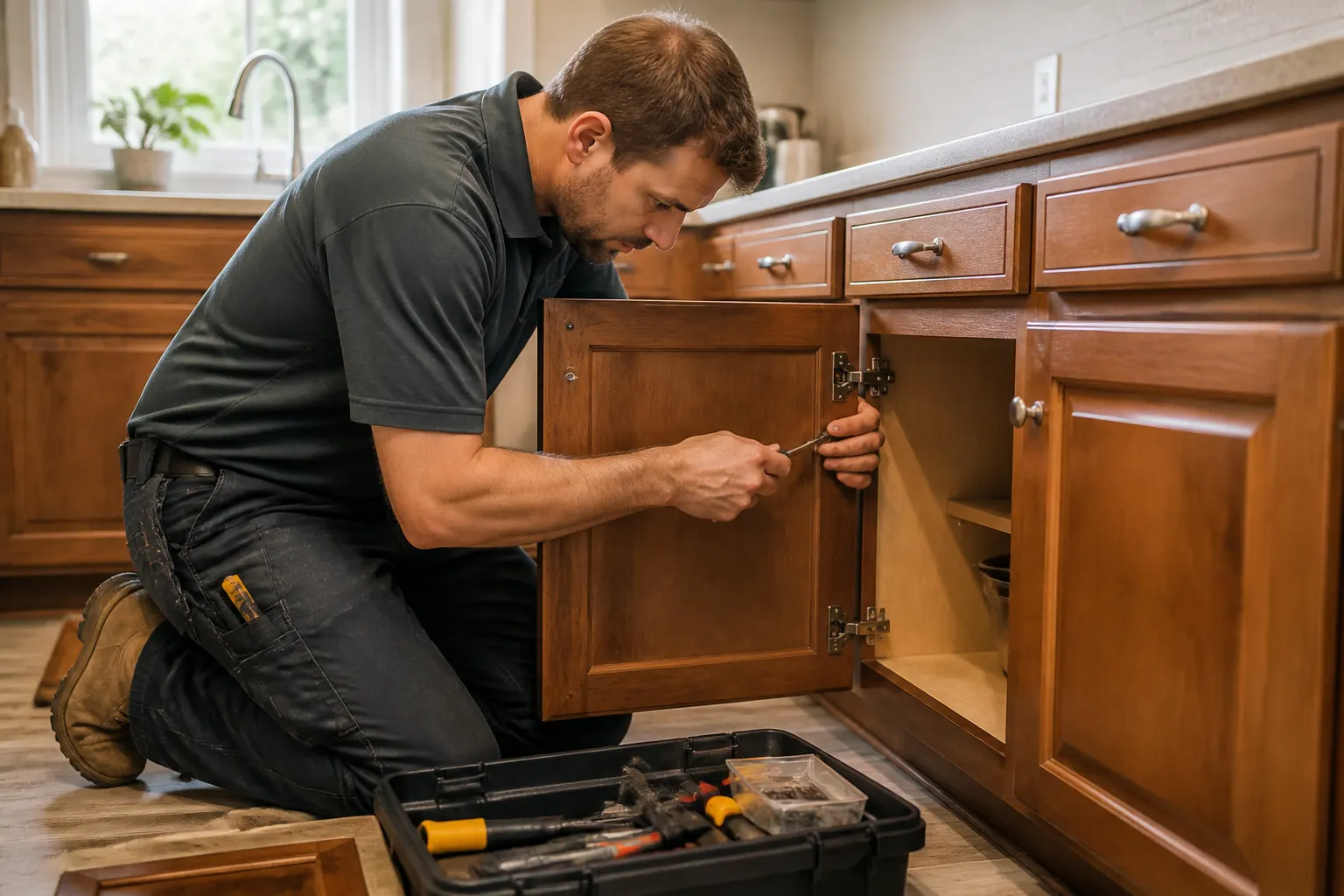
Proof is part of the stop, not a homework assignment
Nameplate, leak, finish, walkthrough — upload on site. Attach it to the estimate before you leave the driveway. Photo-only construction workflows live on jobsite pages; this is CRM plus media for service routes.
Leads from the same link on the van
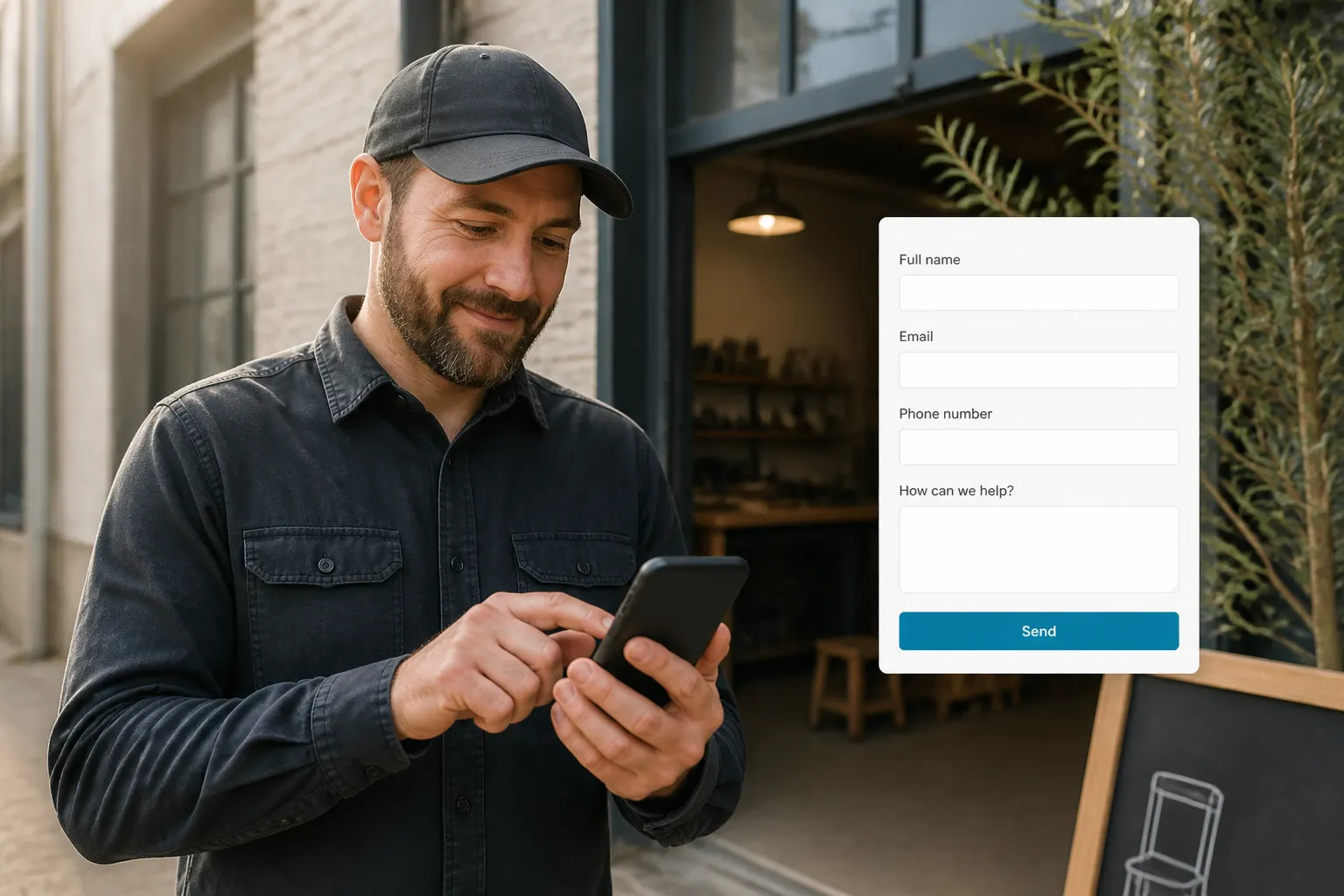
The magnet, the QR, the SMS all point at fwdlink.com/you. Quote forms land in Leads. You save as client and keep going — pipeline is not a separate product.
Multi-stop mornings: schedule first, map if you need it
CRM Schedule holds the jobs. If you want today’s pins on a map, Route Planner is a $19/mo add-on — not live GPS, not a dispatch board. Details on the route planning page.
Frequently asked questions
What is a field service CRM on FWDLink?
A CRM you can run from the truck: public page for leads, client file, photos and video on the stop, estimates, schedule, work orders, and invoices. Built for crews who bill from the driveway — not a desk-only pipeline.
How is this different from the business CRM page?
Business CRM is the full pipeline from page lead to paid. This page is the truck day: mobile capture, media on the stop, quote and invoice on site. Same product. Different job.
Can techs upload photos and video from the van?
Yes. Media lands on that client and job so the office is not waiting on a text dump at 6pm.
Can I invoice from the phone after the stop?
Yes. Attach the proof, send the invoice, get paid. Online payment fees are listed on Plans.
Does field service CRM include route planning?
Schedule lives in CRM. Mapping the day’s stops is Route Planner — a separate $19/mo add-on, not bundled in Pro or Business. See the CRM with route planning page.
Is this only for HVAC and plumbing?
No. Lawn, cleaning, trades, mobile repair — anyone running stops. Photo-only construction crews often start on jobsite photo pages. This page is CRM + media in the truck.
Related
More FWDLink pages