FWDLink
FWDLink Photo Wall
Free Live Photo Wall for weddings & events — QR code photo sharing
Collect guest photos and videos with a QR code — no app required — and display them live on any TV or projector. Host moderation keeps the wall clean. Free to start.
How it works
Album → QR → guest upload → live wall
Four steps from empty album to a room full of phones feeding one Live Photo Wall — the FWDLink differentiator vs guest-upload apps that stop at a gallery.
01
Create album
One event album hosts every guest contribution.
02
Share the QR
Print it, text it, or put it on the invite.
03
Guests upload
QR code photo sharing — camera scan, no app.
04
Live Photo Wall
Slideshow on TV or projector with host controls.
01 · QR guest upload
Event photo sharing with QR code — free to start, no app
Guests open the share link from a QR scan and add photos or videos in the browser. No App Store trip, no account maze for viewers. You get the contributions that usually stay stuck on other people’s phones.
Guest scan
Scan · Upload · Done
Camera opens the album link. No app install for guests.
Event QR
02 · Live Photo Wall
Show guest uploads live on any TV or projector
FWDLink Photo Wall turns the album into a live slideshow for the dance floor, cocktail hour, or lobby screen. Open the wall URL on the display device — guests keep uploading while the room watches.
Live Photo Wall
TV · projector · laptop browser
03 · Host moderation
Hide, pause, and steer the wall from your phone
Keep the Live Photo Wall wedding-safe and brand-safe. Host controls let you hide items, jump slides, and keep the energy right — the control most free guest-upload tools skip.
Host controls
- Hide from Live Photo Wall
- Pause / jump slideshow
- Keep guest uploads flowing
Built for real events
Weddings, parties, and corporate nights
Same flow whether it is a backyard birthday or a ballroom reception — QR code photo sharing in, Live Photo Wall out.
Weddings
Table QR cards + reception TV wall so every guest’s candid lands in one album.
Parties & reunions
Skip the group-chat scramble. One scan collects birthdays, graduations, and family nights.
Corporate & venues
Lobby screens and after-parties with host moderation for brand-safe guest uploads.
Why hosts pick FWDLink over guest-upload apps
Tools like Kululu, GuestPix, EventPics, Knipsmig, Fotify, Rompolo, GuestSnap, and EventlyCam cover parts of the job. FWDLink stacks QR guest upload, Live Photo Wall on TV/projector, and host moderation — free to start.
| What you need | Typical guest apps | FWDLink Photo Wall |
|---|---|---|
| QR code photo sharing (no app) | ||
| Live Photo Wall on TV / projector | ||
| Host moderate / hide controls | ||
| Free to start |
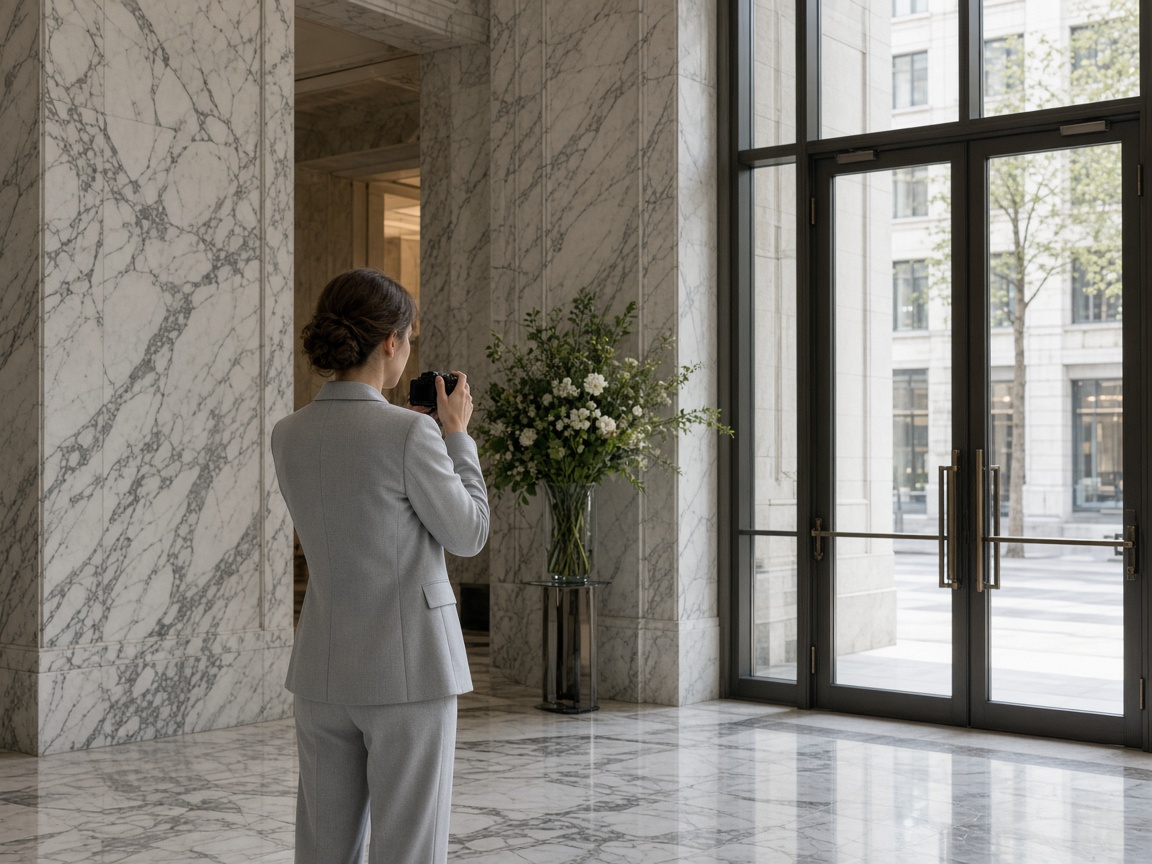
One album for the whole night — not five chats
Event photo sharing only works when guests actually contribute. A printed QR removes friction; the Live Photo Wall gives people a reason to upload in the moment. After the event, the same album stays the shared memory — open on any phone.
Create a free event albumFrequently asked questions
- Is event photo sharing with a QR code free on FWDLink?
- Yes — you can start free. Create an album, share the QR or link for guest uploads, and open the Live Photo Wall. See Plans if you need more storage later.
- Do guests need to download an app?
- No. Guests scan the QR with their phone camera and upload photos or videos in the browser. That is the point of QR code photo sharing on FWDLink.
- What is a Live Photo Wall?
- A Live Photo Wall is a full-screen slideshow of your event album on a TV, projector, or laptop. As guests upload, new shots can appear on the display while the host moderates.
- Can I hide photos I do not want on the wall?
- Yes. Host moderation controls let you hide items from the Live Photo Wall so the reception screen stays appropriate for the room.
- Does this work for weddings and corporate events?
- Yes. The same QR guest upload + Live Photo Wall flow works for weddings, birthday parties, reunions, venues, and company nights.
- How is FWDLink different from Kululu, GuestPix, or GuestSnap?
- FWDLink combines QR guest upload (no app), a Live Photo Wall for TV/projector, and host moderation — free to start — instead of stopping at a collect-only gallery.
Start your free Live Photo Wall tonight
Create an album, print the QR, and cast guest photos to any TV. QR code photo sharing + host moderation — free to start.
Related
More ways to share albums and memories on FWDLink