
Construction photo app · FWDLink jobsite photo app
Looking for a construction photo app? This is FWDLink’s jobsite photo app
You searched “construction.” You landed on the same product crews already use as a jobsite photo app: capture on site, drop every shot in an album by address, send the client one live link, then attach those photos to the estimate or invoice. Framing, pours, and close-out stay with the job — not mixed into Recents.
Get the app


How it works
Photos by job, a client link, an invoice with proof — then new jobs nearby
- 01
Photos by job
Every shot lands in the album for that address.
- 02
Share with the client
One live link. They open it in any browser.
- 03
Invoice with proof
Put the same photos on estimates and invoices.
- 04
Get found for new jobs
Your Page, Local Pages, and marketplace — with the photos you already take.
By job
One album per address
Live link
Client opens in the browser
Proof on the invoice
Estimates & invoices
Starter free
Your page and CRM to start
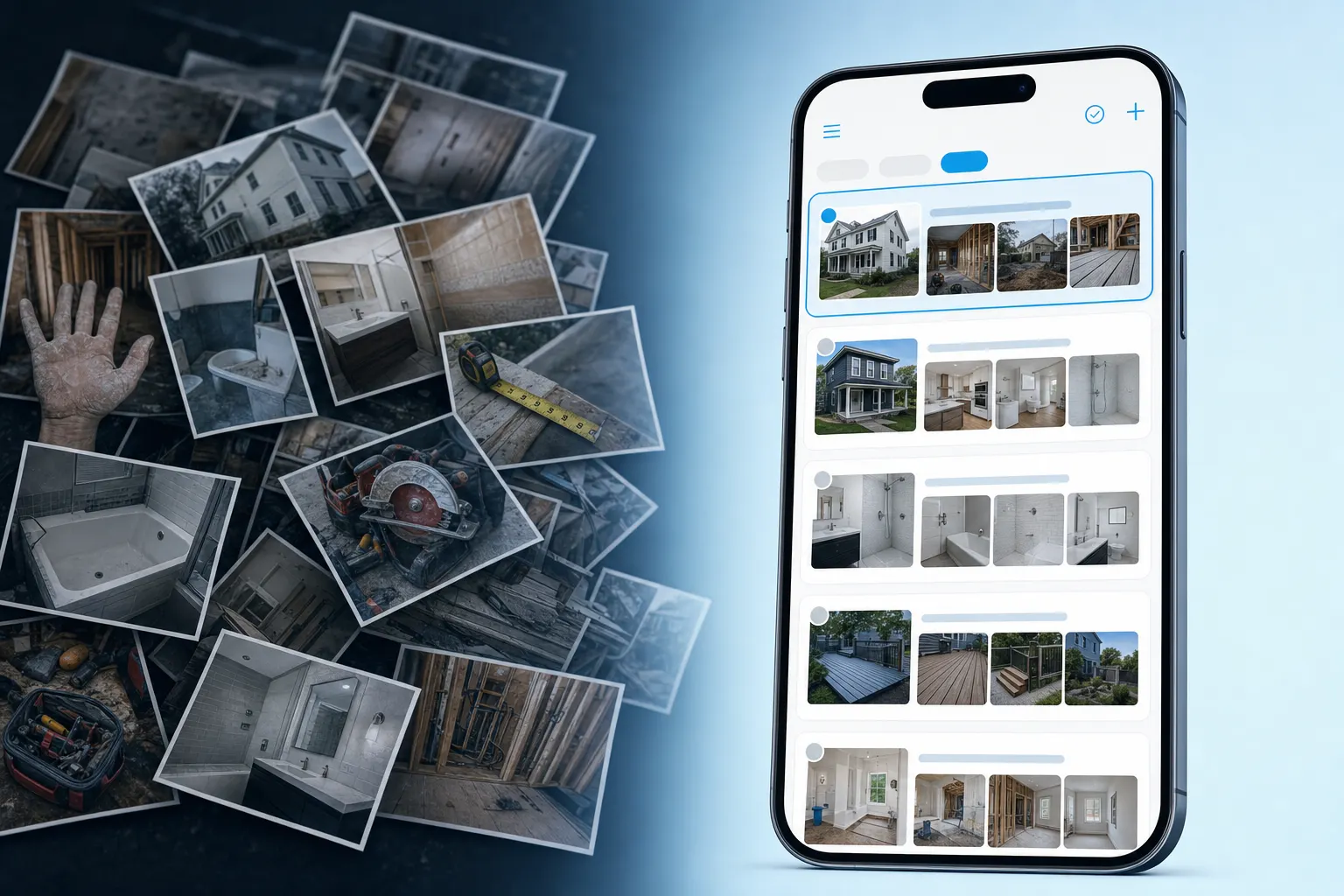
The problem
A camera roll is not a construction photo app
Construction photos scattered across phones and group texts slow every GC update and owner walkthrough. When someone asks for the jobsite, you should open the address — not hunt Recents for ten minutes.
Scattered job photos versus albums organized by projectHow photos move
From the first construction photo to the packet you send
FWDLink’s jobsite photo app is the construction photo app you searched for — capture on the site, file by address, share one client link, then attach photos to the estimate or invoice.
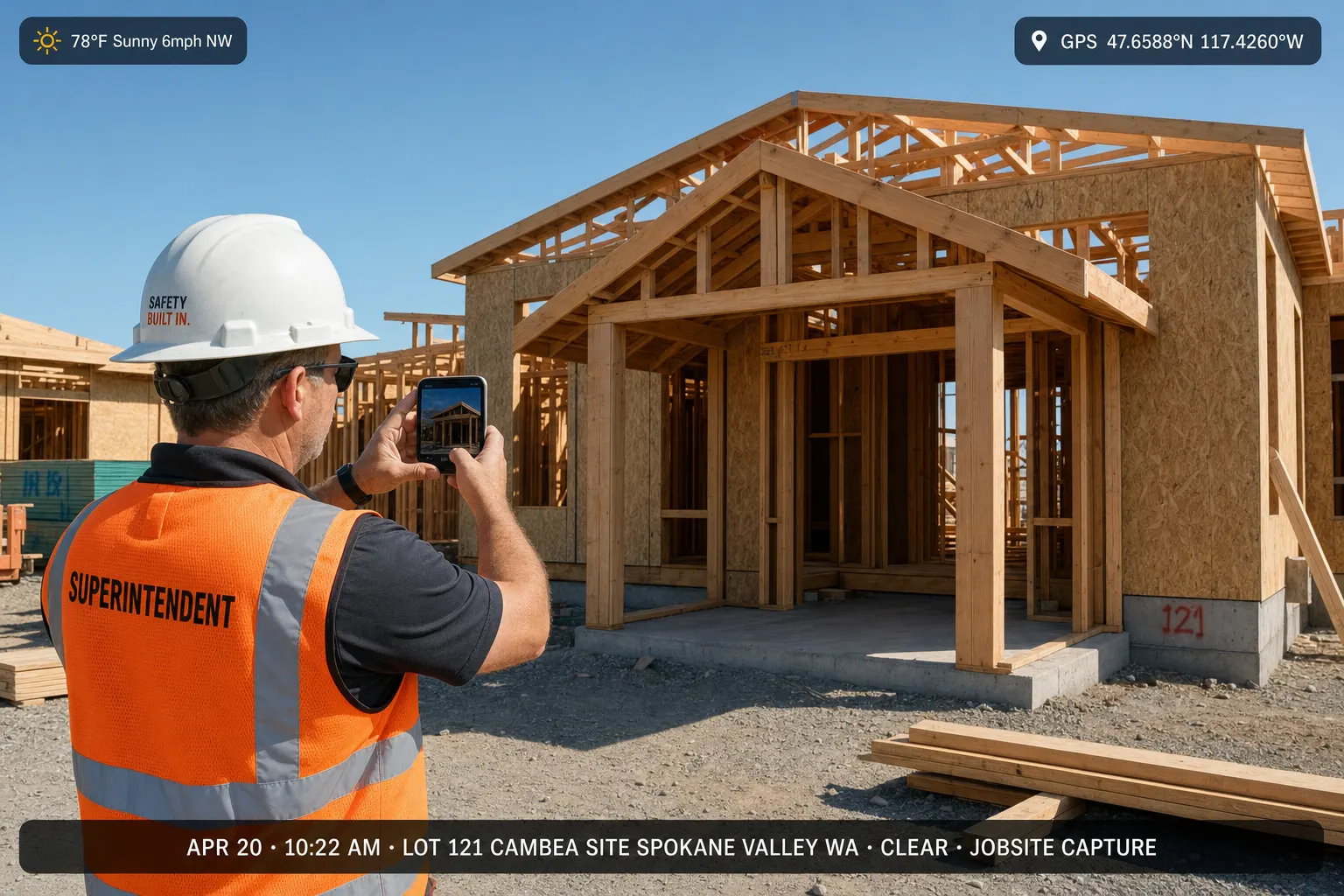
01
Capture on site
Take progress shots, before-and-afters, and walkthroughs on iPhone or Android. Your crew already has a camera in their pocket.
Technician taking jobsite photos on a phone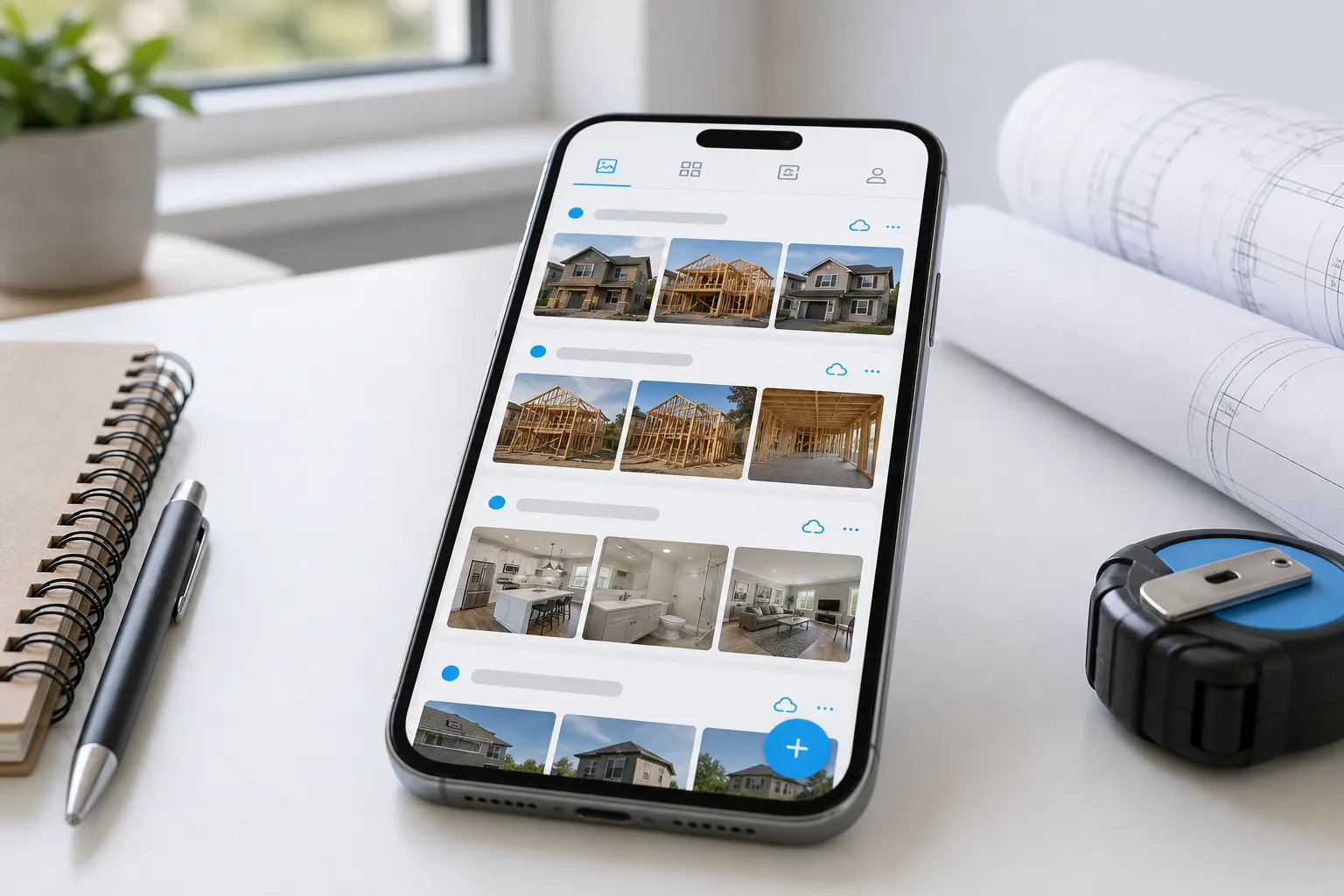
02
Organize by project
Pin the job address so every photo lands in the right album. When someone asks for proof later, you can find it.
Project photo album organized by job address on a phoneTake the picture on site. It stays with that job. Send the client one link. Put the same pictures on the invoice.
- Take photos
- Keep with the job
- Send a link
- Invoice with pictures

03
Share with clients
Send one link from your page. Homeowners and property managers scroll the photos in any browser — they don’t need the app.
Client viewing job photos from a share link in the browser
04
Attach to estimates & invoices
Estimates, work orders, and invoices live with the photos. Send the paperwork with proof already on it.
Estimate and invoice next to a jobsite photo album
05
Crew photo sharing on site
Invite supers, subs, and techs to upload. Everyone feeds the same album, so nobody is hunting through texts.
Crew uploading job photos to a shared album from the field
06
Before and after service photos
Remodelers, HVAC techs, landscapers, and plumbers close faster when the client can see the before and after — then you send the estimate while it’s still fresh.
Before and after photos in a client-facing job albumWhat you get
Capture the build. File by address. Share the link.
Capture on site
On iPhone or Android — progress, before-and-afters, and walkthroughs from any job or service call.
Organize by job
Pin the address so every photo lands in the right album. Easy to find later.
Share with clients
Send one link from your page. Clients scroll in any browser — they don’t need the app.
Attach to estimates & invoices
Photos and CRM in one place. Send paperwork with the pictures that prove the work.
Sound familiar?
Four construction-photo headaches — one jobsite photo app
Mixed camera roll
Photos from four visits sit in one camera roll — hard to find the right shots when a client calls.
Album per project
Keep photos by job address so every shot stays with that project.
Crew out of sync
Techs text photos to dispatch, dispatch texts the office, and nobody has the full set when it’s time to share with the client.
Crew on one album
Everyone uploads to the same album — field and office see the same photos.
Messy handoffs
Twenty compressed texts or a Drive permission maze doesn’t look like a finished job.
One client link
Share a clean gallery from your page. Keep adding photos without resending a new link.
Photos in one place, invoices in another
You prove the work in photos, then switch apps to quote, schedule, or invoice.
Page + CRM
Put before-and-after photos on estimates and invoices — same page, same brand.
A construction photo app is FWDLink’s jobsite photo app
People type “construction photo app” when they want jobsite photos they can find later. That product is FWDLink: capture on site, organize by address, share one client link, then run the estimate and invoice from the same page. You are not switching tools between the photos and the close.
Construction photos stay with the site, not the phone
A camera roll mixes every site you visited this month. A Drive folder waits for someone to name it. Your construction photo app pins the jobsite so framing, MEP, and punch-list shots sit in one album — ready when the owner asks what changed since last week.
Show the build, then send the number
Once the client has scrolled the album, send the estimate or invoice with those construction photos attached. Starter is free to start — see Plans for storage, seats, and online payment fees.
For trades and field service
A construction photo app GCs, trades, and field techs can share
Remodeling & GC
Keep each phase in one album — before, during, and after — so the client can follow the job.
HVAC, plumbing, electrical & garage door
Rough-in, repair, install, and callback photos stay with the address, ready when you need them.
Landscaping & cleaning
Before and after for every visit — arrival, work in progress, and sign-off.
Roofing & exteriors
From tear-off to close-out, photos for adjusters, GCs, and homeowners.
Ready for the next job?
Your page
Your FWDLink page is where construction albums live
Clients find you on your page. Construction photos sit next to estimates, work orders, and invoices. One forwardable link for the jobsite — same brand when you send the number.
fwdlink.com/you
Album per jobsite address
Pin the site so every construction photo lands with that job. Pull Friday’s pour or last month’s framing without scrolling a mixed camera roll.
Crew uploads from the field
Supers and subs add to the same construction album from their phones. Office and field see one timeline before you share with the GC or owner.
Client link, then the paperwork
Forward one link from your page. When they have seen the work, send the estimate or invoice with the same photos attached — one brand, one workspace.
Construction photo app — FAQ
- Is FWDLink a construction photo app?
- Yes. FWDLink’s jobsite photo app is the construction photo app for crews who capture on site, file albums by address, share one client link, and attach photos to estimates and invoices. If you searched “construction photo app,” this is that product.
- How do I organize construction photos by jobsite?
- Create an album and pin the jobsite address. Every upload from the field lands there. Search by address or client instead of scrolling Recents for last Tuesday’s pour.
- Can my construction crew add photos without billing access?
- Yes — invite teammates with upload access. They feed the construction album from the field. Client links and estimates stay with you.
- How do I share construction photos with a GC or homeowner?
- Send a read-only link from your page. They open it in any browser. Keep adding progress shots — the same link stays current.
- Can I attach construction photos to estimates and invoices?
- Yes. Your page and CRM share one workspace. Attach stills, walkthrough video, or a live FWDLink from the jobsite album so the paperwork shows the same build they already scrolled.
- How is a construction photo app different from a camera roll?
- A camera roll mixes every job. A construction photo app files field shots by jobsite address, lets the crew upload to one album, and produces a client-ready link — then the estimate — instead of a zip dump.
- What does FWDLink cost as a construction photo app?
- Starter is free to start — your page, albums, and CRM included. See Plans for storage, seats, and online payment fees.
Start the next jobsite album in FWDLink’s construction photo app
Claim a free page, capture construction photos on site, file them by address, and share one client link. Then attach the same album to the estimate or invoice. Starter is free — see Plans for storage, seats, and online payment fees.
Get the app
Related