Request files
Need photos or files from someone? Send them a link.
They open it on their phone. They drop what you asked for. No app to install. No account to create. They never see the rest of your album. You close the link when you are done.


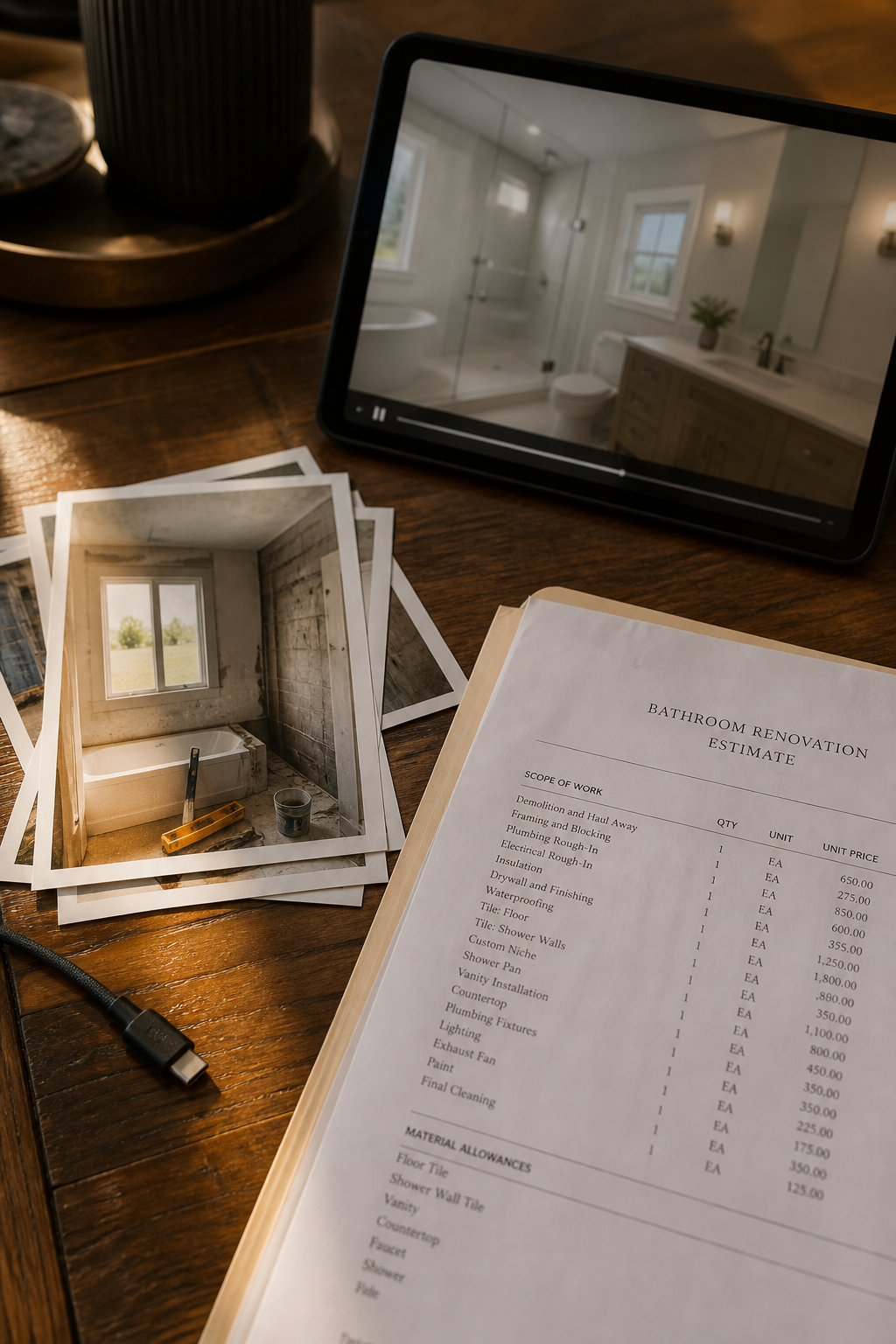
One link to collect
Text it, email it, or drop it in a chat. They upload in the browser.
They cannot browse your album
The page is a drop box. Your other photos and files stay private.
You stay in control
You start the request. You pick how long it lasts. You can close it anytime.
What this link does
Photos, video, documents
Job photos, a walkthrough clip, a signed PDF, a scan — one request.
For clients and family
A contractor asking for site photos. A parent collecting school forms. Same flow.
No account for them
Name required. Email optional. They are done in a minute.
Private by default
Long, hard-to-guess link. Not listed on your public page.
You set the window
7, 14, or 30 days. Close it the moment you have enough.
Sensible limits
40 files, 2 GB each, 10 GB total. Everyday files yes. Programs no.
How it works
- 1
Pick where the files should land
Choose an album you already have, or create a new one. That is the folder the files go into.
- 2
Send a request link
You confirm the request, then you get a private link. Text it, email it, or paste it in a chat.
- 3
They drop files in the browser
No app. No account. They type their name and add photos, video, PDFs, or other files.
- 4
Close the link when you have what you need
The link can expire in 7, 14, or 30 days. You can also close it yourself. Files already received stay in your album.
Stop chasing files in texts and email
People send the wrong photo, compress it in chat, or forget the PDF. A request link is one place to drop everything you asked for — then it lives in your album, not lost in a thread.
They only see a drop page
No gallery. No other clients. No family trip mixed with a job. They add files and leave. You keep the rest of the album to yourself.
Built for real jobs and real families
A contractor collecting site photos from a homeowner. A photographer gathering selects from a client. A parent asking relatives for party pictures. A realtor needing signed docs. Same request, same private link.
You decide when it starts and when it ends
A request only exists after you create it on purpose. Each drop is logged on that request. Close it and new uploads stop. Limits keep a drop from turning into a dump of someone’s whole computer.

Frequently asked questions
Do the people I send the link to need an account?
No. They open the link on their phone or computer, enter their name, and drop files.
Can they see the rest of my photos?
No. They only see a drop page. They cannot browse your album, your other records, or your public page.
What kinds of files can they send?
Photos, video, PDFs, and most everyday files. Installers and program files are blocked. Up to 40 files, 2 GB each, 10 GB total per request.
How do I start a request?
Open Records, tap Request, pick or create an album, then confirm. You get a link to send. Creating a request is logged so it cannot happen by accident.
How long does the link stay open?
You choose 7, 14, or 30 days. Close it sooner anytime. New drops stop as soon as you close it.
Can anyone on the internet find this link?
The link is long and hard to guess. It is not listed on your public page. Still, only send it to people you actually asked.
What if I asked the wrong people, or I am done collecting?
Close the request. The drop page stops accepting files. What they already sent stays in that album.
Related
More FWDLink pages