FWDLink
FWDLink from your phone
The photos they asked for — not your entire camera roll.
You already shot it. Open FWDLink, upload the keepers into an album or a record — a job, a client, a place, a person. Then FWD a live link, put a set on your public page, or attach the same shots to an invoice. Recents stays Recents. The library is where the set lives — the one you’re glad to send.
Upload from the camera roll · Private until you FWD
The problem
When they ask for the photos, dumping Recents is not an answer
Screenshots, lunch, last week’s job, this morning’s walkthrough — Recents mixes them. A client texts “can you send the photos?” Relatives want the birthday, not the whole roll. Buyers want the listing, not a thread. The set they asked for is in there. It is not an album you’re proud to FWD.
The fix
Give the keepers a home. Then send only that set.
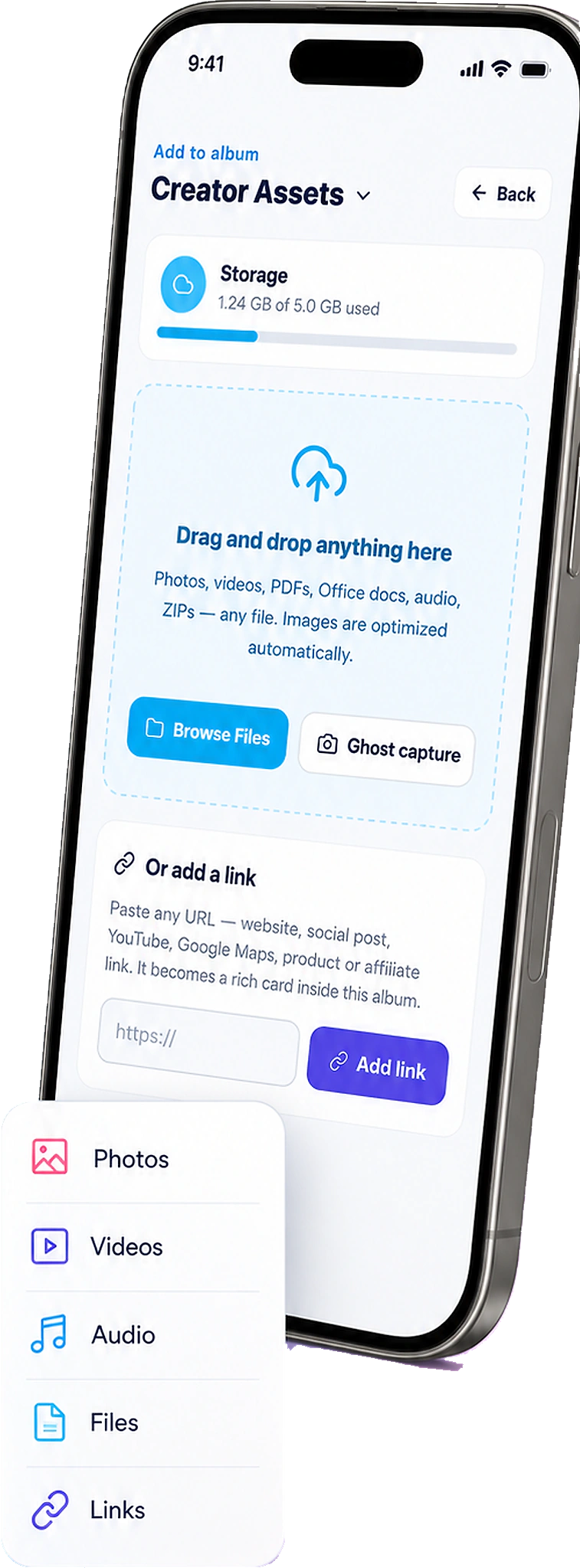
Open FWDLink on your phone. Add the shots to an album or record — person, place, job, or client. Organize in your private library. When someone needs the set, FWD a live link, feature it on your page, or attach it to the invoice. Same URL as you add more from the camera roll.
From the camera roll to a real send
You choose the album. Then you choose who sees it.
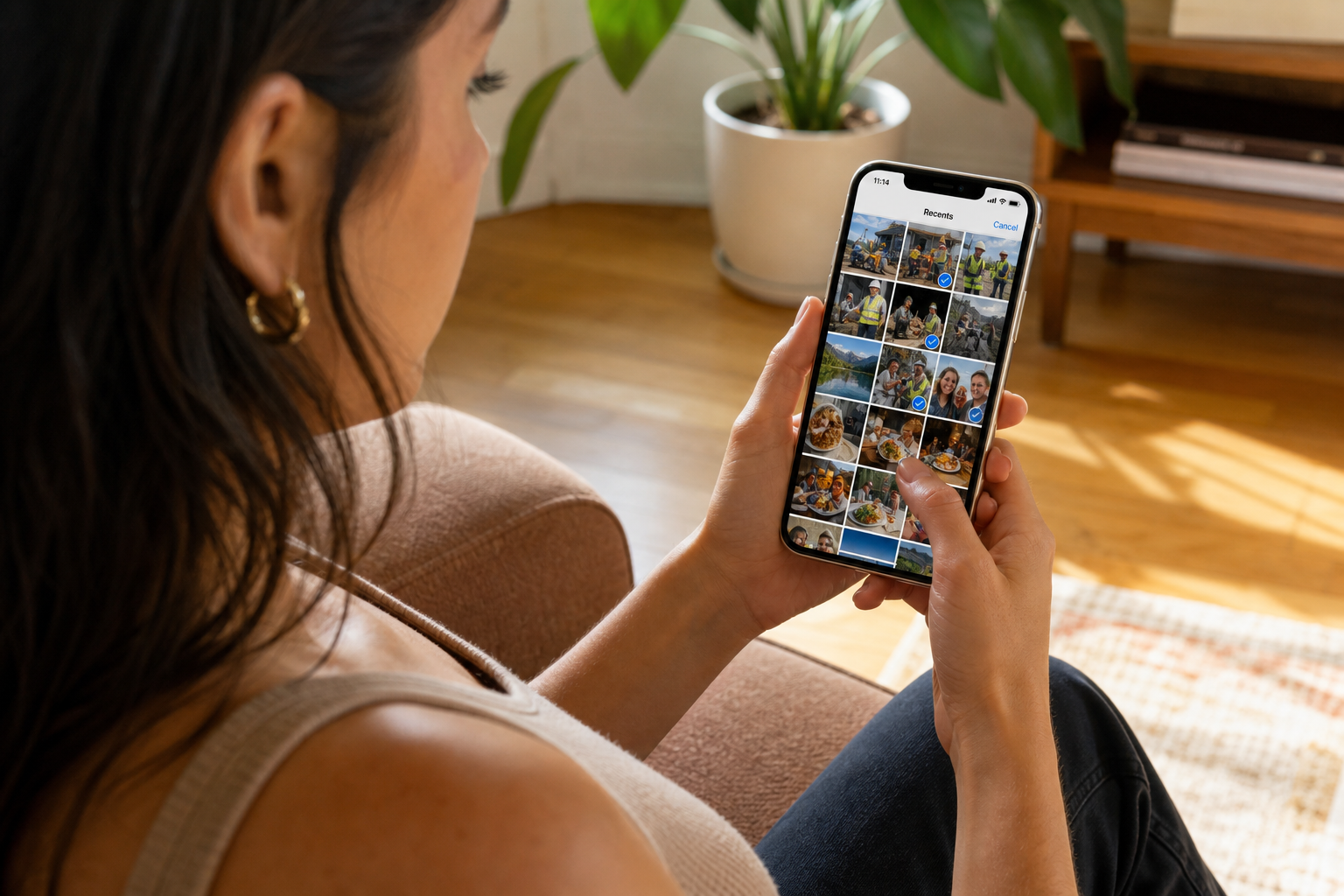
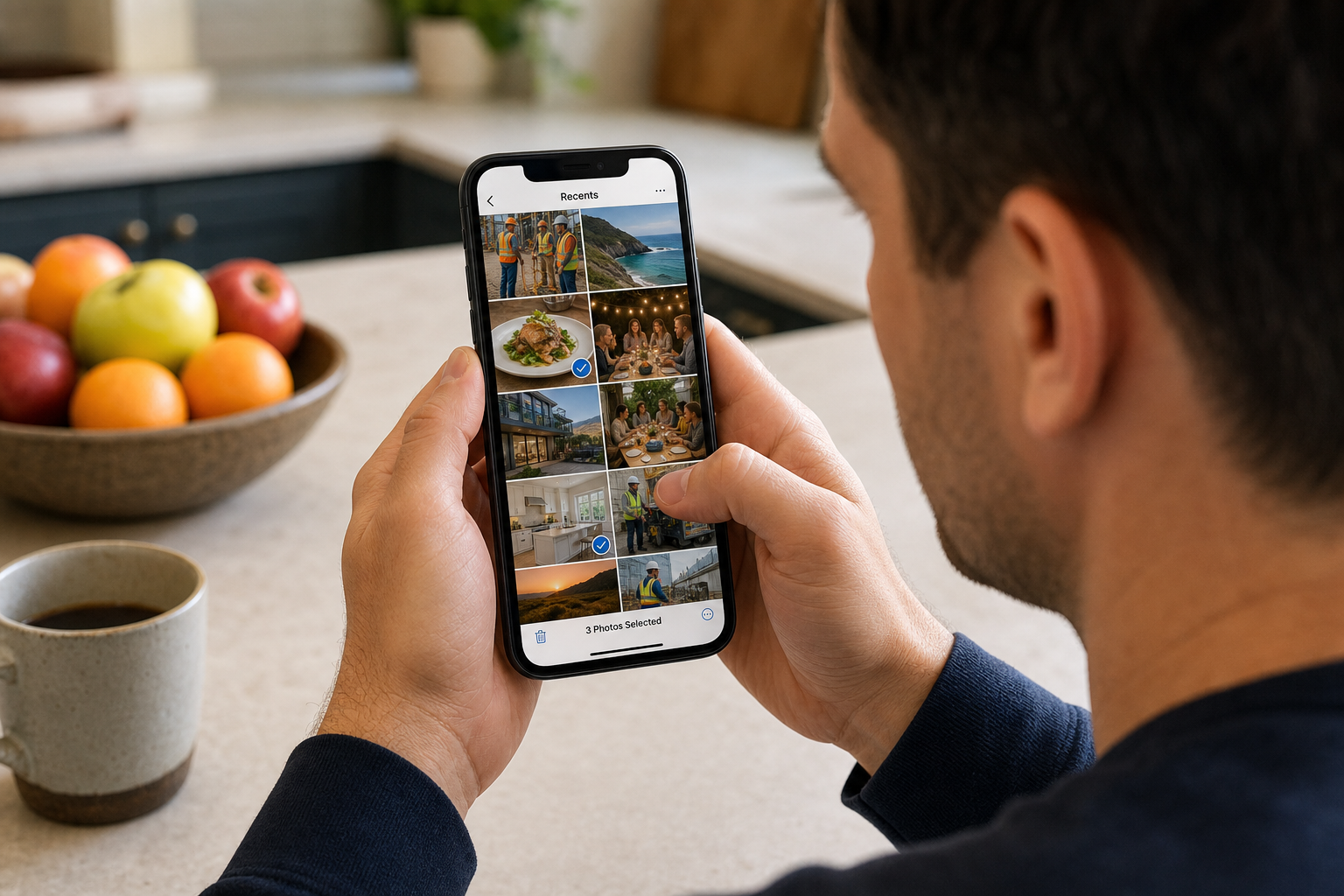
Open the album or record the shots belong in — a job, a client, a place, a person — and upload from the camera roll. Keep the rest private until you FWD. Relief is sending the birthday, not your Recents.
How it works
From Recents to a link they’re glad to open
You already know how to take the photo. FWDLink is where you give it a home — then how you send only the set someone asked for.
01
Shoot it on your phone
The job, the listing, the trip, the day. The camera in your pocket is the one you actually use. The shots sit in Recents until you give the keepers a home.
02
Upload into an album or record
Open FWDLink. Create or open the album — a person, a place, a job, a client. Add photos from the camera roll. That’s the file-picker you already use, not a new capture app.
03
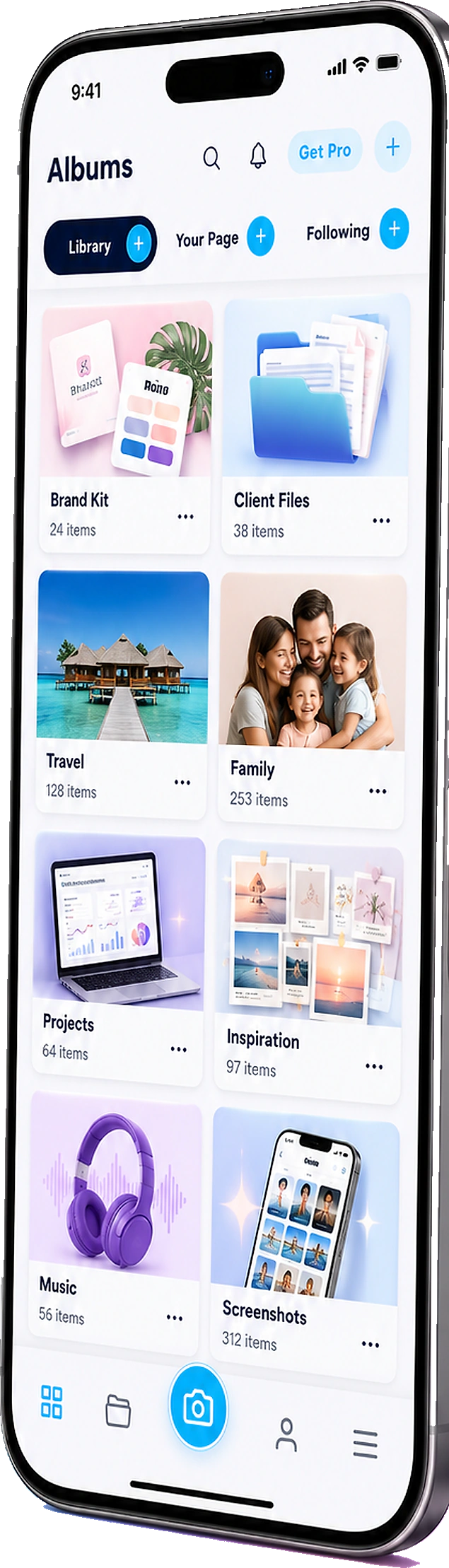
Organize in your private library
Keep raw and near-duplicates in the album. Sort the set you’d actually send. Nothing is public yet — the library is yours.
04
FWD the set — or put it on your page
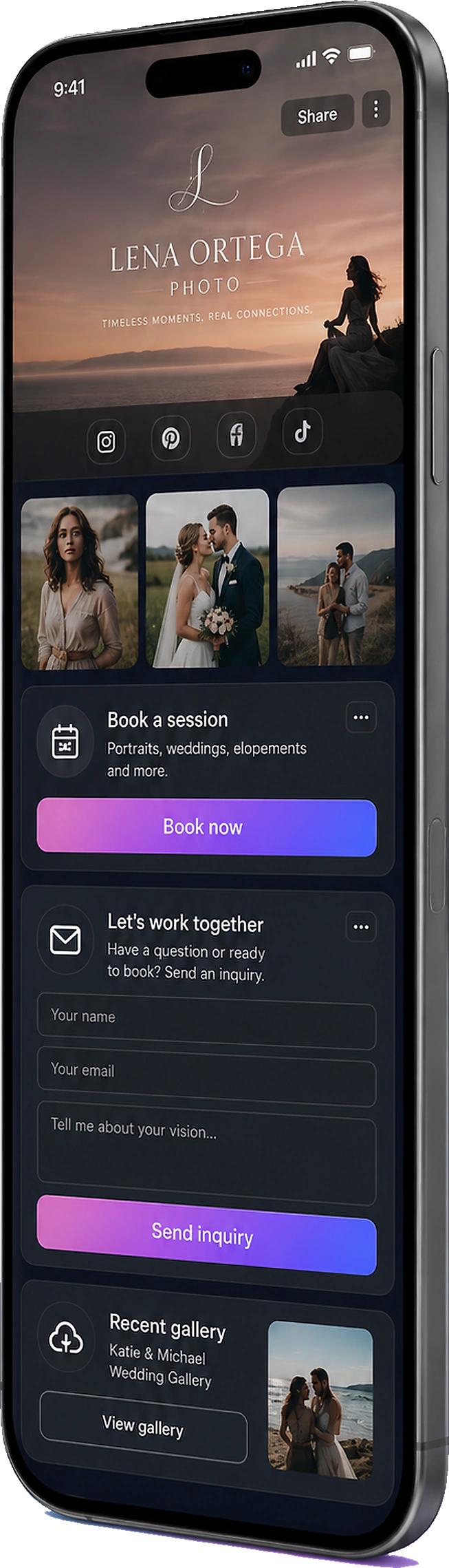
Send a live album link. Feature keepers on your public page. Attach the same shots to an estimate or invoice. Add more from the phone — the URL they already have still works.
The phone is the hub. Other cameras can ride along.
Most of what you keep lives in Recents anyway — including what a GoPro, drone, or body cam already dumped onto the phone. Upload that set into the same album. Action cams and glasses have their own pages; this one is for the camera you never put down.
Upload once, file once
No extra app to “collect” photos you’ll never open. The album is the home.
GoPro, drone, body cam
If it already landed on the phone, upload it into the same job, trip, or listing album.
You pick the home
Open the record it belongs in — then add the photos. You file it.
Pull the keepers out of Recents. Then FWD a live URL.
FWDLink files by album, job, trip, or person — then you send a live URL. When you add the next shot from Recents, the link they already have updates. That’s the relief of not dumping forty thumbnails.
Same library you use to get paid — or just to send the set
Phone shots are not a side product. They land in the workspace you use for albums, lists, files, clients, and live FWD links.
Library + albums
Private by default. Feature or FWD only the set someone needs.
Live links
The URL stays current as you upload more from the phone.
CRM + get paid
Attach the same shots to a project update, estimate, or invoice.
Ways to use it
The times Recents is not the answer
The camera roll doesn’t care who asked. The album does — and so does the link you FWD.
Camera roll
Stop scrolling Recents for “the set”
The pile is not a library. Upload keepers into albums you’ll find next month — then FWD that album, not 40 thumbnails.
Clients
They asked for the photos. Send a link you’re proud of.
When a client texts “can you send the photos?”, FWD a live album — not a compressed thread you’ll have to resend Friday.
Family
The group chat is not the birthday
File the party into a family album. FWD one link to grandparents. Relatives stop asking which chat has the photos — and grandma actually sees the cake.
Listings
A listing pack buyers can reopen
Walkthrough shots and PDFs in one album pinned to the address. FWD the packet. Add staging later — same URL.
Jobsite
The walkthrough out of the lunch pile
Upload into the job record. FWD a project update, or attach the same shots to the invoice when you bill.
Other cameras
If it’s already on the phone, file it
GoPro and drone dumps that hit Recents upload into the same album as the stills you framed.
Frequently asked questions
- How do I get photos from my camera roll into FWDLink?
- Open FWDLink on your phone, create or open an album or record, and upload from the camera roll (or take a shot with the in-app camera). Then FWD a link when someone needs the set.
- Does FWDLink appear on my phone’s share sheet?
- Not as a destination for incoming photos. You upload into an album inside FWDLink. After that, you can FWD the album link with your phone’s share sheet — WhatsApp, Messages, Mail, and the rest.
- Does this work on iPhone and Android?
- Yes. Open FWDLink in the browser or the app, pick photos from the camera roll, and add them to the album.
- What about GoPro, drones, and body cams?
- If the media is already on your phone, upload it into the same album. For POV, helmet cams, and drones as the capture story, see Action cameras. For Ray-Ban Meta and Spectacles, see Smart glasses.
- Are my camera-roll photos public once I upload them?
- No. Content stays private until you FWD a link, feature an album on your page, or attach media to a document you send.
- Is this just another backup of my camera roll?
- No. You upload keepers into an album or record — a job, a trip, a person — then FWD a live link when someone needs the set. Recents stays mixed. The set they asked for lives in an album you can send.
Pull the next set out of Recents. Give it an album you’re glad to send.
Start free. Upload from the camera roll into a job, listing, family, or trip album — then FWD a link when someone needs the set. See Plans when you need more storage.
Keep exploring
- You captured it hands-free. Send the album — not Recents.
- You clipped it. You flew it. Send the album — not the card dump.
- Content library
- Show the listing you’re proud of — in one live link.
- The birthday grandma can actually find — in one family album.
- Send home the day you actually lived.
- Jobsite photo app
- Plans & pricing