For barbers
Barber before-and-after photos without the group-chat dump
Fades, beards, kids’ first cuts — shoot the before and the finish, save them to that client’s album, send one link. Next appointment you are not guessing the guard length from a blurry text.
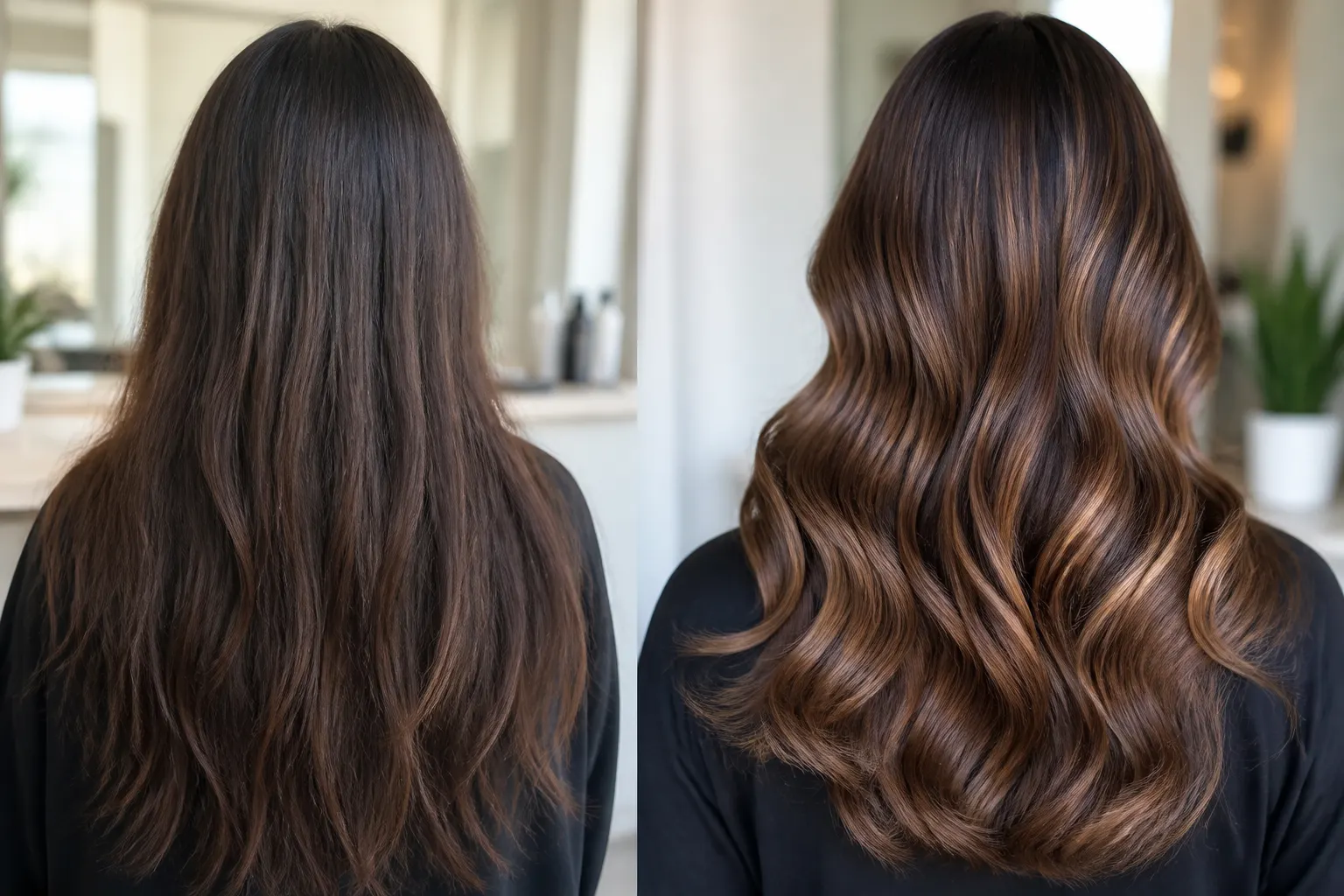
The cut they asked to copy
Last visit’s after shot is right there when they sit down.
Kids and regulars
Parents get the album. Regulars get their own.
Shop page if you want it
Hours, requests, and a few public finishes on one link.
How it works
01
Grab the before
Ten seconds in the chair before you start.
02
File the client
Album per person. Pin the shop if you bounce between chairs.
03
Shoot the finish
Sides, back, beard — whatever you want to remember.
04
Send the link
Friends who want the same cut get the album, not a random selfie.
Walk-ins still deserve a file
A finish photo in an album is how referrals happen — they send the link, not a cropped story.
Beard work and the next shape-up
A dated album tells you what you did last time without relying on Saturday-night memory.
Shop link on the mirror
A QR to your page for hours and requests. Client albums stay on the private link you send after the cut.
Frequently asked questions
Do clients need to install anything?
No. They open the link in the browser.
Can I keep a private album per regular?
Yes.
Can parents get the kids’ cut photos?
Send them the album link.
Can I show shop work publicly?
Yes — a public album on your page, separate from private client links.
Can I take walk-in requests from a page?
Yes. Add a simple request form.
Is this the same as the salon page?
Same product, barber voice. Hair salons and makeup have their own pages.