FWDLink
Your home bakery hub — menu, orders, get paid
One owned page for trays, cakes, custom orders, pickup windows, and invoices — share the link or the counter QR.
Free forever plan · Claim your page · Start in minutes
From the bakery
Baking Success on FWDLink
Home bakery · custom cakes · pastry boxes
One bakery page for everything you sell today
fwdlink.com/you is your public bakery door — menu photos customers swipe, order forms for pickup or celebration cakes, pickup windows when you offer slots, and invoices when you’re ready to collect.
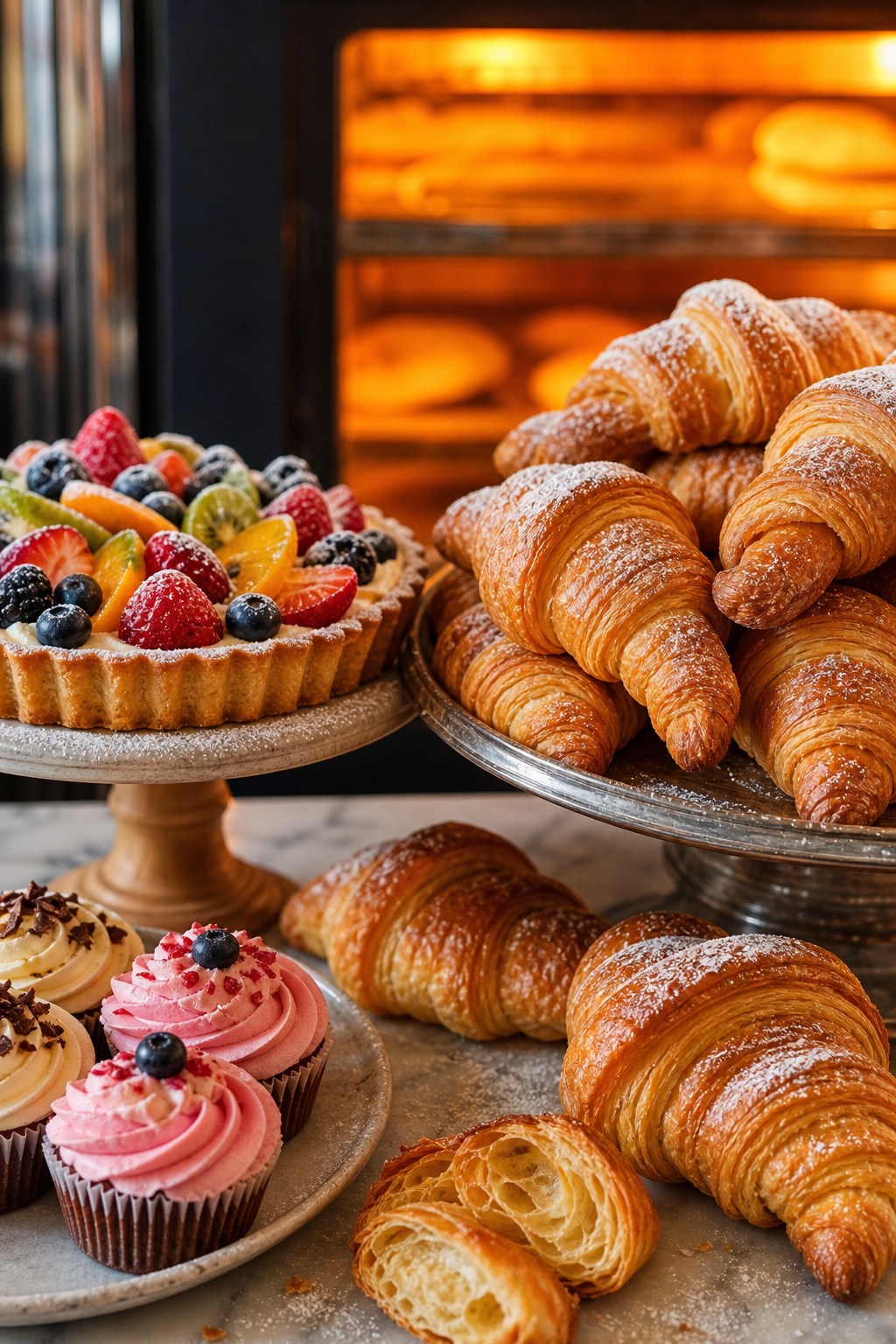
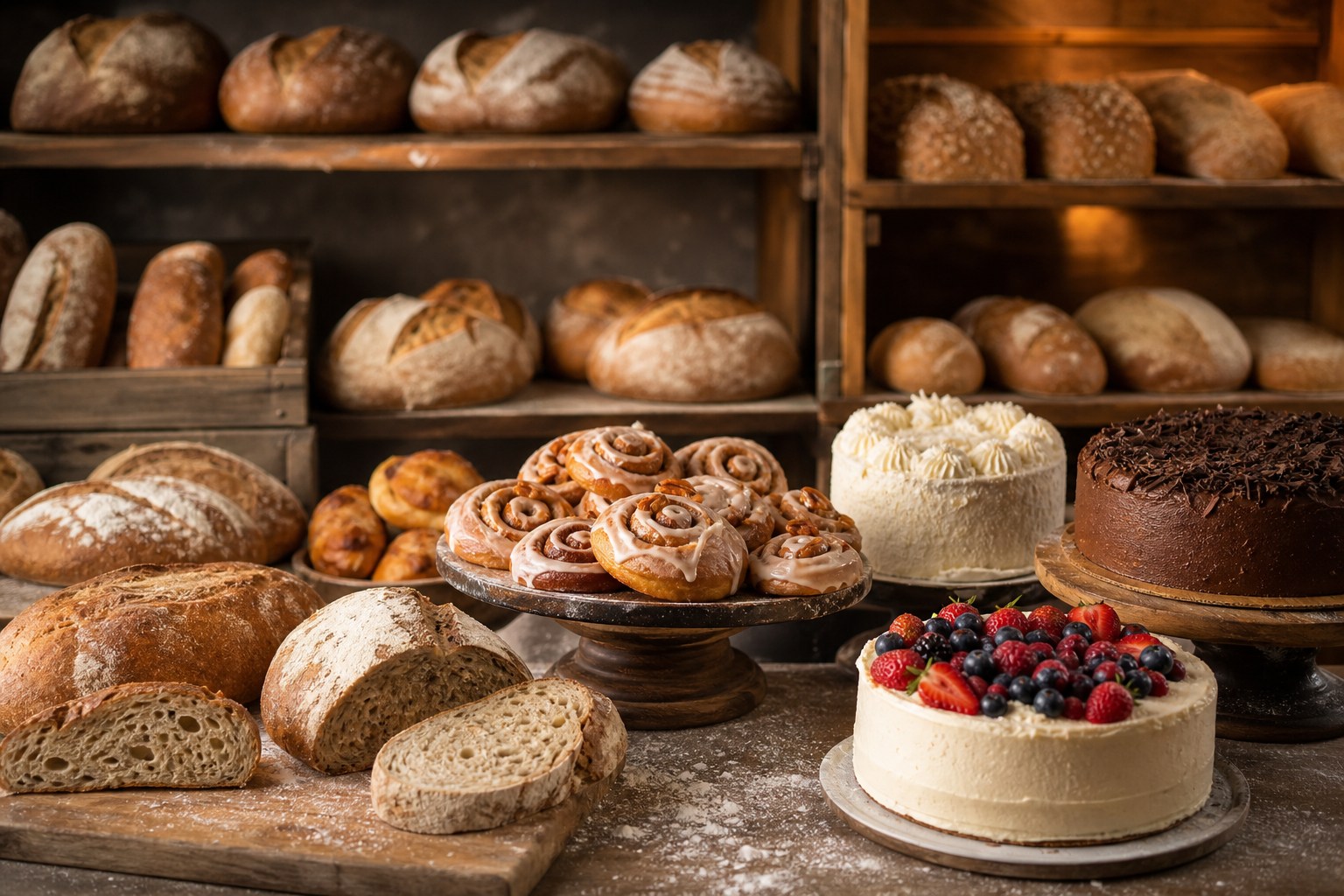
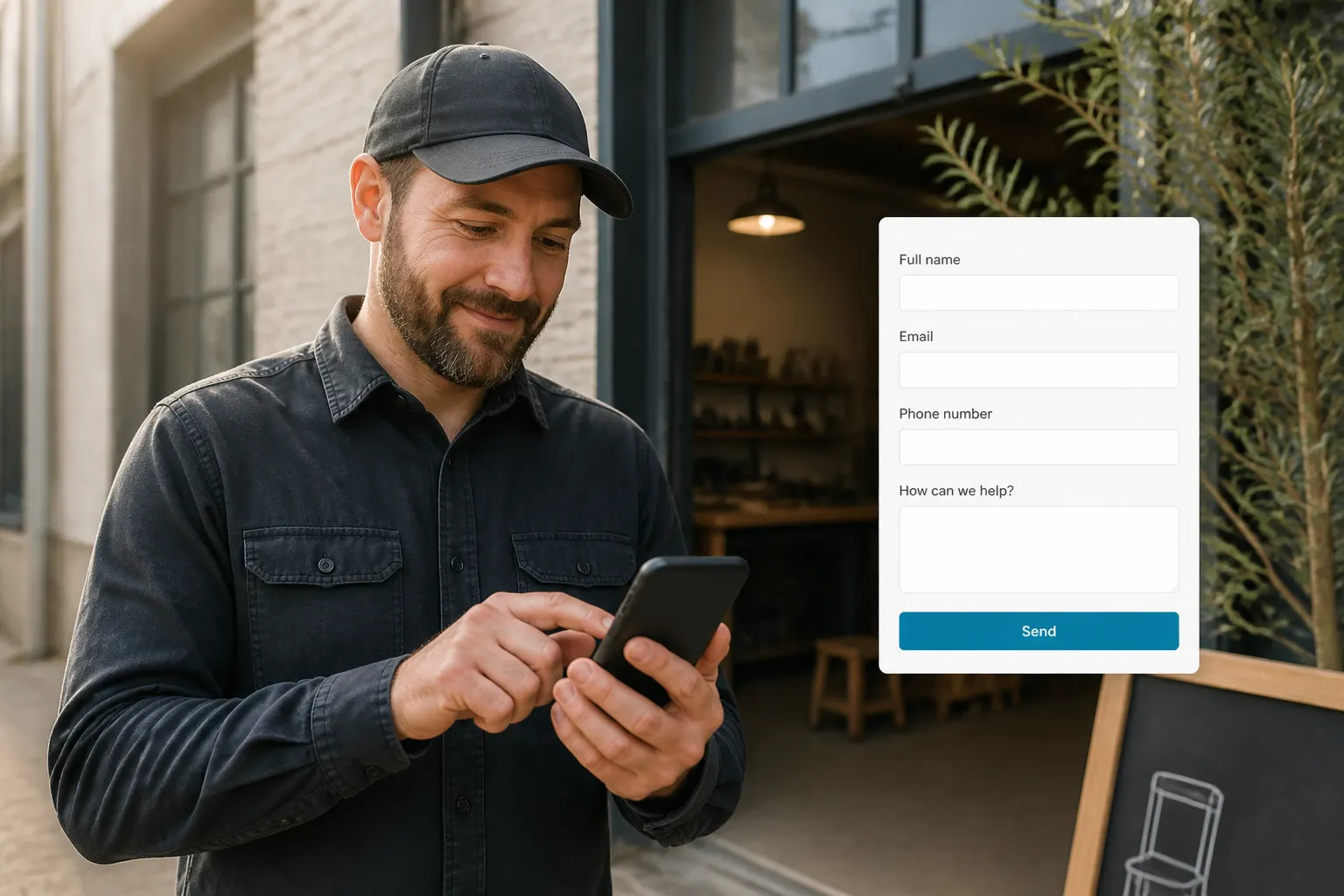
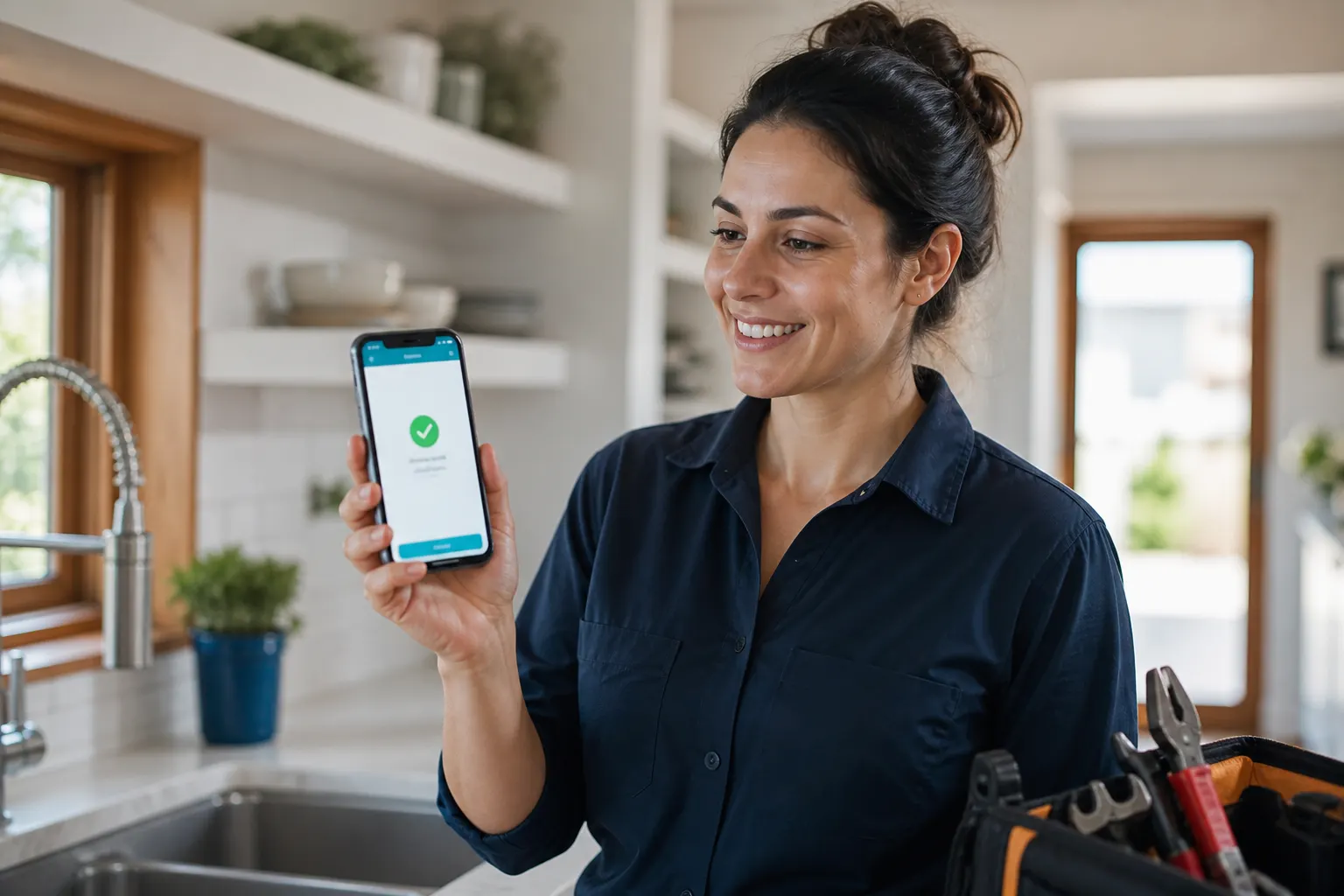
Your bakery loop
Show the bake → take the order → schedule pickup → get paid
How home bakeries run the day — gallery, forms, availability, and invoices on one owned link.
01
Show today’s bake
Album photos of trays, cakes, and specials — update sold-outs without a new link.
02
Take custom orders
Forms for flavor, servings, dietary needs, and pickup window — requests land in one inbox.
03
Offer pickup windows
Set weekly hours for tastings or pickup slots. Taken times come off what’s open.
04
Invoice & get paid
Send the invoice when the cake is ready — cash, Zelle, Venmo, Cash App, or card pay link.
Public bakery page, shareable link, counter QR
One fwdlink.com/you for stories, texts, and a sticker on the counter. Change trays and hours — the same URL and QR stay current.
Your username
Your bakery brand on one link customers forward.
Counter QR
Scan for today’s menu — no reprint when a tray sells out.
Always current
Pin weekend boxes, hide sold-outs, update hours anytime.
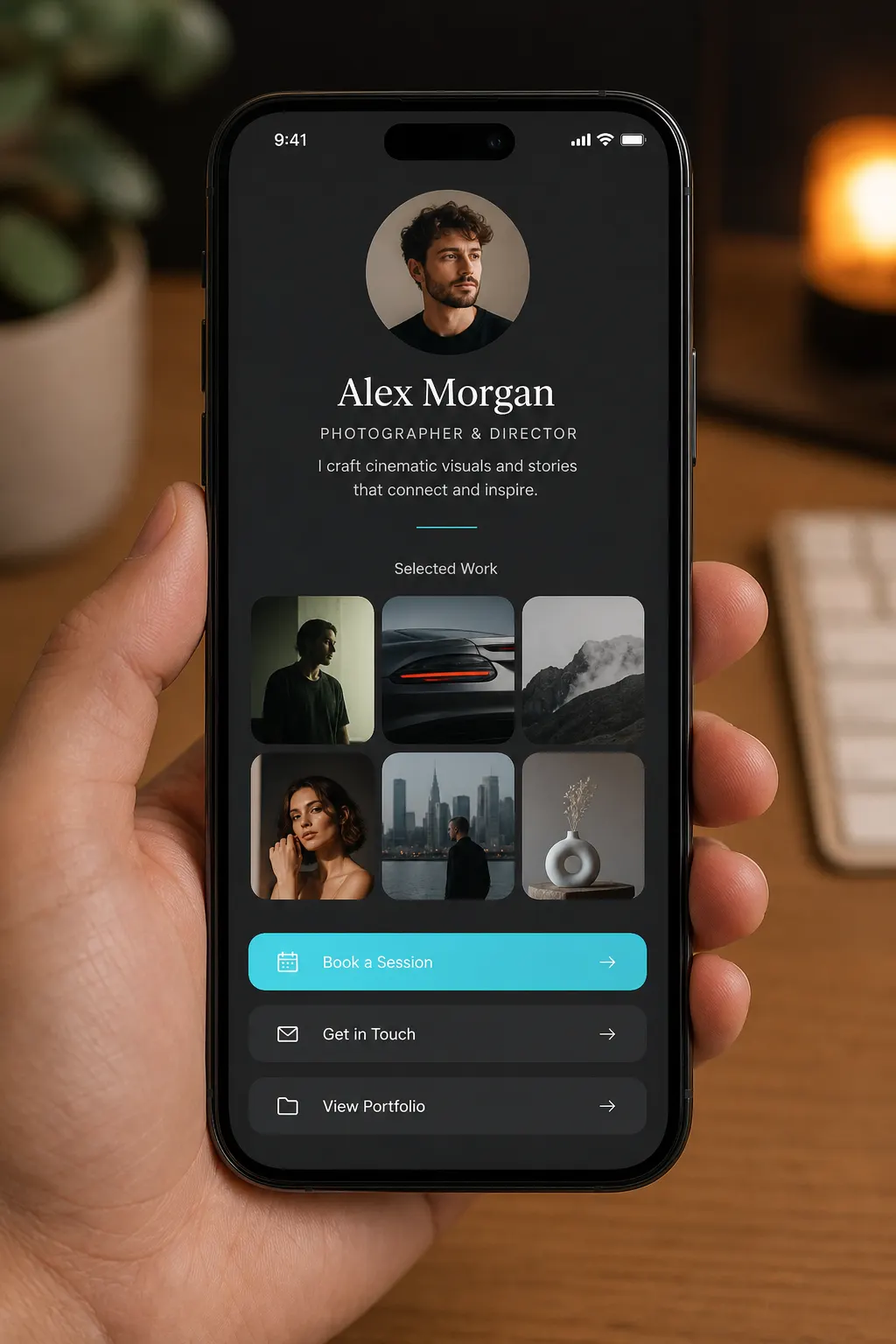
Menu & cake photos that sell before they ask
Lead with desire — croissants, celebration cakes, pastry boxes — then the form or pickup request. Albums and galleries live on the same page as the order CTA.
Gallery first
Swipe trays and finishes — then submit the order.
Morning specials
Drop fresh photos before the rush; the same link updates.
Soft product lists
Highlight what’s available with prices on the page — not a separate shop cart.
Custom order forms for cakes and pickup
Ask for flavor, servings, date, dietary needs, and pickup window. Submissions land in Leads so you follow up from one place — not a scattered message thread.
Questions you need
Build the form around how you bake — not a generic contact box.
Inbox → CRM
Requests become leads you can save as clients and move forward.
Still taking requests while you bake
New cake requests land while you’re frosting the last order.
Pickup availability for tastings and pickup
Offer weekly hours for tasting appointments or pickup slots on the same bakery page. Taken times stop showing as open — so you don’t double-schedule while trays are in the oven.
Weekly hours
Set when customers can request pickup — tasting Saturdays, weekday retiro.
Open slots stay honest
Taken times are omitted from what’s left to pick.
Forms when slots don’t fit
Custom cakes with 72-hour notice still run through an order form.
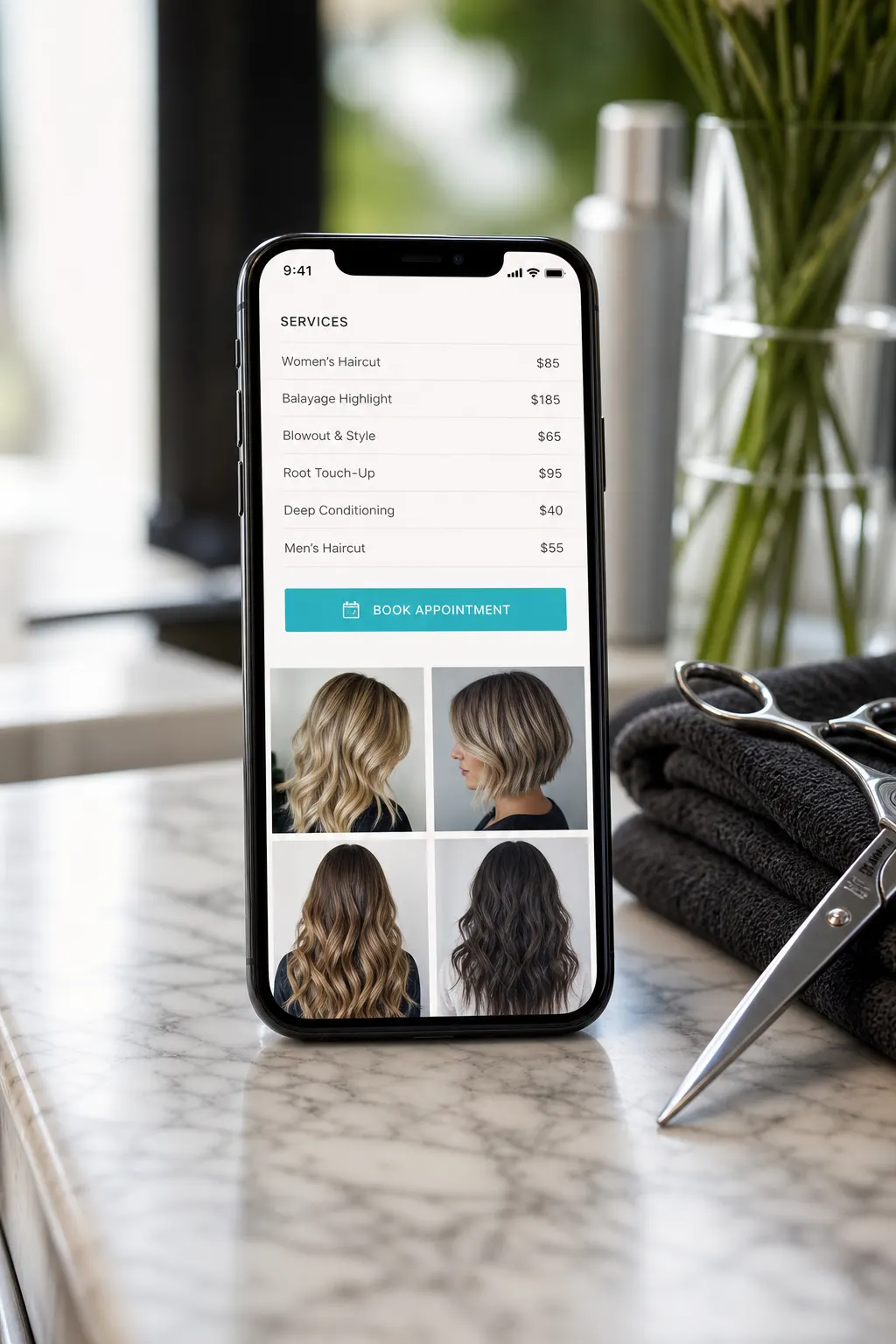
Invoices → get paid (quote to cash)
For celebration cakes and catering, send an estimate or invoice from the same workspace. Collect with cash, Zelle, Venmo, Cash App, or a card pay link — according to your plan.
Deposit or final
Hold the date with a deposit; invoice when the cake is ready.
Pay how they already pay
Record cash / Zelle / Venmo, or send a Stripe card link when you’re set up.
Same brand as the page
Estimates and invoices share the username customers already trust.
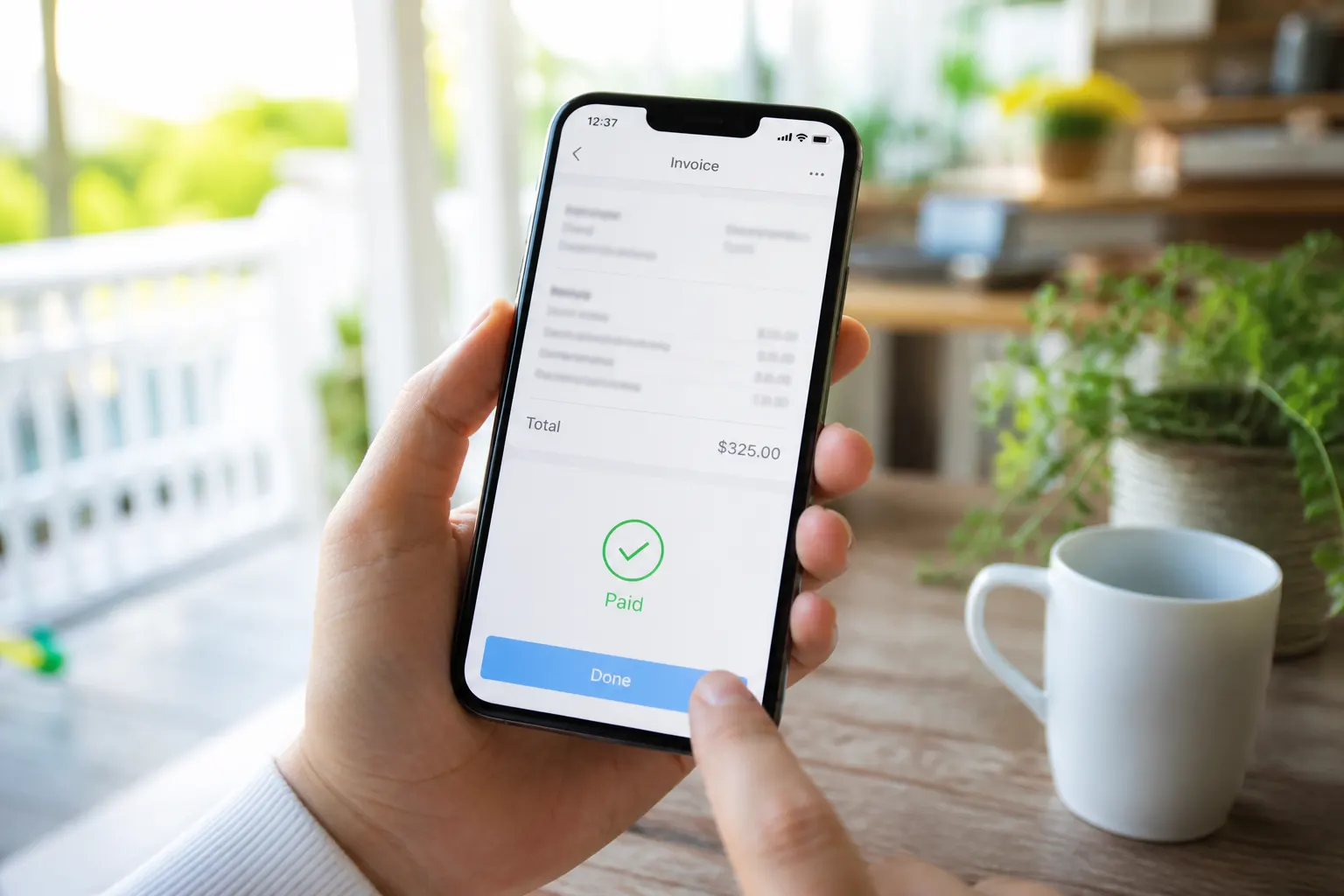
Order inbox → jobs → invoices
Form requests land in Leads. Save as a client, create the job or work order when you’re baking the order, then invoice — the same CRM rails service pros use, framed for bakery work.
One request queue
Cake inquiries and catering asks in one place.
Client file
Notes, photos, and docs stay with the customer for reorders.
Request → job → invoice
Move the order forward without jumping apps.
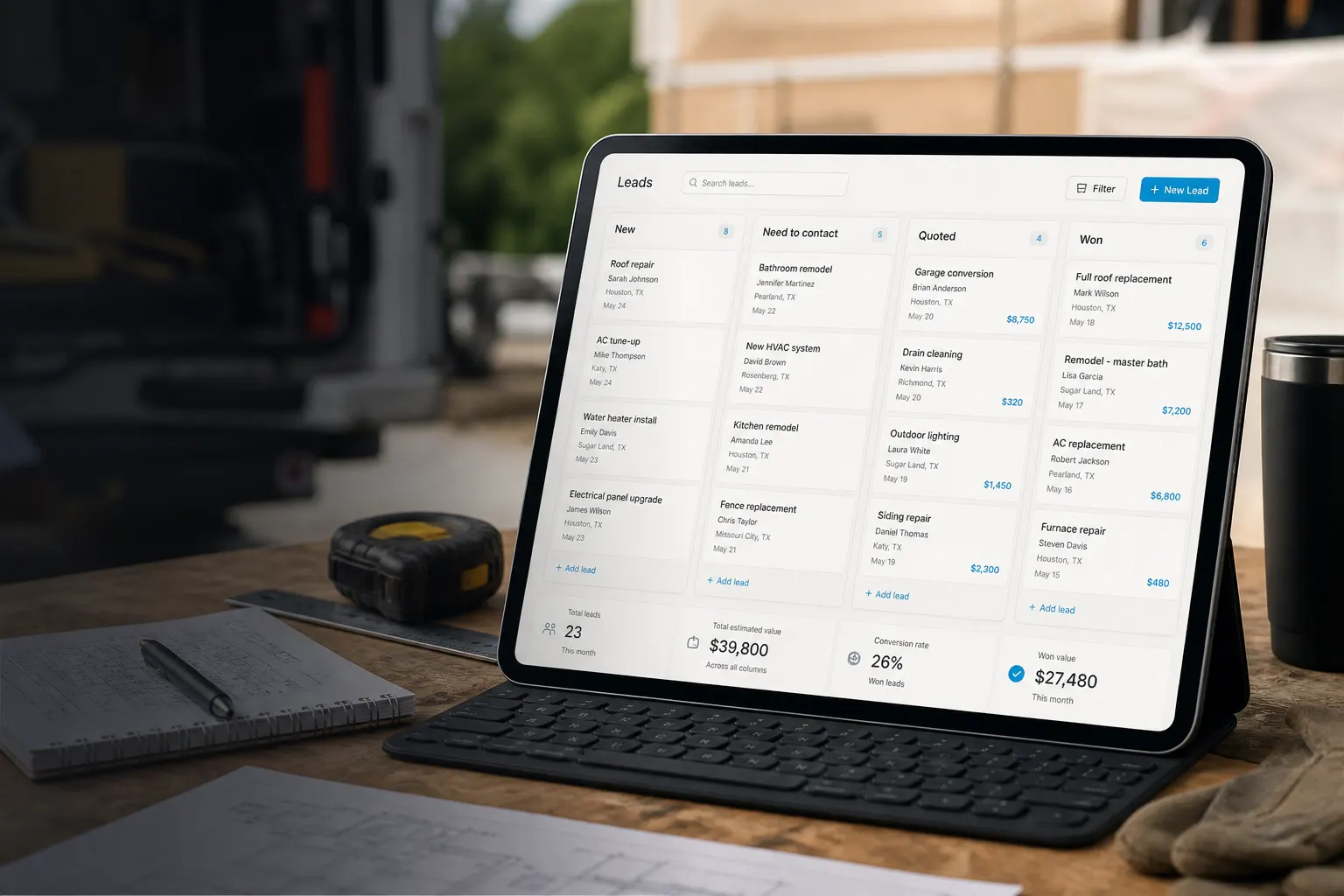
Built for the home bakery day
Between batches, on your phone: refresh the gallery, confirm a pickup, send an invoice or pay link — same brand as the page on the counter.
Starter covers the core
Public bakery page and core forms/docs flow free to start. Online pay and seats on Plans.
Custom cakes & daily trays
Same hub whether you sell weekend boxes or wedding tiers.
Start free. Upgrade when you get paid online.
Starter includes your public bakery page and core order/docs flow. See Plans for online payment fees and seats.
See Plans & feesFrequently asked questions
- What is a home bakery hub on FWDLink?
- Your owned bakery page — menu and cake photos, custom order forms, optional pickup windows, estimates, invoices, and pay under one fwdlink.com/you link (plus a counter QR).
- Can I take custom cake orders with a form?
- Yes. Add a form for flavor, servings, date, dietary needs, and pickup window. Submissions land in Leads so you follow up from one inbox.
- Can customers request pickup or tasting times?
- Yes. Set weekly availability on your page; taken times stop showing as open. For custom cakes with notice windows, a form often fits better than a slot.
- Can I invoice and get paid from FWDLink?
- Yes. Send estimates and invoices for custom cakes or catering. Record cash, Zelle, Venmo, or Cash App, or use a card pay link when Stripe is connected — according to your plan.
- Do order requests go into a CRM?
- Yes. Form submissions land in Leads. You can save as a client, run a job/work order when you’re fulfilling the bake, then invoice — request → job → invoice on the same rails.
- Can I update the menu during the day?
- Yes — edit albums, links, and hours anytime. The same bio URL and counter QR always show the latest trays and specials.
- Is FWDLink free to start for bakeries?
- Starter includes your public bakery page and core order/docs flow. Online pay and seats are on Plans when you’re ready to get paid online.
Open your bakery hub this week
Add today’s bake, open order forms, and run gallery → requests → invoices → pay on one FWDLink.
Keep exploring
- Live bakery page demo (Butter & Bloom)
- A QR menu customers scan — updated without reprinting
- Quote to cash — your page plus the CRM that closes it
- Let them pick a time on the page you already share
- From page lead to paid job — one flow
- A photo gallery link people open in one tap
- A small business website that’s live in minutes
- Plans & pricing